

MP4 to Notes AI

Drop files or browse

Add study materials to enable the AI to extract and structure content.



Why Choose Lynote MP4 to Notes AI?

Upload MP4 Files Directly
Use Lynote when your video is already saved on your device. Upload an MP4 file and turn it into structured notes without manually replaying the video or typing everything yourself.

Built for Video File Notes
Unlike tools that only work with YouTube links, Lynote supports saved video workflows. This makes it useful for recorded lectures, training videos, meetings, interviews, tutorials, and offline MP4 files.

Structured Notes, Not Just Transcripts
Lynote does more than convert speech into raw text. It organizes video content into headings, bullet points, key concepts, summaries, and review-ready sections.

Find Important Moments Faster
Long MP4 files can hide the parts you actually need. Lynote helps surface the main ideas and useful moments so you can review the video without watching it from beginning to end again.

Useful for Classes and Meetings
Use MP4 to Notes AI for class recordings, screen recordings, project meetings, presentations, workshops, or research interviews. It helps turn long recordings into cleaner notes for later use.

Ask Questions About Your Video Notes
After the notes are generated, you can ask follow-up questions about the content. This helps you clarify confusing ideas, find details, and understand the video more deeply.

Edit and Reuse Your Notes
Your AI notes are not locked. Review, edit, copy, export, or turn them into study material, summaries, meeting recaps, content briefs, or flashcards.

Free to Start
Use Lynote as an MP4 to Notes AI free workflow for quick video note generation. Upload your file, create notes, and review the structured output in one workspace.
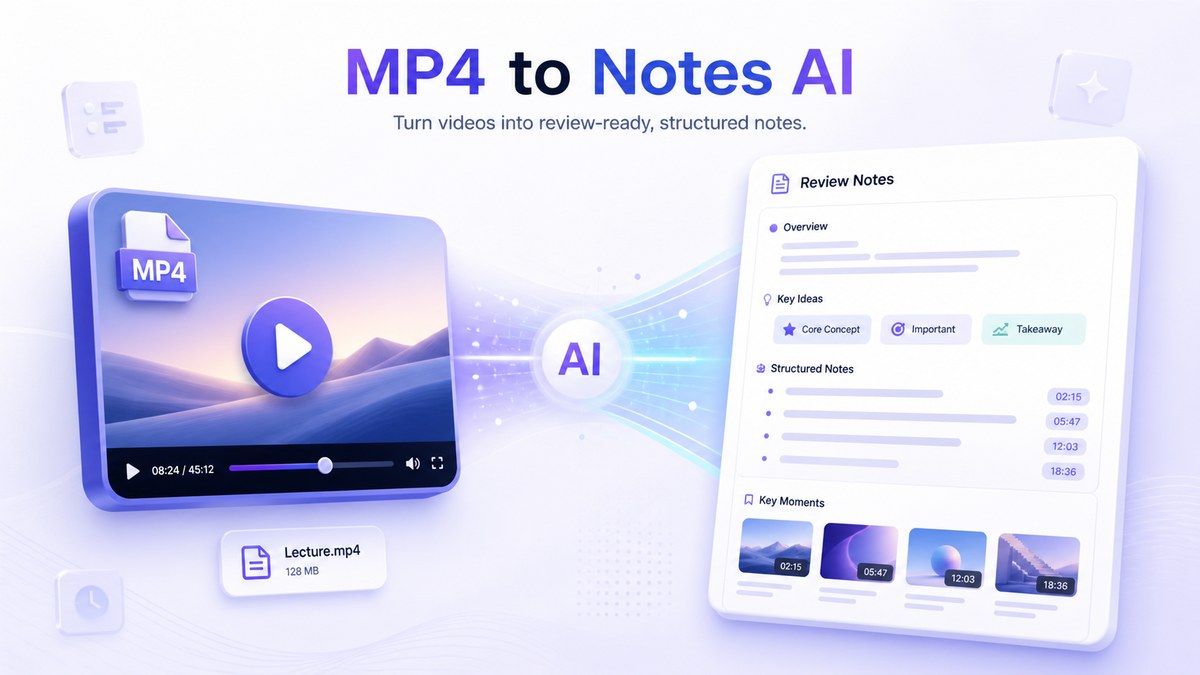
Turn MP4 Videos Into Review-Ready Notes
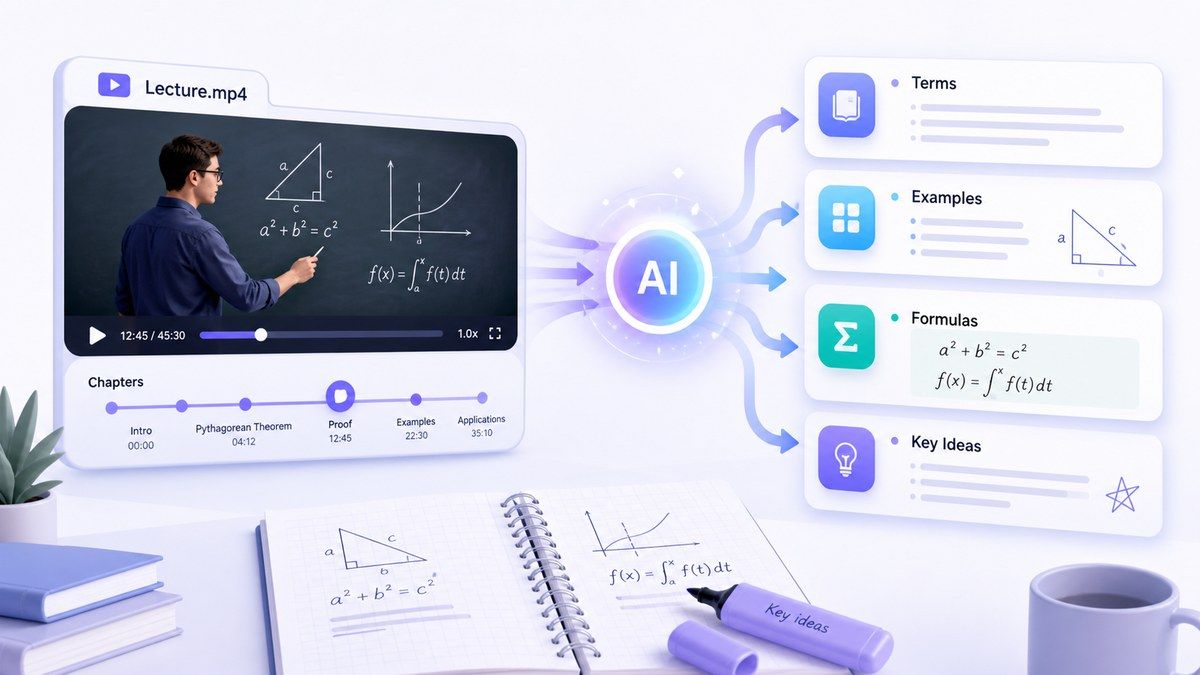
Extract Key Ideas From Recorded Classes and Tutorials
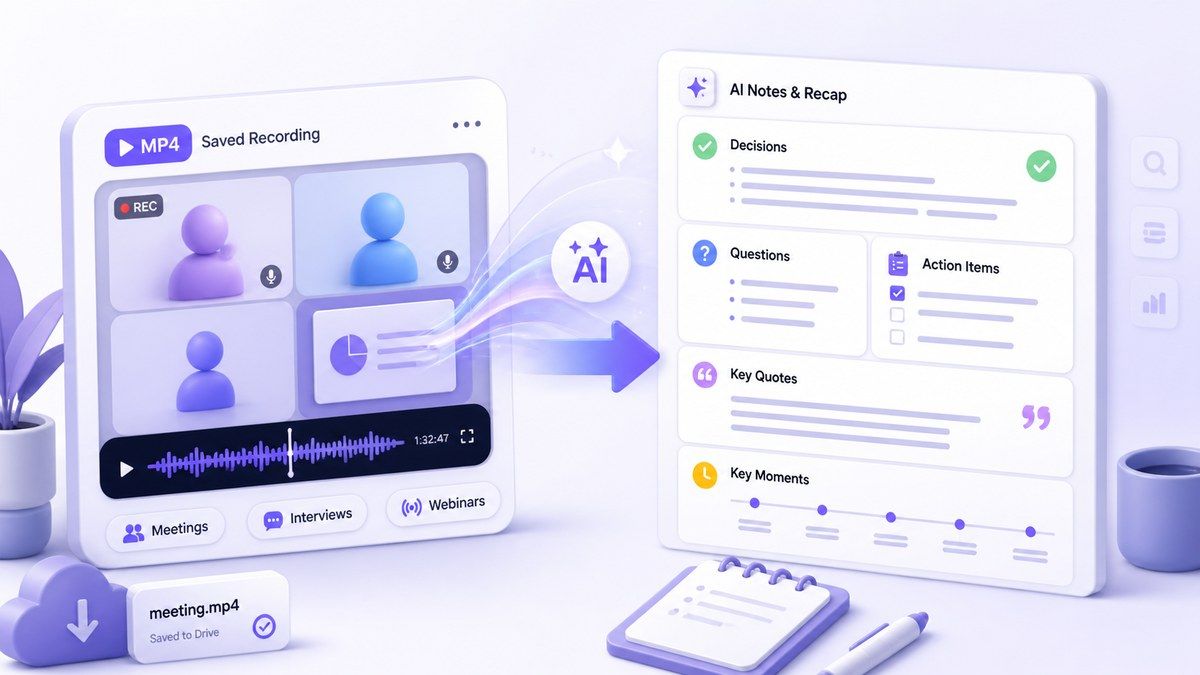
Summarize Meetings, Interviews, and Webinars
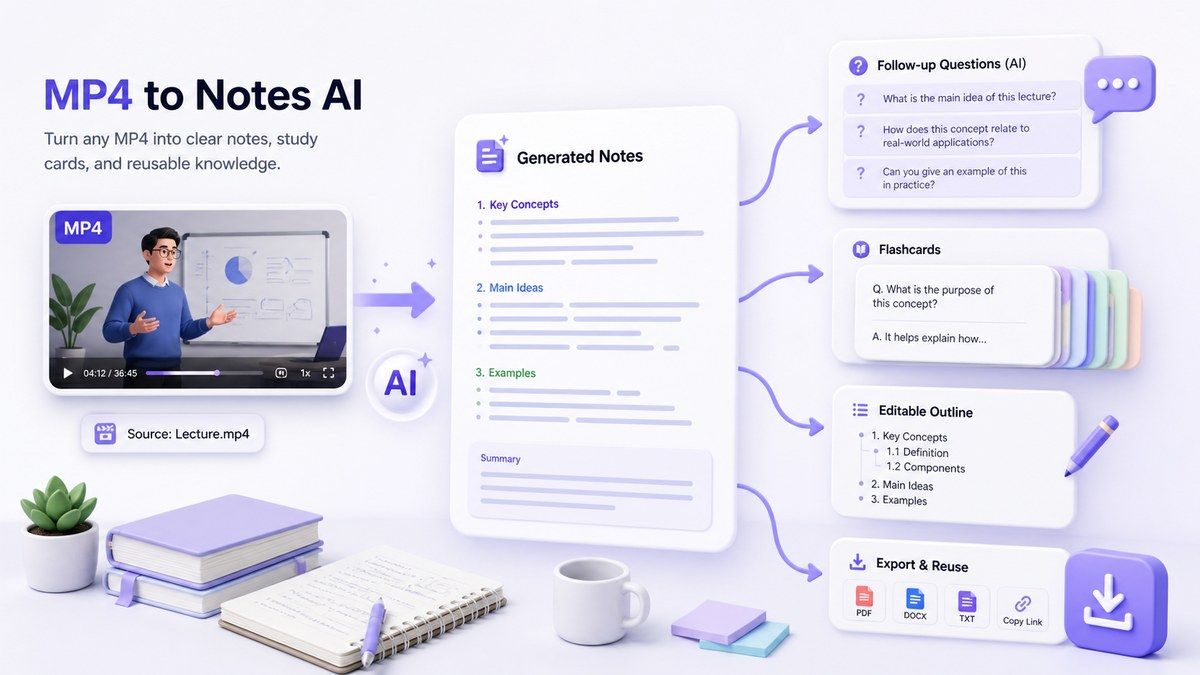
Move From Video Notes to Active Study
How to Use MP4 to Notes AI Online
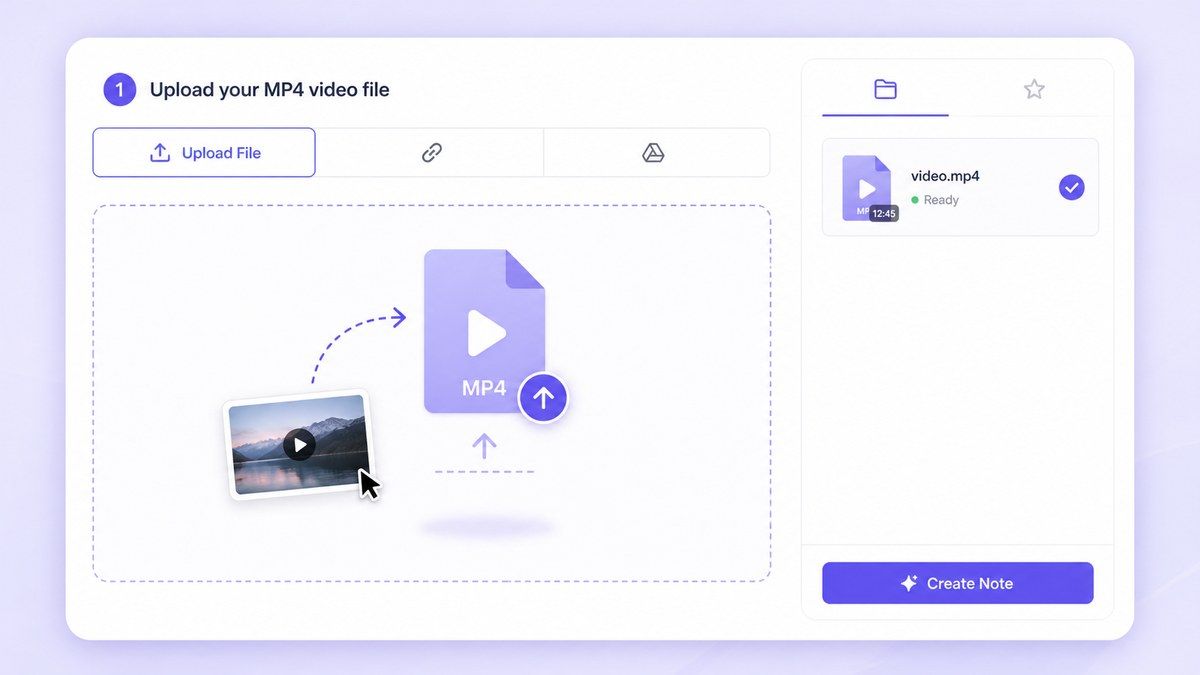
Step 1. Upload Your MP4 Video
Upload an MP4 video from your device. Lynote can help process saved video files such as class recordings, meeting recordings, tutorials, webinars, interviews, or screen recordings. This is useful when your content is not on YouTube and you need a direct MP4 to Notes AI workflow.
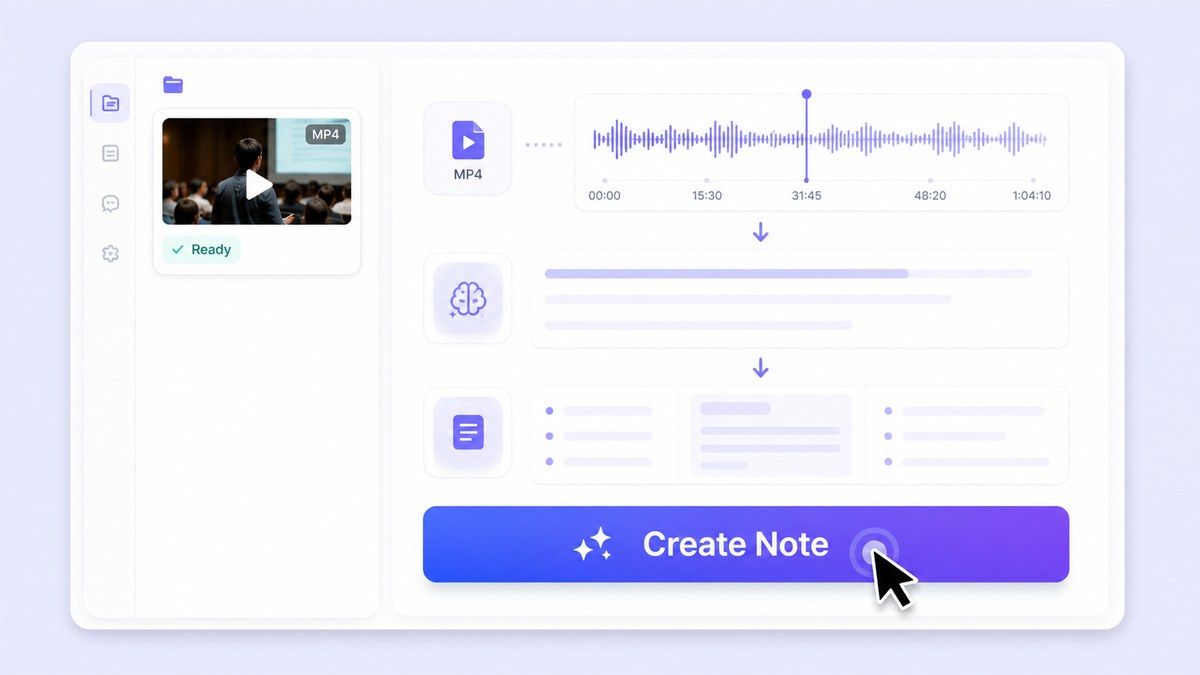
Step 2. Generate AI Notes
Click Create Note and Lynote will analyze the video content. The output can include summaries, key points, headings, important ideas, and sections that are easier to review than the full video. Use this when you need MP4 to AI notes without manually writing everything down.
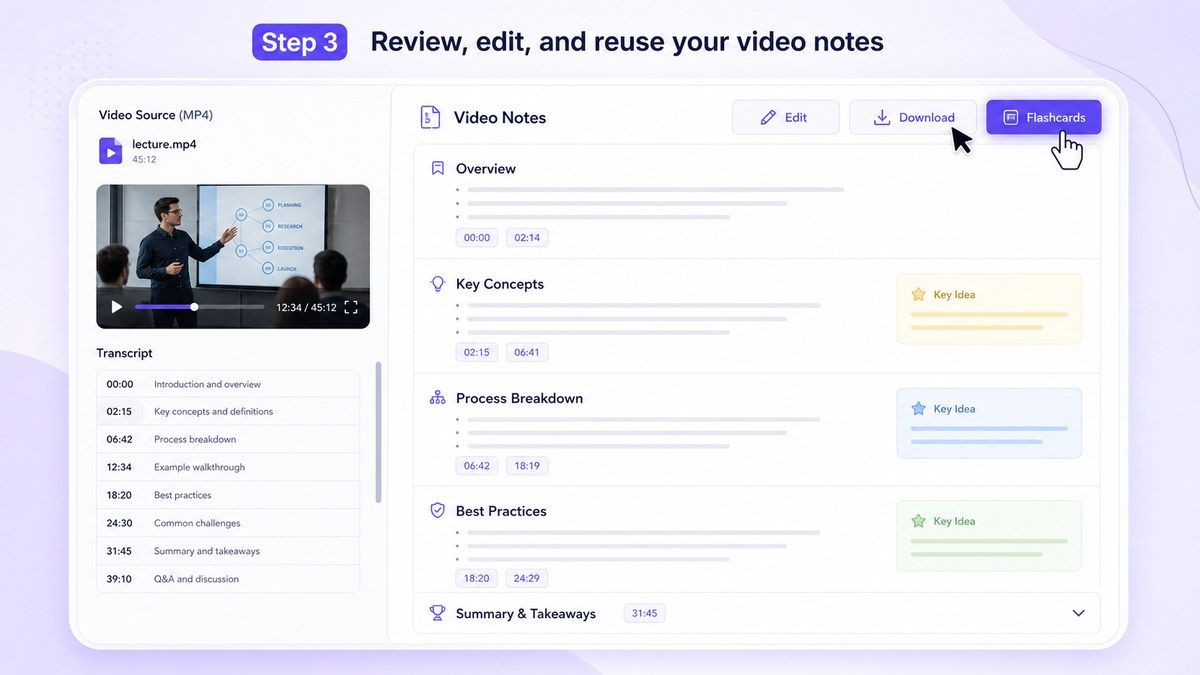
Step 3. Review, Edit, and Reuse
Read through the generated notes, edit unclear sections, and ask follow-up questions when needed. You can reuse the notes for studying, meeting recaps, research summaries, content planning, or flashcards. This helps turn a passive video file into useful written material.
Who Benefits from MP4 to Notes AI?

Students
Turn recorded classes, downloaded lectures, and study videos into structured notes for exam review.

Online Learners
Summarize course videos, webinars, workshops, and tutorials saved as MP4 files.

Professionals
Convert meeting recordings, product demos, and training videos into clear notes and follow-up material.

Researchers
Turn recorded interviews, presentations, and observation videos into organized notes for analysis.

Content Creators
Extract ideas from recorded videos, interviews, livestream replays, and planning sessions.

Teams
Create shared notes from internal videos, onboarding sessions, knowledge recordings, and project updates.
What People Say About Lynote MP4 to Notes AI

College Student

I upload lecture recordings and turn them into notes before exams. It saves me from rewatching long videos just to find a few important points.

Training Manager
We use Lynote for internal training videos. The notes help our team review the material faster after each session.

Online Learner
I download course videos and use Lynote to create study notes. It helps me remember the key ideas without pausing every minute.

Research Assistant
I use it for interview recordings. The generated notes give me a clean starting point before deeper analysis.

Content Creator
Lynote helps me turn recorded video ideas into outlines. It is much faster than watching the full MP4 again.

Project Coordinator
Our team meetings are recorded as MP4 files. Lynote gives us notes we can clean up and share after the call.
Frequently Asked Questions
MP4 to Notes AI is a tool that turns uploaded MP4 video files into structured notes. Lynote helps extract key ideas, summaries, and useful sections from video content.
Yes. Lynote supports video file workflows, so you can upload MP4 videos and generate AI notes from them.
Lynote offers a free-to-start workflow for creating notes from supported sources. Usage limits may depend on file size, source type, and current plan.
You can use recorded lectures, tutorials, meetings, webinars, interviews, presentations, screen recordings, and training videos.
Yes. A YouTube note taker focuses on YouTube links. MP4 to Notes AI is designed for saved video files that you upload from your device.
No. Lynote creates structured notes, not just raw transcripts. It can organize video content into summaries, headings, bullet points, and key ideas.
Yes. After generating notes, you can ask follow-up questions about the content and get answers based on the source material.
Yes. You can reuse generated notes for study workflows, including flashcards and review materials.