

MP3 to Lyrics Converter Online

Drop files or browse

Add study materials to enable the AI to extract and structure content.



Why Choose Our MP3 to Lyrics Converter?

Accurate Lyric Drafts
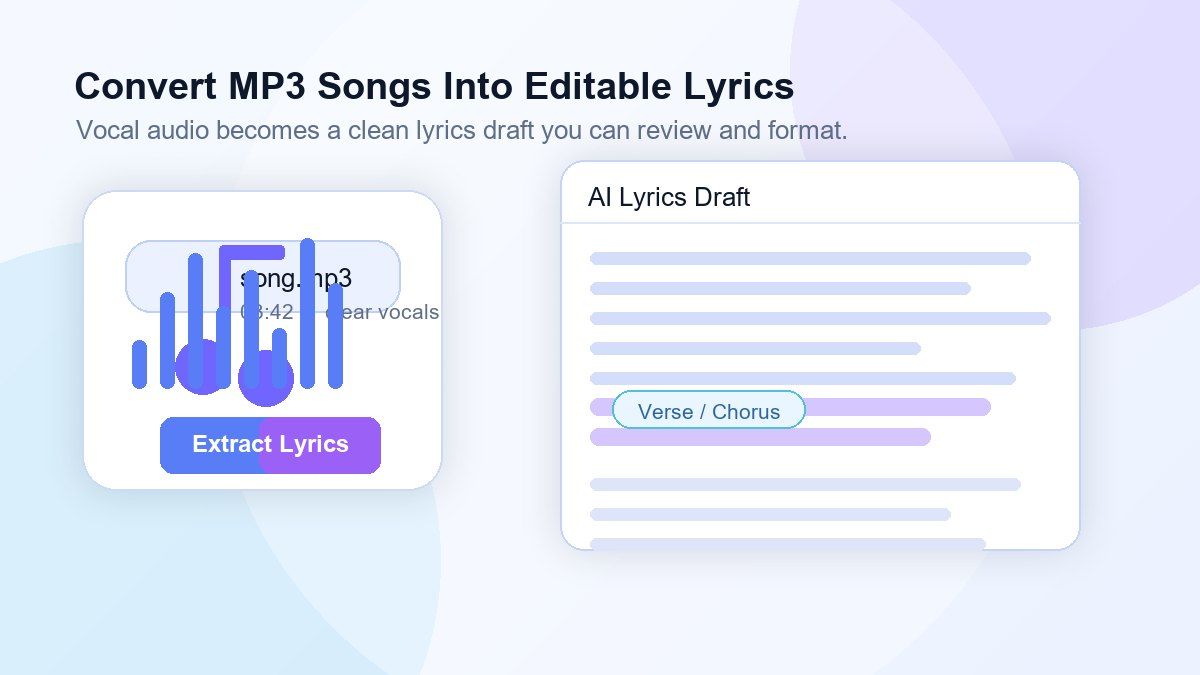
Convert MP3 to lyrics with AI-powered transcription designed for vocal audio. Lynote helps capture words, phrases, and repeated song sections so you can start with an editable lyrics draft instead of typing from scratch.

Works with MP3 Songs
Upload MP3 files directly and generate text from the vocal track. Use it for demos, practice recordings, voice-over songs, or personal audio files that need lyric-style text.

Review and Edit Easily
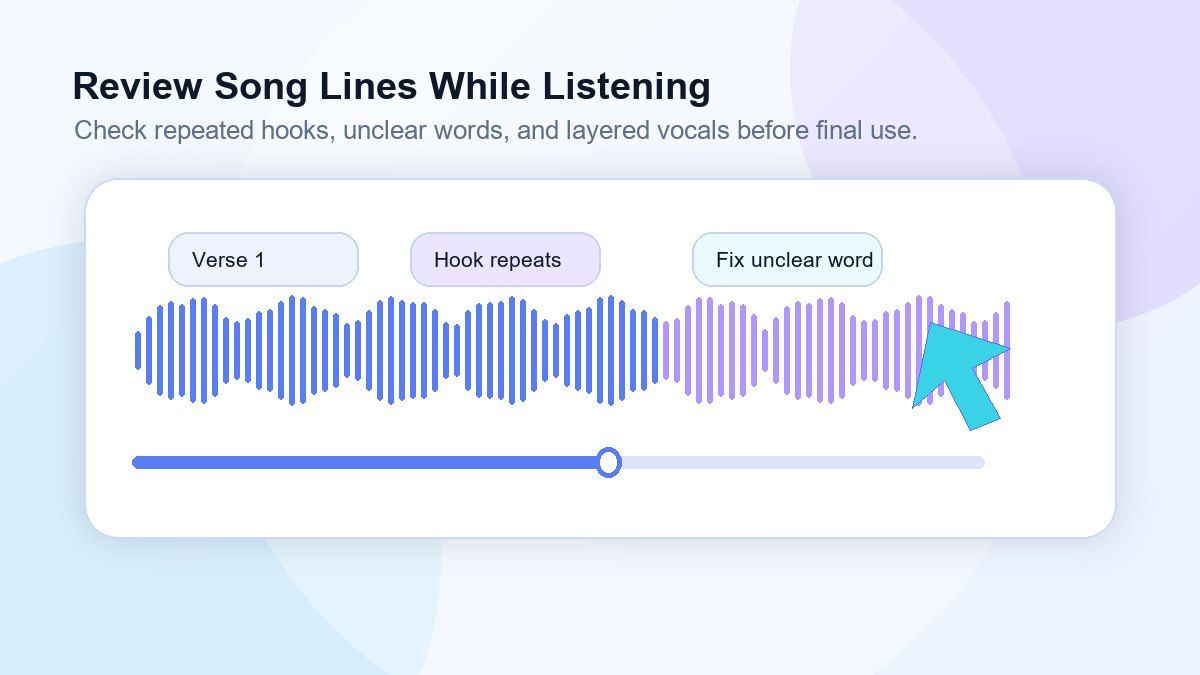
Song lyrics often include repetition, ad-libs, background vocals, and creative phrasing. Lynote gives you editable text so you can clean up lines, fix names, adjust punctuation, and format verses or choruses your way.

Useful for Lyric Notes and Captions
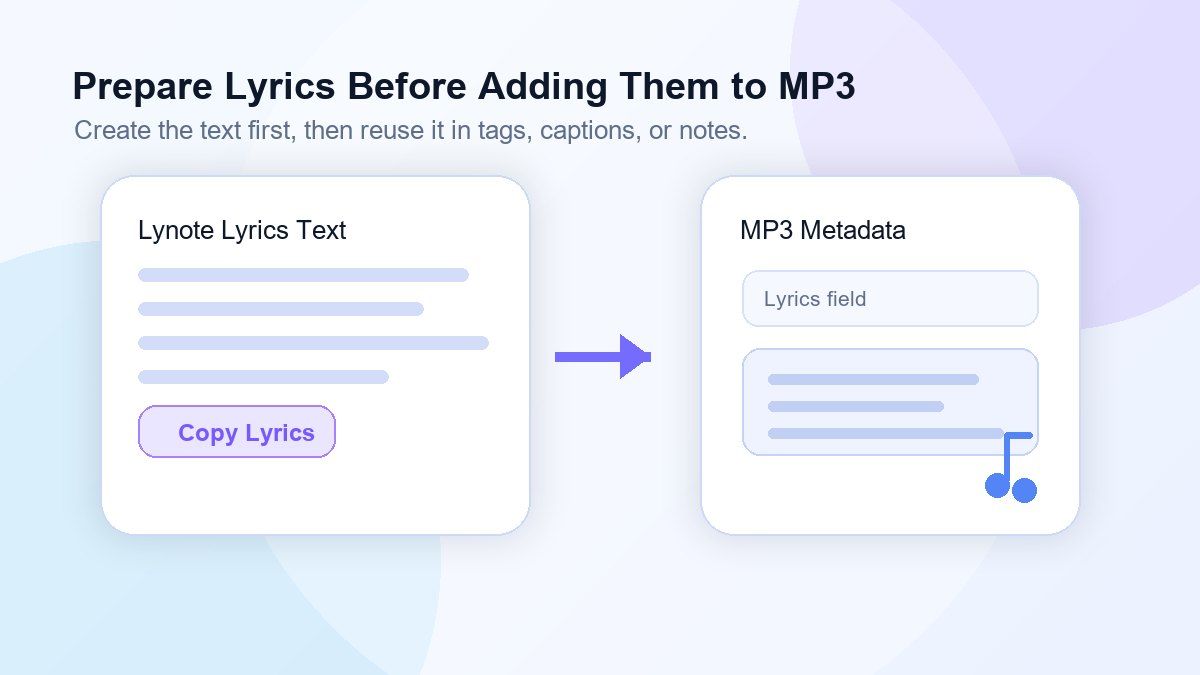
Use the generated lyrics to prepare captions, music notes, lyric sheets, content drafts, or study references. If you need to add lyrics to MP3 metadata later, copy the reviewed text into your preferred music tag editor.

AI-Powered Vocal Recognition
Lynote is built to understand spoken and sung audio more efficiently than manual listening. It works best when vocals are clear, background noise is limited, and the singer's voice is not heavily buried under instruments.

Fast Online Workflow
No need to install complex transcription software. Upload your MP3, generate lyrics, review the result, and copy the text from one simple online workspace.

Creative and Private Review
Use Lynote for your own recordings, licensed content, study notes, rehearsal files, and private lyric review. Keep the original audio separate while working from an editable text draft.

From Lyrics to Study Material
Turn song audio into readable text for listening practice, pronunciation review, music lessons, lyric analysis, and classroom discussion.
Convert MP3 Songs Into Editable Lyrics
Create Lyrics Drafts Before Adding Them to MP3 Files
Turn MP3 Audio Into Lyric Notes for Review
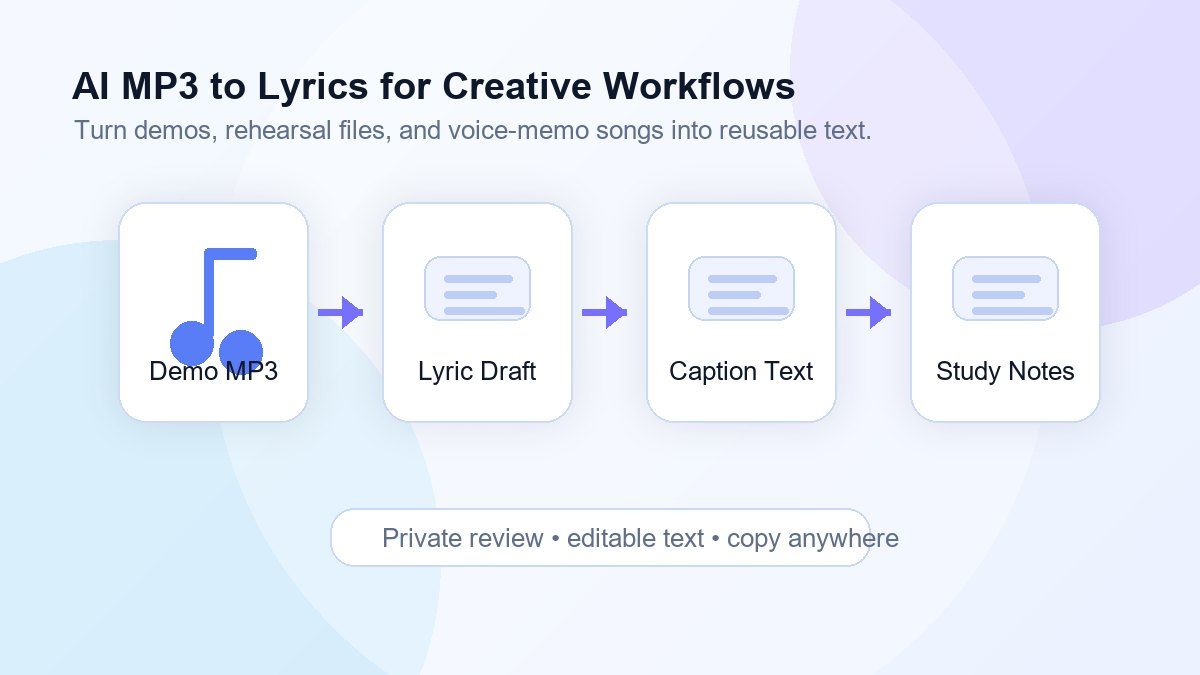
Use AI MP3 to Lyrics for Personal and Creative Workflows
How to Convert MP3 to Lyrics Online
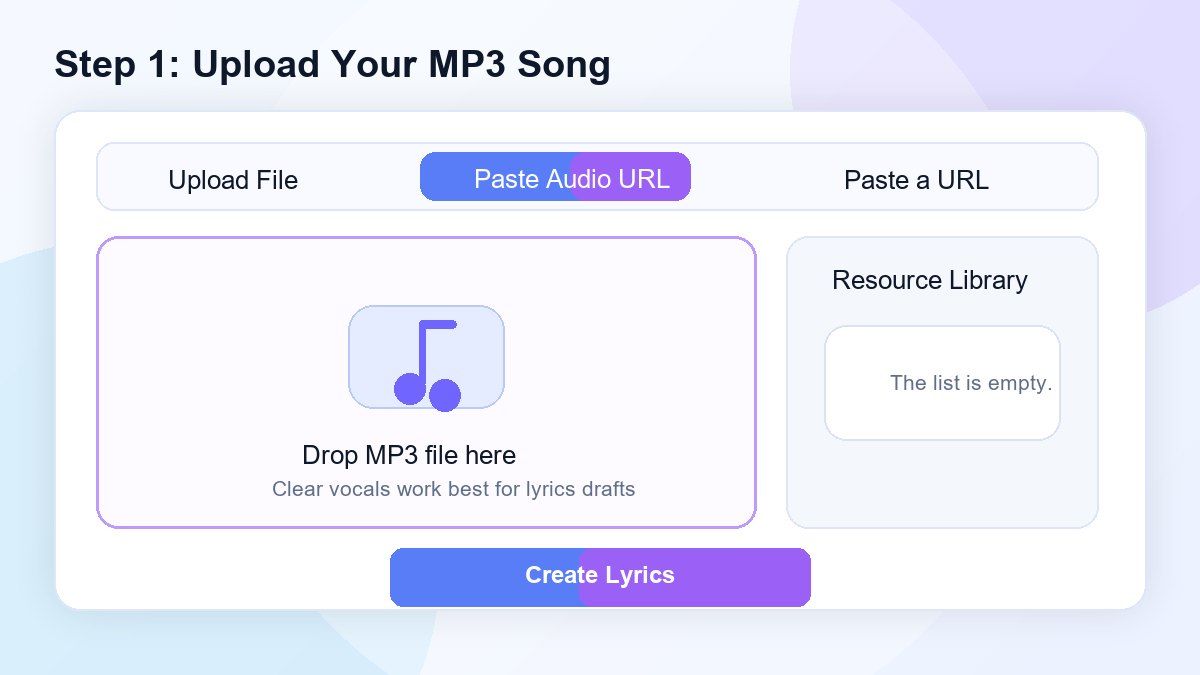
Step 1. Upload Your MP3 Song
Upload an MP3 file from your device. Choose a recording with clear vocals for the best result, especially if you want to convert MP3 to lyrics free with fewer manual corrections.
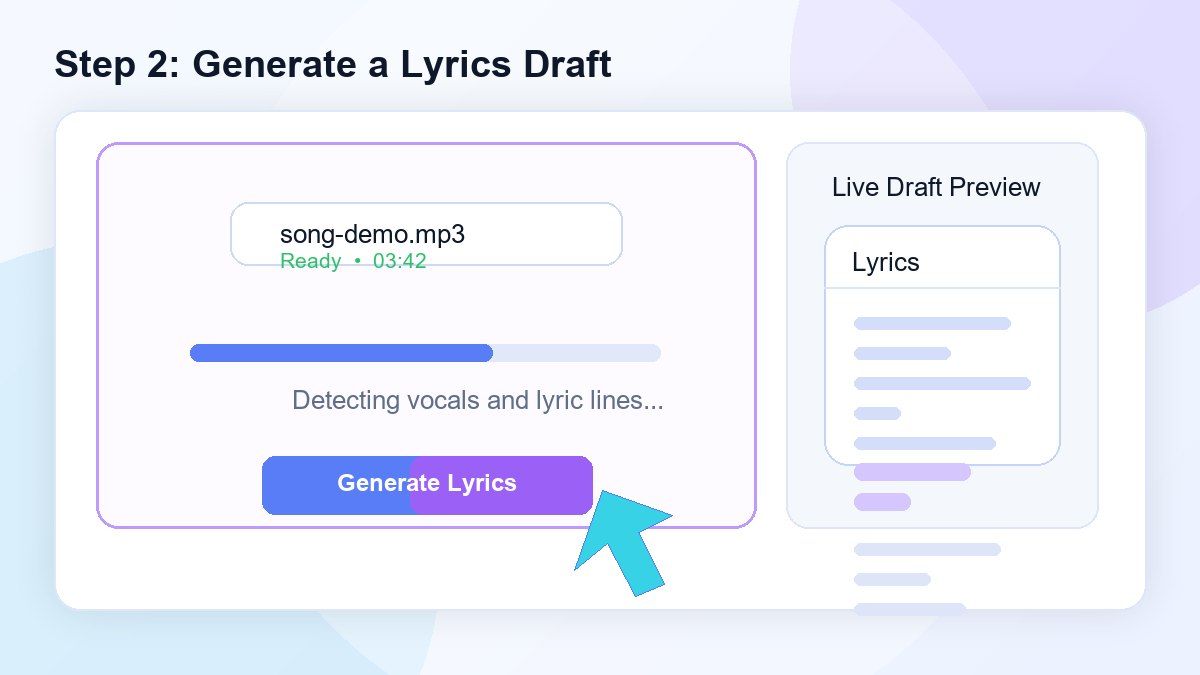
Step 2. Generate a Lyrics Draft
Click the create or convert button and Lynote will process the audio. The AI listens for vocal content and turns the MP3 song to lyrics-style text that you can review.
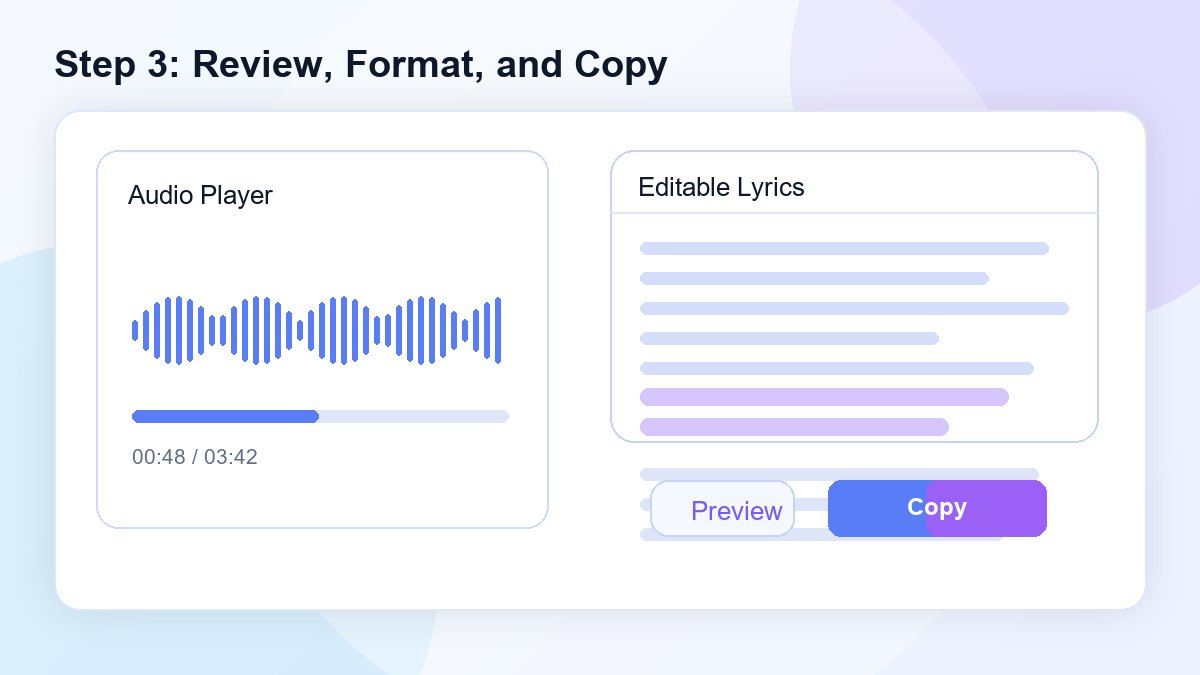
Step 3. Review, Format, and Copy
Read through the generated lyrics, correct unclear words, and format sections such as verse, chorus, and bridge. Then copy the lyrics for captions, lyric notes, documents, or metadata tools.
Who Is This MP3 to Lyrics Tool For?

Musicians and Songwriters
Turn demos, rehearsal recordings, and rough MP3 ideas into editable lyric drafts for rewriting and review.

Content Creators
Convert MP3 to lyrics for captions, short-form video references, music commentary, or creative content planning.

Music Teachers
Create lyric notes from practice audio or classroom recordings so students can follow along more easily.

Language Learners
Use song audio to create readable lyric drafts for listening practice, vocabulary review, and pronunciation study.

Podcast and Audio Editors
Extract spoken or sung sections from MP3 files and reuse the text in show notes, captions, or production notes.

Personal Music Libraries
Prepare reviewed lyric text before you add lyrics to MP3 files using your preferred tag editor or music organizer.
What People Say About Our MP3 to Lyrics Converter

Independent Songwriter

I use Lynote to turn voice memo demos into lyric drafts. It gives me a starting point fast, then I clean up the lines and keep writing.

Music Teacher
My students bring practice recordings, and this helps us create lyric notes without typing everything manually. It saves a lot of class prep time.

Content Creator
I needed a quick MP3 to lyrics converter for caption planning. The draft is easy to edit, and I can copy the parts I need.

Audio Editor
For clear vocal recordings, Lynote gives me a useful transcript draft in minutes. It is much faster than replaying every line by hand.

Language Learner
I use songs to study English. Turning MP3 audio into text helps me review phrases and understand repeated lines more easily.

Music Blogger
I use it for private lyric review and music notes. It helps me organize song sections before writing commentary.
Frequently Asked Questions
An MP3 to lyrics converter turns vocal audio from an MP3 file into editable text. Lynote uses AI to create a lyrics draft that you can review, correct, format, and copy.
Yes. You can upload an MP3 and generate a lyric-style text draft online. The final quality depends on vocal clarity, background music, recording quality, and pronunciation.
Lynote helps you create the lyric text. If you want to embed lyrics to MP3 metadata or add synced lyrics to MP3, copy the reviewed lyrics into a dedicated tag editor or music management tool.
Yes. Lynote uses AI to process MP3 audio and generate editable lyrics-style text. It is especially useful when you need a fast first draft.
Use the tool responsibly. You should only publish, share, or distribute lyrics when you own the rights or have permission. For copyrighted music, use generated lyrics for private study or review only.
Clear vocals, low background noise, and balanced volume produce better results. Heavy effects, loud instruments, overlapping voices, or live crowd noise may require more manual editing.
You can copy the reviewed text and use it in your own video editing workflow. Lynote helps generate the lyric draft, while timing, styling, and video creation happen in your editor.
Yes. MP3 to text is a broad transcription workflow. MP3 to lyrics focuses on song-style output, lyric review, repeated sections, captions, and music-related text preparation.


