

Link to Transcript Converter
Paste a video link. Get a clean transcript with timestamps.





Why Choose Lynote Link to Transcript?

Built for Link-First Transcription
Most transcript tasks start with a URL, not a local file. Paste a supported video link and use Lynote to turn accessible spoken content into searchable text.

YouTube Link to Transcript Workflow
Use Lynote for YouTube link to transcript, YouTube video link to transcript, and YT link to transcript workflows when captions or transcript data are available.

Searchable Text with Timestamps
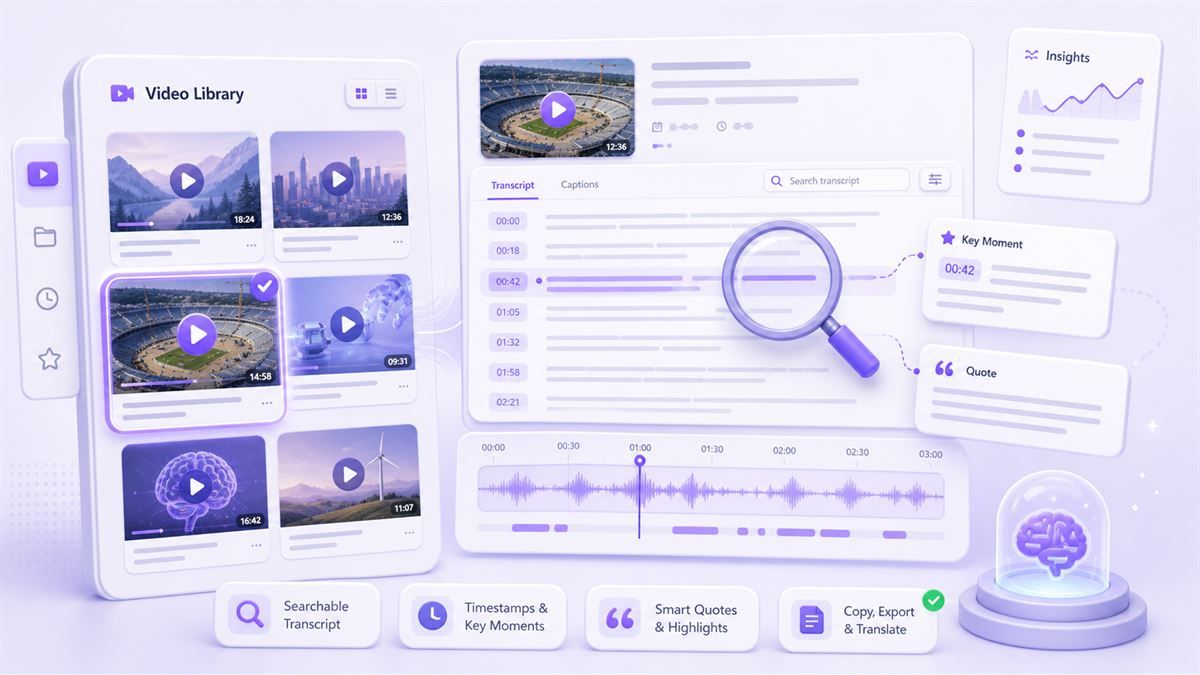
A transcript is more useful when it stays connected to the original moment. Lynote keeps timestamped lines when available so you can verify quotes and jump back to context.

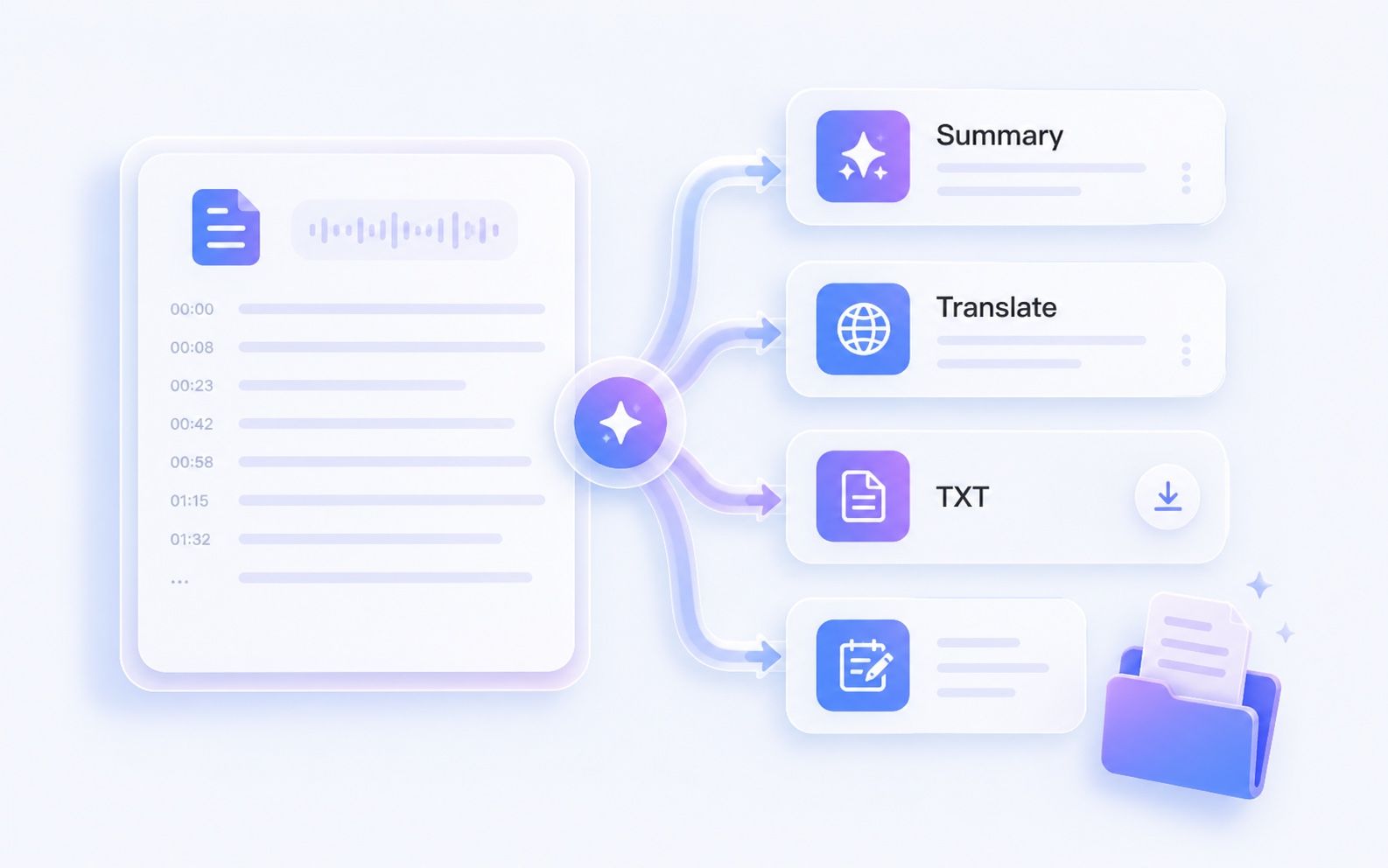
Copy, Export, and Reuse
Move from video to usable text in one workflow. Copy important sections, download the transcript as TXT, translate it, or turn it into notes and content briefs.

Useful Beyond One Platform
People search for TikTok, Facebook, Instagram, Google Drive, Zoom, Vimeo, podcast, and Spotify link to transcript workflows. Lynote keeps the messaging honest: support depends on source access, captions, and permissions.

Made for Study, Research, and Content
Use transcripts to review lectures, interviews, tutorials, webinars, podcasts, and creator videos faster than watching everything at normal speed.

Clear Limits, Better Trust
Some links cannot be parsed because of private access, missing captions, or platform restrictions. Lynote tells users to use supported, accessible sources rather than promising every link will work.
Link to Transcript AI Workflow
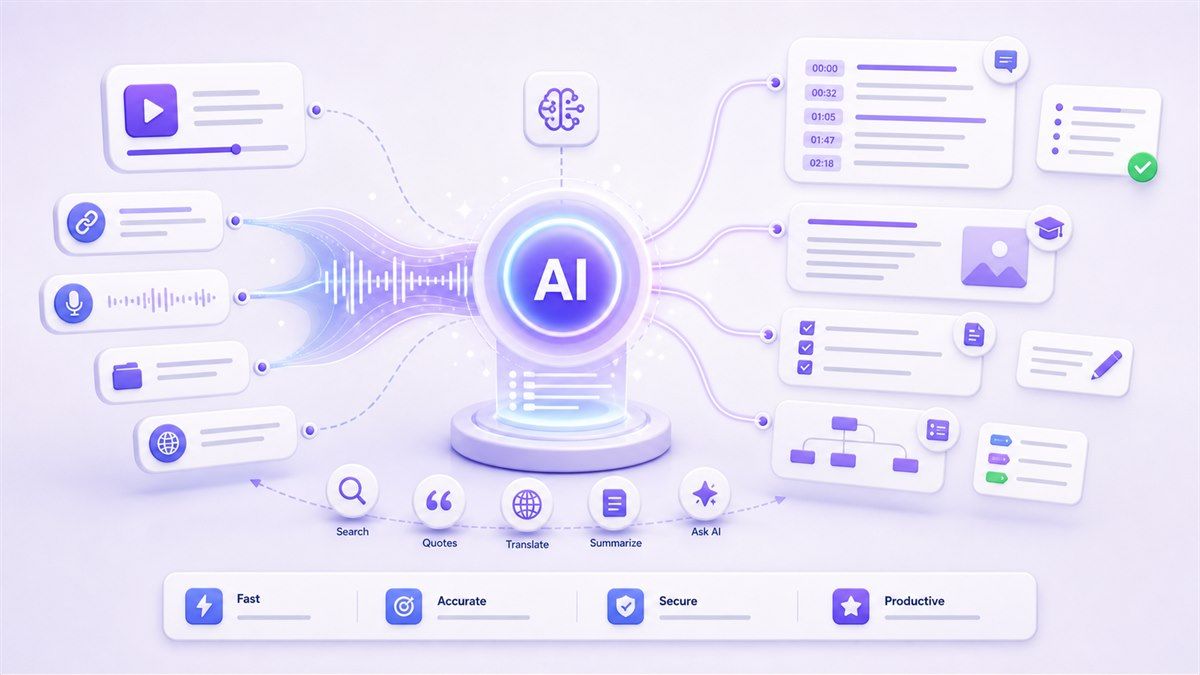
Paste a supported video link and let Lynote organize the available spoken content into readable text. It is a practical link to transcript AI workflow for research, study, meetings, and content planning.
YouTube Link to Transcript Converter
Convert YouTube link to transcript when captions or transcript data are available. Use it to scan a lecture, pull quotes from a podcast, or prepare a summary without rewatching the full video.
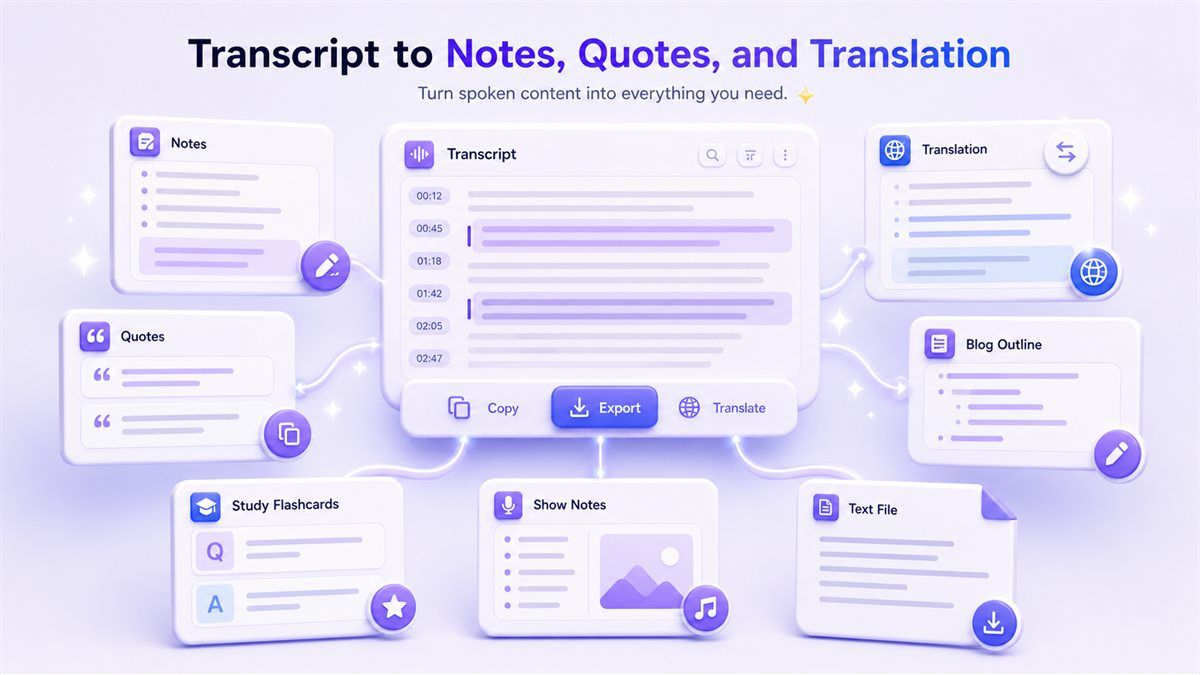
Transcript to Notes, Quotes, and Translation
After the transcript appears, copy sections, export TXT, translate the text, or reuse it for notes, show notes, blog outlines, social captions, and knowledge base material.
Honest Multi-Source Link Coverage
Use YouTube links first for the smoothest workflow. TikTok, Instagram, Facebook, Google Drive, Zoom, Spotify, Vimeo, and podcast link transcription may depend on public access, captions, or an available media file.
How to Convert a Link to Transcript
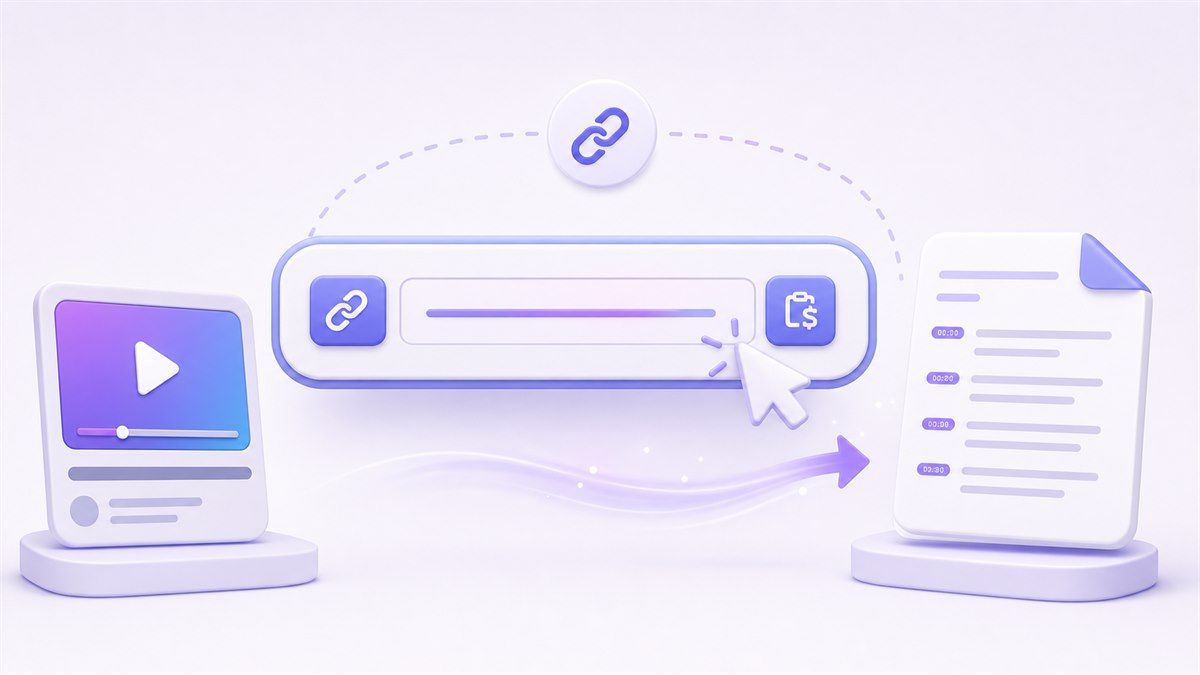
Step 1. Paste a Supported Video Link
Copy the video URL and paste it into Lynote. YouTube links are the best fit when captions or transcript data are available; other sources may depend on access and platform rules.
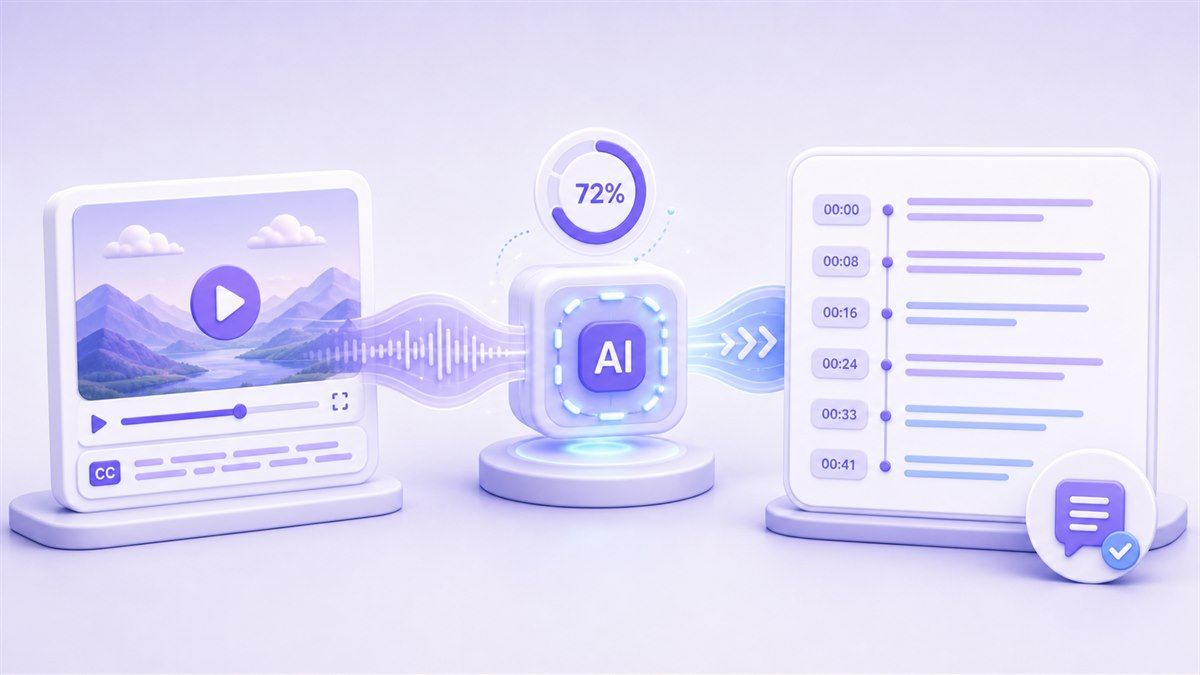
Step 2. Generate the Transcript
Let Lynote process the available captions or spoken content. When timestamp data is available, the transcript stays connected to the original video moments.
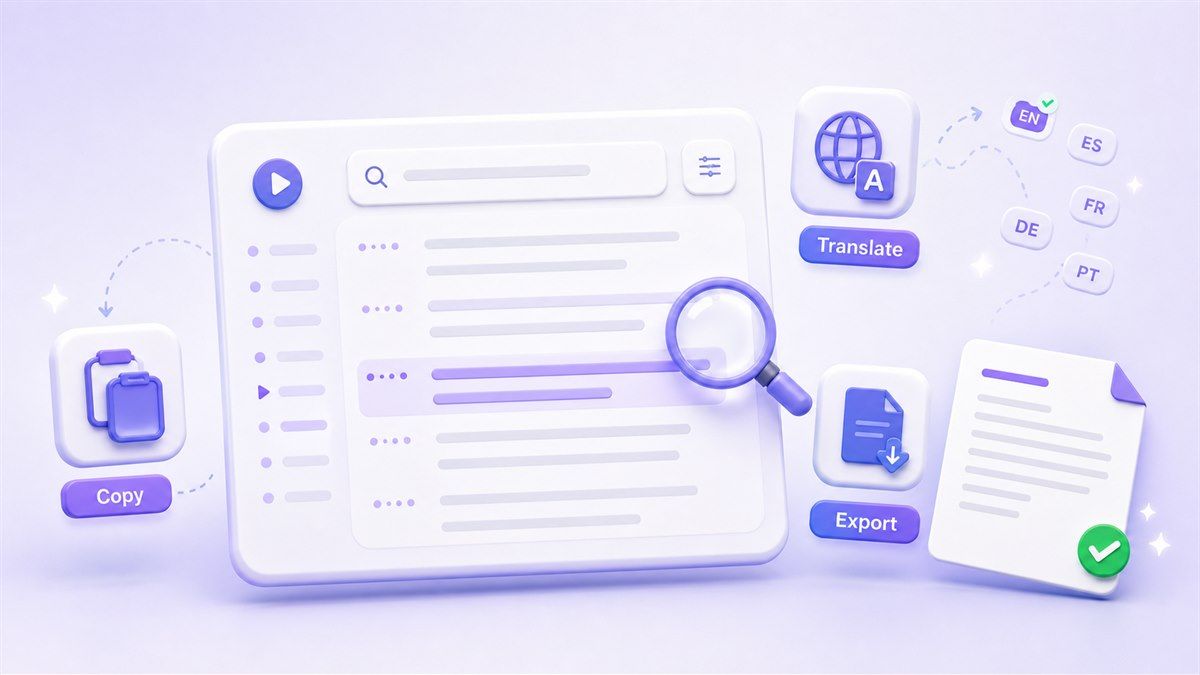
Step 3. Copy, Translate, or Export
Review the transcript, search for useful lines, copy the text, download it as TXT, or translate it for study, research, localization, and content reuse.
Who Is This Link to Transcript Tool For?

Students
Use a YouTube link to text transcription free workflow to review lectures, tutorials, and study videos without replaying every minute.

Teachers
Share transcripts with students who need searchable notes, language support, accessibility help, or a faster way to review course material.

Content Creators
Turn video links into raw material for captions, newsletters, clips, blog drafts, show notes, and short-form repurposing.

Researchers and Journalists
Review interviews, panels, public talks, and source videos faster. Check timestamps before quoting so notes stay grounded in the original context.

SEO and Marketing Teams
Convert video link to transcript for content briefs, keyword extraction, competitor research, social captions, and article outlines.

Knowledge Workers
Turn meeting, webinar, training, and shared video links into text for documentation, internal notes, and team discussions.
What People Say About Lynote

Graduate Student

I use Lynote when a professor shares a YouTube lecture link but no notes. The transcript lets me search the topic and jump back to the exact timestamp.

Content Strategist
Our team turns webinars into briefs and social posts. Starting from a video link saves us from manual note-taking and makes reuse much faster.

Language Learner
I like being able to read the transcript while checking the original video. The translation option helps me compare meaning line by line.

Podcast Producer
For video podcasts, I need quotes and topic timestamps quickly. A link-to-transcript workflow gives me the raw text before I start editing clips.

Research Assistant
When I collect sources from public talks and interviews, searchable transcript text is much easier to organize than bookmarks alone.

Marketing Manager
I paste tutorial and product demo links into Lynote to find the parts worth quoting. It cuts down the time between watching and writing.
Link to Transcript FAQs
Answers about YouTube links, social video links, timestamps, translation, and transcript availability.
A link to transcript converter turns an accessible video or audio link into readable text. Lynote is especially useful for YouTube link to transcript workflows where captions or transcript data are available.
Yes. Lynote supports a free YouTube link to transcript workflow for supported videos. If the YouTube video has available captions or transcript data, you can generate text, review timestamps, copy the result, or export it.
Yes. Lynote is designed for link-first transcript workflows, especially YouTube videos. For other video links, support depends on platform access, captions, permissions, and whether the media can be processed.
TikTok link to transcript support depends on whether the content is accessible and whether captions or media data can be extracted. If the platform blocks access, you may need a downloadable file or another supported source.
Instagram link to transcript and Instagram Reel link to transcript workflows may be limited by access restrictions. Lynote works best when the content has accessible captions, public media, or a supported upload path.
Facebook video link to transcript support depends on video visibility, permissions, captions, and platform access. If the link cannot be parsed, use an accessible media file when available.
A Google Drive link to transcript workflow depends on file permissions and whether the linked media can be accessed. Make sure the file is shared properly and that you have the right to process the content.
Zoom link to transcript workflows depend on whether the recording is accessible and whether the audio or video can be processed. If you have the recording file, use a supported transcription workflow for better control.
Spotify podcast link to transcript support may depend on platform access and transcript availability. If the podcast is available as an accessible audio or video source, a transcription workflow may help turn it into text.
They usually describe the same task: converting linked video or audio content into text. Link to transcript often means the final readable text, while link to transcription describes the process.
When timestamp data is available, Lynote keeps transcript text connected to the video timeline. This helps you find quotes, review context, and jump back to the right moment.
Some videos have no captions, private access, blocked media, unsupported pages, or platform restrictions. Lynote works best with supported, accessible video links such as YouTube videos with available transcript data.
Yes. Lynote supports transcript translation workflows. After generating the transcript, you can translate the text for study, research, content localization, or multilingual review.
Yes. If your goal is transcript youtube link to text, Lynote helps you paste a YouTube link, generate transcript text, review timestamps, and reuse the output.
Yes, for supported links and available transcript data, Lynote can help with video link to text transcription free workflows. Availability depends on the source platform and whether the content can be accessed.


