

Transcribe Interview Audio to Text

Drop files or browse

Add study materials to enable the AI to extract and structure content.



Why Choose Our Interview Audio to Text Tool?

Interview Audio Transcription
Convert interview audio into editable text for research interviews, journalism calls, podcasts, hiring conversations, customer interviews, and recorded Q&A sessions.

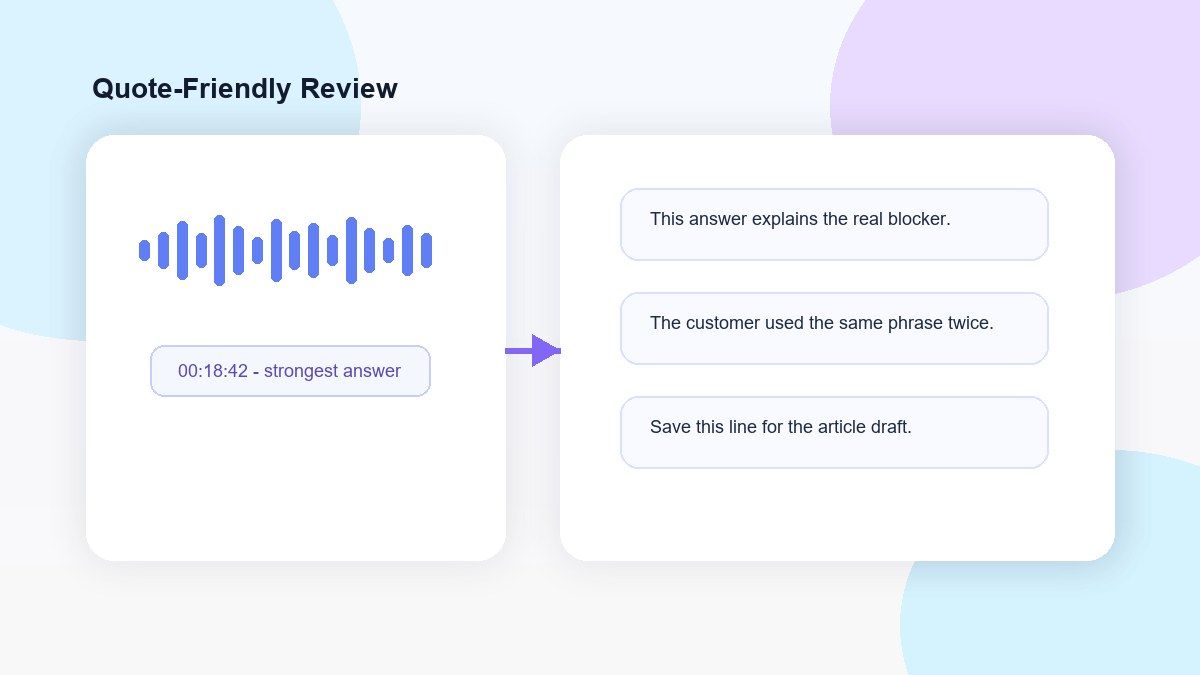
Quote-Friendly Review
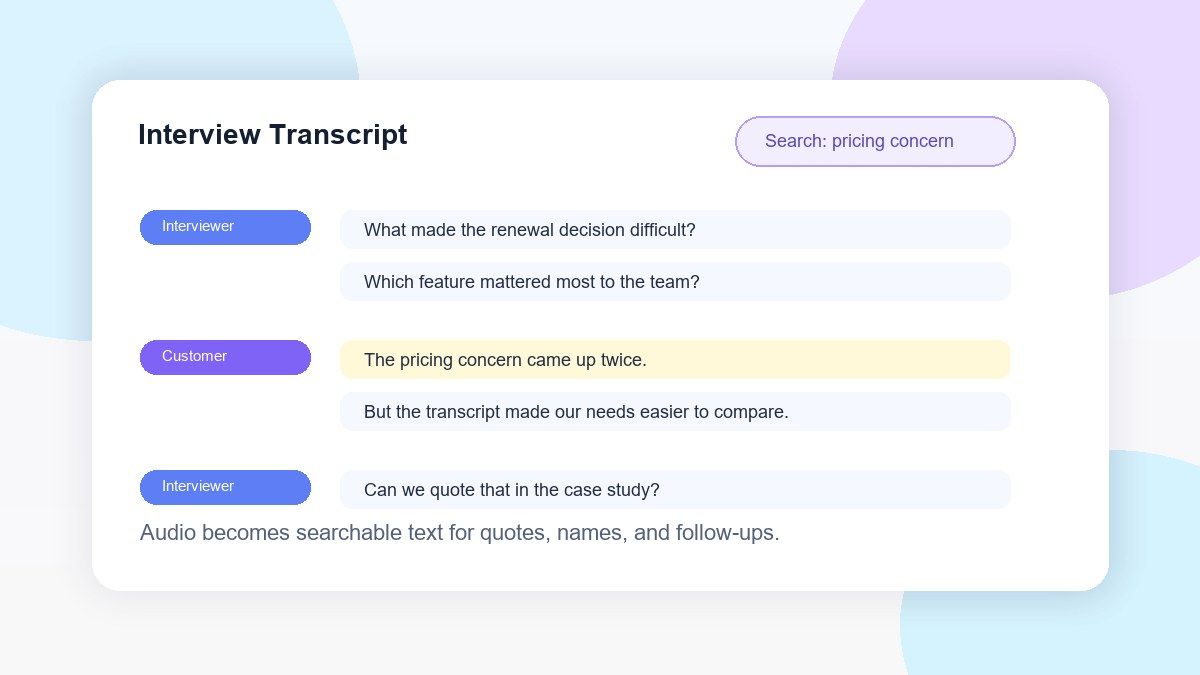
Search the transcript for exact answers, strong quotes, names, dates, claims, and follow-up points without replaying the full recording.

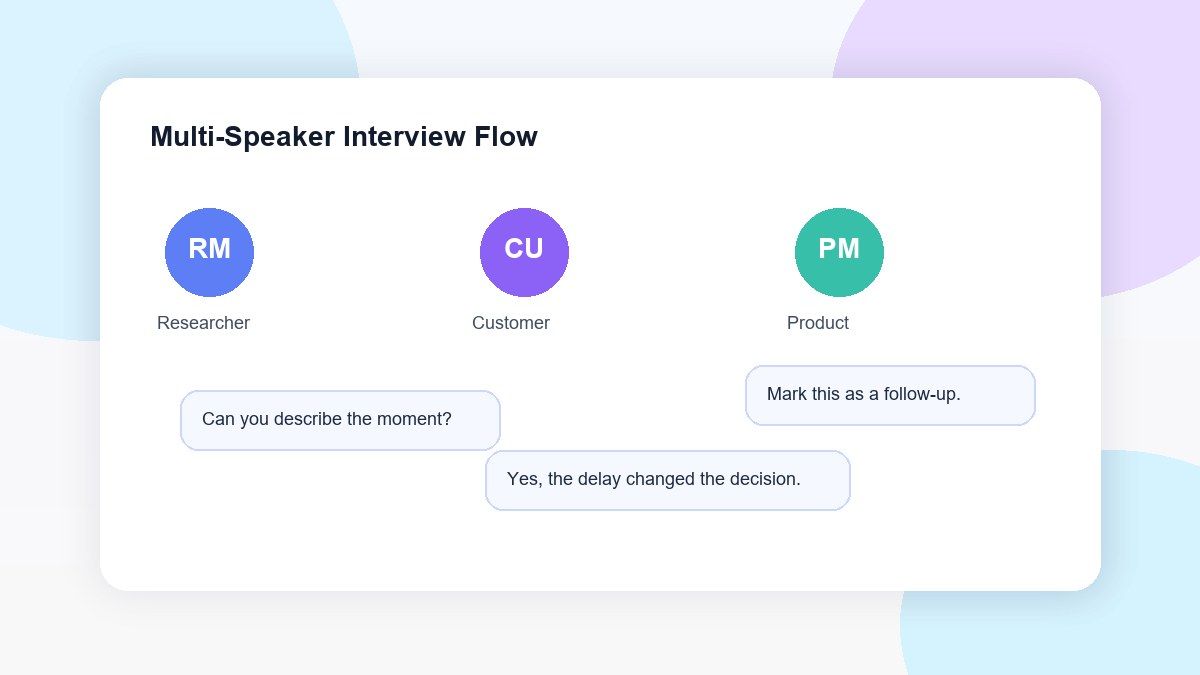
Speaker-Aware Interview Notes
For two-person or multi-person interviews, Lynote helps you review conversation flow and separate key responses more clearly.

Editable Transcript Output
Clean up names, technical terms, filler words, timestamps, speaker labels, or unclear phrases before using the interview transcript.

Upload Common Audio Formats
Upload MP3, WAV, M4A, and other common audio files from your device without converting the file first.

Useful for Long Interviews
Turn long interviews into searchable text so you can scan key sections, compare answers, and prepare summaries faster.

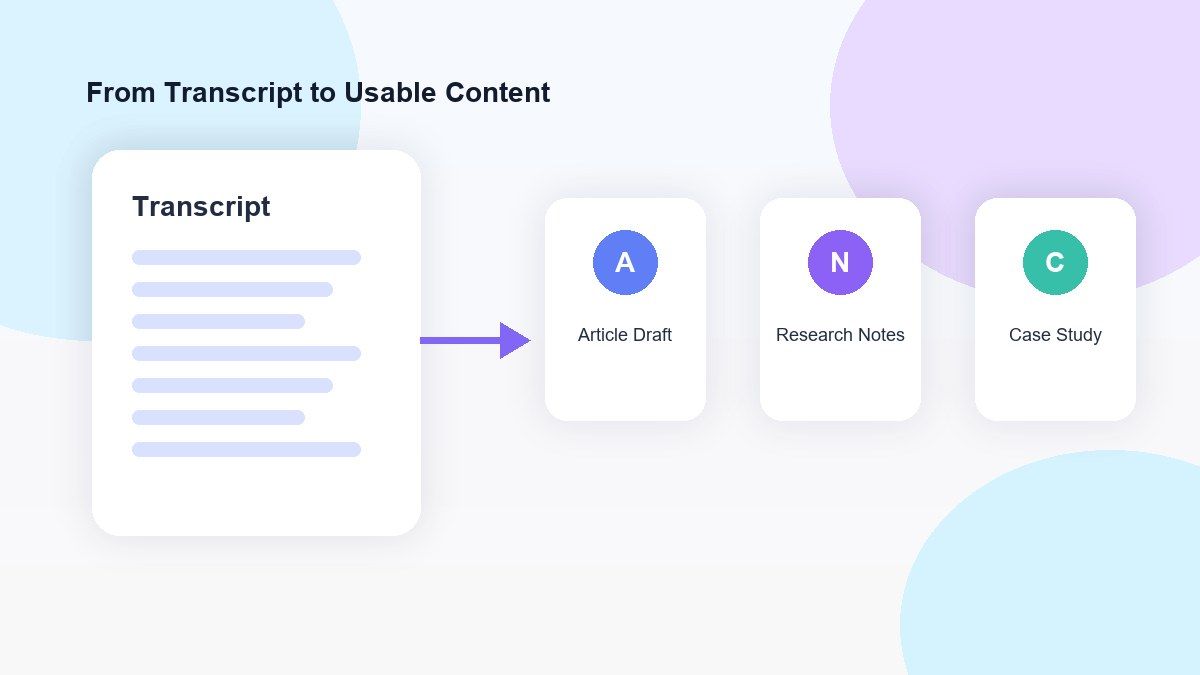
Reuse Interview Content
Use your transcript for articles, research coding, meeting notes, podcast show notes, social clips, reports, or content briefs.

Secure Processing
Uploaded interview recordings are processed securely and are not used to train AI models.
Turn Interview Recordings Into Searchable Text
Review Quotes Without Replaying the Full Interview
Make Multi-Speaker Interviews Easier to Understand
Use Interview Transcripts for Notes, Articles, and Research
How to Transcribe Interview Audio to Text Online
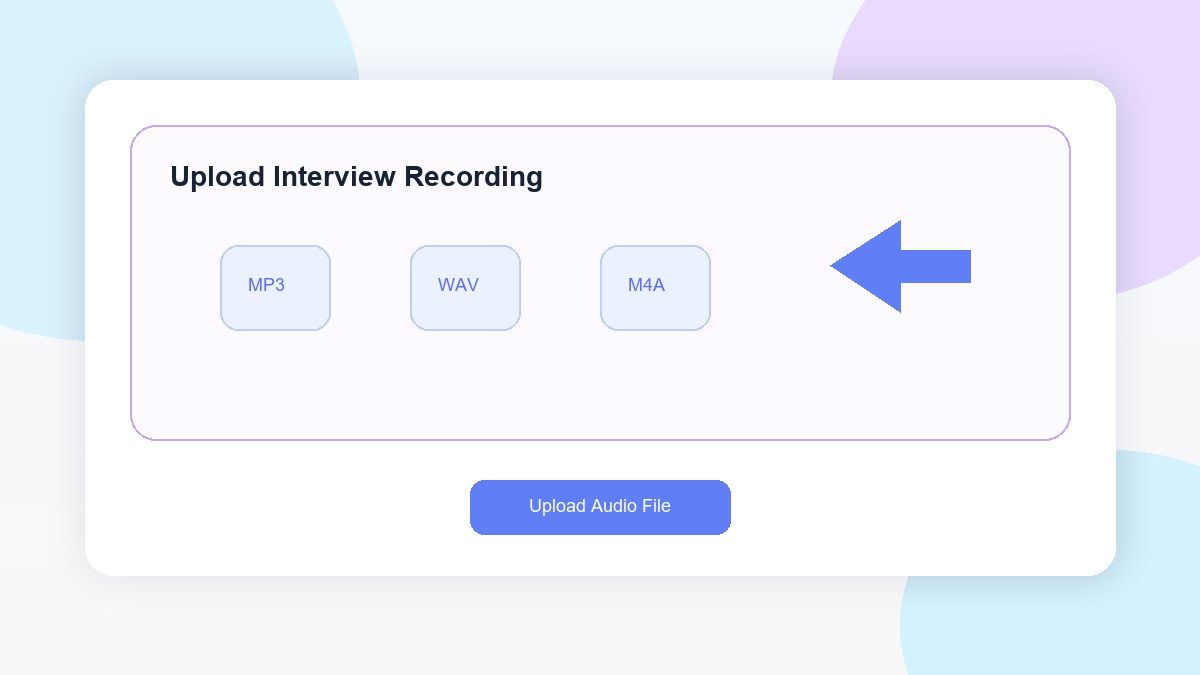
Step 1. Upload Your Interview Audio
Upload your interview recording to Lynote from your computer. Lynote accepts popular file types including MP3, WAV, and M4A files. Best results are achieved when the audio is relatively clear, with minimal background noise and one speaker at a time.
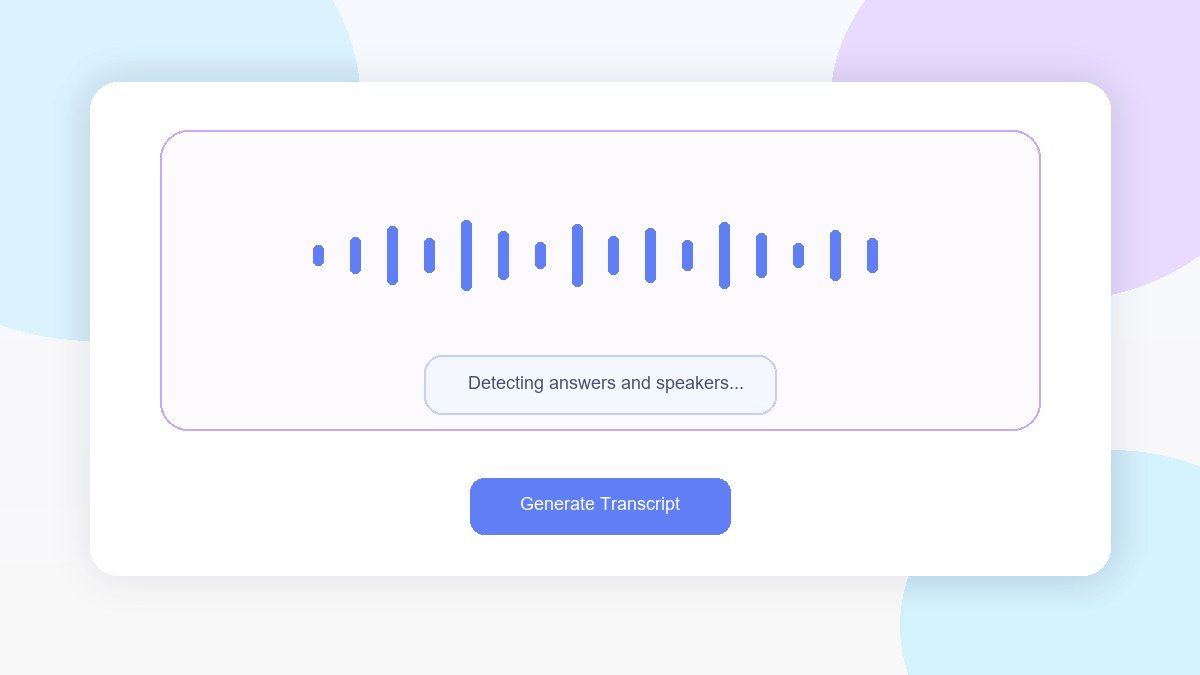
Step 2. Generate the Interview Transcript
Begin transcription and Lynote will generate an editable interview transcript. You can use this tool for any type of interview: research interviews, podcast interviews, journalist interviews, job interviews, customer calls, recorded Q&A.
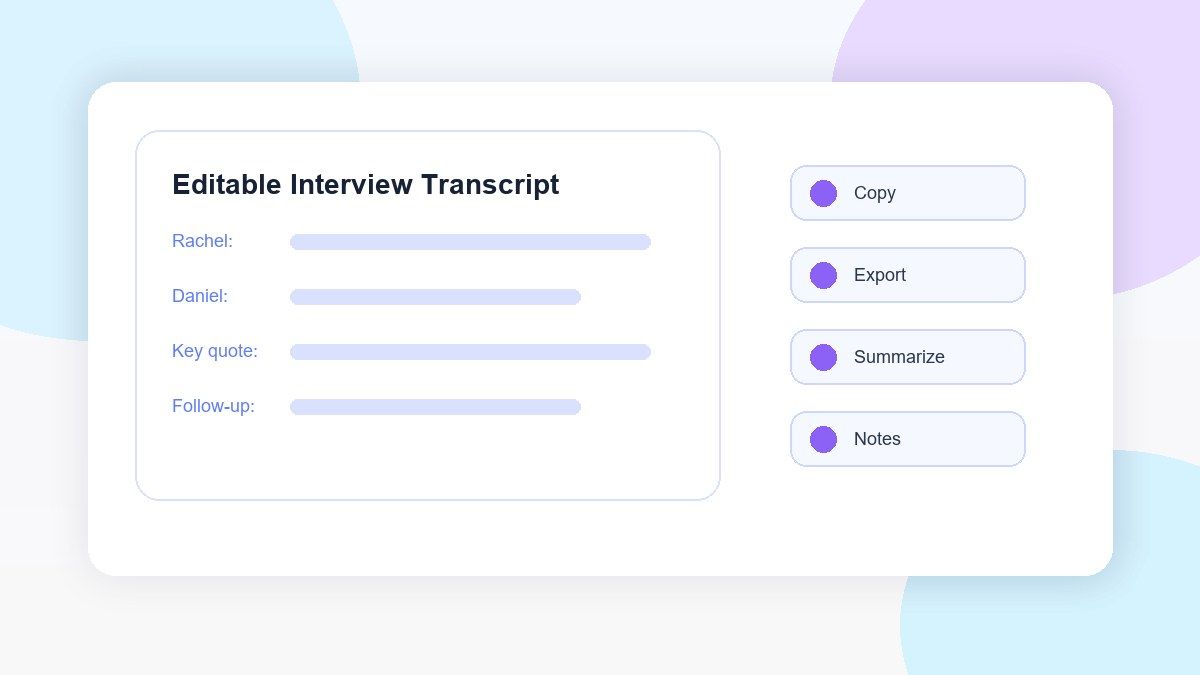
Step 3. Review, Edit, and Reuse
Scan the generated transcript, fix any errors or unclear parts, and look for key quotes or answers. Then, you can copy, export, summarize, translate, or save the interview transcript as notes.
Who Can Use This Interview Audio to Text Tool?

Journalists
Record interviews, press calls, voice memos, or source interviews and transcribe them into text for reference and article writing.

Researchers
Record participant interviews, oral history interviews, field interviews, and qualitative research interviews and transcribe them into text for later analysis.

Podcast Teams
Record guest interviews and transcribe them into text for show notes, episode summaries, highlight clips, accessibility, or content repurposing.

UX Researchers
Record customer discovery interviews and user interviews and transcribe them into text for later analysis of pain points, feature requests, and other common themes.

Recruiters
Record job interviews, screening calls, and candidate interviews and transcribe them into text for review and discussion within your team.

Students
Record interviews for class projects, theses, or assignments and transcribe them into text for easier citation, summarization, and organization.
What People Say About Lynote Interview Transcription

Journalist

I use Lynote to transcribe interview audio to text before drafting articles. It helps me find quotes quickly and spend more time writing instead of replaying recordings.

UX Researcher
Our user interviews are much easier to review now. I can easily look for recurring pain points and extract supporting data directly into my research notes without typing anything out.

Graduate Researcher
My thesis work involves extensive interview recordings. With Lynote, I have a transcript that I can edit, code, and cross-reference between different interviewees.

Podcast Producer
It used to take a lot of time to go through our guest interviews. Now I can quickly create the transcript, identify the most interesting parts, and then use those sections for show notes and social media content.

Recruiting Coordinator
We rely on interview transcripts to keep track of conversations we've had with candidates post-interview. This ensures we stay on the same page without solely depending on memory.

Content Strategist
Lynote allows us to convert interview recordings into text for case studies. We're able to easily locate relevant quotes from customers and start drafting with significantly less effort.
Frequently Asked Questions
An audio to text interview tool is a software application that can automatically transcribe recorded audio of an interview into a text document. With Lynote, you can upload your audio interview and get an editable transcript back, which can be searched, reviewed, copied, exported, summarized, and converted into notes.
Yes, you can use Lynote online to transcribe interview audio to text for free. The availability of free transcription services will vary based on your account status, the duration of the audio file, and whether the product is currently available.
For the most accurate results, upload a high-quality recording, create a transcript, check names and difficult words, then verify important quotes by listening to the audio again. Lynote makes it easy to do all of these steps.
Yes. Lynote is useful for long interviews since it creates a searchable transcript. You can find key answers, follow-up questions, quotes, and topics without having to listen to the entire interview again.
Yes. Lynote can transcribe voice interviews into text. You can use it to transcribe interviews recorded with a smartphone, handheld recorder, conferencing software, podcast microphone, or desktop computer.
Lynote supports popular audio formats including MP3, WAV, and M4A. Transcriptions will be better when the recording quality is good and there is minimal background noise.
Yes. Lynote can transcribe multi-person interviews. Still, make sure to double-check the transcript for correct speaker attributions, interruptions, simultaneous speech, and names.
Yes. Lynote can be used to transcribe interviews, oral histories, field recordings, and other types of conversational data into text, which can then be coded, analyzed, summarized, and used for note-taking.
Yes. Once your audio interview has been transcribed, you can review, edit, copy, export, translate, summarize, or convert the transcript into structured notes based on your needs.
Lynote securely processes your uploaded audio interviews and never uses your audio or transcripts to train its AI.


