

Instagram Video to Text Converter

Drop files or browse

Add study materials to enable the AI to extract and structure content.



Why Choose Our Instagram Video to Text Converter?

Built for Instagram Videos
Instagram videos often contain useful conversations, tutorials, announcements, livestreams, and community discussions. Lynote helps convert Instagram video to text so you can review the spoken content without replaying the whole video.

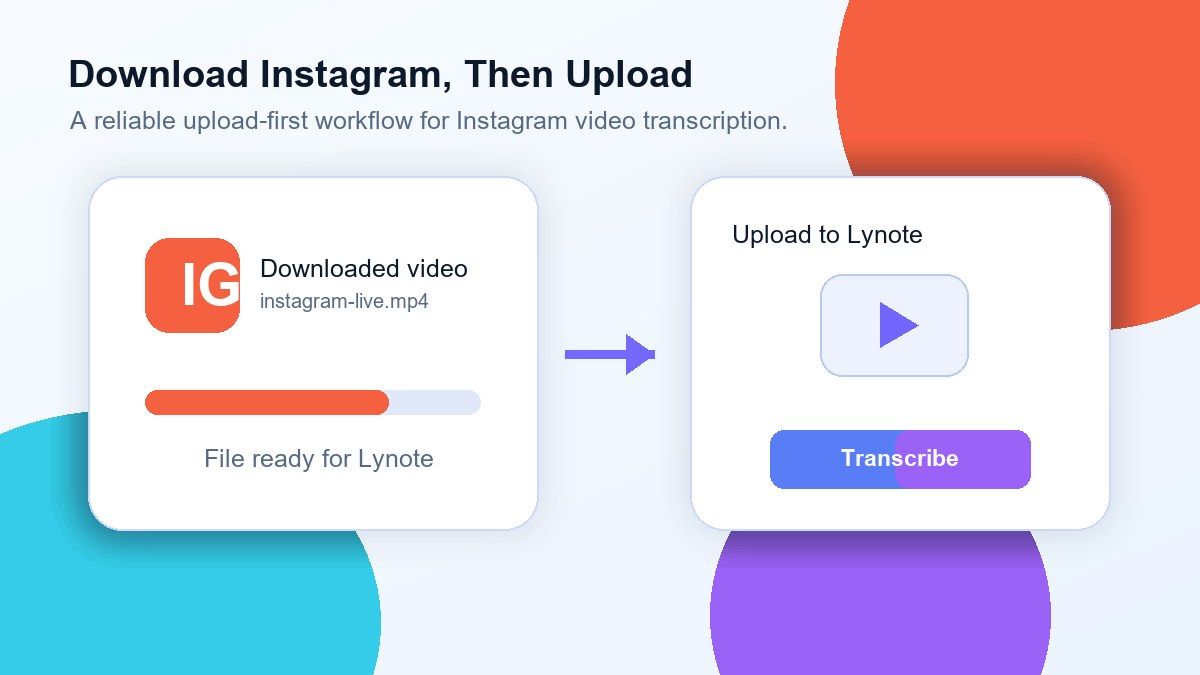
Download First, Then Upload
For reliable Instagram video to text transcription free, download the Instagram video to your device before using Lynote. This avoids access issues caused by private posts, login requirements, expired links, or app-only or private videos.

Clean Text for Captions and Notes
Turn Instagram video audio into readable text you can copy, edit, summarize, or reuse. This is helpful for captions, meeting notes, training recaps, campaign analysis, and social content planning.

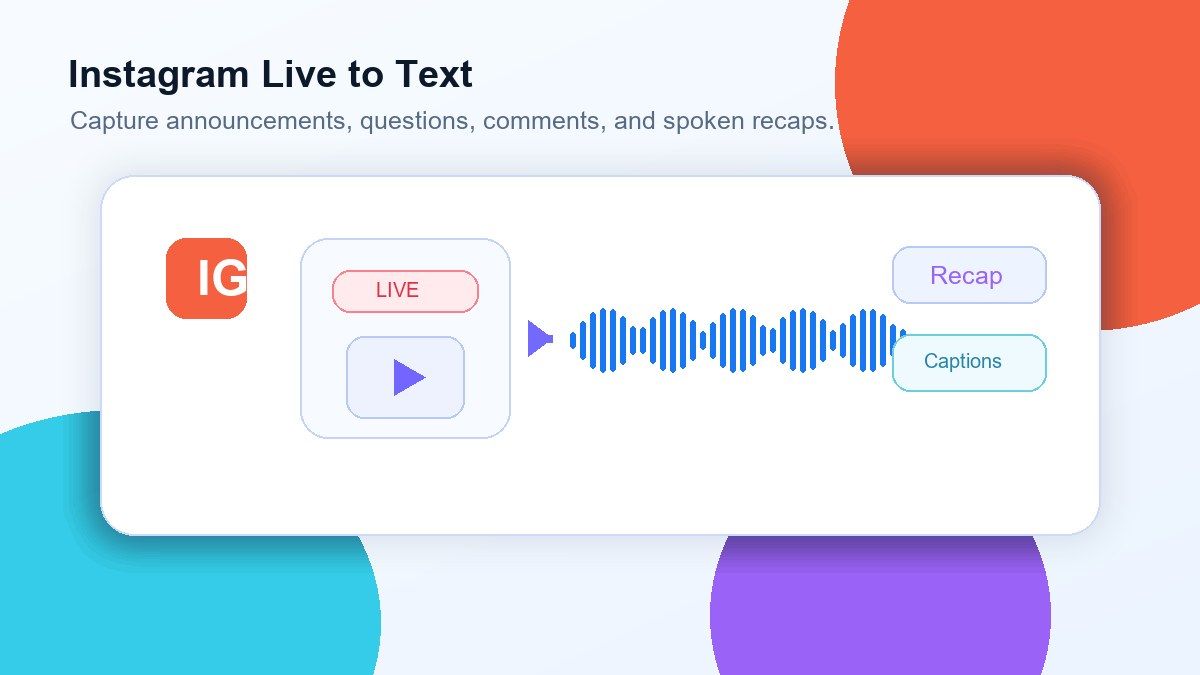
Useful for Instagram Lives and Events
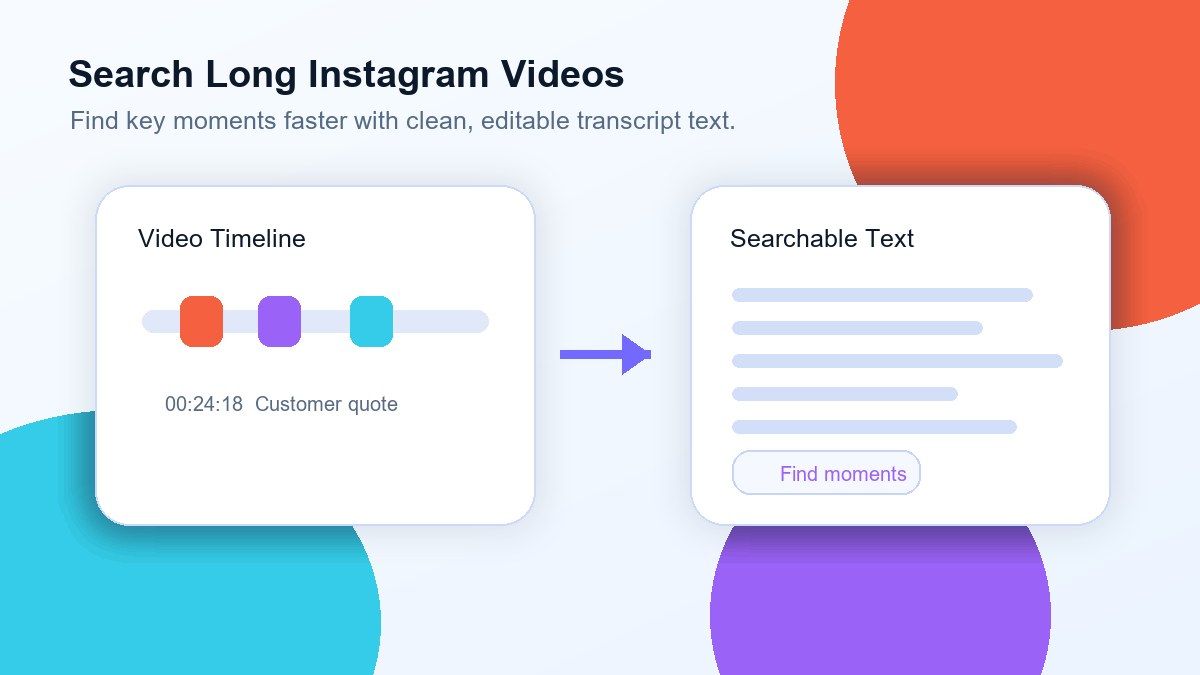
Long Instagram Live recordings can be hard to review manually. Lynote gives you a searchable transcript so you can find key quotes, announcements, questions, and important moments faster.

Works With Downloaded Video Files
After saving your Instagram video, upload the MP4 or supported video file to Lynote. This makes the workflow more stable than depending on a Instagram video link to text converter that may fail because of platform restrictions.

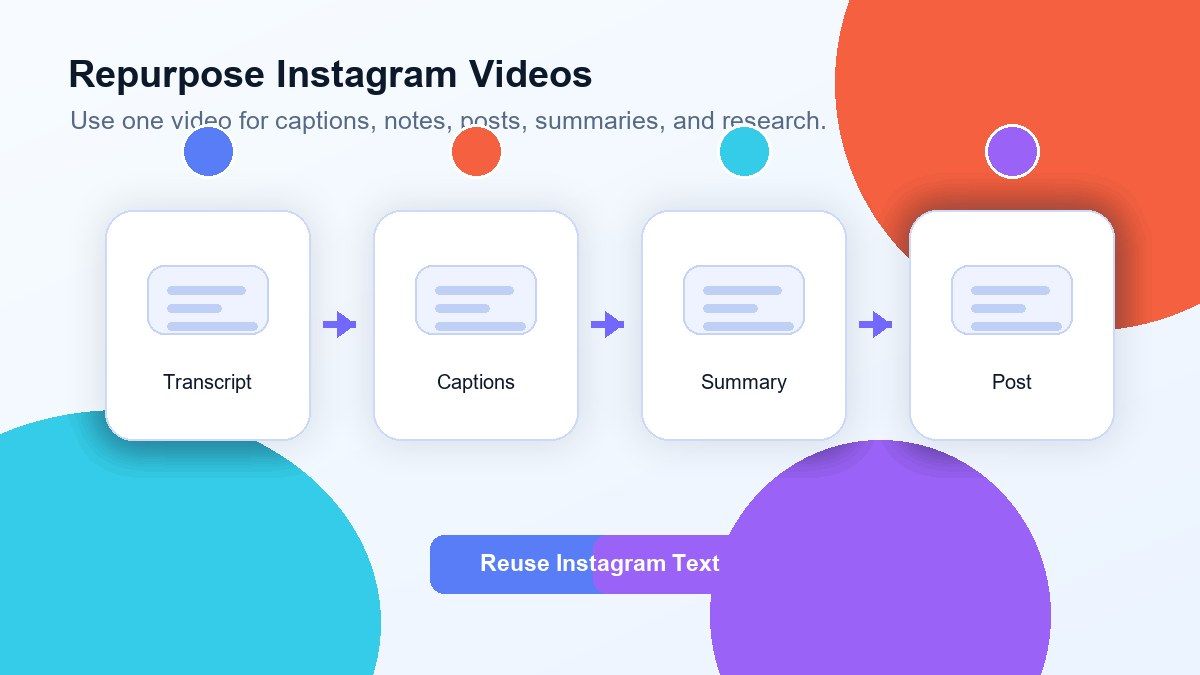
More Than a Transcript
Once the Instagram video is converted to text, you can use the result for summaries, subtitles, blog drafts, notes, research, translation, or internal documentation. The goal is to turn social video into usable written content.
Download Instagram, Then Upload to Lynote
Convert Instagram Lives Into Searchable Text
Turn Instagram Video Audio Into Content Assets
Review Long Instagram Videos Faster
How to Transcribe Instagram Video to Text Online
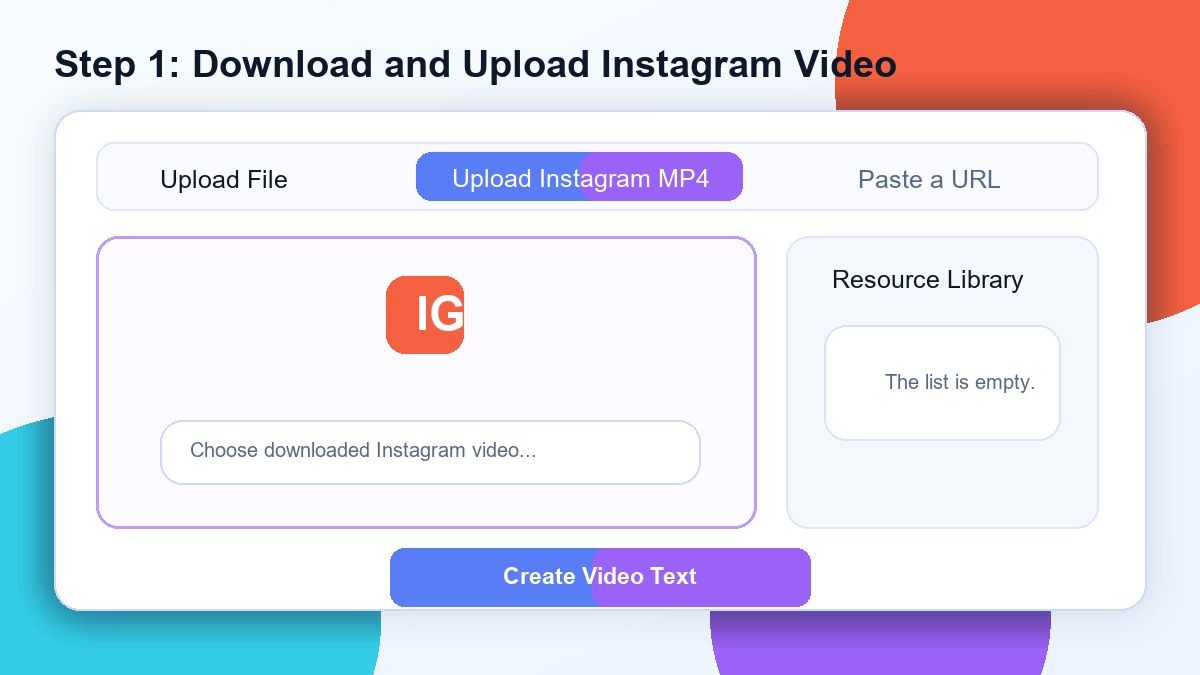
Step 1. Download Your Instagram Video
Open Instagram and download the video you want to transcribe. Save the video file to your device before uploading it to Lynote because Instagram video links may be private, restricted, or unavailable to outside tools.
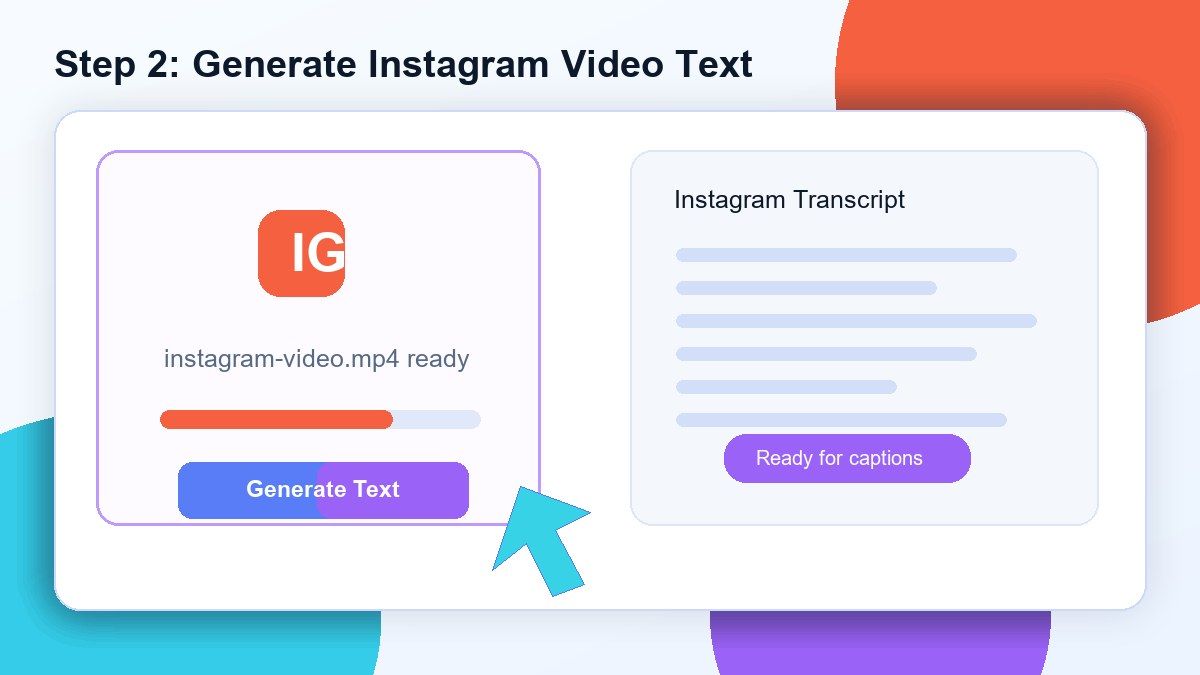
Step 2. Upload the Video to Lynote
Upload your downloaded Instagram video file to Lynote. The tool will process the video audio and generate editable text from the spoken content.
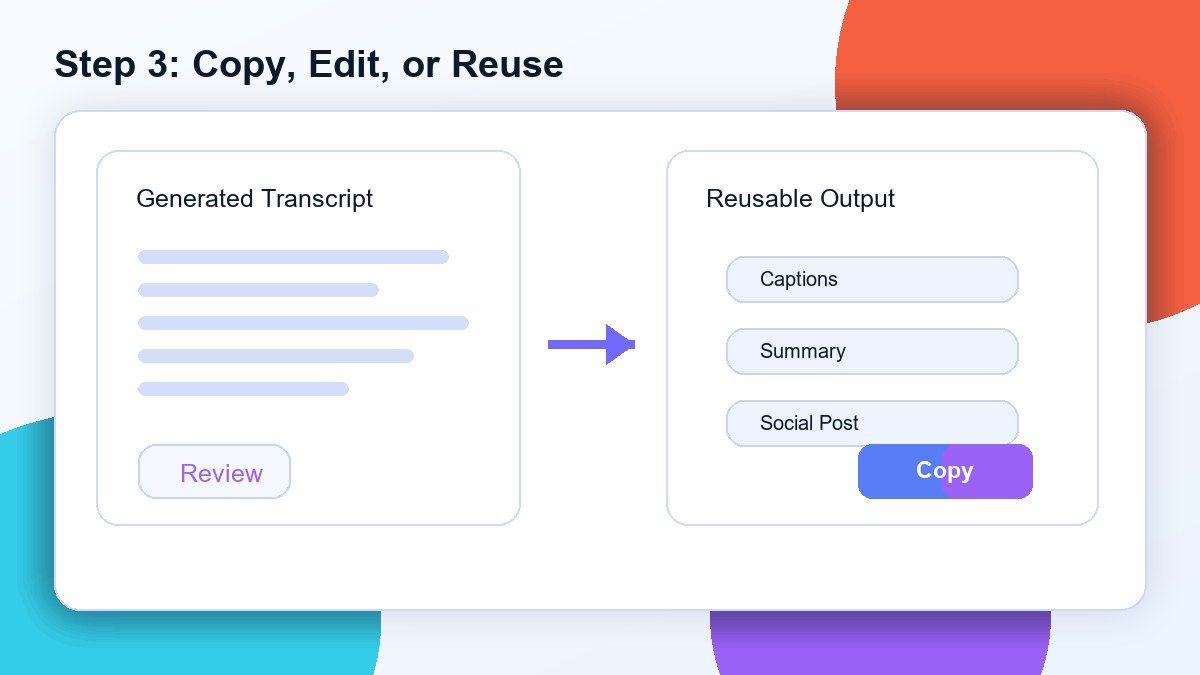
Step 3. Copy, Edit, or Reuse the Transcript
Review the generated transcript and correct any names, brand terms, or unclear phrases. Then copy the text into captions, notes, summaries, blog drafts, training documents, or research files.
Who Is This Instagram Video to Text Tool For?

Social Media Strategists
Transcribe Instagram videos to text for campaign review, content planning, caption writing, and social reporting.

Content Creators
Turn Instagram Lives, creator videos, and interviews into scripts, captions, posts, summaries, and reusable ideas.

Creator Teams
Convert Reels, Stories, and Lives, Q&A sessions, announcements, and event recordings into searchable notes.

Marketers
Analyze product videos, customer testimonials, webinars, and Instagram ad creatives in text format.

Researchers
Collect quotes, discussions, and public video commentary from downloaded Instagram videos for analysis.

Educators and Trainers
Turn Instagram video lessons, livestreams, and training recordings into readable study or reference materials.
What Users Say About Lynote Instagram Video to Text

Social Media Strategist

I download Instagram Live recordings and upload them to Lynote. The transcript helps me create recaps and captions much faster.

Content Marketer
Instagram videos used to take forever to review. Lynote turns them into searchable text, so I can pull quotes and ideas quickly.

Creator Team Lead
I use Lynote for group video recaps. After downloading the Instagram video, I upload it and get clean notes for members who missed the session.

Video Editor
Before cutting clips from long Instagram videos, I generate a transcript in Lynote. It helps me find the best moments without watching everything twice.

Founder
We use Instagram videos for customer stories. Lynote helps us convert them into text for landing pages, emails, and social posts.

Research Analyst
I needed a Instagram video to text converter for social research. Uploading the downloaded video gives me a transcript I can search and organize.
Frequently Asked Questions
Yes. Download your Instagram video first, then upload the video file to Lynote. Lynote can process the video audio and generate editable text.
For best results, use the upload workflow. Instagram video links may require login access, permissions, or group membership, so direct link transcription may not work reliably.
Lynote needs access to the actual video audio. Downloading the Instagram video and uploading the file avoids many platform restrictions that can block a Instagram video link to text converter.
You can transcribe downloaded Instagram Lives, public videos, interviews, tutorials, event recordings, creator videos, and Reels, Stories, and Lives you have permission to download.
MP4 is usually the best option. If your downloaded Instagram video is saved as MP4 or MOV, upload it to Lynote to start transcription.
Yes. After transcription, you can copy the text and use it to create captions, subtitles, social posts, summaries, or content drafts.
You can first transcribe the Instagram video audio into text, then translate the transcript if needed. This is useful for multilingual content review and repurposing.
No. Lynote works online. Download your Instagram video, upload it in your browser, and convert the video audio into editable text.