

Image to Notes AI

Drop files or browse

Add study materials to enable the AI to extract and structure content.



Why Choose Lynote Image to Notes AI?

Built for Real Study Images
Turn pictures of whiteboards, textbook pages, worksheets, slides, diagrams, and handwritten notes into cleaner study notes.

Less Manual Retyping
Instead of copying text from images by hand, upload the picture and let Lynote organize the visible information into notes.

From Messy Image to Clear Structure
Lynote helps turn scattered visual information into headings, bullets, summaries, terms, and review sections.

Useful for Screenshots
Use it when your study material lives inside screenshots from videos, PDFs, websites, online classes, or shared course platforms.

Handles Visual Study Context
Images often include diagrams, labels, arrows, tables, and mixed text. Lynote helps capture the context instead of only extracting plain text.

Ask Questions About Image Notes
After the notes are generated, you can ask follow-up questions about confusing terms, diagrams, formulas, or sections.

Edit and Reuse Your Notes
Review the output, add your own class context, remove noise, and reuse the notes for assignments, study guides, or flashcards.

Free to Start
Use Lynote as an image to notes converter AI for quick picture-based study workflows without rebuilding notes from scratch.
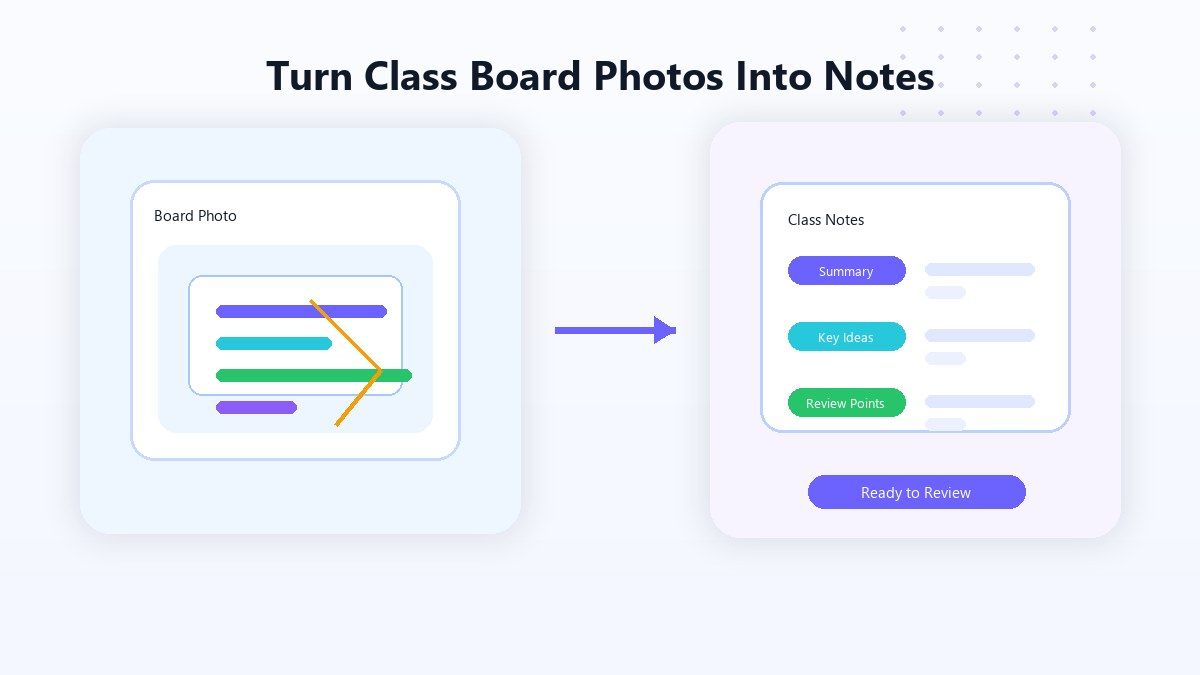
Turn Class Board Photos Into Notes
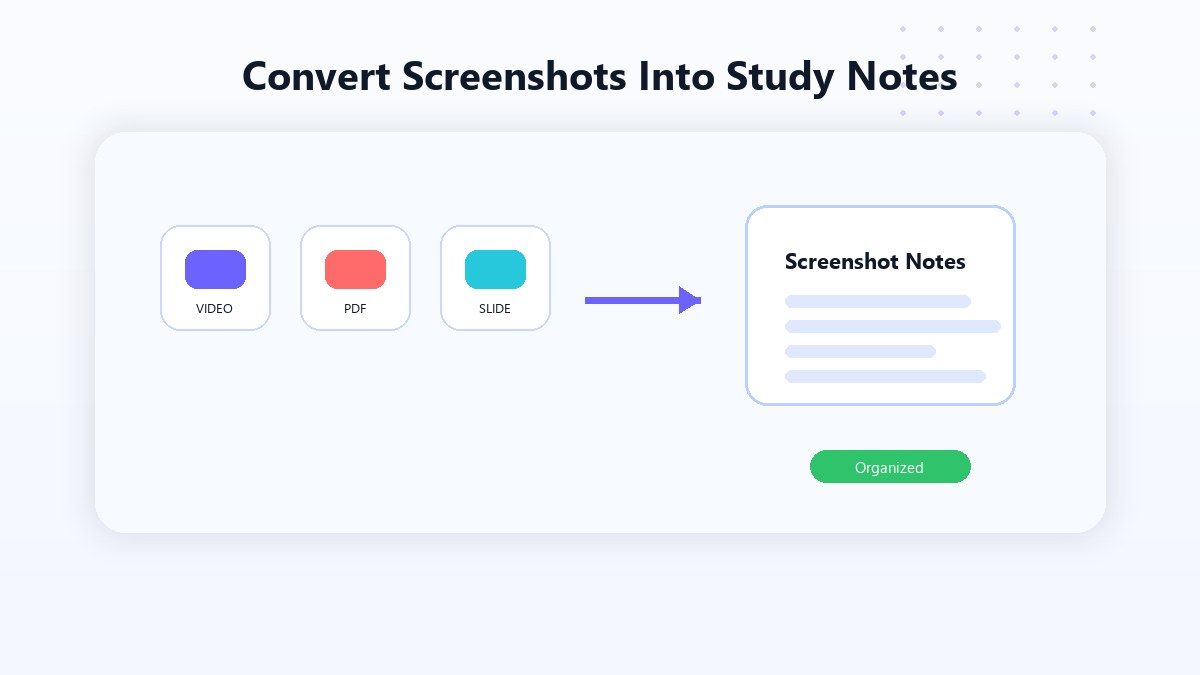
Convert Screenshots Into Study Notes
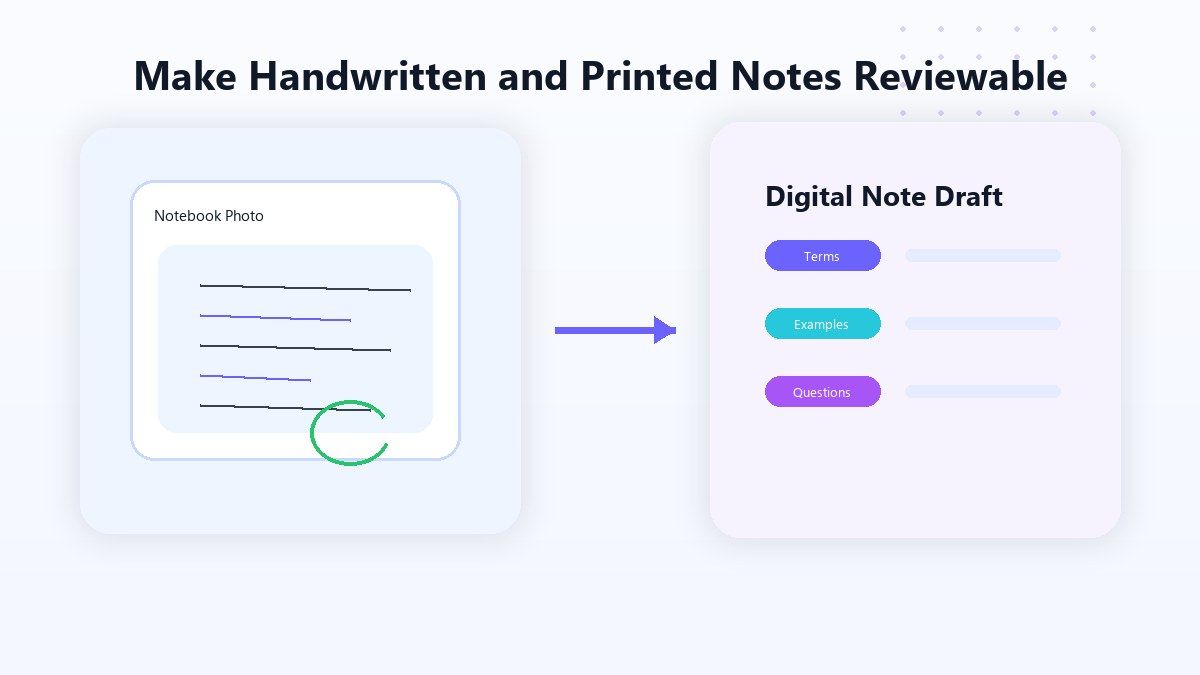
Make Handwritten and Printed Notes Easier to Review
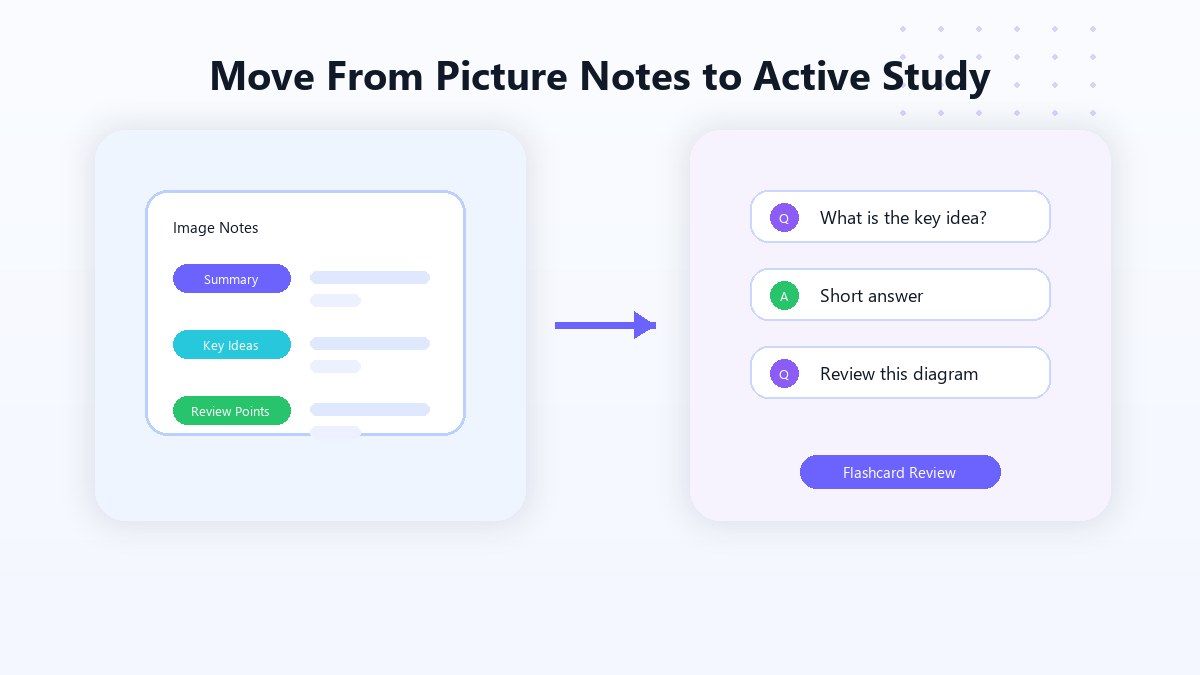
Move From Picture Notes to Active Study
How to Use Image to Notes AI Online
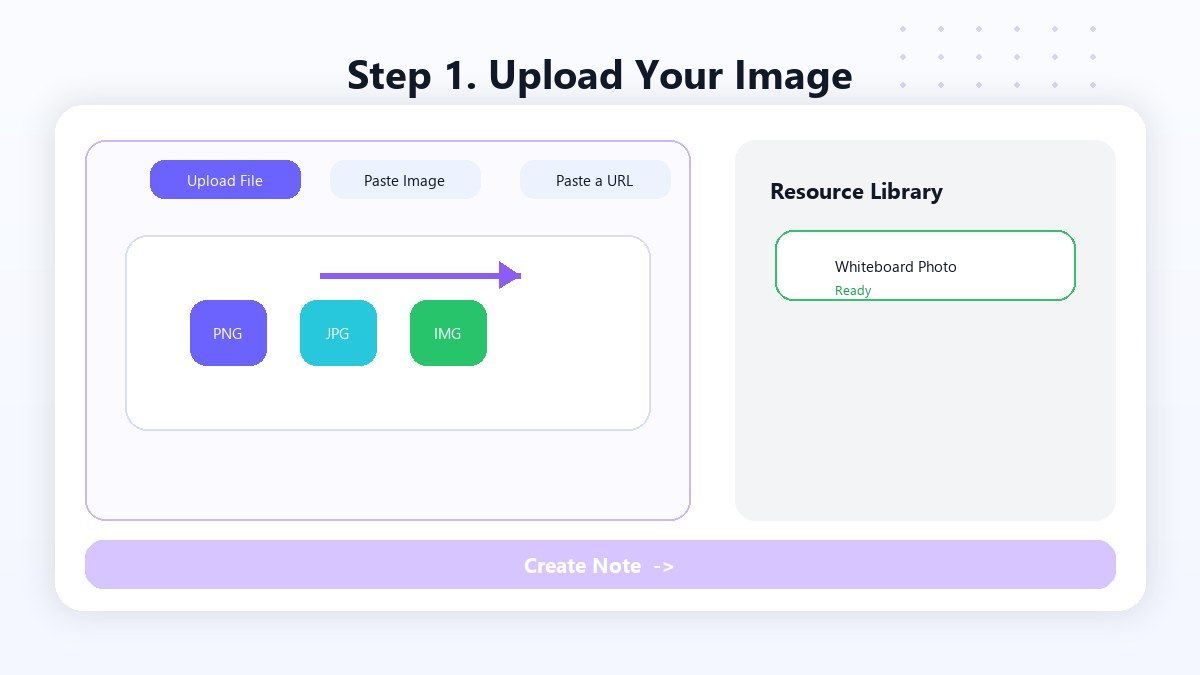
Step 1. Upload Your Image
Upload a screenshot, whiteboard photo, textbook image, worksheet picture, handwritten note, or other readable study image. Lynote helps process the visible content so you do not need to retype everything manually. This works well when your notes come from pictures saved on your phone, computer, class chat, or course platform.
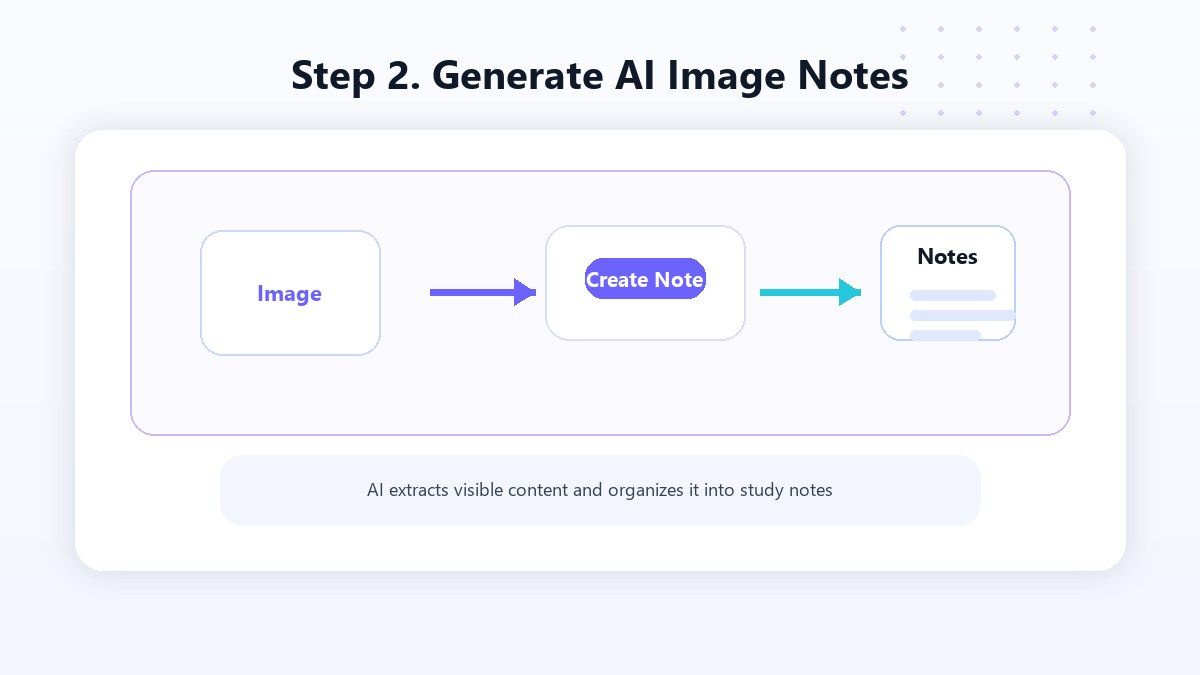
Step 2. Generate AI Image Notes
Click Create Note and Lynote will turn the image content into structured notes. The output can include summaries, headings, key points, definitions, examples, and study sections. Use it as an AI image to notes workflow when you want a cleaner note draft instead of a raw image file.
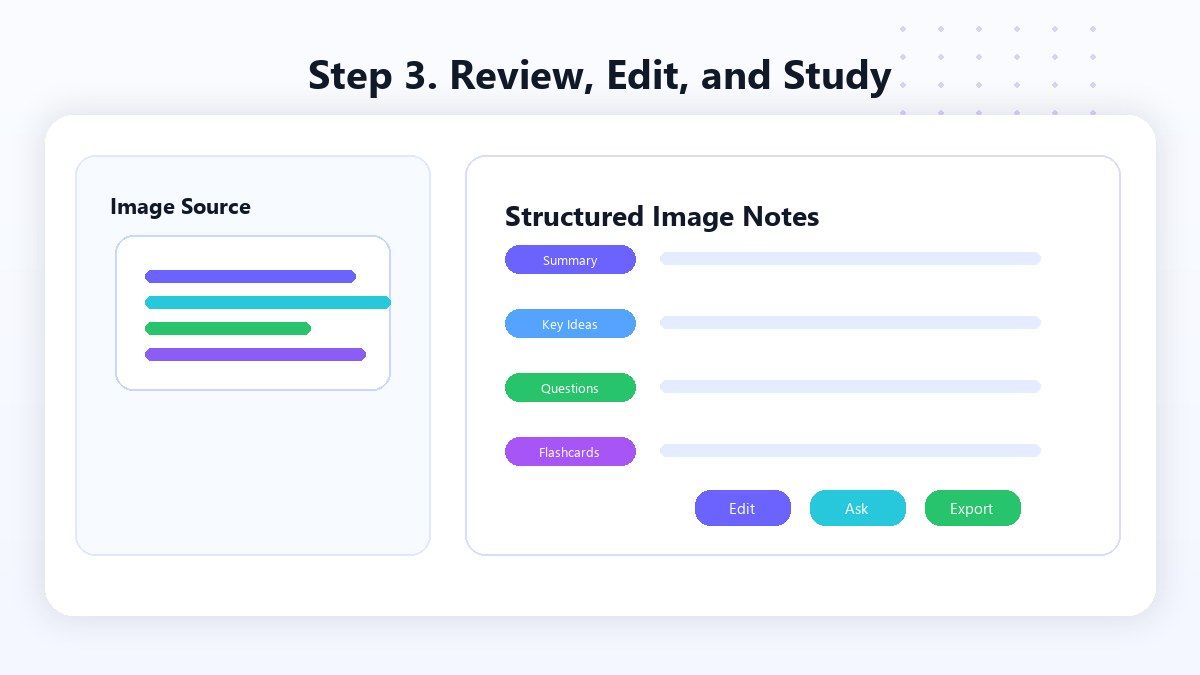
Step 3. Review, Edit, and Study
Read through the generated notes, fix unclear parts, add your own class context, and remove anything that does not matter. You can also ask questions about the notes or turn important points into flashcards. This final step helps transform images to notes AI output into useful study material you can actually review.
Who Benefits from Image to Notes AI?

Students
Turn board photos, worksheet images, notebook pages, and screenshots into structured notes for faster review.

Online Learners
Convert screenshots from courses, tutorials, webinars, and videos into notes you can search and edit.

Teachers and Tutors
Create cleaner notes from board explanations, classroom screenshots, and visual teaching materials.

Researchers
Extract useful notes from image-based references, scanned pages, diagrams, and visual source material.

Content Creators
Turn screenshots, visual research, and reference images into organized notes for outlines and planning.

Busy Professionals
Convert meeting board photos, training screenshots, and visual notes into searchable summaries.
What People Say About Lynote Image to Notes AI

College Student

I take photos of the board after class, then use Lynote to turn them into notes. It saves me from retyping everything at night.

Online Learner
My course screenshots used to sit in a folder forever. Lynote helps me convert the useful ones into notes I can actually review.

High School Student
I use it for worksheet photos and handwritten notes. The output gives me a cleaner draft before quizzes.

Graduate Student
Some research materials are image-based or scanned. Lynote helps me turn them into notes I can organize and search.

Teacher
I use Lynote to turn board photos into class review notes. It is helpful after tutoring sessions and quick explanations.

Content Creator
I save lots of screenshots while researching. Lynote helps me turn those images into usable notes and outlines.
FAQ
Image to Notes AI is a tool that turns readable images into structured notes. Lynote can help convert screenshots, board photos, textbook images, worksheets, and handwritten note photos into study-ready notes.
Yes. You can upload image-based study material and Lynote will help generate structured notes from the visible content.
You can use common image formats such as PNG and JPG when the content is readable. Clearer images usually produce better notes.
Yes. Lynote is useful for screenshots from videos, online classes, PDFs, websites, slides, and course platforms.
It can help with readable handwritten notes, but quality depends on handwriting clarity, image sharpness, lighting, and layout.
Yes. OCR mainly extracts text. Lynote helps organize the extracted information into structured notes, summaries, key points, and study sections.
Yes. You can review and edit the generated notes, add your own context, remove noise, and reuse the notes for study.
Yes. After generating notes, you can reuse important concepts as flashcards for active recall and review.