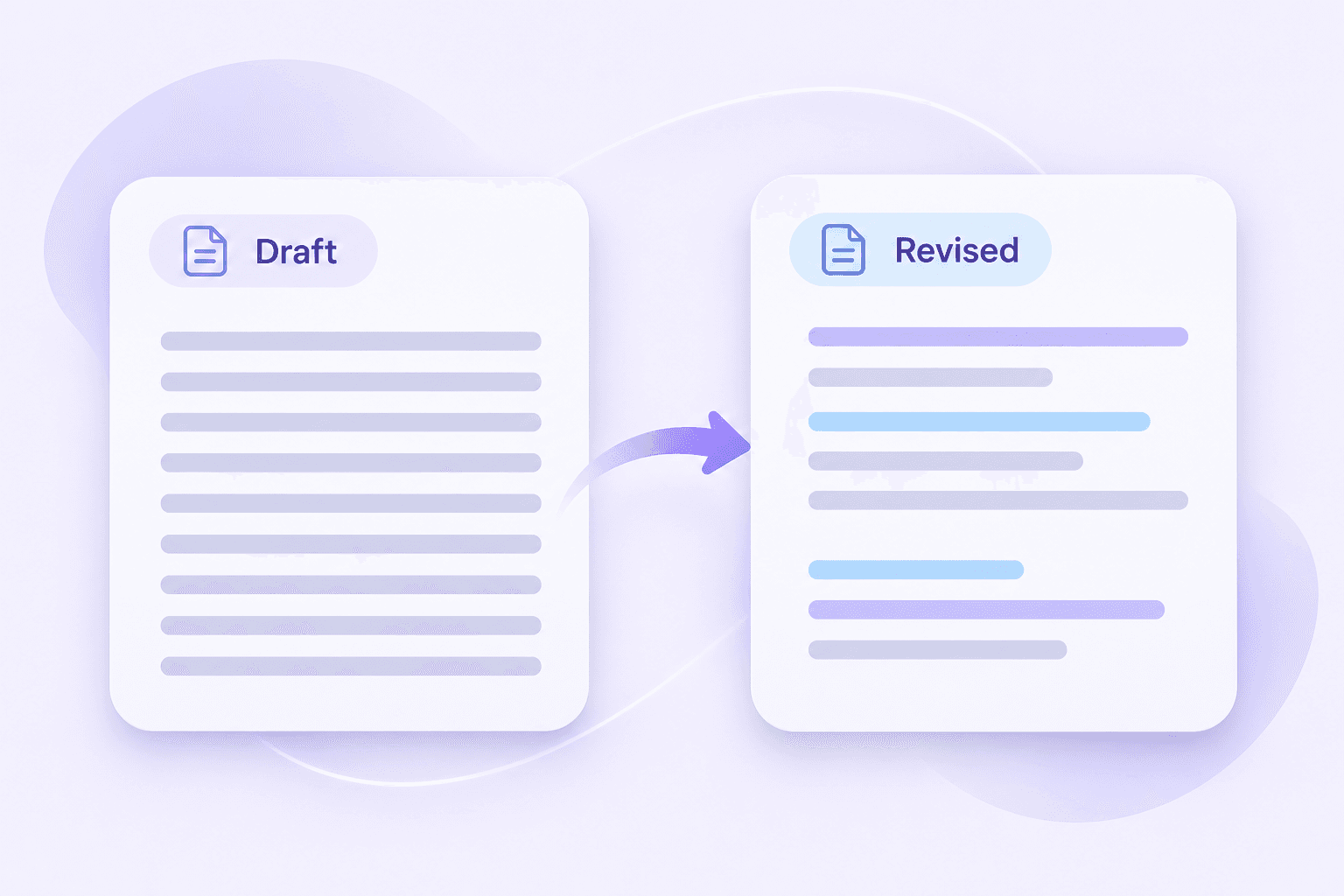
Original Draft
In order to facilitate effective collaboration among team members, it is essential to establish clear communication channels and ensure that all participants possess a comprehensive understanding of their respective responsibilities.


Looking for a Grammarly AI Humanizer alternative? Use Lynote to rewrite stiff AI-generated drafts, then refine the result so it reflects your message, audience, and voice.
Grammarly’s AI Humanizer rewrites AI-generated text to improve its naturalness and readability. Its official page offers basic humanization, with additional options through its Humanizer agent.
If you searched for “AI humanizer Grammarly” to reach the official tool, follow the link above. If you want another way to revise your draft, try Lynote.
A useful rewrite should do more than replace words. It should make your point easier to understand without introducing claims you did not intend.

Bring an existing draft into the rewriting process. Keep your original version so you can compare changes and recover any detail you want to retain.

Think about who will read the text and what they need from it. A short customer reply, a research explanation, and a personal statement should not all sound alike.

Remove introductions that delay the main point. Keep explanations that answer a real question, and cut sentences that repeat what the reader already knows.

Names, examples, observations, and specific explanations make writing useful. Preserve those details instead of replacing them with broad, polished statements.

Check whether the new wording changes the strength of a claim, removes a qualification, or suggests a result you cannot support.

Treat the rewritten draft as something you can edit. Add the phrasing you would naturally use and remove language that feels unfamiliar.
Lynote’s AI Humanizer rewrites AI-generated text for more natural phrasing. Start with the passage that feels awkward, then compare the revision with your original.
Look for unnecessary formality, repeated transitions, and sentences that take too long to reach their point.
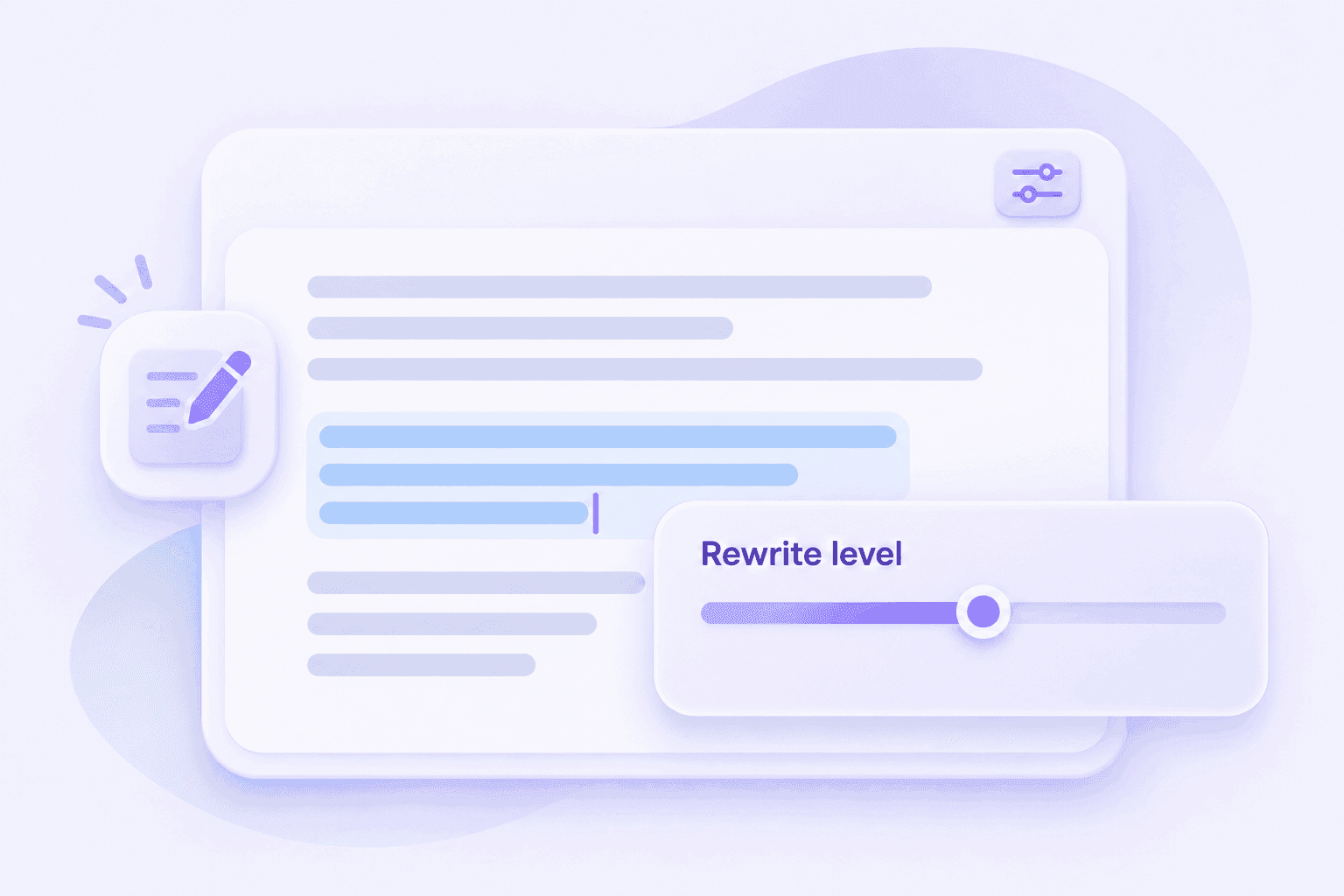
Use the rewriting settings available in Lynote to guide the revision. A draft that already works may need a lighter edit than a passage with repetitive structure.
Judge the result by what improved—not by how different it looks.
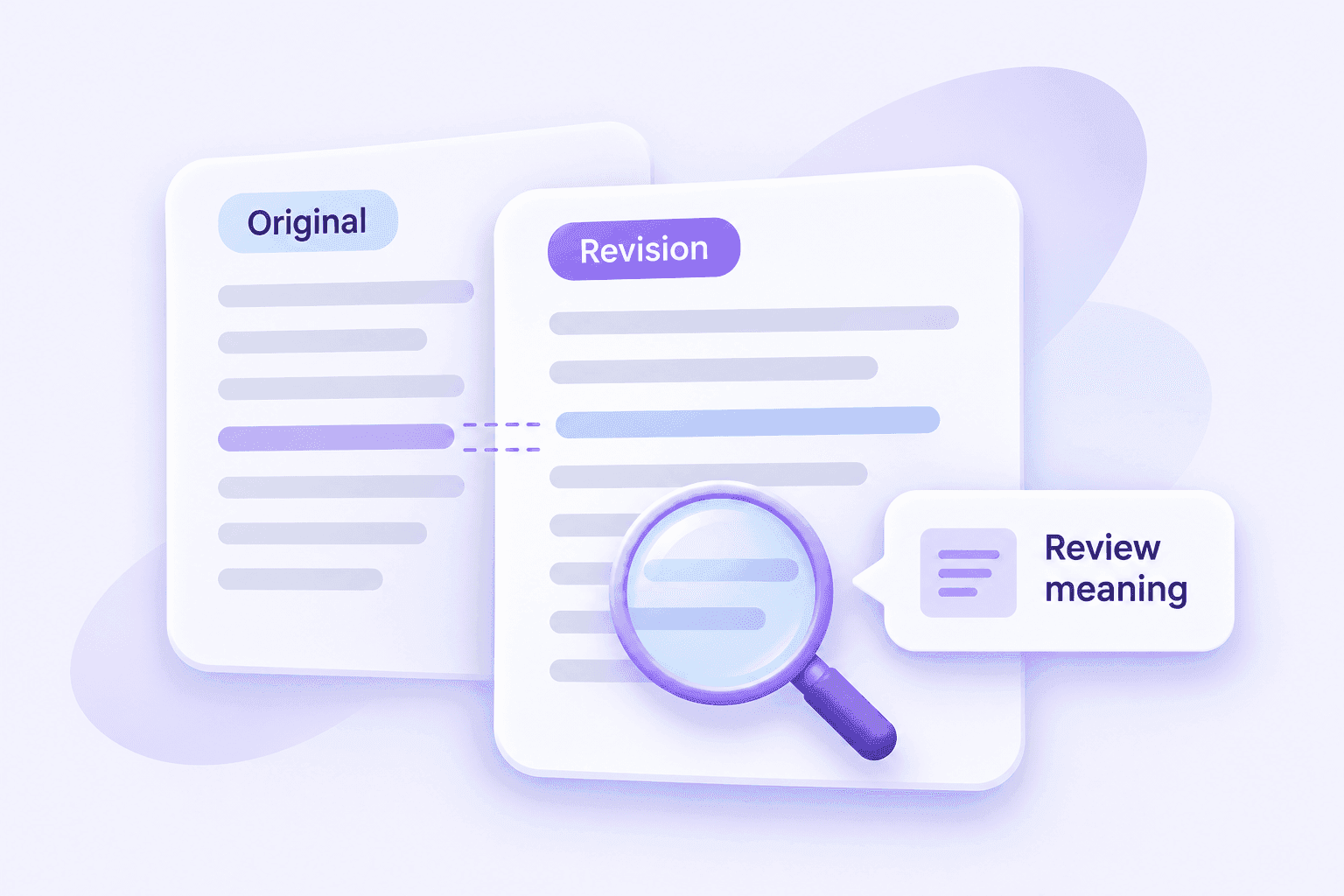
Read the original and revised passages together. Confirm that names, figures, references, and important qualifications still say what you intended.
If a sentence sounds smoother but becomes less precise, edit it again.
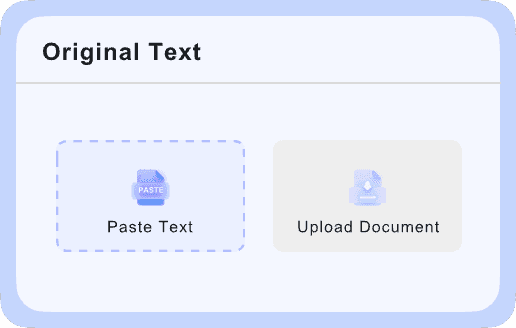
Paste your text or upload a supported document.

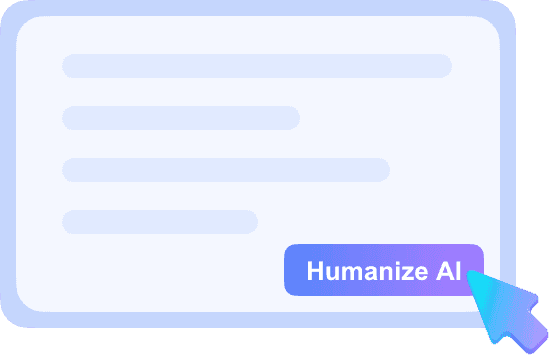
Select the available rewriting settings, then click Humanize.
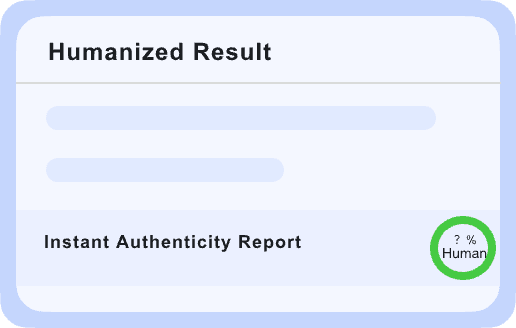
Check the meaning, make your final edits, and copy the result.
Small changes can make a sentence more direct without adding new facts.
In order to facilitate effective collaboration among team members, it is essential to establish clear communication channels and ensure that all participants possess a comprehensive understanding of their respective responsibilities.
Teams work better when people know how to reach each other and understand what they’re responsible for.
A humanizer changes wording. An AI detector assesses writing for patterns associated with AI-generated text. Neither task replaces checking the accuracy of what you wrote.
If you are comparing a Grammarly AI detector and humanizer workflow with other tools, keep the purpose of each stage clear.
| Stage | Main question | Your review |
|---|---|---|
| Drafting | What do I want to say? | Establish your point and supporting information. |
| Humanizing | Does this sound clear and natural? | Compare the revision with your original. |
| AI checking | Does the text show patterns worth reviewing? | Examine the passage rather than relying only on a score. |
| Final editing | Is this ready for its audience? | Verify facts, references, tone, and requirements. |
For a separate text review, use Lynote AI Detector. A detector result should inform your judgment, not become the only target of your editing.
The best Grammarly alternative for AI humanization depends on your draft and the kind of editing you need.
Compare tools using the same passage. Include a few details that matter, such as a technical term, a qualification, or a sentence with a deliberate tone.
| Comparison point | What to look for |
|---|---|
| Meaning | Does the revision preserve the point and its qualifications? |
| Naturalness | Would you comfortably use this wording yourself? |
| Specificity | Are useful examples and concrete details retained? |
| Editing control | Can you choose an approach that suits the draft? |
| Manual work | How much correction does the output still need? |
| Free access | What can you actually test before upgrading? |
| Pricing | What limits, features, and renewal terms apply? |
| Workflow | Is it easy to compare, revise, and reuse the text? |
For a Grammarly AI Humanizer pricing vs. competitors comparison, check current plans directly. Compare the cost of completing your actual work rather than the headline subscription price alone.
Put the answer or next step near the beginning. Replace overly formal introductions with language that suits the relationship.
Make each section answer a clear reader question. Add examples from your subject instead of relying on general statements.
Keep terminology precise while simplifying unnecessary complexity. Make recommendations easy to distinguish from established facts.
Explain your real experience in direct language. Verify that a rewrite has not exaggerated your responsibilities or achievements.
Use editing to make your reasoning easier to follow. Retain citations and follow the rules that apply to AI assistance.
Lead with the useful detail. Remove filler that takes space without adding meaning.
<p>Yes. Grammarly provides an official AI Humanizer page and a Humanizer agent. Use the <a href="https://www.grammarly.com/ai-humanizer" style="color:#7651da;text-decoration:underline">official Grammarly tool</a> if you want Grammarly’s service.</p>
<p>Yes. Its humanizer is designed to revise AI-generated wording. You should still review the output for meaning and suitability before using it.</p>
<p>Open its official humanizer page, paste text or upload a document, and select Humanize. Review the revised wording before keeping it. <a href="https://www.grammarly.com/ai-humanizer" style="color:#7651da;text-decoration:underline">Grammarly’s instructions</a></p>
<p>Grammarly currently offers basic humanization on its free tool page. Account-based and Pro features have separate access conditions. Check the <a href="https://www.grammarly.com/ai-humanizer" style="color:#7651da;text-decoration:underline">official page</a> before choosing a plan.</p>
<p>Evaluate it on your own writing. A useful result should improve clarity or flow while preserving the details you need. Keep the original beside the output and note any changes you would have to undo.</p>
<p>“Good” depends on your audience, subject, and editing preferences. Test a representative passage rather than relying on a general recommendation. The better option is the one that produces a useful draft with fewer unwanted changes.</p>
<p>You can revise text across different tools, but repeated rewriting can gradually change its meaning. Keep an original copy and review each version before continuing.</p>
<p>Start with your requirements: readable output, meaning preservation, manageable limits, and easy review. Try Lynote on the same passage you use elsewhere, then compare the results using the criteria above.</p>
<p>Lynote offers basic access without sign-up, while Grammarly advertises a free humanizer. Check the limits shown in each tool when you use it. <a href="https://lynote.ai/ai-humanizer" style="color:#7651da;text-decoration:underline">Lynote AI Humanizer</a> · <a href="https://www.grammarly.com/ai-humanizer" style="color:#7651da;text-decoration:underline">Grammarly AI Humanizer</a></p>
<p>No. Treat any rewrite as an editing aid, not a guaranteed detector outcome. Improve the writing for its reader and follow any disclosure requirements that apply.</p>
<p>Use the same original passage and assess meaning, naturalness, and factual consistency. Record unwanted changes as well as improvements. A claimed detector score is not a substitute for reviewing the text.</p>
<p>First check the current purpose of each product. Proofreading, paraphrasing, and humanization are related but different tasks. Compare features that solve the same problem rather than treating every writing tool as interchangeable.</p>
<p>They can suggest issues worth testing, but an individual report may involve different text, settings, or product versions. Look for examples you can inspect and confirm important claims through your own trial.</p>
<p>Read it aloud. Replace expressions you would never use, add relevant observations, and restore details that the rewrite made too general. Keep the wording that expresses your idea most accurately.</p>
Exploring Grammarly AI Humanizer alternatives? Start with one passage and see what changes would make it more useful to your reader.