

French AI Humanizer: Humanize AI Text in French
Content
Result

Your humanized result will be ready here. To begin, paste your AI-generated text in the left box.



Why Choose Our French AI Humanizer?

Natural French
Replace stiff AI wording with expressions that feel more familiar in French. Make your draft sound less like a direct translation.

Clearer Sentences
Make long or crowded sentences easier to follow. Give each idea enough space without making readers work through unnecessary words.

Less Repetition
Reduce repeated phrases and predictable sentence openings. Keep your French writing varied without reaching for complicated vocabulary.

Keep Your Meaning
Improve how you express an idea while keeping the focus on your message. Review the rewrite to check that names, facts, and details remain accurate.

Tone That Fits
Prepare French text for different readers and situations. Aim for a warmer personal message or a more measured tone for work.

Any Writing Style
Use our AI humanizer for French emails, articles, product descriptions, and more. Start with your existing draft and improve the wording.

Less Manual Rewriting
Get a revised draft to work from instead of editing every sentence from scratch. Spend your time checking details and adding your own voice.
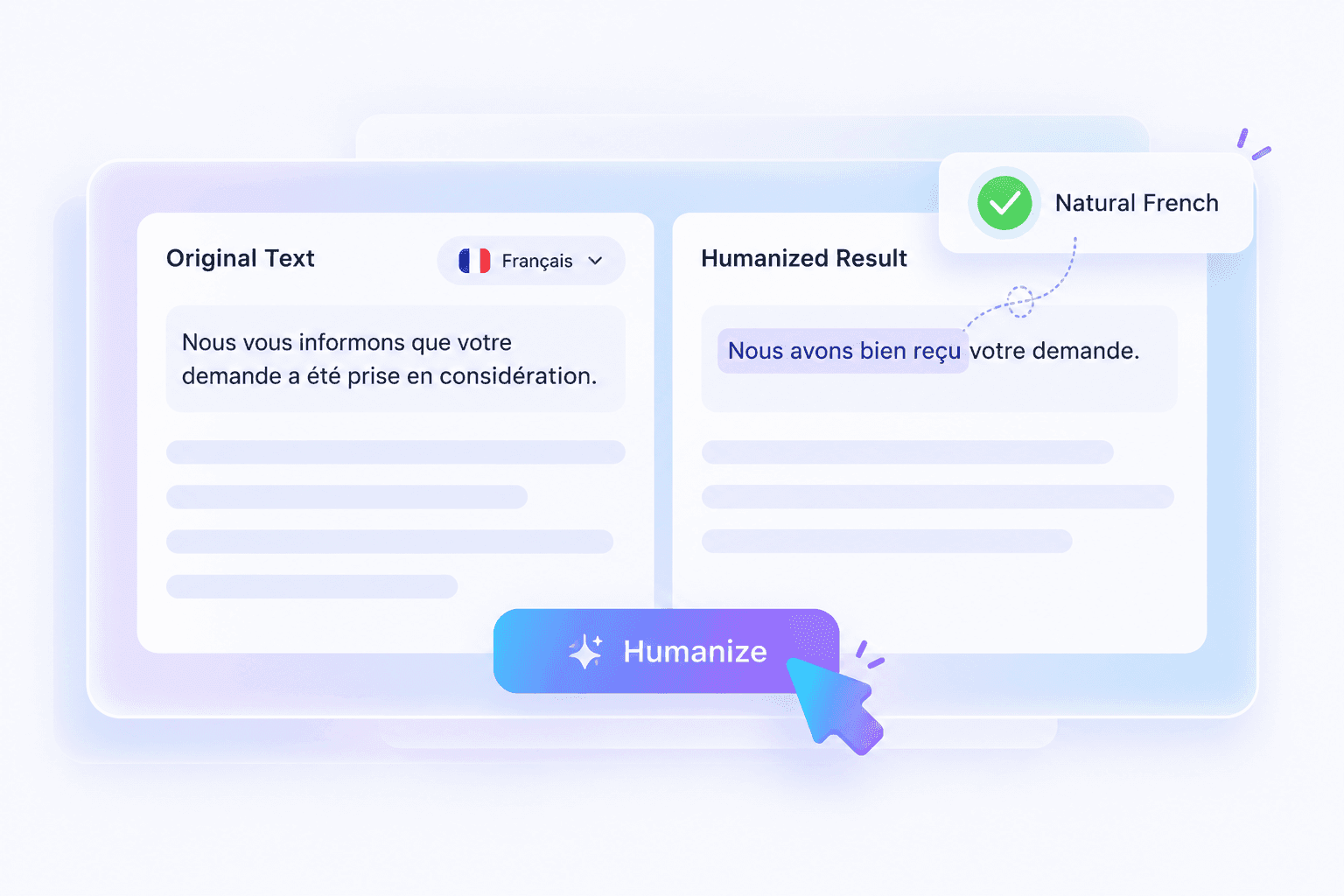
Humanize AI Text in French with Natural Phrasing
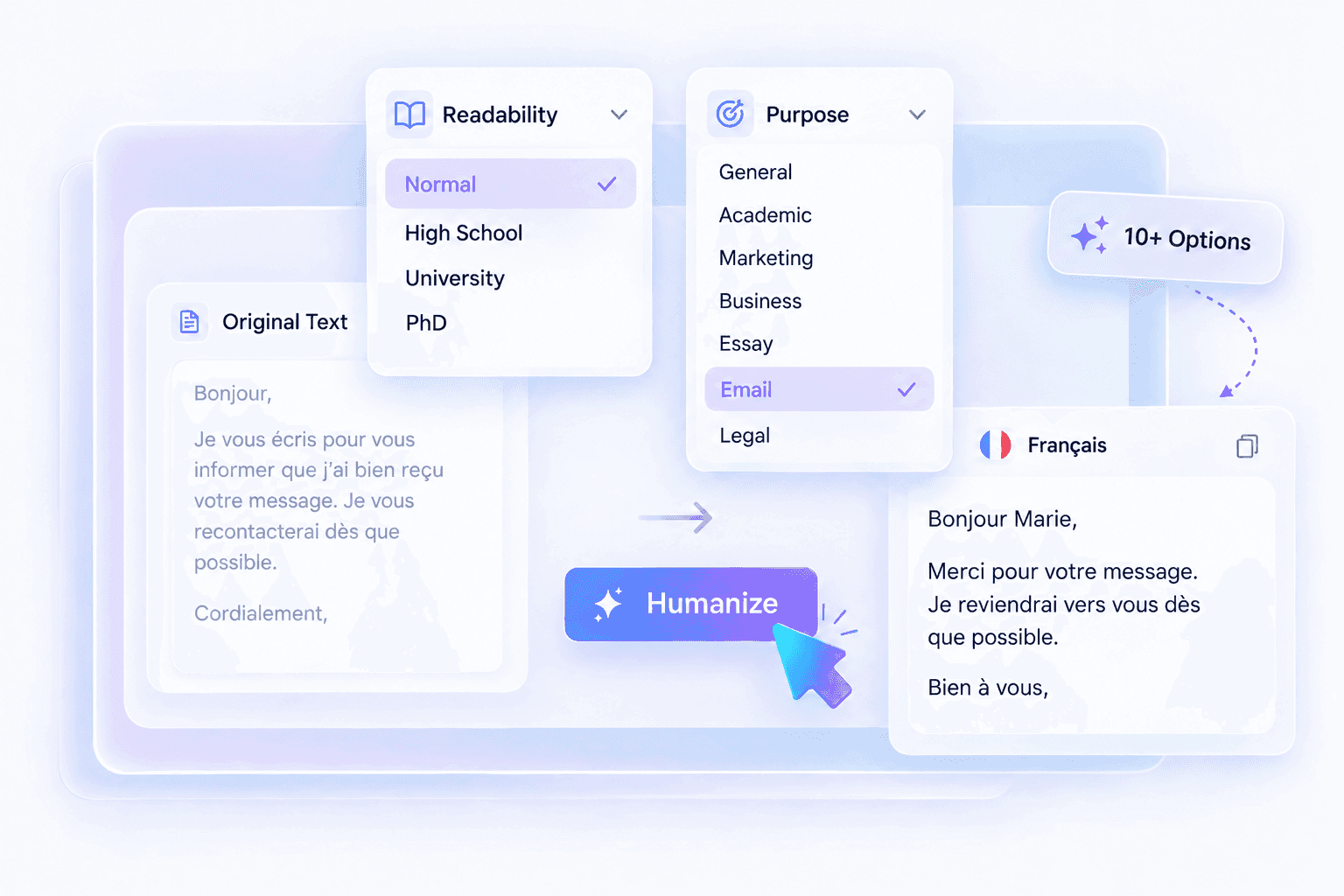
Humanize French Text with 10+ Readability and Purpose Options
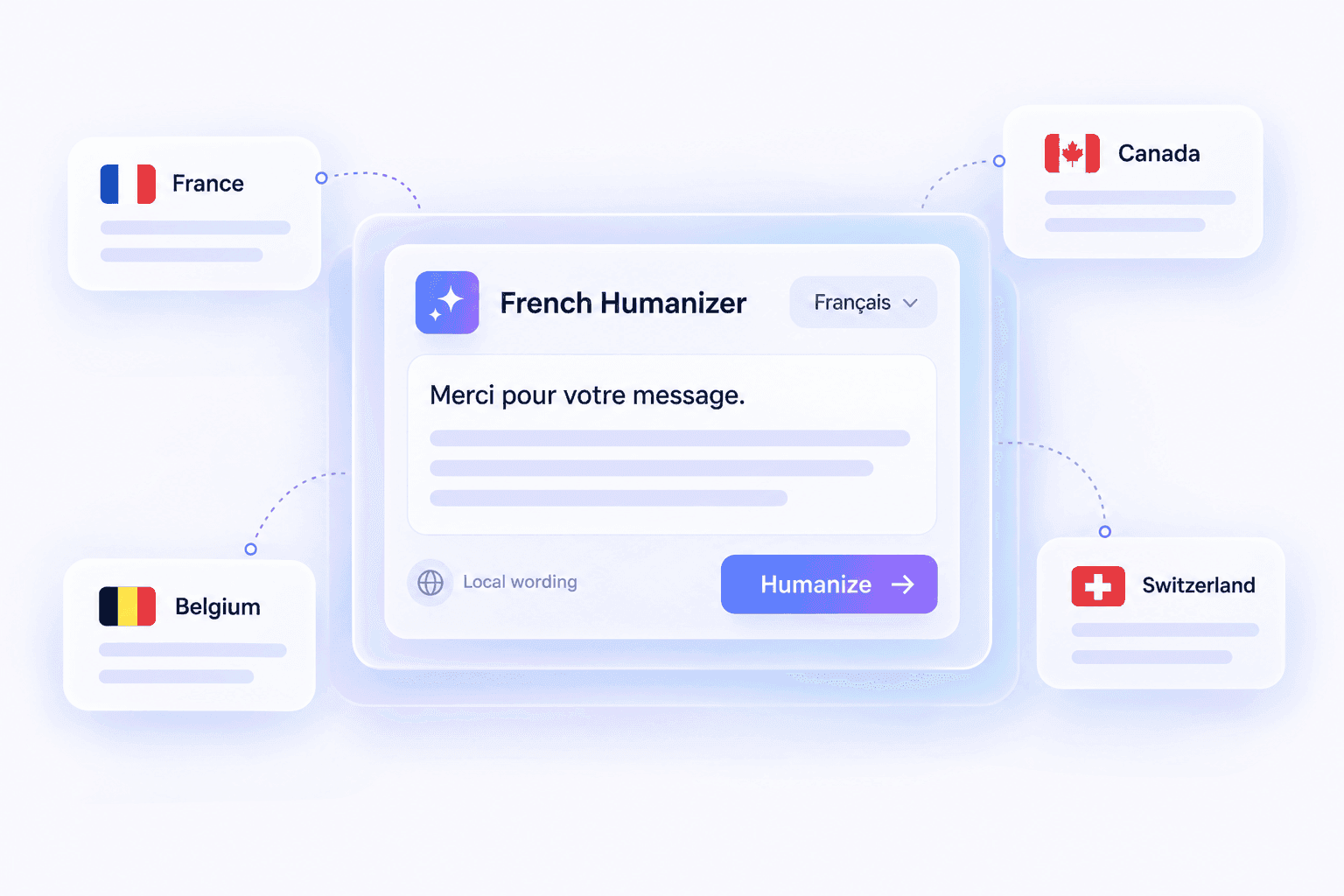
Humanize French Text for France, Canada, and Beyond
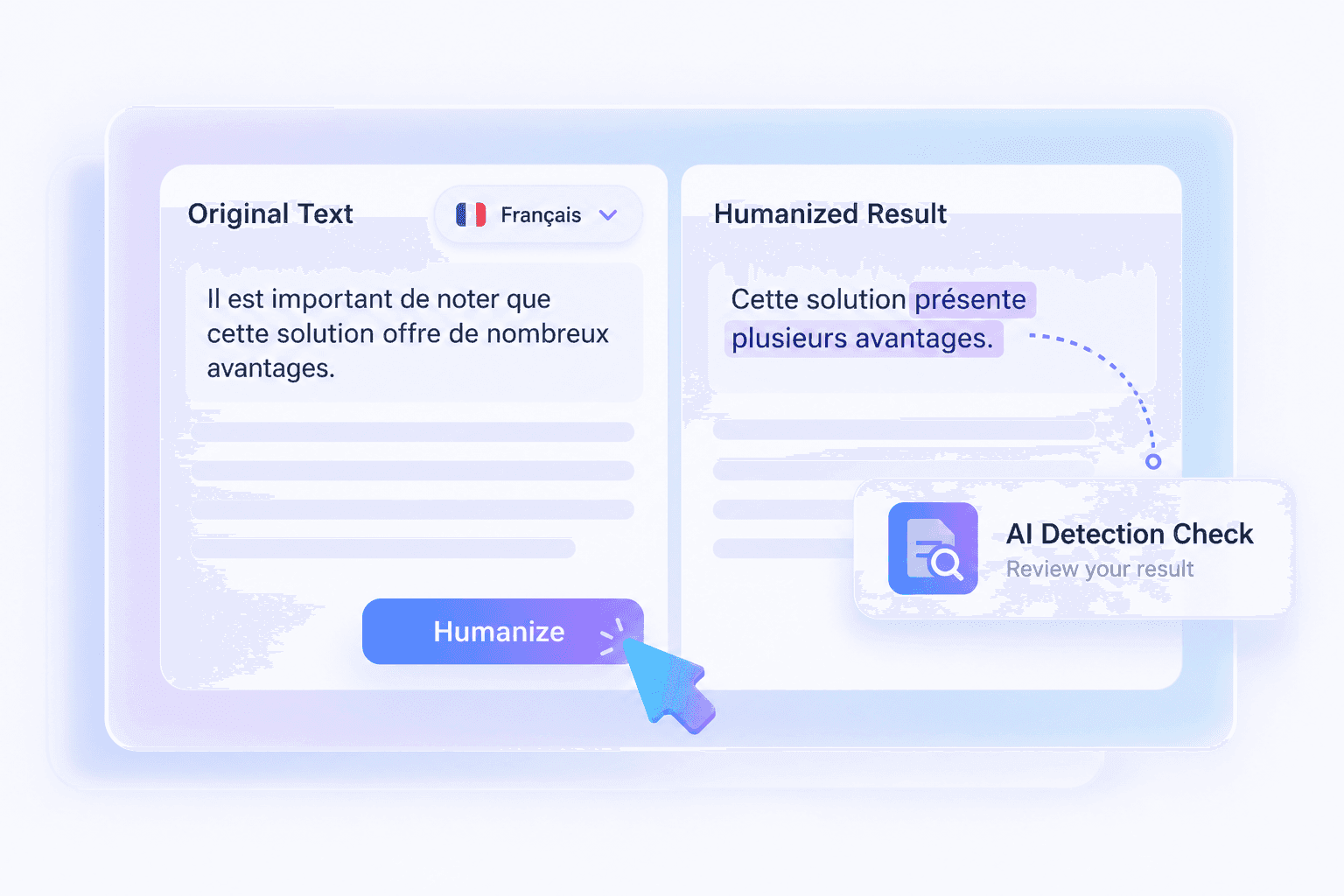
Humanize AI in French to Bypass AI Detectors
How to Humanize AI Text in French
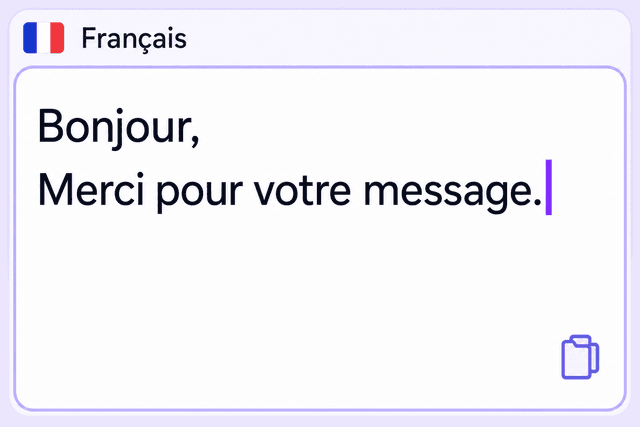
Step 1. Paste Your French Text
Paste the French draft you want to improve. You can start with an email, an article, a product description, or another piece of text.

Step 2. Humanize Your Text
Run the French AI humanizer to rewrite stiff phrasing and improve the flow of your draft.
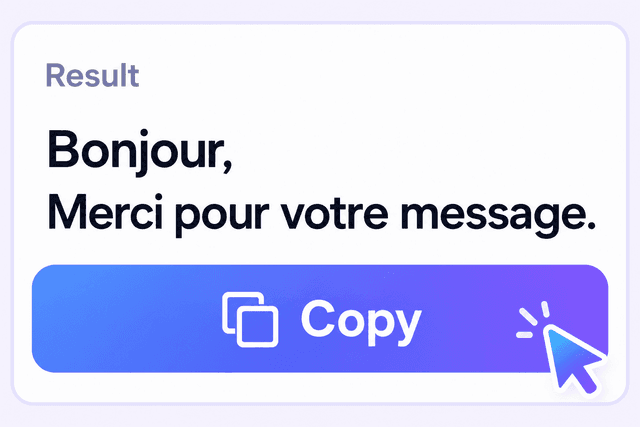
Step 3. Review & Copy
Check the meaning, tone, and use of tu or vous. Make any final edits, then copy your text.
Humanize French Text for Everyday Writing

Work Emails
Rewrite French emails so your request is easy to understand. Keep the tone polite and direct when contacting clients, colleagues, or partners.
Rewrite French emails so your request is easy to understand. Keep the tone polite and direct when contacting clients, colleagues, or partners.

Blog Posts & Articles
Make French articles easier to read from one paragraph to the next. Reduce repetitive wording and explain your ideas more clearly.
Make French articles easier to read from one paragraph to the next. Reduce repetitive wording and explain your ideas more clearly.

Product Descriptions
Turn stiff product copy into useful French descriptions. Explain what the product offers while keeping features, specifications, and conditions accurate.
Turn stiff product copy into useful French descriptions. Explain what the product offers while keeping features, specifications, and conditions accurate.

Social Media Captions
Make French captions sound more conversational. Get to the point and leave room for the personality of your brand.
Make French captions sound more conversational. Get to the point and leave room for the personality of your brand.
Customer Replies
Rework standard replies into French that feels more attentive. Keep the answer clear and check that any promises match what you can provide.
Rework standard replies into French that feels more attentive. Keep the answer clear and check that any promises match what you can provide.
Cover Letters
Polish the French in your cover letter so your experience is easy to understand. Keep your own examples and personal details at the center of the message.
Polish the French in your cover letter so your experience is easy to understand. Keep your own examples and personal details at the center of the message.
What Users Say About Our French AI Humanizer

French Graduate Student

"I used Lynote's french AI humanizer to rewrite a ChatGPT-generated thesis chapter. The output in my DOCX file finally read like real French, not robotic sentences."

French SEO Specialist
"Switching between Balanced and Enhanced modes let me fine-tune my French blog post. Lynote offers unique control over how deeply it humanizes AI-generated French text."

French Academic Writer
"The Instant Authenticity Report helped me check detector scores after rewriting a French research summary for journal submission. It's reassuring to see predicted results right away."

French Content Agency Manager
"I uploaded a French .pdf client report and Lynote produced a humanized version in seconds. The ability to process multiple file formats is a real advantage for our agency."

French Social Media Manager
"With Lynote, I humanized a set of French Instagram captions within the 600-word limit. It's fast and fits my workflow perfectly for short social content."

French Researcher
"I processed confidential French survey results and appreciated Lynote's private, secure handling. Knowing my text isn't stored or reused gives me confidence with sensitive research files."
Frequently Asked Questions
A French AI humanizer rewrites AI-generated French to make the wording clearer and more natural. It focuses on how the text reads, including phrasing, repetition, and sentence flow.
Paste your French draft into the tool and run the humanizer. Review the result for meaning, tone, and accuracy, then make any final edits before using it.
AI-generated French can sound overly formal, repetitive, or too close to a literal translation. A French humanizer helps you revise those expressions without starting the whole draft again.
You can use it to revise drafts for different situations, from work emails to personal messages. Check the result to make sure its level of formality suits your reader.
Keep the form of address that fits your relationship with the reader. Review the rewrite for consistency, including related forms such as ton or votre.
The aim is to improve the wording while keeping your main message. Rewriting can change nuance, so compare the result with your original and check important facts, conditions, and terminology.
Yes, you can use a translated French draft as your starting point. Review the rewrite against the source to check that it preserves the meaning and uses suitable French expressions.
A grammar checker mainly looks for issues such as spelling, agreement, and punctuation. A French AI humanizer focuses on rewriting the phrasing and flow. The result still needs a final language check.
Yes. AI detectors can produce different results, and humanizing text does not guarantee a particular score. Focus on clear writing, accurate information, and your own final edits.
Read it through before you use it. Check accents, agreements, names, and the tone of the message, especially for professional or public content.