Free AI Script Humanizer
Content
Result

Your humanized result will be ready here. To begin, paste your AI-generated text in the left box.



Why Choose Our AI Script Humanizer?

Fast Results
Humanize AI scripts in seconds. Paste your draft and get a revised version without rewriting each line by hand.

Any Script Style
From casual YouTube intros to professional presentations, humanize your script for different audiences. Works with video scripts, podcasts, ads, lessons, and dialogue.

Natural Script Flow
Make your script easier to read aloud with smoother transitions and less awkward phrasing. Help each sentence flow naturally into the next.

Humanize AI Scripts
Turn stiff AI wording into clear, everyday language. Make your script sound more conversational while keeping your main message.

No Sign-Up
Try our AI script humanizer without creating an account. Open the tool, paste your script, and start rewriting.

Bypass AI Detection
Rewrite repetitive AI phrasing with more varied language and sentence patterns. Results can vary across AI detectors.
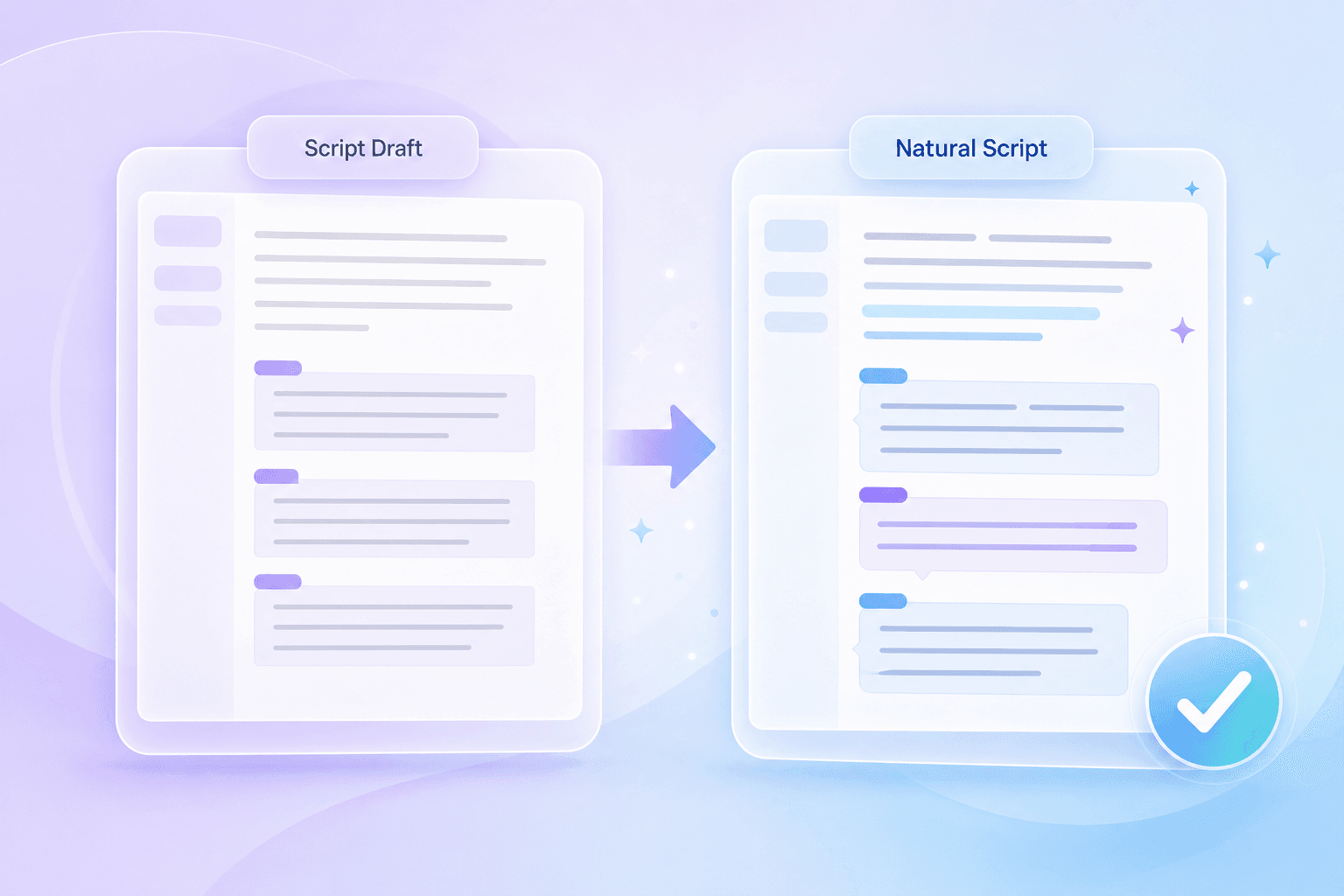
Humanize AI Scripts to Sound More Natural
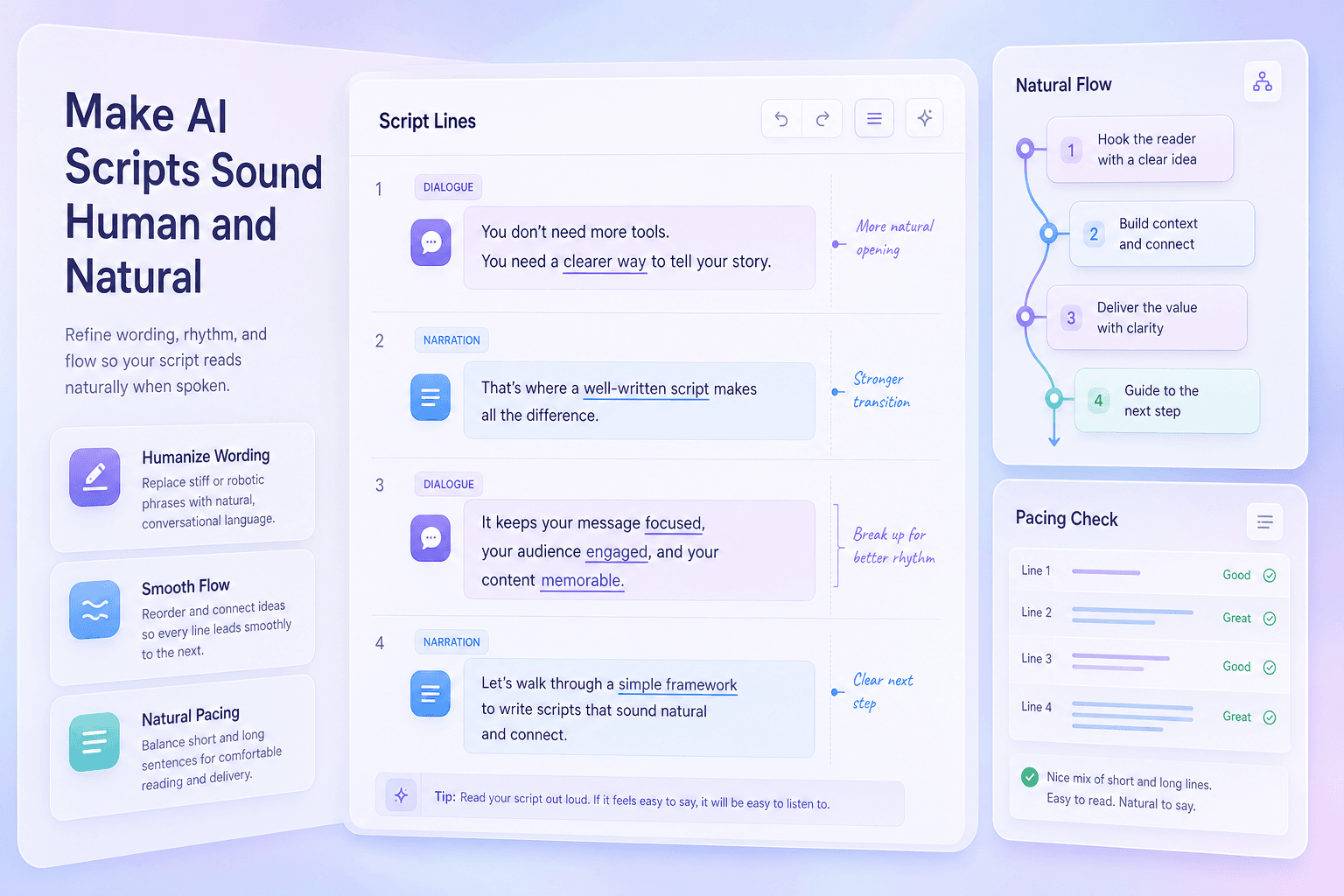
AI Script Humanizer for Natural Dialogue
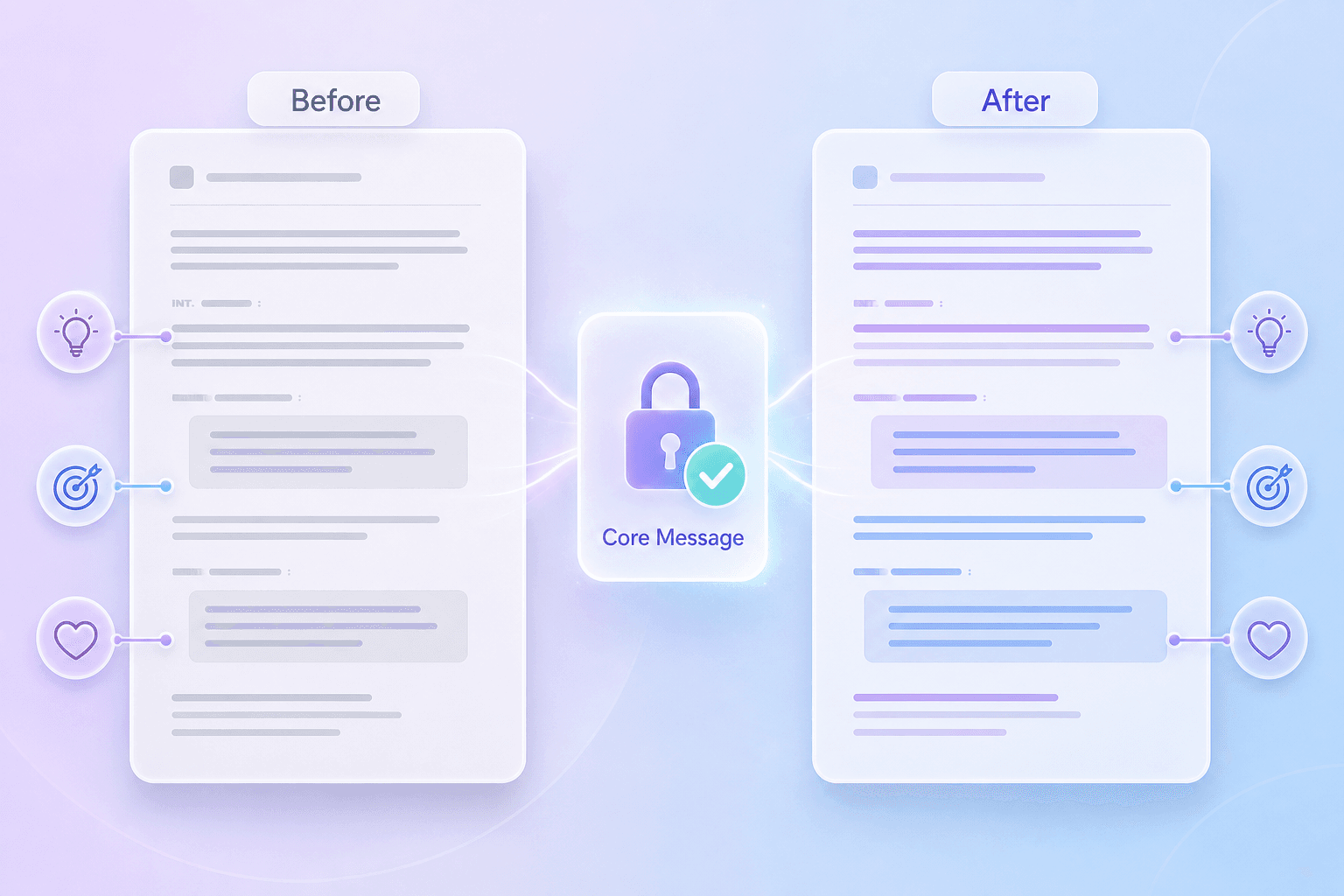
Humanize Scripts Without Losing Your Message
How to Humanize AI Scripts

Paste or upload your script
Paste your AI script into the text box or upload a document.


Humanize your script
Let AI rewrite stiff wording into a more conversational script.

Review & export
Read the result aloud, check the meaning, and make any final edits. Then copy your script.
Humanize Scripts for Videos, Podcasts, and More

YouTube Scripts
Make tutorials, product reviews, and video essays easier to narrate. Rewrite long explanations into lines you can say comfortably on camera.
Make tutorials, product reviews, and video essays easier to narrate. Rewrite long explanations into lines you can say comfortably on camera.

Podcast Scripts
Polish episode intros, transitions, and sponsor reads. Make prepared lines fit more naturally into the conversation.
Polish episode intros, transitions, and sponsor reads. Make prepared lines fit more naturally into the conversation.

Short Video Scripts
Get to the point faster in TikTok, Reels, and Shorts scripts. Trim wordy openings and make each line easy to follow.
Get to the point faster in TikTok, Reels, and Shorts scripts. Trim wordy openings and make each line easy to follow.

Ad Scripts
Explain your offer in everyday language. Humanize AI script drafts for product demos, voiceover ads, and campaign videos.
Explain your offer in everyday language. Humanize AI script drafts for product demos, voiceover ads, and campaign videos.
Course Scripts
Turn formal lesson drafts into clear spoken explanations. Help learners follow each idea without getting lost in long sentences.
Turn formal lesson drafts into clear spoken explanations. Help learners follow each idea without getting lost in long sentences.
Character Dialogue
Replace stiff lines with more conversational wording. Review each character’s dialogue to keep their voice and intent consistent.
Replace stiff lines with more conversational wording. Review each character’s dialogue to keep their voice and intent consistent.
What Our Users Say

YouTube Creator

"This free script humanizer gives my video essays a better spoken rhythm. I can paste a rough intro and get a version that sounds much closer to my recording voice."

Podcast Host
"Instead of stiff AI phrasing, I get smoother dialogue for my episode transitions. It helps sponsor reads sound less pasted in and more like part of the show."

Marketing Manager
"Our ad reads have sharper hooks and smoother transitions now. Being able to humanize script drafts directly in the browser speeds up our campaign launches."

Course Creator
"It keeps the lesson point intact while making the narration easier to deliver. The final script feels more conversational and less like a generated training module."

Short-Form Creator
"I use it for a quick final pass before filming short videos. The hooks become clearer, and the script sounds less stiff when I read it out loud."

Scriptwriter
"This free script humanizer helped me reshape a rigid draft into dialogue that felt easier to perform. The scene still kept its original beat, but the lines sounded less flat."
AI Script Humanizer FAQs
An AI script humanizer rewrites an existing script to make it sound more natural when spoken aloud. It helps simplify stiff wording and improve the flow of narration or dialogue.
AI-generated scripts can sound stiff when read aloud. An AI script humanizer helps simplify awkward wording and improve the flow, so you spend less time rewriting. Use it to prepare more conversational scripts for videos, podcasts, and presentations.
Paste your draft or upload a document, then click Humanize Now. Read the rewritten script aloud, check the meaning, and copy it when you’re ready.
Yes. You can try the script humanizer for free without creating an account. Paste your draft to get started.
You can humanize scripts for YouTube videos, podcasts, ads, courses, presentations, and character dialogue. The tool works with an existing draft rather than writing a script from scratch.
The tool is designed to keep your main message while changing the wording. Review names, facts, and key details before using the rewritten script.
The tool can make your wording more conversational, but your final edits help it sound like you. Read the result aloud and change any phrases you wouldn’t normally say.
Rewriting may change the word count and reading time. If your video or ad has a time limit, read the revised script aloud and check its length before recording.
Yes. It can rewrite stiff dialogue and narration into language that is easier to say. Check the result to make sure it fits your characters, speaker, and audience.
No. This is a rewriting tool. Paste an existing script or upload a document for the tool to work with.
No tool can guarantee the same result across every AI detector. Review the rewrite for clear language, accurate meaning, and a tone that fits your audience.