

Filipino Speech to Text Transcription Online

Drop files or browse

Add study materials to enable the AI to extract and structure content.



Why Choose Our Filipino Speech to Text Transcription Tool?

Support for Filipino and Tagalog Audio
You can transcribe Filipino speech, Tagalog conversation, English-Filipino audio, interviews, lectures, voice memo and more into text using our tool.

Transcription Online
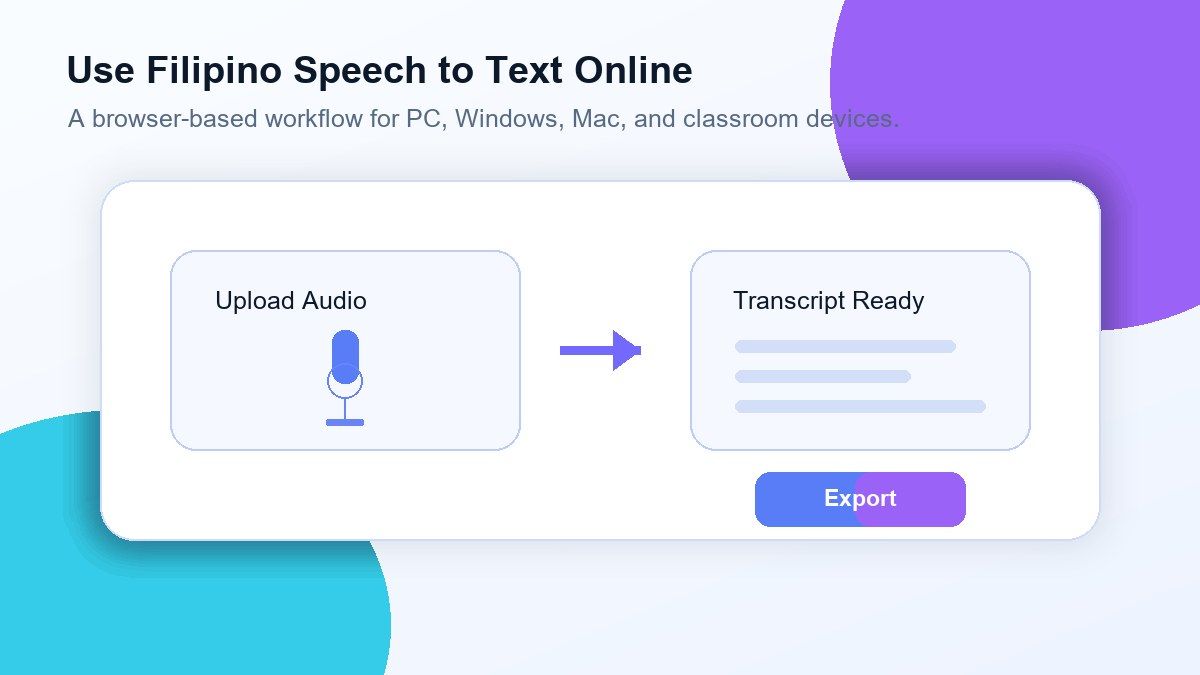
Using Lynote as a free Filipino speech to text transcription tool online doesn't require you to download any large apps on your computer. Simply upload your audio file and get started with the online transcription process.

Editable Transcript
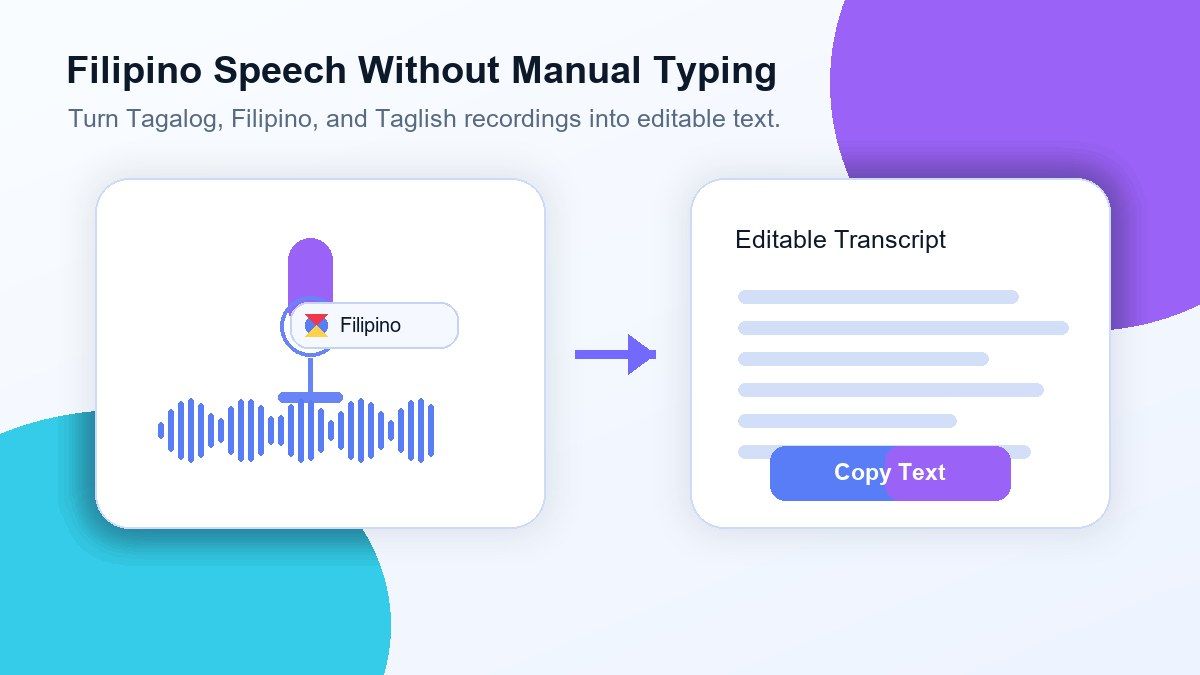
You get a text file that you can review, edit, copy, export, translate, summarize, or convert to notes. This could be helpful when Filipino speech contains names, slang, and code-switching.

Great For Long Audio Recordings
Converting long audio files like lectures, meetings, podcasts, oral histories, classroom recordings and interviews to searchable transcripts saves you from having to listen to the entire audio again.

Use It On PC And Windows
Lynote works online, so you can use it on PC, Windows laptop, Mac and any web browser you prefer. You don't have to download a specific Filipino transcription app to use the service.

Compatible With Most Audio File Types
You can upload audio files such as MP3, WAV, M4A, and other popular audio file types. Generally, clear audio files with little background noise produce cleaner transcripts.

Text-Based Searchable Review
You can search for names, key points, questions, and important statements in your transcript. This is helpful for students, researchers, editors and teams wanting to review their Filipino audio files faster.

Secure Processing
We process your audio securely and we do not use it to train AI models.
Filipino Speech To Text Without Typing It Manually
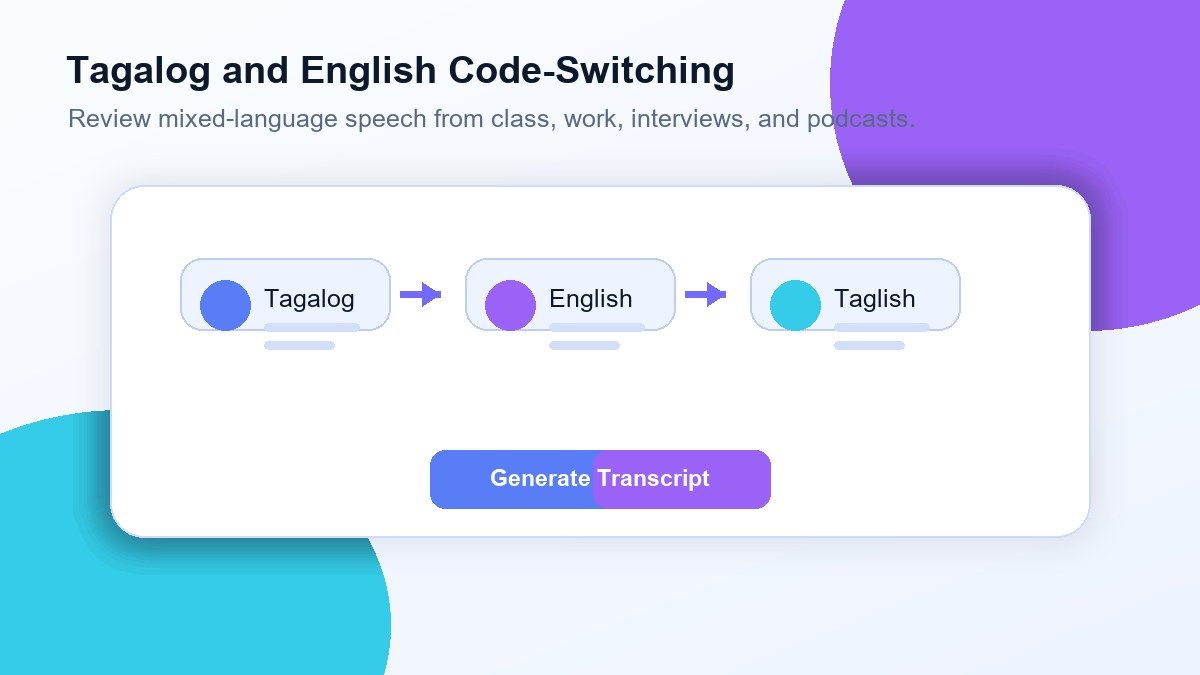
Tagalog & English Code-Switching
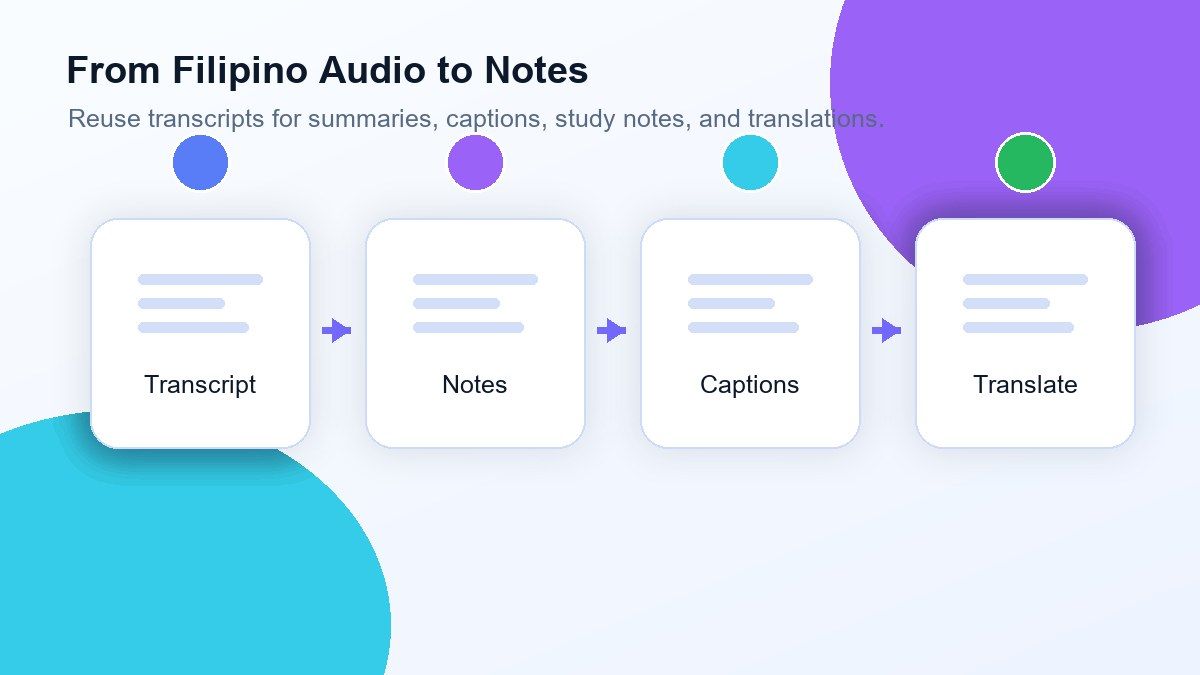
Turn Filipino Audio Into Notes, Captions, or Summaries
Use Filipino Speech to Text From Any Browser
How to Transcribe Filipino Speech to Text Online
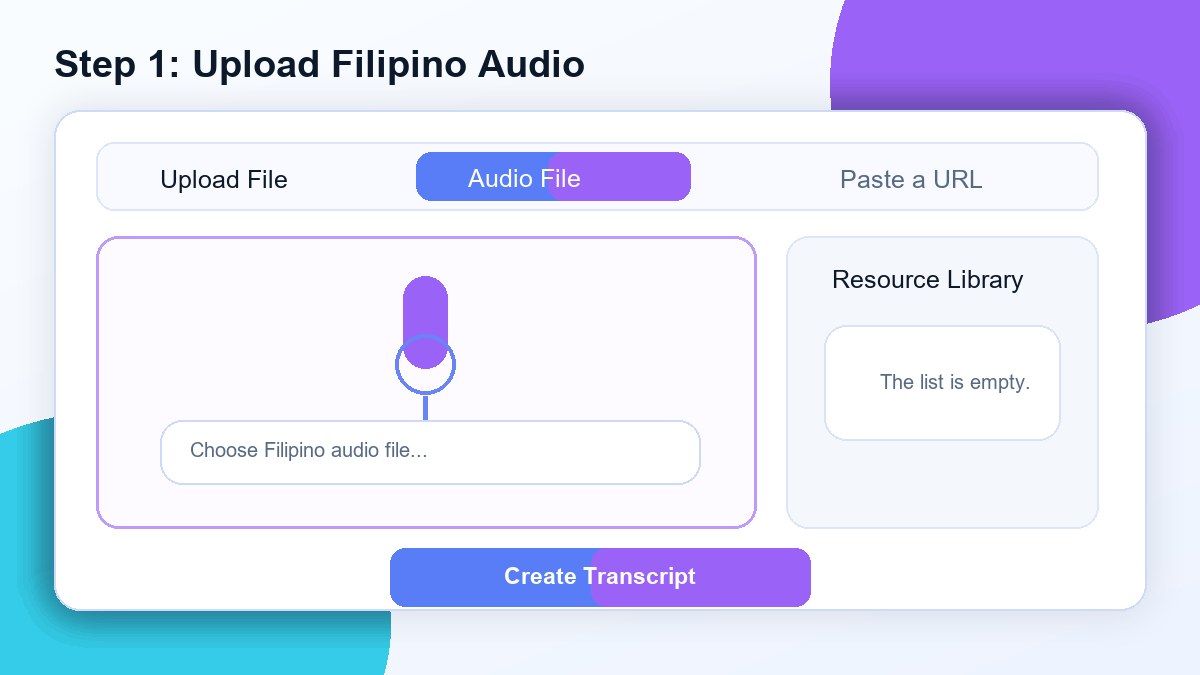
Step 1. Upload Your Filipino Audio
Upload an audio file in Filipino, Tagalog, or Taglish from your computer. Lynote accepts most audio file formats like MP3, WAV, and M4A. It works best with clear speech and minimal background noise.
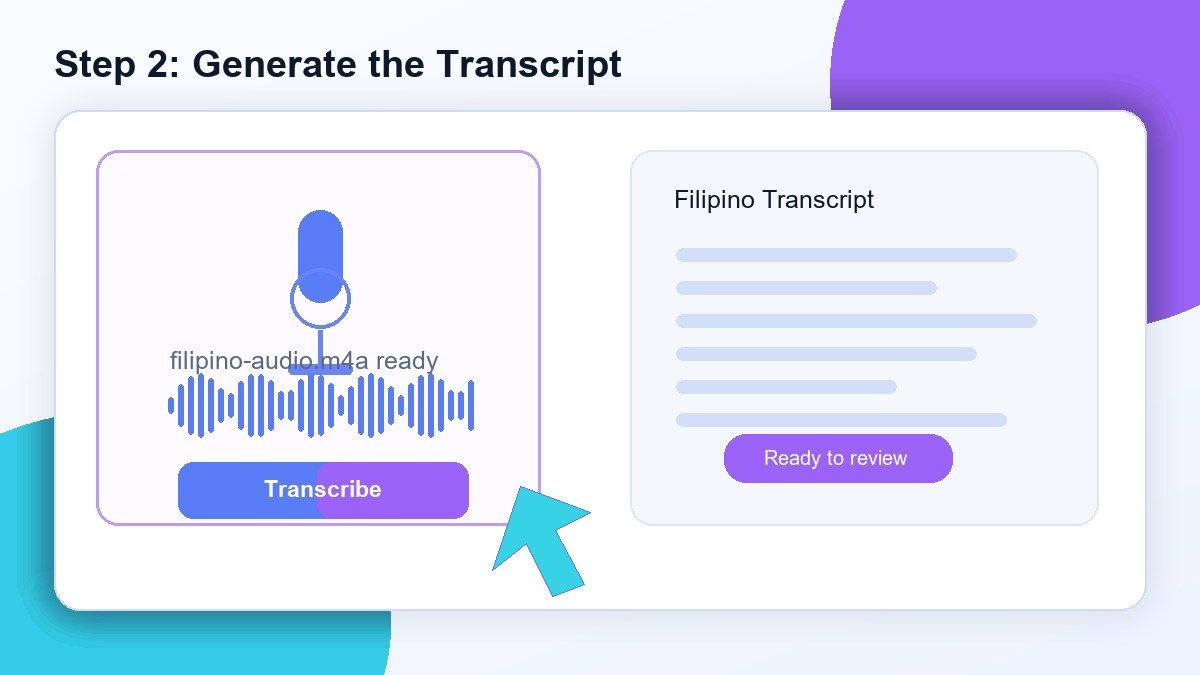
Step 2. Generate the Transcript
Start the transcription and Lynote will turn the Filipino speech into editable text. You can use the result to review conversations, lectures, interviews, meetings, podcasts, and voice memos more efficiently.
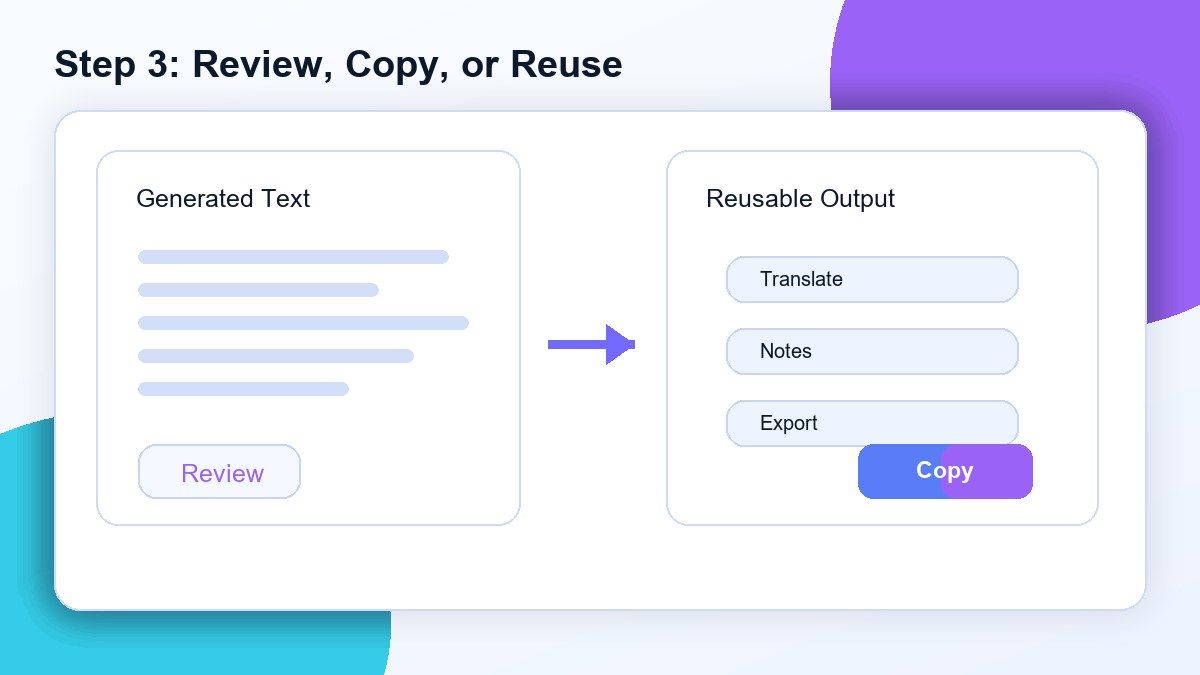
Step 3. Review, Copy, or Reuse the Text
Browse through the transcript, correct names or unclear words, and search for specific parts. Then copy, export, translate, summarize, or convert the transcript into notes for your workflow.
Who Is This Filipino Speech to Text Tool For?

Students
Convert Filipino lectures, class recordings, interviews, and study sessions into text you can read and review before tests or papers.

Researchers
Transcribe Filipino interviews, community conversations, oral histories, and qualitative research recordings to make coding and analysis easier.

Journalists
Convert Filipino audio interviews into searchable transcripts so you can quickly verify quotes, names, and story details.

Content Creators
Convert Filipino podcasts, voiceovers, videos, and recorded ideas into subtitles, scripts, summaries, and repurposed content.

Business Teams
Record Filipino meetings, client calls, training sessions, and team discussions without having to manually write down every detail.

Everyday Users
Convert Filipino voice memos, family stories, reminders, and personal recordings into text you can keep or share.
What People Say About Lynote Filipino Transcription

Graduate Student

I use Lynote to transcribe Filipino interviews for my research. The transcript is a good baseline and I can fix names and slang easily.

Podcast Editor
Our episodes mix Tagalog and English, so being able to edit the transcript is a big help. I use the transcript for show notes and clip planning.

Teacher
I record short Filipino class discussions and use the tool to create notes for review. It's a big time saver and helps me easily revisit lessons.

Journalist
It's much quicker to go through interview reviews. Now I just look for quotes in the Filipino transcript instead of listening over and over.

Content Creator
I'm using Filipino speech to text for subtitles and short-form videos. It quickly gives me a first draft to work from, then I refine it.

Operations Manager
We use it to capture meeting minutes where we speak both Filipino and English. It enables us to create records without doing the typing ourselves.
Frequently Asked Questions
Have questions? We've got answers. If you can't find what you're looking for, feel free to contact us.
An AI audio to text converter automatically transcribes spoken audio into written text using speech recognition technology. It helps turn recordings, meetings, lectures, interviews, and other audio files into editable transcripts.
Lynote supports popular audio and video formats including MP3, WAV, M4A, MP4, MOV, and more. You can also paste a YouTube link for transcription.
Our AI provides highly accurate transcription for clear recordings and spoken conversations. Accuracy may vary depending on background noise, audio quality, and speaker clarity.
Yes. You can transcribe podcasts, lectures, interviews, webinars, meetings, and other long-form recordings into searchable text.
Yes. You can transcribe audio to text online for free and generate editable transcripts in minutes.
Yes. Paste a YouTube link and Lynote will automatically generate a transcript from the video audio.
Yes. Once your transcript is generated, you can review, edit, copy, export, share, or translate the text.
Your files are processed securely and are never used to train AI models. Your recordings and transcripts stay private.


