Extreme Compress PDF
Drop PDFs here, or click to select
Max 100 MB per file



Why Choose Lynote Extreme PDF Compression?

Built for Strict File Limits
Use Lynote when you need to extreme compress PDF files for email attachments, application portals, school systems, government forms, or CRM uploads.

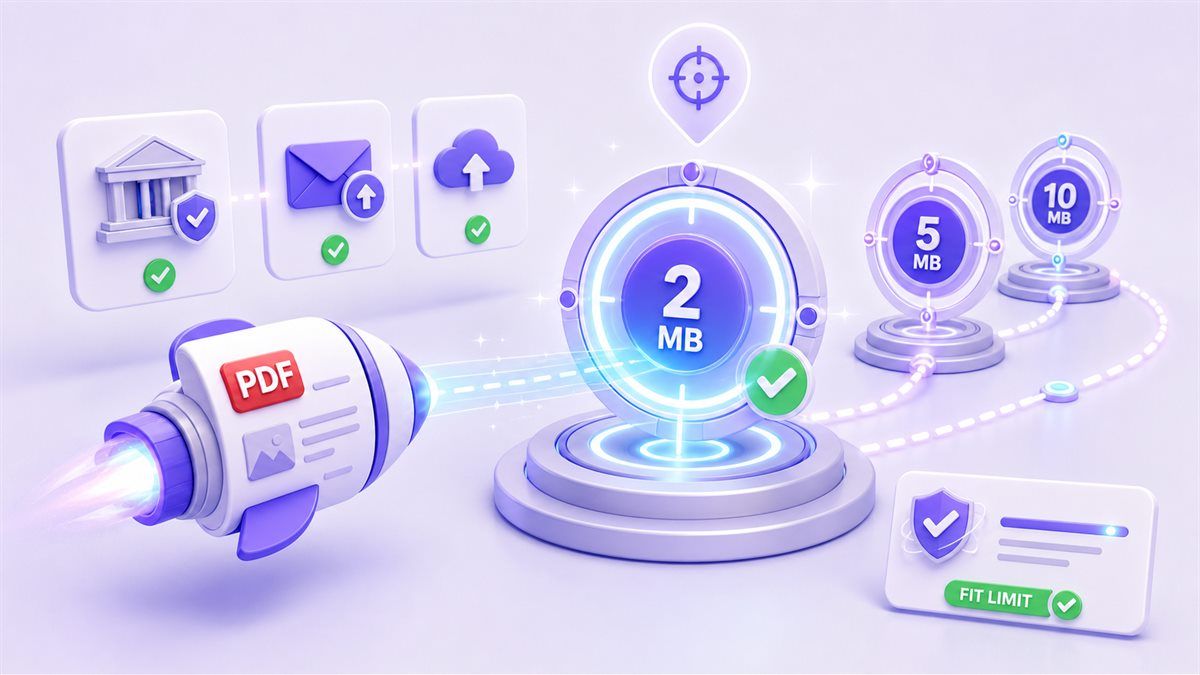
Target-Size Compression
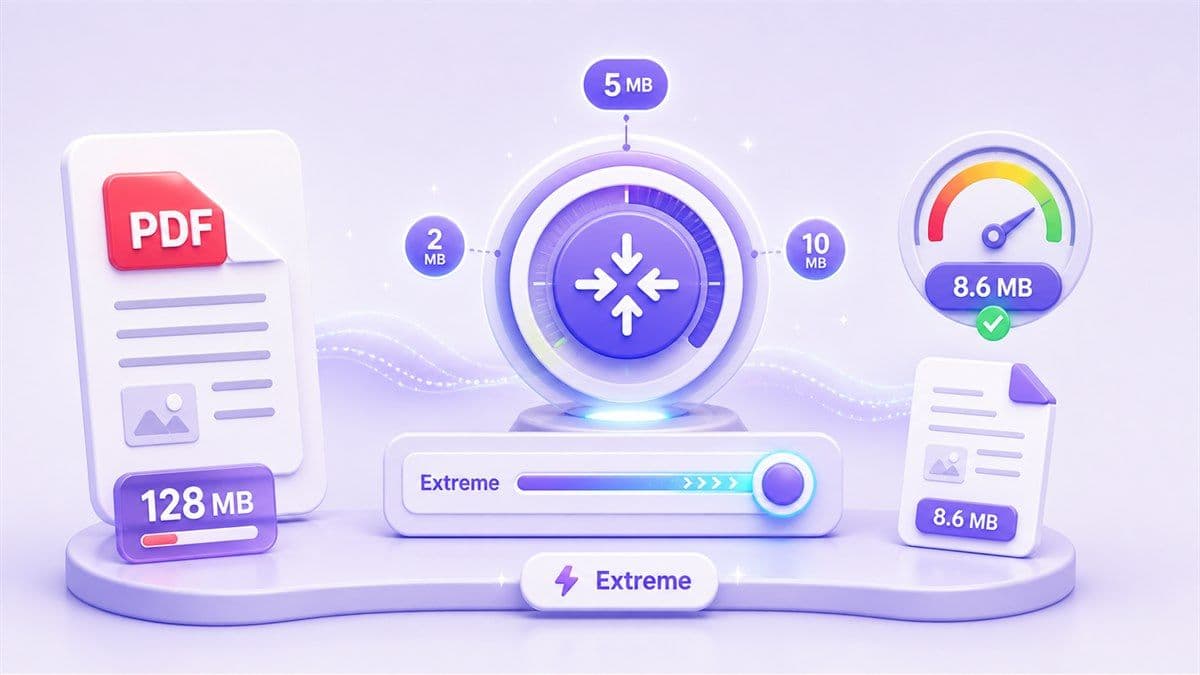
Choose a target size such as 2 MB, 5 MB, or 10 MB. This helps when you need to extreme compress PDF to 2 MB or meet an exact upload rule.

Stronger Image Optimization
Large scanned PDFs and image-heavy files often need deeper compression. Lynote reduces image weight and removes unnecessary bulk while keeping documents practical.

Fast Online Workflow
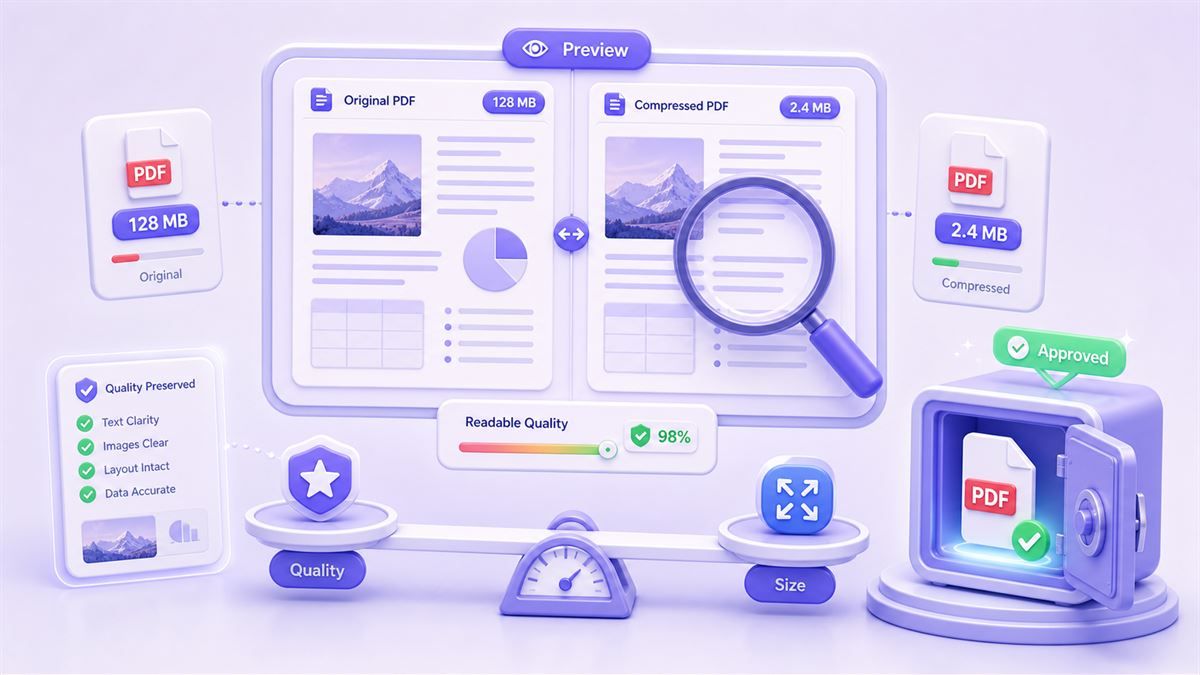
Extreme compress PDF online without installing desktop software. Upload, compress, preview the reduced file, and download a smaller PDF in a few steps.

Free to Start
Use the extreme compress PDF free online workflow for everyday file reduction. It helps students, job seekers, office teams, and anyone needing a smaller PDF quickly.

Works for Scans and Forms
Scanned assignments, receipts, certificates, contracts, and forms can become too large after scanning. Lynote helps compress PDF file extreme cases.

Better Sharing on Mobile
Smaller PDFs are easier to send from phones, upload over weak connections, and store in cloud folders when speed and file size matter most.

Clear Quality Trade-Offs
Extreme compression may reduce image sharpness more than standard compression. Lynote keeps the workflow transparent so you can balance size and readability.
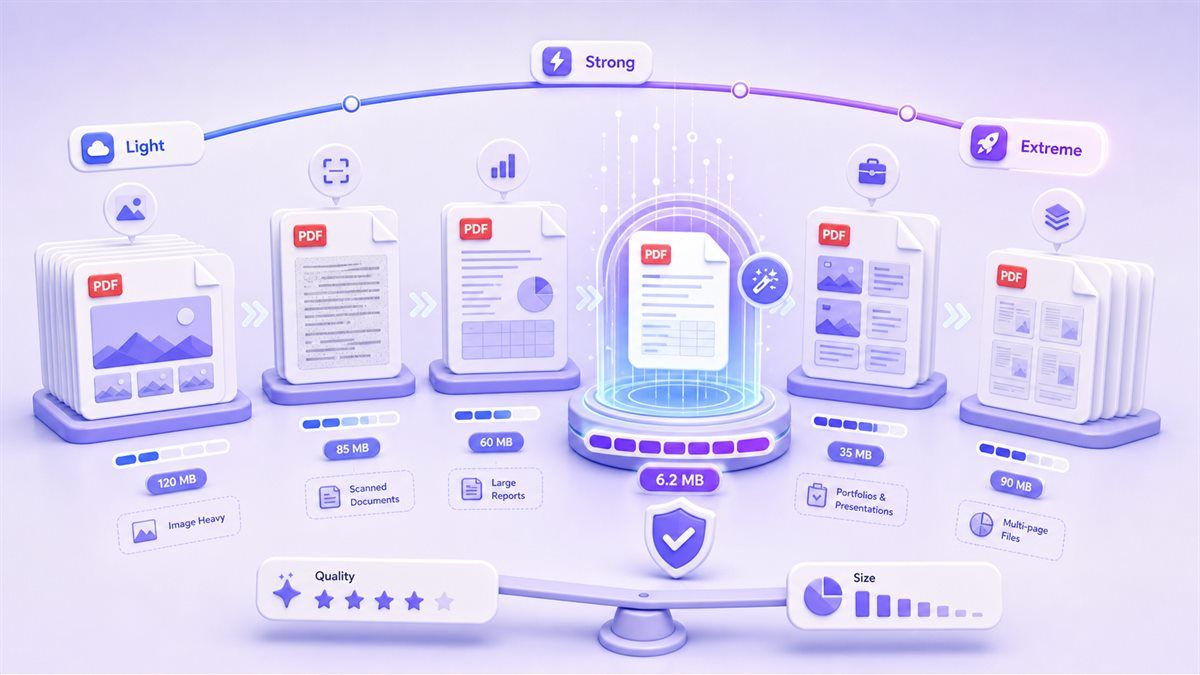
Extreme PDF Compression Levels
Compress PDF to a Target Size
Preview and Download Smaller PDFs
How to Extreme Compress PDF
Step 1. Choose Extreme Compression
Select an extreme compression level or target file size. Use this option when you need a much smaller PDF for email, upload limits, or low-storage workflows.
Step 2. Upload Your PDF File
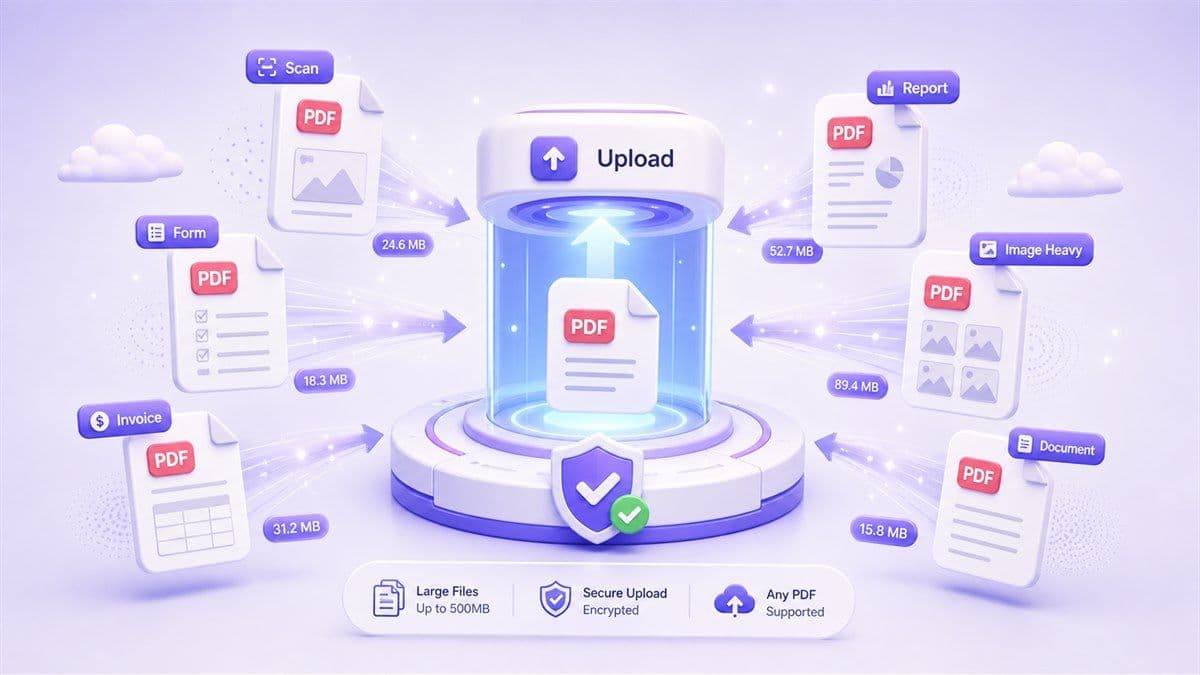
Upload the PDF you want to reduce. Lynote works best with accessible PDF files, including reports, scans, forms, invoices, study materials, and image-heavy documents.
Step 3. Compress and Download
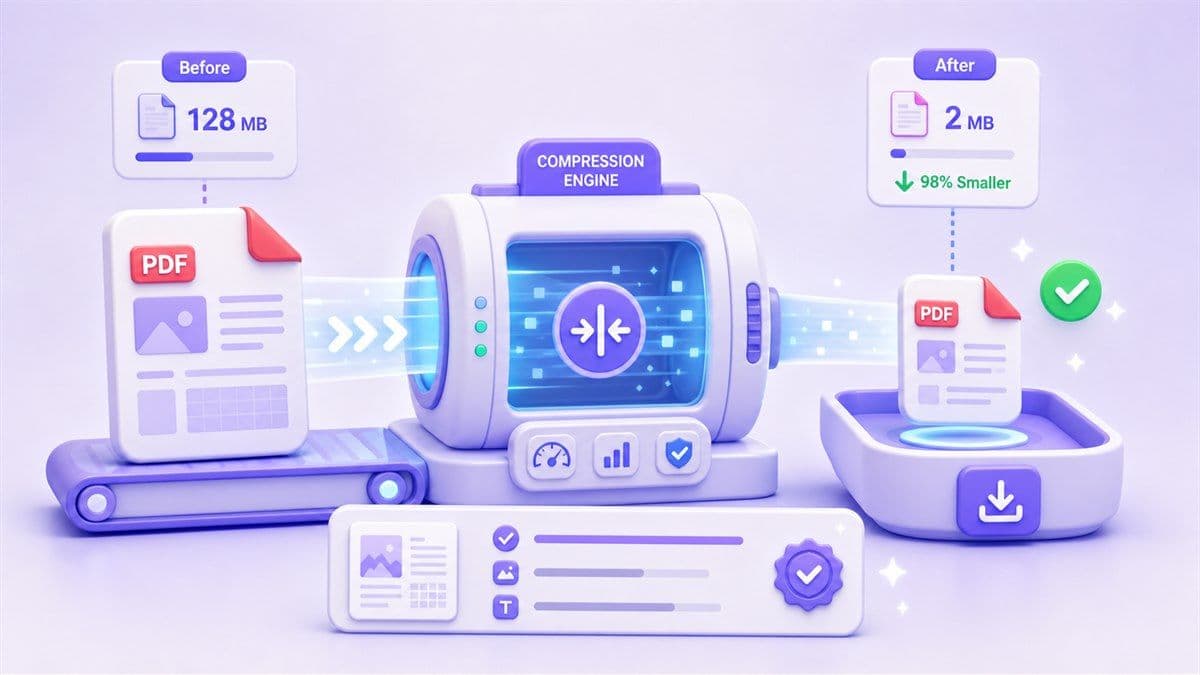
Start compression and download the smaller PDF. If the file is still too large, try a stronger setting or a smaller target size until it fits your requirement.
Who Is Extreme Compress PDF For?

Students
Students often need to upload assignments, scanned notes, transcripts, and application documents to strict school portals. Extreme PDF compress helps reduce oversized files before submission.

Job Seekers
Resumes, portfolios, certificates, and application packets may exceed upload limits. Compress PDF extreme settings can help make these files easier to submit.

Office Workers
Large reports, scanned contracts, invoices, and internal documents can slow down email and file sharing. Extreme compression makes everyday document transfer faster.

Legal and Admin Teams
Scanned agreements, ID files, forms, and case documents can become very large. Lynote helps reduce PDF file size for storage, uploads, and quick review.

Designers and Portfolio Users
Portfolio PDFs are often image-heavy. Extreme compression can make them easier to share, while previewing helps check whether the visual quality is still acceptable.

Mobile Users
When uploading from a phone or weak network, smaller PDFs save time. Extreme compress PDF online is useful when you need a fast web-based workflow.
What People Say About Extreme PDF Compression

Student

"I had a scanned PDF that was too large for a school portal. The extreme compression option helped me reduce it enough to submit."

Office Manager
"Our office scans a lot of forms, and the files become huge. Lynote makes them easier to email and store."

Job Applicant
"I needed a PDF under 2 MB and did not want to keep trying random settings. Starting with a target size made the process simpler."

Consultant
"I compressed a file from my laptop before sending it from my phone. The smaller PDF uploaded much faster."

Admin Assistant
"My certificate scans were too large for an online form. Extreme PDF compression made them fit the limit."

Designer
"I liked that the result was easy to review. Extreme compression is aggressive, but I could decide if the file was still readable."
Frequently Asked Questions
Still have questions about extreme PDF compression? Here are the answers.
Extreme compress PDF means reducing a PDF file more aggressively than standard compression. It is useful when you need a much smaller file for email, portals, storage, or low-bandwidth sharing.
Yes. Lynote supports an extreme compress PDF free online workflow, so you can reduce large PDFs without installing software.
Yes, you can use target-size compression when you need to extreme compress PDF to 2 MB or another strict upload limit. Results depend on the original file size and content.
Extreme PDF compression may reduce image sharpness, especially for scanned or image-heavy files. Lynote helps balance file size and readability so the compressed PDF remains usable.
Some loss may happen when a PDF needs major size reduction. Text-based PDFs usually keep quality better than scanned image PDFs, but extreme compression always involves a size-versus-quality trade-off.
Large PDFs with images, scans, embedded graphics, or unused data often benefit most. Text-only PDFs may already be small and may not shrink as dramatically.
Lynote processes files securely for compression and works online from desktop, tablet, or mobile browsers. For sensitive documents, always follow your data handling rules before uploading files to any online tool.