

English to Gujarati Translation
Translate English to Gujarati and Gujarati to English with clear meaning, readable tone, and practical everyday wording. Paste sentences, names, paragraphs, or document text and get a Gujarati translation you can review, copy, and use quickly.




Why Choose Lynote English to Gujarati Translation?

Meaning-Aware Gujarati Translation
Lynote helps translate English to Gujarati without turning every sentence into stiff word-for-word output. It reads the full sentence so the Gujarati result sounds clearer, smoother, and easier to understand.

Translate Gujarati to English Too
Use the same workflow for Gujarati to English translation. Paste Gujarati text when you need to understand messages, documents, captions, notes, or sentences in English.

Helpful for Gujarati Names and Phrases
Some translations are short but important, like names, greetings, family messages, or common Gujarati words. Lynote helps you review the result before copying it into chats, forms, posts, or documents.

Works for Sentences and Paragraphs
Use Lynote for English to Gujarati sentence translation, longer paragraphs, product descriptions, study notes, travel messages, customer replies, and everyday communication.

Supports Document Text
When you need to translate English to Gujarati PDF content or copied document sections, Lynote gives you one place to review longer text without jumping between tools.

Gujarati Typing Made Easier
If you are searching for translate English to Gujarati typing, Lynote can help you turn English text into Gujarati meaning quickly. You can then copy the result into messages, documents, or social posts.

Practical Two-Way Review
Switch between English to Gujarati translation and Gujarati translation to English when you need to check meaning from both sides. This is useful for bilingual writing, study, customer support, and family communication.

Translate English to Gujarati Without Losing the Message
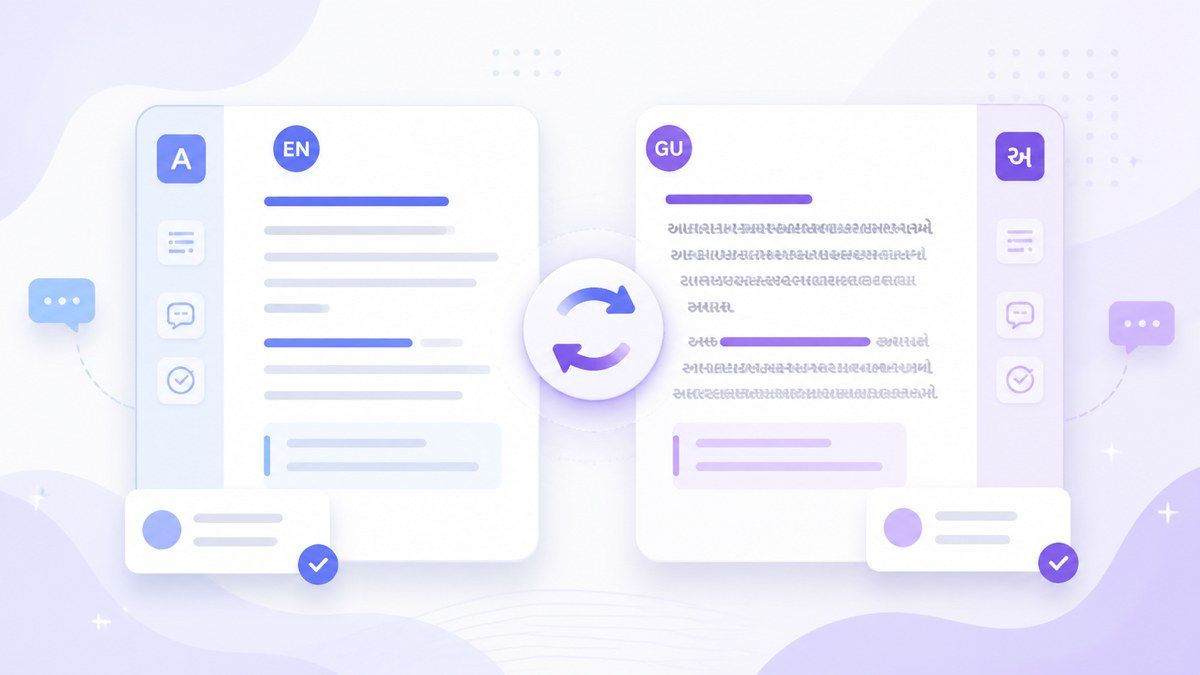
Switch Between Gujarati and English Translation
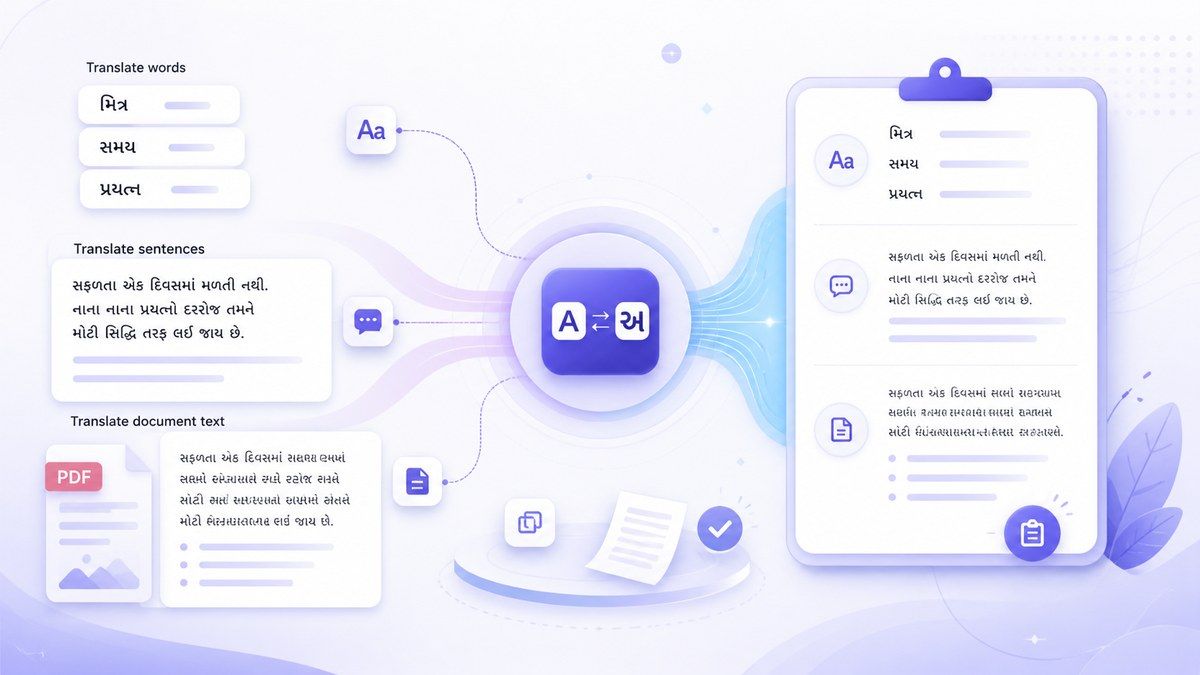
Translate Gujarati Words, Sentences, and Document Text
How to Translate English to Gujarati Online
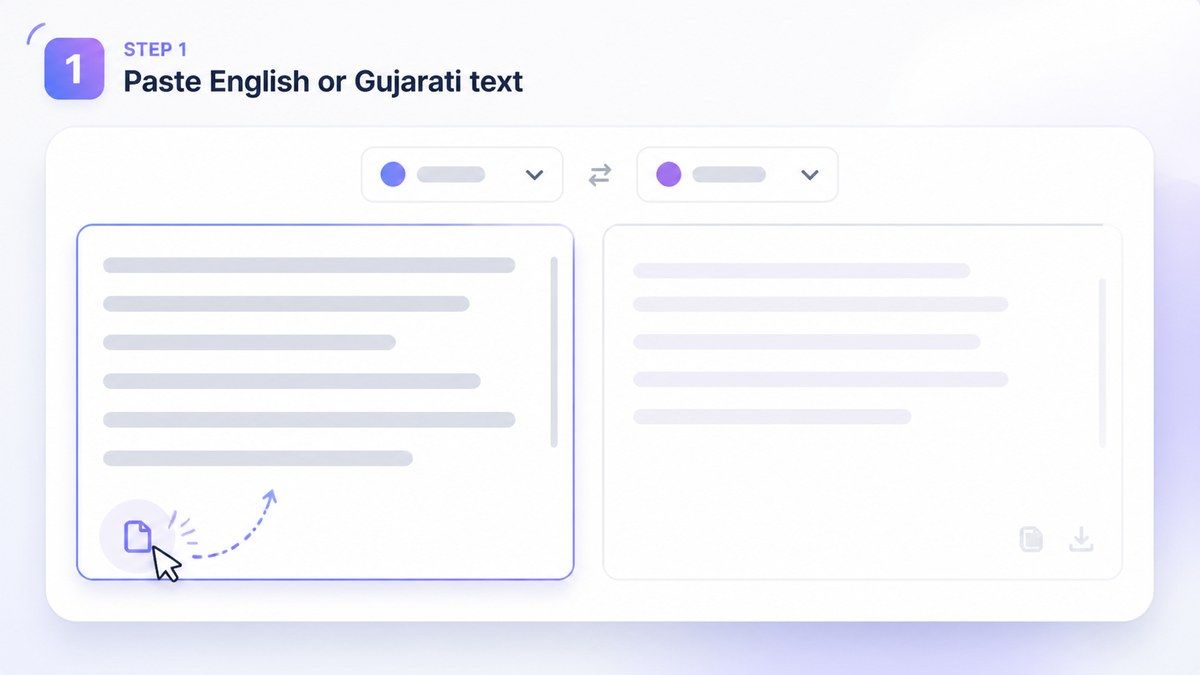
Step 1. Paste English or Gujarati Text
Paste English text, Gujarati text, names, words, sentences, paragraphs, or copied document content into Lynote. You can use it for English to Gujarati translate tasks, Gujarati to English translation, or quick phrase checks. For longer work, paste sections from a document or prepare text before translating. This helps when you need translate English to Gujarati PDF content after extracting the text.

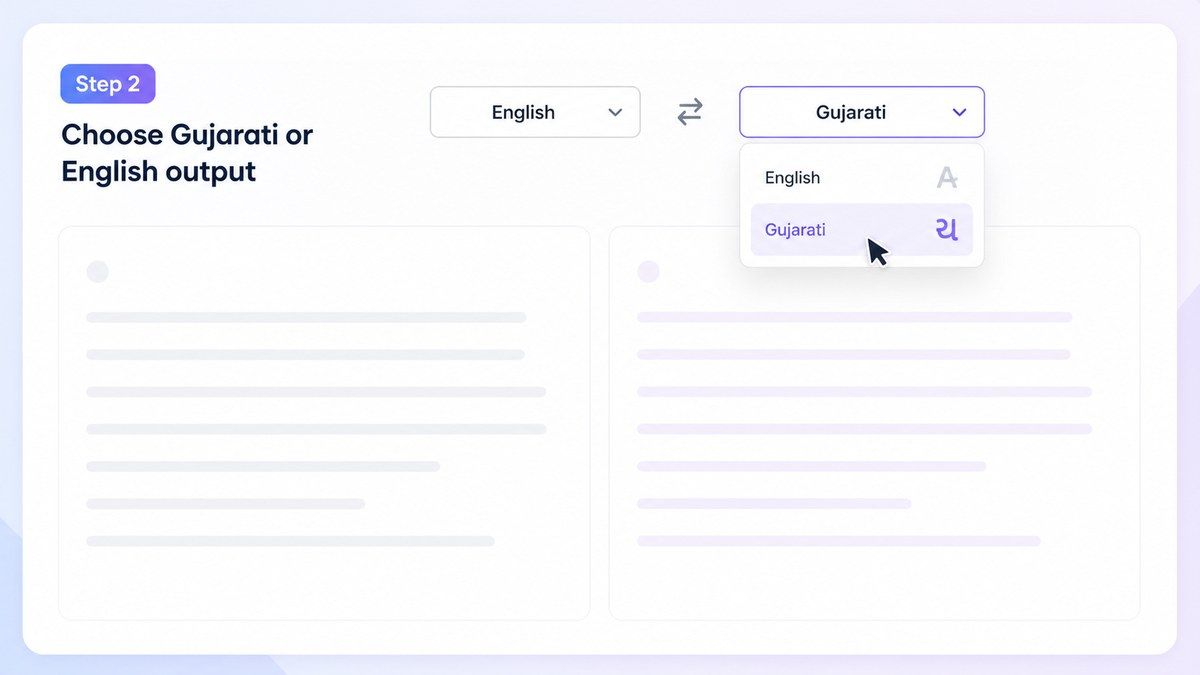
Step 2. Choose Gujarati or English Output
Select Gujarati when you want translation from English to Gujarati. Select English when you need translate Gujarati to English language output for reading, review, or replying. This lets you handle English to Gujarati and Gujarati to English workflows without changing tools. You can check meaning in English first, then create a Gujarati version that better matches your intended tone.
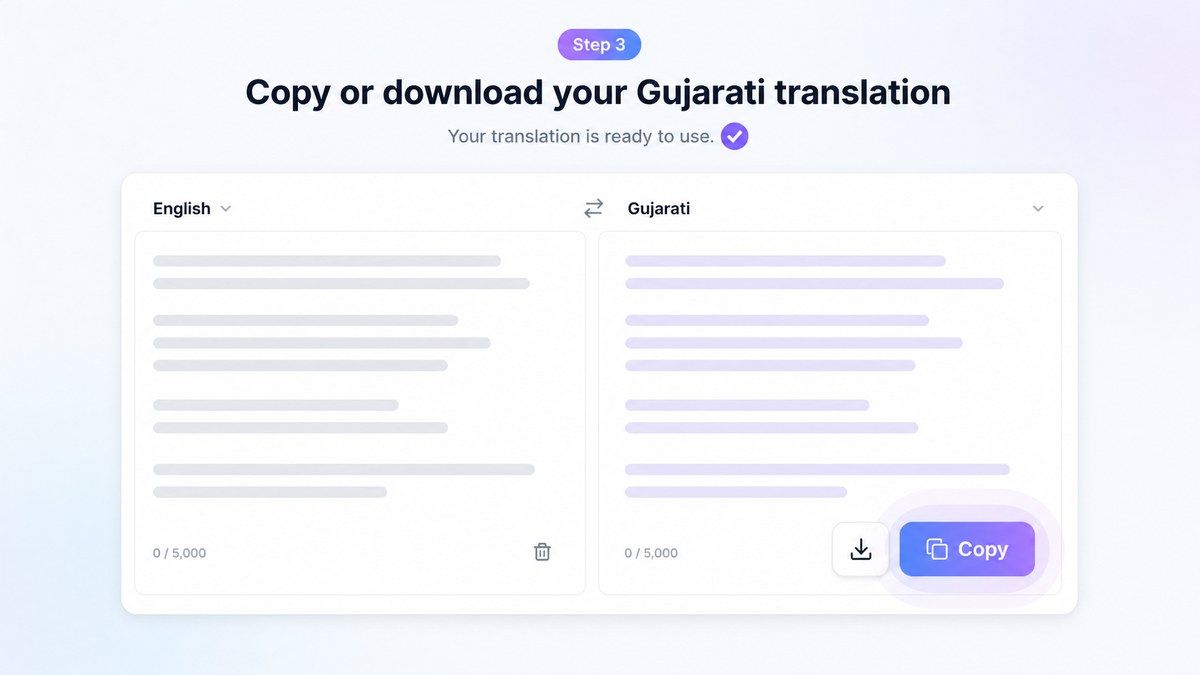
Step 3. Copy or Download Your Translation
Review the translated result and check names, technical words, tone, and meaning before final use. Then copy the Gujarati or English translation into emails, chats, captions, study notes, documents, or business messages. If the text is formal, personal, or public-facing, give the result a final read. Translation can save time, but context still matters.
Who Is This Tool Suitable For?

Students
Translate study notes, Gujarati explanations, English paragraphs, and class material. Lynote helps students understand bilingual content faster.

Families and Everyday Users
Translate family messages, greetings, event notes, travel phrases, or everyday conversations between English and Gujarati.

Customer Support Teams
Understand Gujarati customer messages and prepare clearer English or Gujarati replies. This helps reduce confusion in support workflows.

Content Creators
Translate captions, short scripts, post ideas, video descriptions, and community replies for Gujarati-speaking audiences.

Ecommerce Sellers
Translate product descriptions, customer questions, return messages, and order notes between English and Gujarati.

Professionals and Teams
Translate emails, internal messages, project notes, short documents, and business communication for bilingual teams.
What Users Say About Lynote Gujarati Translation

Language Learner

I use Lynote to compare English to Gujarati translation with the original sentence. It helps me understand how Gujarati wording changes depending on context.

Ecommerce Seller
We translate product notes and customer replies into Gujarati. Lynote gives us a clean first version that is easy to review before sending.

College Student
I paste Gujarati study material and translate it to English when I need quick understanding. It is much faster than checking every word manually.

Support Specialist
Gujarati customer messages are easier to handle now. I can translate Gujarati to English, understand the issue, then prepare a clearer reply.

Content Creator
I use it for captions and short posts. The English to Gujarati translator helps me make content feel more natural for Gujarati-speaking followers.

Freelancer
I often work with bilingual clients. Lynote helps me translate English to Gujarati sentences and review the tone before I send anything important.
Frequently Asked Questions
English to Gujarati translation turns English words, sentences, paragraphs, or document text into Gujarati. Lynote helps create a readable Gujarati version that you can review and copy.
Yes. Lynote supports Gujarati to English translation as well as English to Gujarati translation. Paste Gujarati text and choose English as the output language.
Yes. Lynote works online, so you can translate English to Gujarati online without installing an app. Paste your text, choose Gujarati, and review the result.
Yes. You can translate English to Gujarati sentence content, short messages, captions, product descriptions, paragraphs, and copied document sections.
Yes. Paste a Gujarati sentence and select English output. Lynote will help translate Gujarati to English language content for reading, review, or replying.
Yes. If you type English text and need Gujarati meaning, Lynote can help convert the message into Gujarati translation. You can then copy the result where you need it.