

DeepAI AI Image Detector
Looking for a DeepAI AI Image Detector alternative? Upload your image to Lynote and review its AI probability before deciding what to publish, share, or investigate.
Content

Drag & drop or upload an image
JPG · JPEG · PNG · WEBP · max 10 MB
Detected then deleted · Reports are independently verifiable
Result

Upload an image to start
Drop a file on the left, or pick one of the sample images.
Try one of our sample images
Know the truth. Verify the authenticity and source of this summary.
Worried the summary sounds fabricated or stiff from a large language model? Send it to the detector in one click to review originality and credibility.
What Is DeepAI AI Image Detector?
DeepAI AI Image Detector is an online tool for checking whether an image may have been generated by AI.
If you searched for “AI image detector DeepAI” to find the official service, use the link above. To explore a separate image-checking workflow, try Lynote.
An independent result can help you decide what to investigate next. It should not become a contest to find the score you prefer.
Why Choose Lynote for Your Next Image Check?

Start with a Specific Question
Decide what you need to establish before scanning. Whether an image contains AI-generated elements is a different question from whether its caption, ownership claim, or advertised product is genuine.

Give Suspicious Images a Closer Look
A polished image can still deserve scrutiny. Use your review to identify what needs clarification rather than relying only on how realistic the picture looks.

Keep the Original File in View
Whenever possible, work from the original image. Save its source and the date you received it so you can explain which version you reviewed.

Make Comparisons More Meaningful
Comparing detectors? Submit the same file to each one. Changing the crop, resolution, or export settings introduces another variable into the comparison.

Ask Better Follow-Up Questions
An unexpected result is a reason to request context. Ask the creator for an original photograph, an earlier draft, or an explanation of the editing process.

Make Decisions with Context
Consider the intended use of the image. A clearly labeled illustration and a photograph presented as evidence require different kinds of review.
Get an Initial AI Probability Result
Lynote’s Basic Scan provides an AI probability score and verdict. Use the result as a starting point for closer inspection.
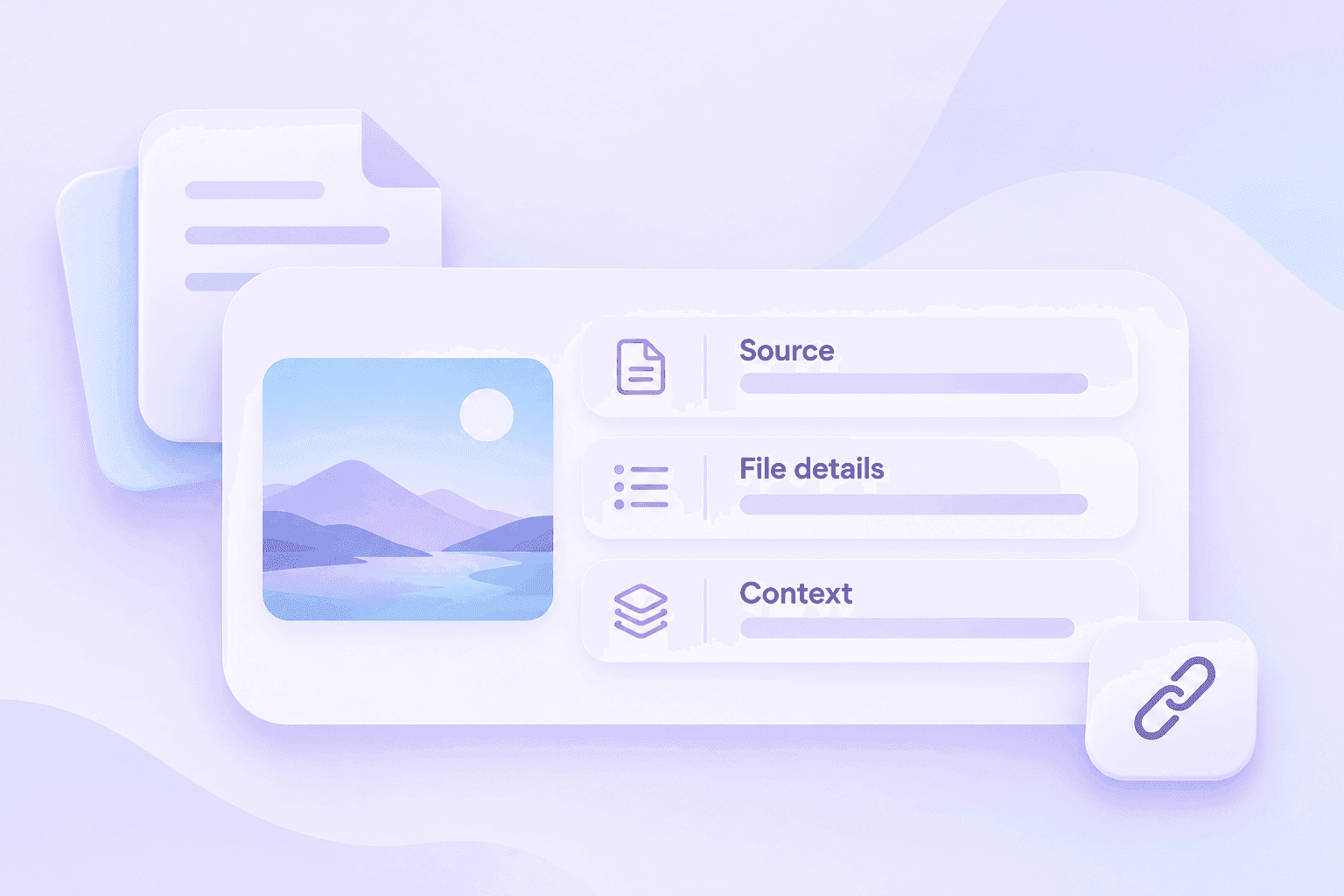
Explore More Detail When Needed
Advanced Scan adds checks such as EXIF metadata and available C2PA credentials. It is available through Lynote Pro.
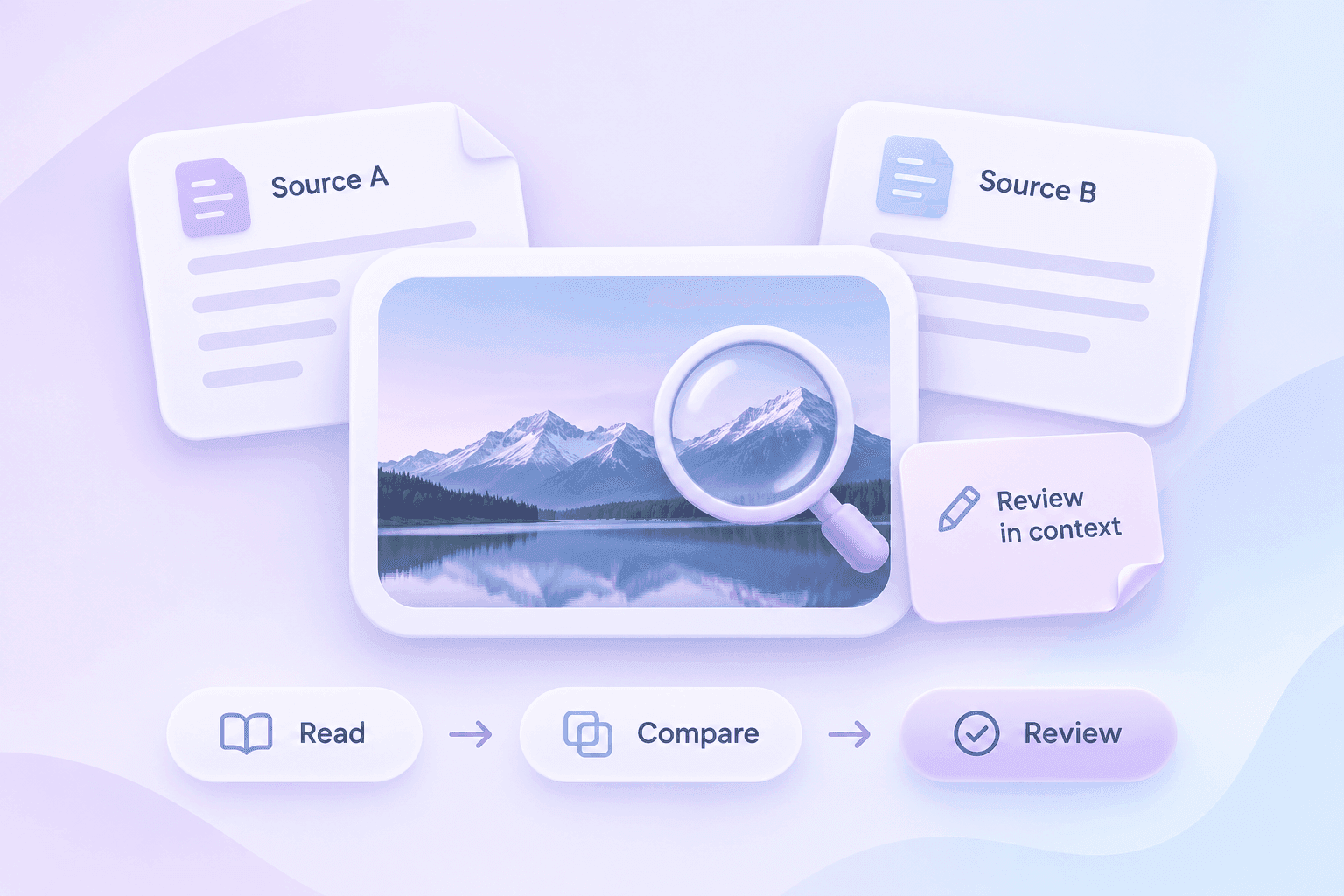
Turn Your Findings into a Clear Next Step
After reviewing an image, decide whether to request the source, seek clarification, or leave its origin unresolved. Keep a short record of what you checked and what remains uncertain.
How to Check an Image in Three Simple Steps
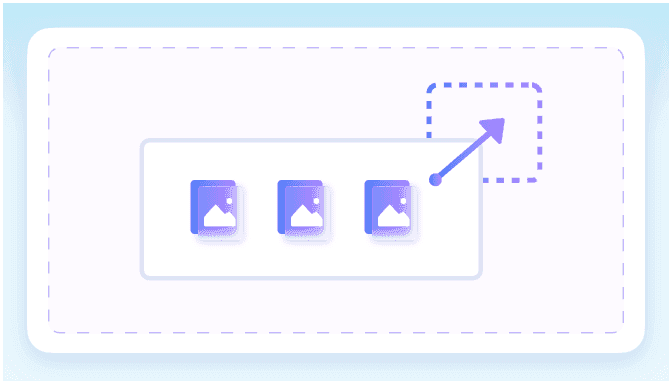
Step 1: Upload Your Image
Choose a JPG, JPEG, PNG, or WebP file up to 10 MB.
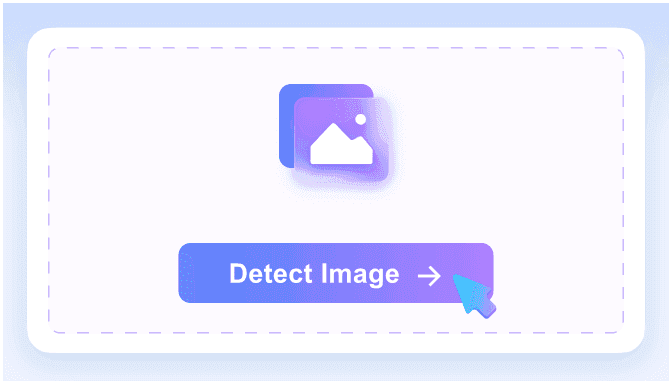
Step 2: Click Detect Image
Start the scan to receive an image analysis result.
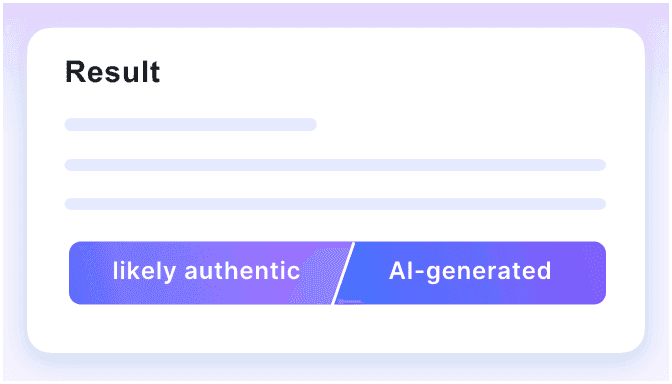
Step 3: Review in Context
Read the result, inspect the source, and investigate anything unclear.
How to Use an Image Detection Result
A useful review ends with a reasoned decision, not just a percentage. Keep these distinctions in mind when interpreting a report.
| Question | What to do next |
|---|---|
| Does the result match your expectations? | Record the finding, but still check the image’s source and intended use. |
| Does the result surprise you? | Ask for the original file and an explanation of how it was created. |
| Do two detectors disagree? | Keep both results and investigate the disagreement rather than averaging their scores. |
| Is the image being used to support a factual claim? | Verify the claim separately through reliable evidence. |
| Is the source unavailable? | Make the uncertainty explicit instead of presenting the image as verified. |
An AI-generated image can be openly disclosed and appropriate for its purpose. A camera photograph can also be presented with a misleading caption. Review both the file and the claim attached to it.
When Is a Second Image Review Useful?
Before Publishing a News or Social Post
A dramatic image can encourage quick sharing. Pause to locate its source, check the accompanying claim, and distinguish confirmed information from assumptions.
When Reviewing Product Listings
Ask whether the image represents the actual item being sold. Request additional photographs when the listing leaves important details unclear.
When Assessing Creative Submissions
Explain your disclosure requirements before reviewing the work. Ask contributors to describe where AI tools were involved and retain relevant working files.
When Checking an Unfamiliar Profile
Treat an image as one piece of information. A detector result cannot establish someone’s identity or intentions.
When Teaching Visual Media Literacy
Invite learners to document their reasoning. Compare what can be observed directly with what requires additional evidence.
When Reviewing Client or Contractor Assets
Agree on acceptable image sources and licensing requirements. Keep those questions separate from whether AI participated in the creative process.
DeepAI AI Image Detector or Lynote: How Should You Compare?
Start with the task you need to complete. A useful comparison considers the review process as well as the result.
| Comparison point | What to check |
|---|---|
| Entry point | Use the official service you intend to test and confirm which provider produces the result. |
| Input | Submit the same original image to both tools. |
| Result explanation | Look for information that helps you understand what requires further review. |
| Access and cost | Check the current limits and paid features before committing to a workflow. |
| Follow-up | Decide how you will handle uncertainty or conflicting results. |
| Decision standard | Define what additional evidence you need before approving or rejecting an image. |
Choose a tool that supports your review process. A higher or lower AI score alone does not establish that one detector is better.
Frequently Asked Questions
<p>It is DeepAI’s online image-checking tool. Its official page describes detection as probabilistic. Visit <a href="https://deepai.org/ai-image-detector" style="color:#7651da;text-decoration:underline">DeepAI’s official detector</a> to use that service.</p>
<p>No. This page introduces Lynote as an independent option. A result obtained through Lynote is not a DeepAI result.</p>
<p>DeepAI currently advertises free online image checking. Check its official page for the access conditions and advanced options that apply when you use it.</p>
<p>Lynote currently offers Basic Scan without an account. Advanced Scan is a Pro feature.</p>
<p>A single accuracy figure cannot tell you how a detector will perform on your particular image. DeepAI itself notes that rendered artwork and AI-based editing can influence its results. Review uncertain cases using source files and creation context.</p>
<p>Do not interpret an AI probability result as proof that a particular generator created the image. Confirming the source requires additional evidence.</p>
<p>Keep the original file and both reports. Check whether you used identical inputs, then request additional source information. Agreement is useful context; disagreement is a reason to investigate.</p>
<p>No. Your review must also address the claim being made about the image, including its source, date, and context.</p>
<p>Give the contributor an opportunity to explain their process and provide supporting files. Apply your stated requirements consistently rather than treating a score as the entire decision.</p>
<p>That does not establish its origin. Preserve the original file and focus on understanding how it was created, edited, and presented.</p>
Take a Closer Look Before You Share
Considering a DeepAI AI Image Detector alternative? Make Lynote part of a review that includes the image, its source, and the claim behind it.