Compress Scanned PDF Online
Drop PDFs here, or click to select
Max 100 MB per file



Why Choose Our Scanned PDF Compressor?

100% Free
Compress scanned PDF free online when image-heavy scans are too large to upload or email.

No Sign Up
No sign up is required. Reduce document files immediately without creating an account or installing extra software.

Batch Compress
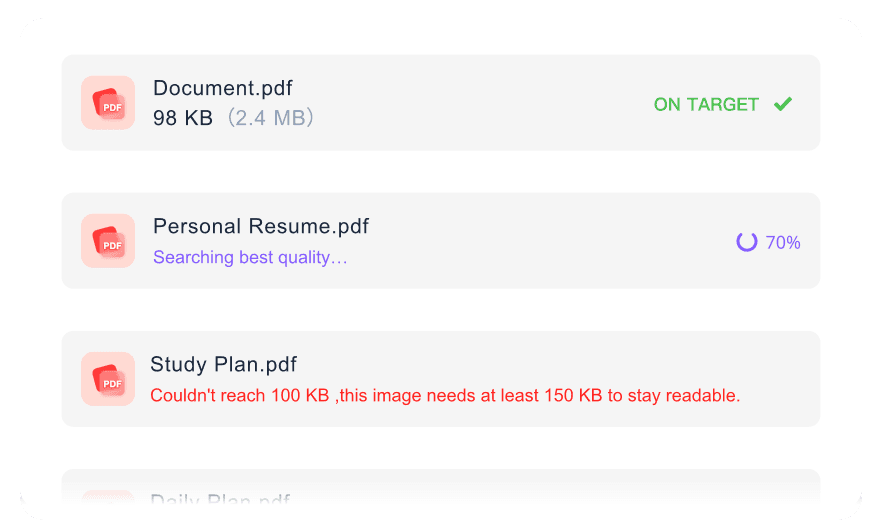
Compress multiple scanned PDFs together for visa files, homework scans, contracts, or case documents.

High Quality
Keep high quality where possible, so text, tables, stamps, and ID details stay readable after compression.

Email-Ready Scans
Reduce large 600 DPI scans toward common email attachment limits without overcomplicating the workflow.

Portal-Ready Scans
Prepare scanned passports, IDs, forms, or homework for visa, KYC, university, and job portals.

Works Anywhere
Works anywhere in your browser, whether you are using a desktop, tablet, or mobile phone.

Secure & Private
Process sensitive scanned IDs and contracts securely with no permanent server storage.
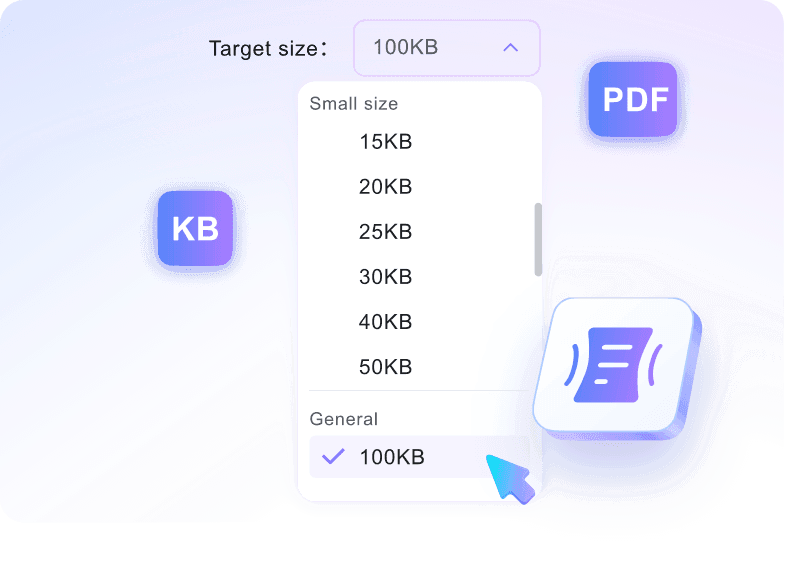
Reduce Scanned PDF File Size to Your Exact Target
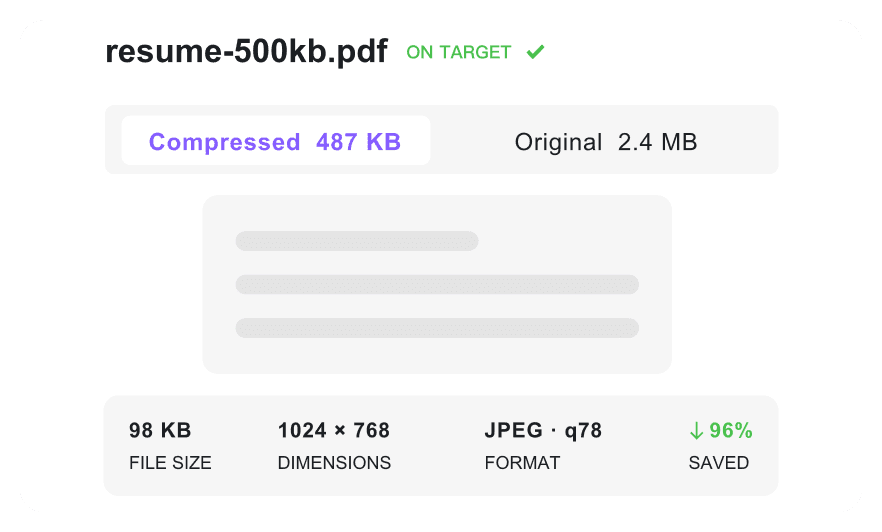
Compress Scanned PDF Documents While Maintaining Readability
Batch Compress Scanned PDF Files in One Workflow
How to Shrink Image-Heavy Documents

Step 1. Choose a Small Target
Choose the KB or MB target required by your form, email, or archive workflow. Smaller targets are useful for IDs and certificates, while larger ones preserve more detail.
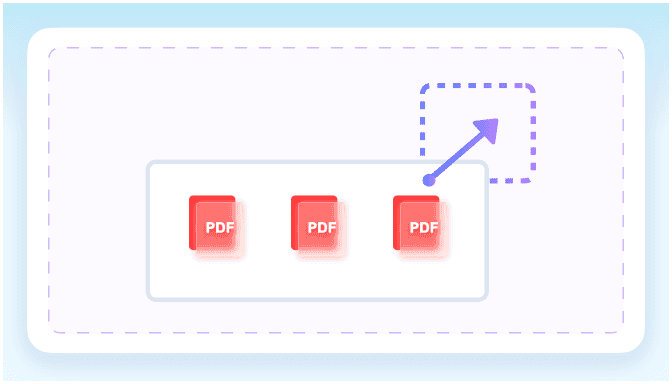
Step 2. Add the Document File
Drag the document into your browser or choose it from your device. The tool can handle heavy files up to 100 MB each.
Step 3. Check Clarity and Save
Review the final size and make sure key details remain readable. Then download the optimized PDF for upload, email, or storage.
Who Needs This PDF Compressor?

Job Applicants
Shrink bulky resumes and certifications to meet strict job portal upload limits while keeping the pages readable.

Students
Compress homework pages and academic transcripts so they fit smoothly into university submission portals.

Admin Teams
Reduce massive contracts and multi-page reports to fit standard email attachment limits easily.

Travelers & Expats
Optimize passports, visas, and identification documents for strict government immigration portals that require small file sizes.

Legal Professionals
Batch compress multiple case files and evidence documents at once for smoother court e-filing.

Records Managers
Make archived records smaller for internal storage, email handoff, or shared drive organization.
Real Upload Feedback

Job Applicant

"I had a resume PDF that was way too large, but this tool helped me bypass a strict 500KB upload limit on a job portal."

Legal Assistant
"Being able to batch compress several PDF documents simultaneously saves me hours when preparing multiple case files for our e-filing system."

International Student
"I needed to compress a passport PDF for my visa application. The compression kept the text and my ID photo legible enough for submission."

Office Administrator
"This compressor successfully shrinks massive 600 DPI contract PDFs down so they fit our standard 25MB email limits."

HR Manager
"I appreciate the secure processing. Knowing there is no permanent server storage gives me peace of mind when handling employee IDs."

Freelance Consultant
"I love that I can select exact KB targets from a dropdown before uploading my invoice files. The free online workflow is simple enough for weekly client paperwork."
Frequently Asked Questions
Answers on image-heavy files, text quality, batch uploads, privacy, and accounts.
Scanned documents are essentially large collections of images rather than standard text characters. When you scan a physical page at high resolution settings like 300 DPI, the device captures every pixel. This creates massive file sizes that require optimization before sharing.
Using our tool to compress scanned PDF with AI balances size reduction with readability. The process optimizes the embedded images while preserving essential details. Standard text, signatures, and ID photos remain clear enough for typical business or academic submissions.
Check your portal requirements first. Many job and visa sites require files under 200KB, while email providers typically cap attachments at 10MB or 20MB.
Yes, you can upload multiple files simultaneously. Just select your desired target size before uploading, and the tool will process them together.
Yes. Your scanned PDFs are processed securely online and automatically deleted after compression, keeping your personal contracts and IDs private.
You can upload scanned PDF documents up to 100 MB per file. This limit lets you reduce large, multi-page scans without splitting them first.
No sign up is required. You can compress scanned PDF with AI support directly online, choose a target size, and download the optimized file without creating an account.