

Compress PDF to 50KB
Drop PDFs here, or click to select
Max 100 MB per file



Why Choose Our 50KB PDF Compressor

Strict 50KB Target
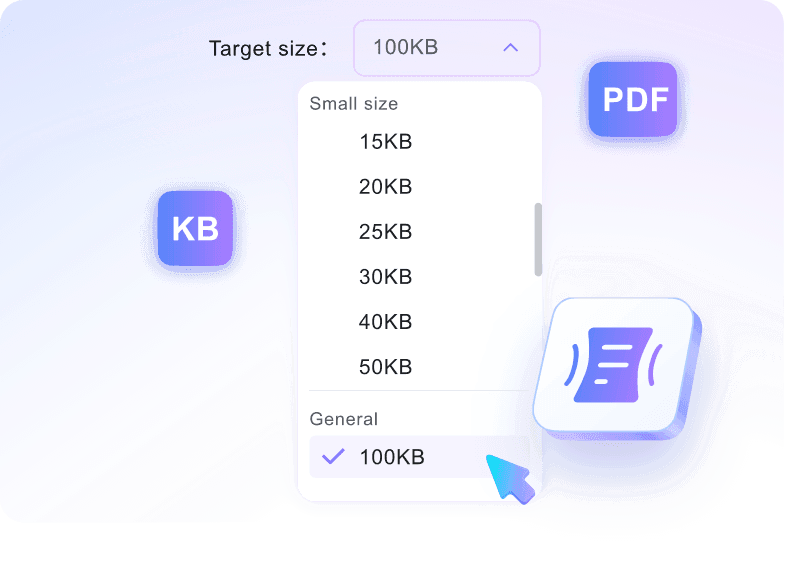
Set a strict 50KB target before uploading to help your document fit government and academic portal requirements.

Quick Online Compression
When you need to compress pdf 50 kb, do it quickly in your browser without installing heavy desktop software.

Simple PDF Friendly
This aggressive reduction is best for simple PDFs, making it ideal for short, mostly text-based documents without heavy images.

Essential Text Clarity
Achieve a pdf resize 50 kb while keeping essential text and simple layouts as readable as possible.

Grouped Uploads
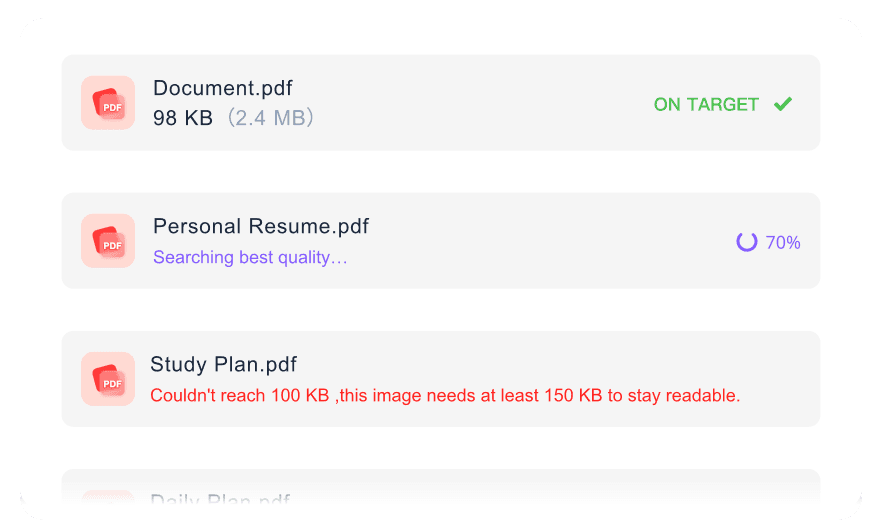
Use grouped uploads to prepare several simple documents for the same strict upload requirement with our pdf compressor 50 kb.

Practical Size Tips
Get actionable guidance to remove extra images or split pages when you reduce pdf size to 50kb.

Compress Anywhere
Compress anywhere from your desktop or mobile browser when you need a smaller PDF in a hurry.

Private File Handling
Process sensitive applications securely, knowing we use no permanent file storage on our servers.
Compress PDF to 50KB for Strict Limits
Shrink Simple PDFs Under 50KB
Batch Reduce PDFs to 50KB
How to Compress PDF to 50KB

Step 1. Choose 50KB Target Size
Pick your required compression limit from the dropdown menu before starting. Doing this tells the system to prepare for aggressive size reduction toward strict requirements.
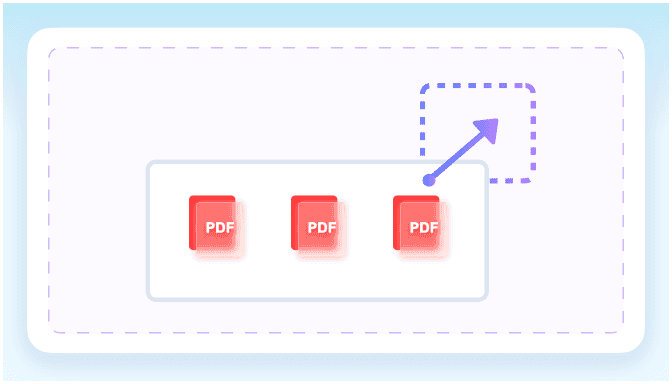
Step 2. Upload Your PDF
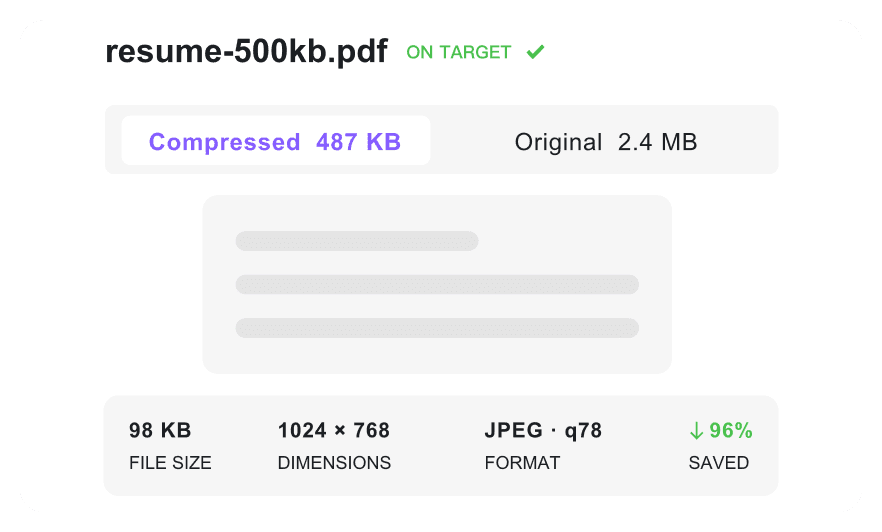
Add one or more documents directly from your device. Once added, the online tool automatically begins shrinking them toward your chosen limit without extra clicks.
Step 3. Download Compressed PDF
Check the resulting KB count to see whether it meets your portal requirements. Then, save the optimized file directly to your computer for immediate use.
Who Needs a 50KB PDF?

Job Applicants
Compress text-based resumes to meet strict 50KB upload limits on HR portals. Keep your work history clear while minimizing file size.

Visa Applicants
Shrink simple passport scans and basic identification documents for immigration websites that enforce tight 50KB constraints.

Students
Reduce short text assignments and homework PDFs to fit under 50KB for university submission systems.

Government Contractors
Compress basic compliance forms and text-heavy declarations for strict municipal portals requiring ultra-small document uploads.

Freelancers
Shrink simple text invoices and billing statements to 50KB for client payment systems with strict file size limits.

Grant Applicants
Compress short text proposals and budget summaries to help them pass validation on strict funding submission forms.
What Our Users Say

Job Applicant

"I needed to set a 50KB target for a text resume to apply for a government role. This tool shrunk my two-page DOCX export well."

Visa Applicant
"I checked the final size before uploading an ID scan for my visa application. It reached 48KB, saving me from portal rejection."

Student
"I compressed a short assignment from a mobile browser right before class. The text stayed readable and the file size dropped quickly."

Freelancer
"I prepared several small invoices for a client portal using the batch feature. Getting them all under 50KB took seconds."

Government Contractor
"I processed sensitive compliance forms securely for a municipal bid. Knowing the files are not stored permanently gives me peace of mind."

Grant Applicant
"It kept a short text proposal readable at 50KB for a strict grant submission. The text quality remained surprisingly sharp."
Frequently Asked Questions
Still got questions about 50KB PDF compression? Here are the answers.
Enter 50KB as your target size, upload your document, and the tool will automatically reduce the file size. You can check the final size before downloading.
No. A 50KB target is extremely small and not suitable for every file. Complex documents with high-resolution images, multiple pages, or heavy graphics will likely lose significant readability or fail to reach this strict limit entirely.
Simple, text-based documents like one-page resumes, basic invoices, and short essays work best. Black-and-white text documents without embedded fonts, complex graphics, or large logos compress most effectively.
Remove unnecessary images, use standard system fonts, and split large PDFs into single pages before uploading. If you are scanning a physical document, lower the scanner resolution to 150 DPI or scan in black and white.
If you need a 50 kb PDF converter for images, note that this tool only compresses existing documents. Convert your image to a PDF first using a dedicated tool, then upload it here to reduce the file size.
Yes, our PDF compressor to 50kb is free to use online. Simply log in to your account to process and download your optimized documents instantly.
Yes, your documents are secure. We use encrypted connections for all uploads, and files are never permanently stored on our servers after you reduce PDF size to 50kb.


