

Compress PDF to 500KB Online
Drop PDFs here, or click to select
Max 100 MB per file



Why Choose Our 500KB PDF Compressor?

500KB Balance
A 500KB target provides a practical balance, letting you compress PDF under 500KB without pushing document quality too hard.

Cleaner Visuals
Maintain cleaner visuals by keeping enough data for crisp graphics, charts, and signatures compared to tighter file restrictions.

Easier Sharing
Smaller files are much easier to send via email, store, and manage. Use our PDF size reducer 500KB tool for everyday convenience.

Upload Ready
Ensure your files are upload ready for government web forms, application portals, and email attachments that demand a PDF under 500KB.

Quality Protection
Reduce your file size while avoiding the harsh quality loss common with extreme targets. Our PDF compressor to 500KB protects readability.

No Software
Reduce PDFs instantly in your browser. There is no software to download to use this PDF 500 KB converter online.

Richer PDFs
Keep richer PDFs intact when compressing multi-page business reports, detailed proposals, and design portfolios that need their original formatting preserved.

Secure & Private
We process your files securely with encrypted connections. Our PDF compressor 500kb ensures no permanent storage of your sensitive documents.
Reduce Your PDF File Size to 500KB
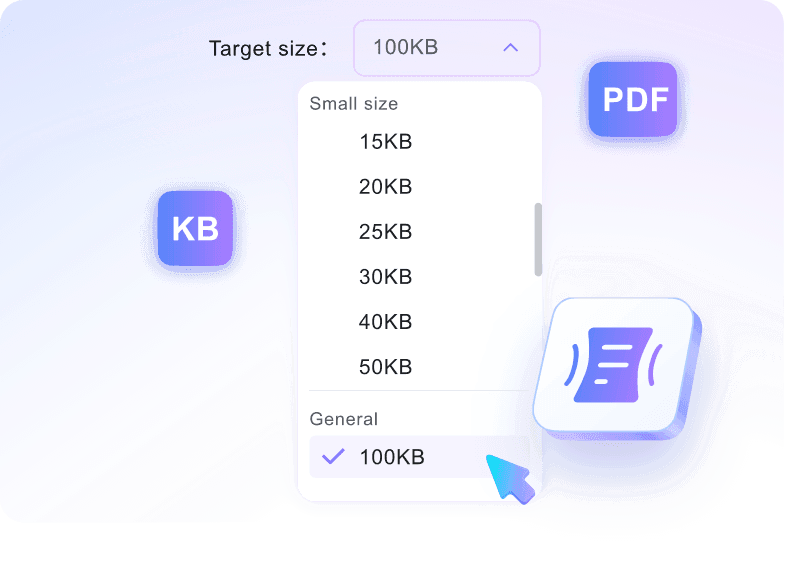
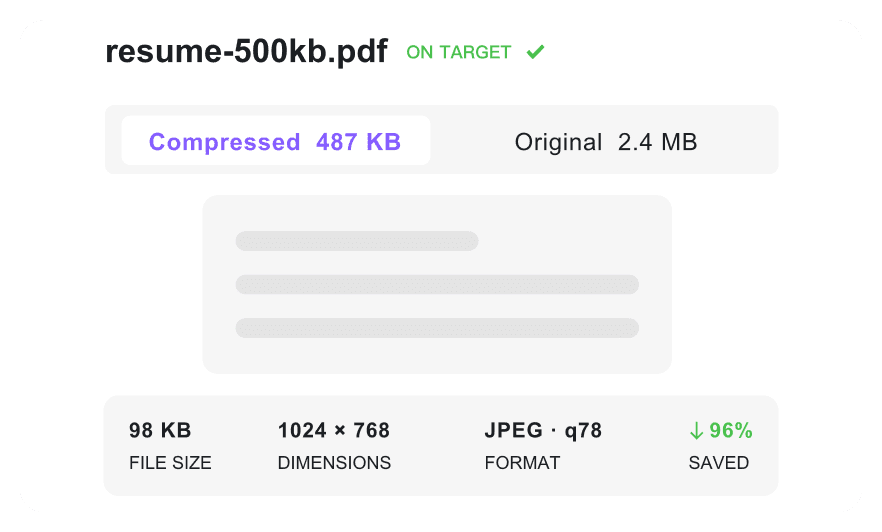
Compress PDF Under 500KB With Readable Quality
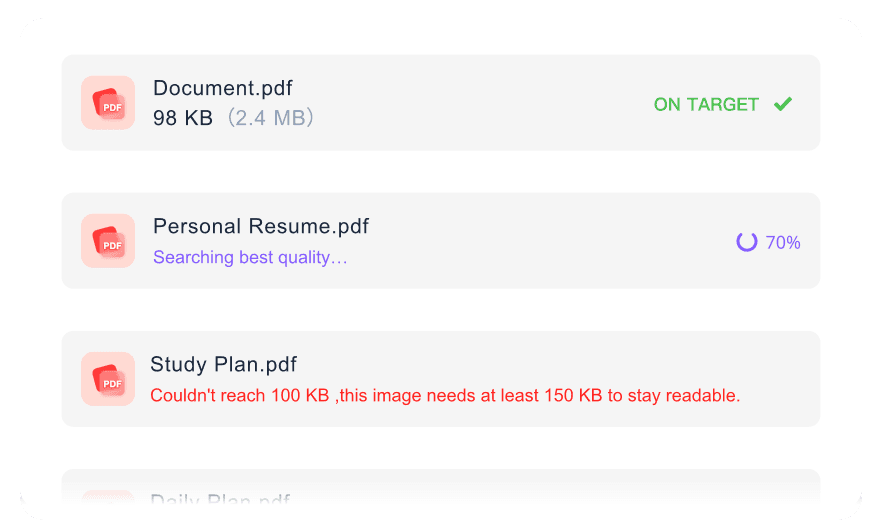
Batch Compress PDFs to 500KB
How to Compress PDF to 500KB Online

Step 1. Choose 500KB Target Size
Select 500KB as your target file size before uploading, because the compression workflow starts automatically once your file is added.
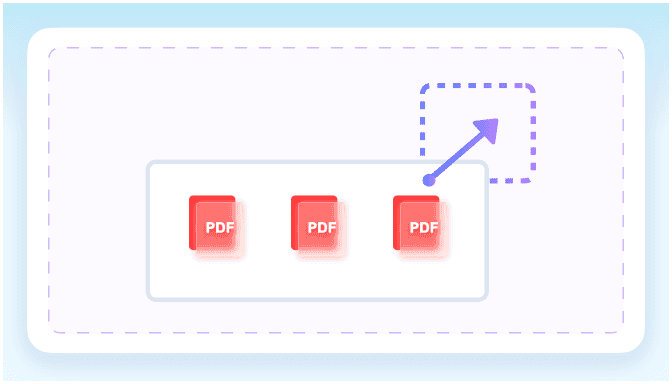
Step 2. Upload Your PDF
Upload or simply drag and drop one or multiple PDF documents into the workspace after your preferred PDF size 500 kb target is set.
Step 3. Download Compressed PDF
Check the compressed file size after processing is complete, then download the optimized PDF for immediate web upload or email.
Who Needs a 500KB PDF Compressor?

Business Professionals
Compress business reports and project proposals to a 500 kb pdf for email sharing and strict corporate portal uploads.

Students
Resize academic assignments and application forms to a pdf less than 500kb while keeping text clearer than tighter compression targets.

Designers and Creatives
Reduce image-heavy portfolios and client proofs to a manageable pdf size 500 kb while preserving essential visual clarity for review.

Admin Teams
Prepare scanned forms and large application packets to meet strict limits using a pdf size reducer 500kb for internal systems.

Website Owners
Optimize downloadable guides to a pdf under 500kb so they load faster for visitors and consume less server bandwidth.

Everyday Users
Shrink personal tax returns and scanned receipts with this pdf compressor 500kb for basic email attachments and cloud storage.
What Our Users Say

Financial Analyst

"I needed to compress pdf to 500kb for a strict corporate portal. This tool hit the target size on the first try."

Graduate Student
"Instead of guessing settings, I used this pdf 500 kb converter for my thesis submission. It resized my 50-page text document without any hassle."

Graphic Designer
"Reducing my image-heavy portfolio to a pdf 500kb usually ruins the resolution. This compressor kept the text readable and key visuals intact."

Operations Manager
"Our team processes dozens of heavy financial reports daily. The batch feature lets us compress pdf under 500kb in one workflow."

Content Publisher
"I like checking the file size before downloading. It confirms my documents convert from jpg to pdf 500kb for our website visitors."

Freelance Writer
"I use this browser-based tool to reduce pdf size to 500kb for my signed contracts. Knowing they don't store my sensitive files permanently gives me peace of mind."
Frequently Asked Questions
Still have questions about compressing PDF files to 500KB? Here are the answers.
Select 500KB as your target size, upload your document, and wait for the processing to finish. Check the final file size on the screen, then download your optimized PDF. This pdf compress to 500kb workflow also works when you need a pdf size reducer to 500kb for upload limits.
Not always. Very large files or documents with complex embedded images may not reach an exact 500KB target without noticeable quality tradeoffs. If you need to compress pdf below 500kb, this pdf compressor below 500kb will aim for the target while protecting readability where possible.
Compression reduces file size by optimizing internal data and downscaling images. While standard text remains highly readable, high-resolution photos might lose some sharpness depending on the original file structure. For pdf resize 500kb or resize pdf 500kb tasks, choose 500KB when you want more room for visual clarity.
Yes. A 500KB target offers a better balance between file size and document quality than 200KB. It provides more room to preserve image clarity and formatting in longer reports or scanned forms.
Yes, you can upload and compress multiple PDF files simultaneously. The tool will apply your target size settings to each document in the batch.
Yes, you can use our tool to compress files for free. Just log into your Lynote account to access the instant compression features and resize pdf to 500kb for email, portals, or storage.
Yes, you can manage an image to PDF 500KB workflow. Convert your image into a PDF document first, then compress it using our tool. For related pdf convert 500kb or pdf converter 500 kb searches, start with the converted PDF and set 500KB as the target.


