Compress PDF to 4MB Online
Drop PDFs here, or click to select
Max 100 MB per file



Why Choose Our 4MB PDF Compressor?

100% Free
Compress PDF to 4MB free when a portal, email system, or form rejects oversized files.

No Sign Up
Start compressing your PDF to 4MB immediately with no sign-up required. Skip the account creation and get straight to work.

Batch Compress
Batch compress multiple PDFs at the same time. Apply the 4MB limit to a bulk group of files in one quick workflow.

High Quality
Retain high quality across your scans and reports. The compressor reduces the file to 4MB while keeping text and images clear.

Final Size Check
Check the final file size before downloading so you know it fits the 4MB limit.

4MB Document Set
Optimize an entire 4MB document set for strict portal requirements. Prepare related application files together so they meet the exact size limit.

Works Anywhere
Because it works anywhere, you can resize your PDF to 4MB directly from a Windows PC, Mac, or mobile device.

Secure & Private
Process documents securely with no permanent server storage.
Set a 4MB Limit for Official Forms
Review 4MB Output Before Submitting
Compress a 4MB Document Set
How to Make a PDF 4MB for Forms

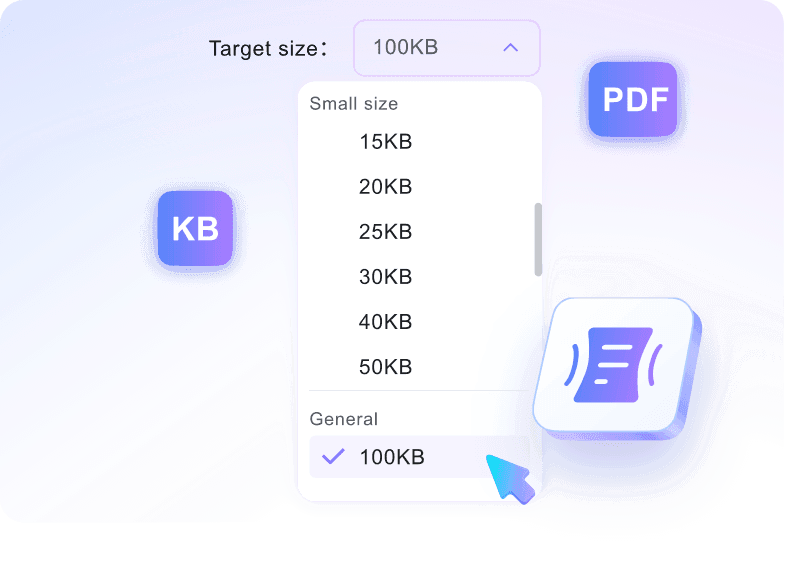
Step 1. Set the 4MB Target
Choose 4MB from the target-size options before you add the file. This tells the tool the exact form limit you need to meet.
Step 2. Add Your Form PDF
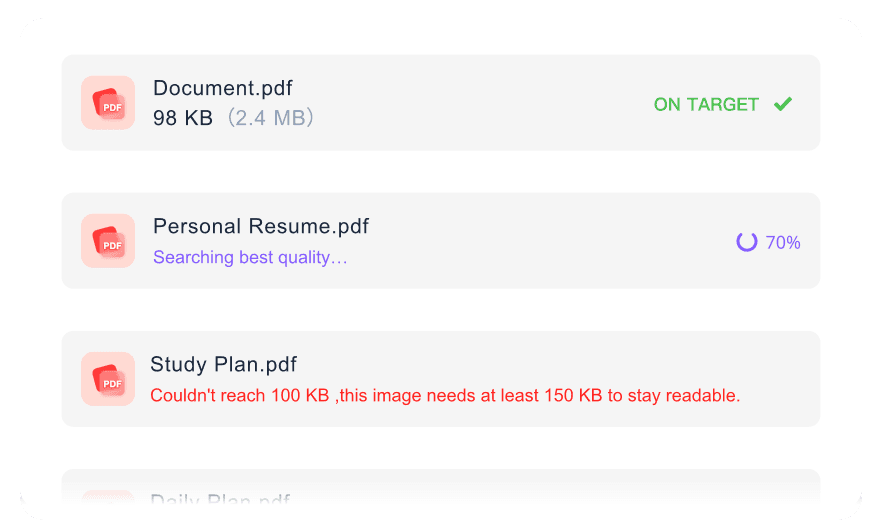
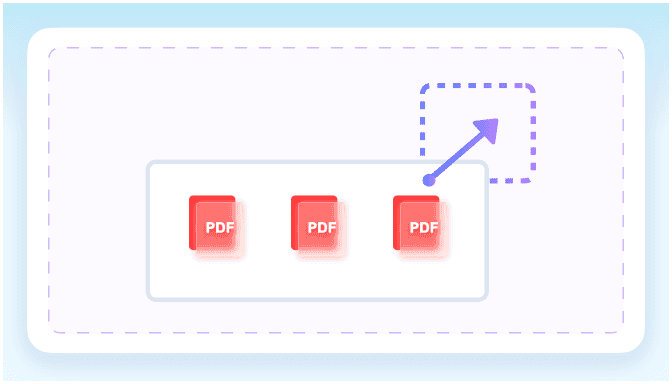
Upload the form, report, contract, or evidence file from your device. You can also add multiple PDFs if the same portal requires several attachments.
Step 3. Download the 4MB Version
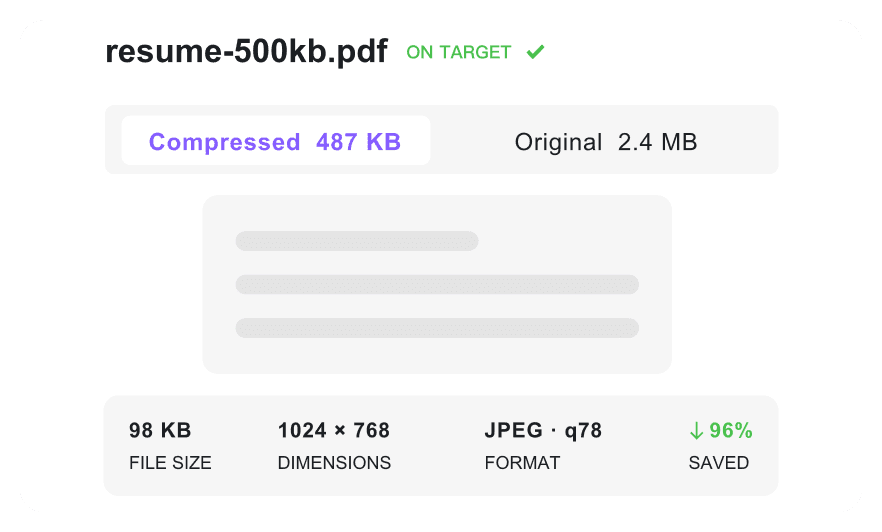
Confirm the final size before saving the compressed PDF. Once it fits the 4MB requirement, download it and return to your submission form.
Who Is This 4MB PDF Compressor For?

Job Applicants
Shrink your resumes and design portfolios to meet strict 4MB upload limits on job application portals.

Students
Compress heavy assignments and scanned research papers to 4MB so they upload smoothly to university portals.

Admin Staff
Resize PDF to 4MB to ensure government tax forms and business records pass rigid portal restrictions.

Freelancers
Convert PDF to 4MB to easily attach signed contracts and multi-page invoices to client emails.

Legal Professionals
Optimize court filings and scanned evidence documents to meet standard 4MB e-filing system constraints.

Email Attachment Senders
Compress PDF to 4MB online to share personal documents quickly via email or save cloud storage space.
4MB Compression Stories

Software Engineer

"I love that I can select exactly 4MB from a target-size dropdown before uploading my technical resume. It takes the guesswork out of formatting."

Tax Consultant
"This tool is specifically designed to bypass strict 4MB limits on IRS portals. My clients' tax return PDFs upload cleanly every time."

Architect
"It preserves readable text and clear images under the 4MB limit. My 50-page architectural blueprints are now easy to share without losing detail."

HR Manager
"I can batch compress multiple employee handbooks toward the 4MB target at once. It handles my 80MB source files without breaking a sweat."

Freelance Writer
"I compress PDF to 4MB free with instant access—no account creation required. It is perfect for sending off signed non-disclosure agreements in a hurry."

Legal Assistant
"Files are processed securely and never stored permanently. I feel completely safe uploading sensitive court affidavits to resize them for e-filing."
Frequently Asked Questions
Answers for 4MB form uploads, readability, batch files, privacy, and accounts.
Select the 4MB target size from the dropdown menu, then upload your document. The tool will automatically reduce your file size to meet the target.
Yes. The compressor balances file size reduction with document clarity, ensuring your text, tables, and images remain legible for professional use.
Yes, you can upload multiple files up to 100MB each. The tool will process them simultaneously, aiming for the 4MB target for every document.
Absolutely. Your files are processed securely over an encrypted connection and deleted automatically after you download the compressed versions.
You can upload PDF documents up to 100 MB per file for compression. Larger files are not supported at this time.
Yes, our PDF compressor is completely free to use. There are no hidden fees or premium subscriptions required to reduce your files.
No account is required. You can upload, compress, and download your documents instantly without signing up or logging in.