

Compress PDF to 400KB Online
Drop PDFs here, or click to select
Max 100 MB per file



Why Choose Our 400KB PDF Compressor

Easy 400KB Compression
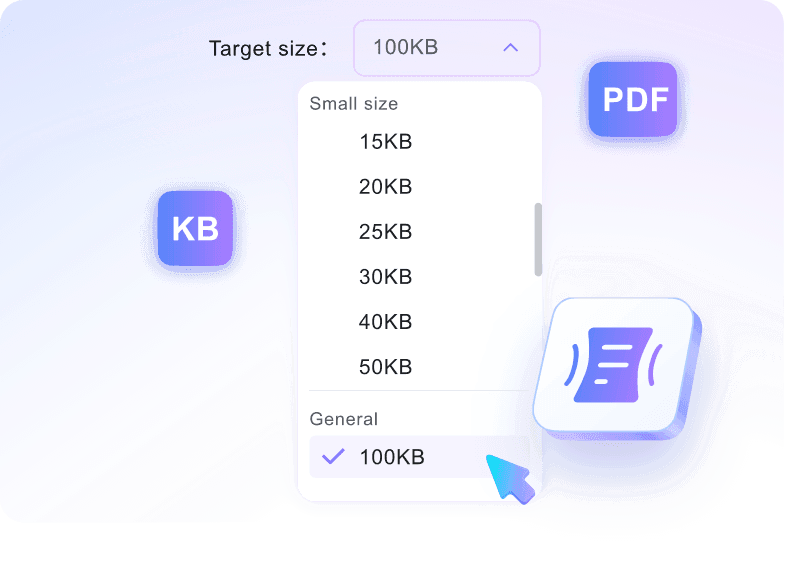
Select your target size, upload your file, and get a smaller PDF through a straightforward compression process.

Fast Web Compression
Reduce PDF size quickly when an upload form, email, or portal rejects a larger document.

Balanced File Size
Use 400KB when you need a compact file that preserves more readability than stricter KB targets.

Clear PDF Output
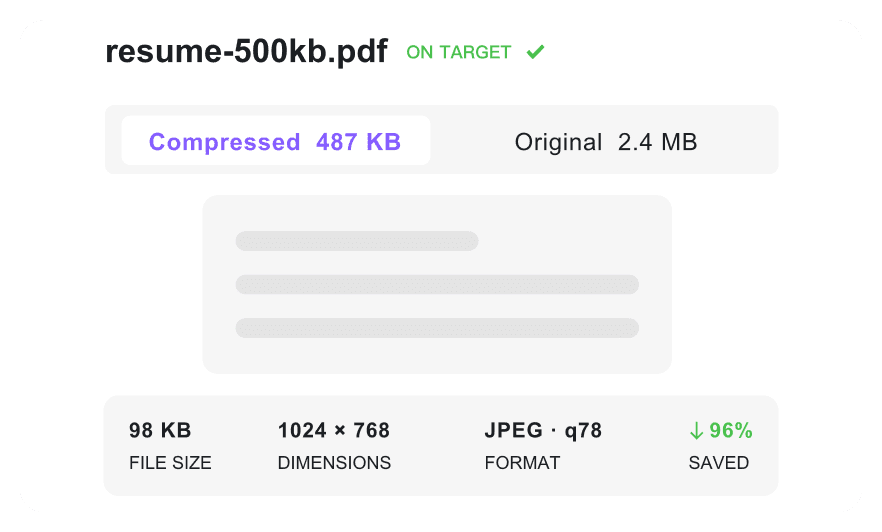
Keep text and fonts clear so compressed resumes and certificates stay easy to read.

Multiple File Support
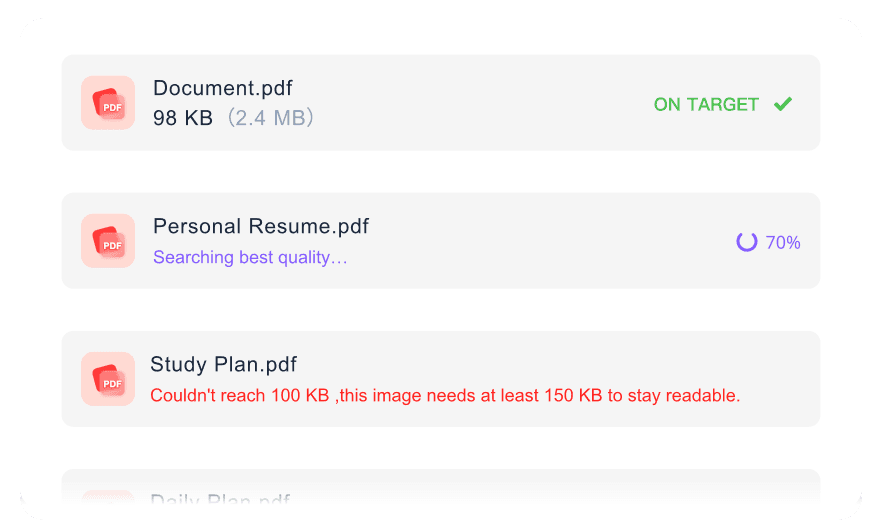
Process multiple files at once by uploading several PDFs together for simultaneous size reduction.

Works On Any Device
Compress a PDF to 400KB from any device. Process files directly in your desktop, tablet, or mobile browser without installing any software.

Flexible Size Options
If 400KB is too strict for a large file, use flexible size options to choose a nearby target that better protects readability.

Secure & Private
Process uploaded PDFs securely with no permanent file storage on our servers.
Control Your PDF Size to 400KB
Compress PDF to 400KB with Readable Quality
Batch PDF Compression to 400KB
How to Compress PDF to 400KB

Step 1. Choose 400KB Target Size
Select the 400KB target size from the menu before processing. Setting this value first guides the system to optimize your document toward the correct limit.
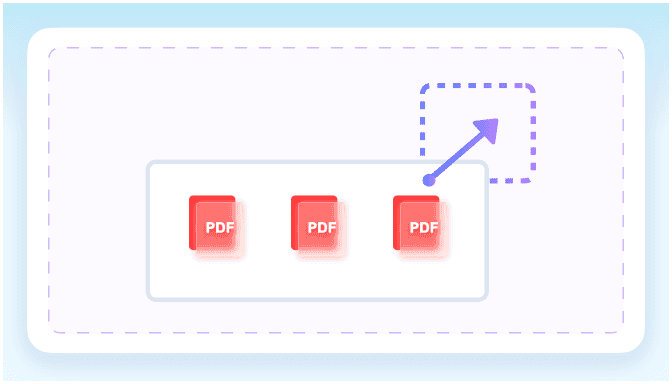
Step 2. Upload Your PDF
Upload one or more PDF files directly from your device. The tool starts working to reduce PDF size to 400 kb once the upload completes.
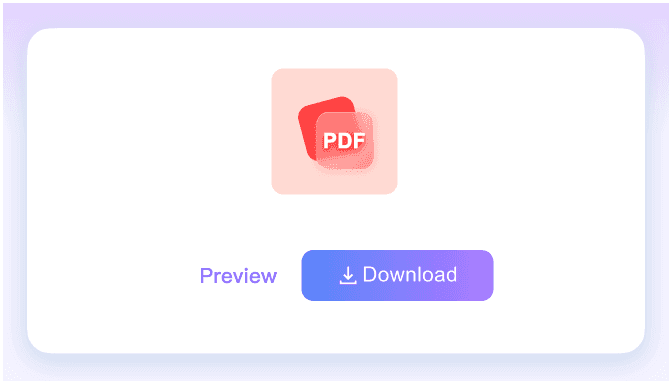
Step 3. Download Compressed PDF
Check the final compressed file size on the screen. Once verified, download the optimized PDF to your computer or mobile device.
Who Needs a 400KB PDF Compressor

Job Seekers
Help your resume fit strict portal limits when you compress PDF to 400KB for your next job application.

Students
Reduce assignment files and thesis drafts to meet strict 400KB upload limits on university submission portals.

HR Coordinators
Use a PDF compressor to 400 KB to shrink multi-page onboarding forms and employee policy documents for emailing.

Small Business Owners
Shrink daily invoices, tax forms, and expense reports to fit easily into standard email attachments.

Freelancers
Reduce PDF size to 400 KB when sending signed contracts and W9 forms to clients for fast approval.

Government Applicants
Prepare official ID scans and background check paperwork for strict government portal size limits.
What Our Users Say

Job Seeker

"I needed a PDF compressor 400 KB tool for a strict corporate portal. It quickly helped me resize PDF to 400 KB so my three-page resume fit the upload limit."

University Student
"I needed to compress PDF to 400KB for a graduate school portal with strict size limits. This tool shrank my application form close to the target size on the first try."

HR Coordinator
"I prepared several onboarding PDFs for the same upload limit at once. It is the best PDF converter 400KB tool for processing multiple employee handbooks."

Small Business Owner
"I loved that I could check the final KB size before downloading my invoices. It helps me compress PDF below 400KB reliably for my archives."

Freelance Designer
"I emailed a signed 10-page contract without any attachment bounce-backs. It is incredibly easy to compress 400 KB PDF files for my clients."

Government Applicant
"I felt much safer compressing an ID scan with secure processing. Getting my PDF under 400 KB for the state portal was fast and private."
Frequently Asked Questions
Still got questions about compressing your PDF? Here are the answers.
Enter your target size, then upload your document. The tool will reduce your PDF to 400KB automatically, allowing you to check the result before downloading. This also works if you searched for a PDF size reducer 400 KB or need to resize PDF 400KB for a portal.
Most standard text documents can usually resize to 400KB. However, highly complex files with dense embedded images or intricate vector graphics may not reach this target without a noticeable drop in visual quality. We recommend checking your final output before submitting.
Yes, a 400KB target provides an excellent balance for most paperwork. It makes the file small enough to bypass strict email or application portal limits, while still keeping scanned text, official stamps, and handwritten signatures fully readable for the recipient.
Yes, you can upload several files simultaneously. The tool applies your chosen target size across the batch, helping you optimize multiple documents efficiently.
Yes, it is free for this tool. You just need to log in to your account to process and download your optimized files.
A PDF converter 400KB usually refers to a size conversion tool rather than a format changer. It means taking an existing, larger document and reducing its file size to fit within a 400KB limit, making it easier to meet strict upload requirements for online forms or emails.
Yes. We process your documents securely, and your files are never permanently stored on our servers after you download the compressed result.


