Compress PDF to 3MB Online
Drop PDFs here, or click to select
Max 100 MB per file



Why Choose Our 3MB PDF Compressor?

100% Free
Compress PDF to 3MB free of charge, without installing software or paying for a quick portal fix.

No Sign Up
Skip the registration process and compress PDF to 3MB free without ever needing to sign up or log in.

Batch Compress
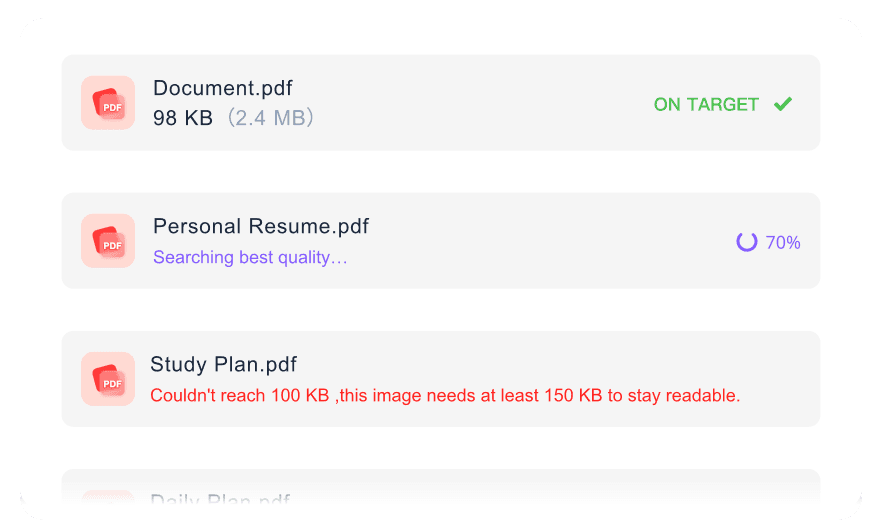
Batch compress multiple files at once to ensure all your forms and documents hit the 3MB target simultaneously.

High Quality
Maintain high quality and clear readability for your text and images even after you convert PDF to 3MB.

Clean PDF Output
Download a clean, professional PDF after compression, ready for official submissions and email attachments.

Final Size Check
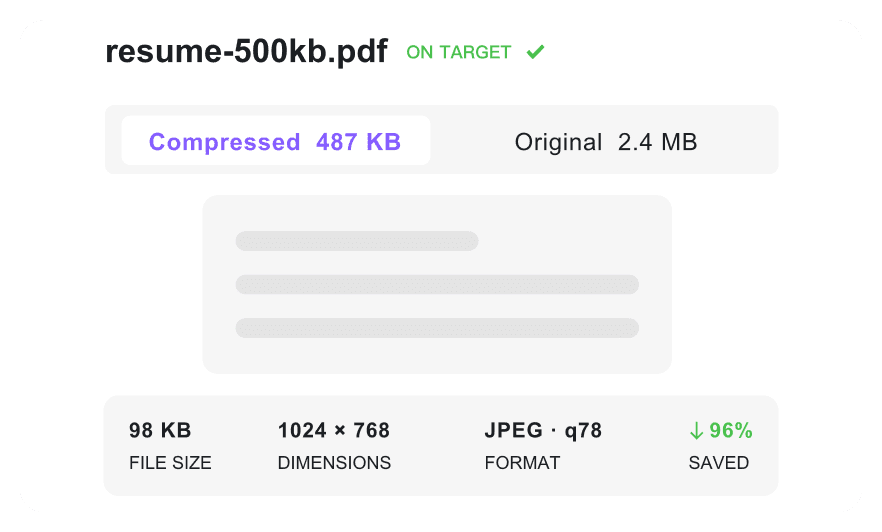
Check the exact compressed file size before downloading so the file is ready for upload.

Works Anywhere
Access this tool from anywhere using your desktop, tablet, or mobile browser to resize PDF to 3MB on the go.

Secure & Private
Process uploaded PDFs securely with no permanent server storage, keeping sensitive financial or medical records safe.
Hit 3MB Portal Limits Before Upload
Keep Resumes and Forms Readable
Prepare Several Application PDFs at Once
How to Make a PDF 3MB for Uploads

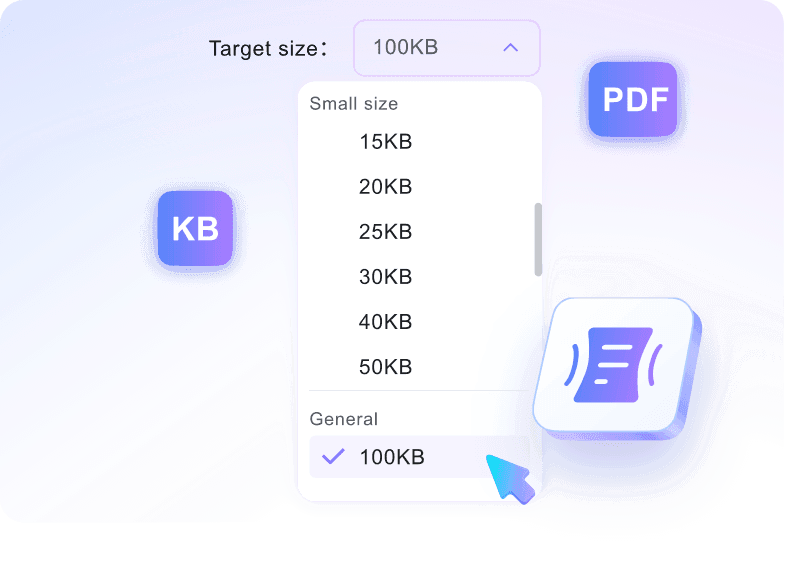
Step 1. Select the 3MB Limit
Pick 3MB from the target-size menu before adding your file. This sets the upload limit first, so the compression workflow starts with the right requirement.
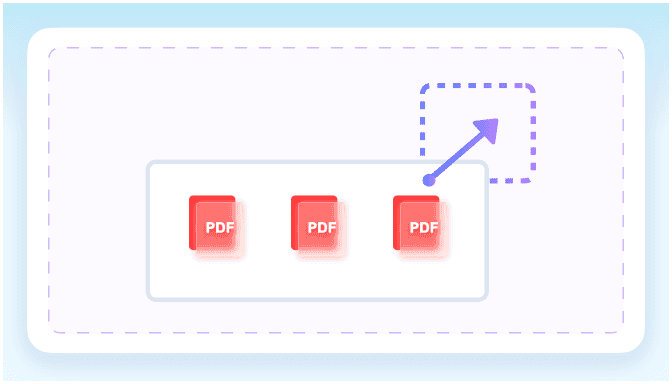
Step 2. Add Your Application Files
Add one PDF or a small group of supporting documents from your device. The tool accepts files up to 100 MB each and begins processing after upload.
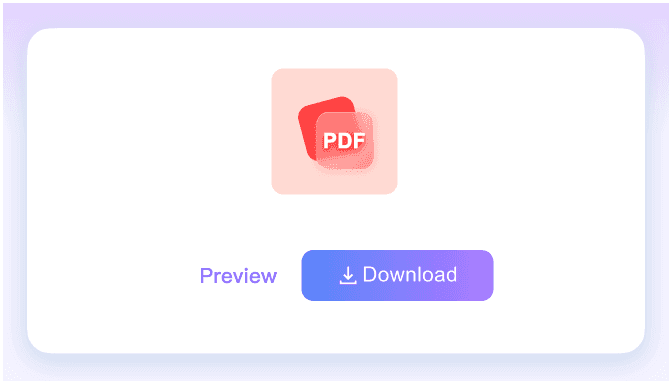
Step 3. Save the Upload-Ready PDF
Review the final file size on screen before downloading. If the result fits 3MB, save the optimized PDF and upload it to your portal.
Who Needs a 3MB PDF Compressor?

Job Applicants
Compress heavy resumes and design portfolios to bypass strict 3MB ATS upload limits while keeping text readable.

Business Professionals
Reduce large business contracts and quarterly reports to fit under standard email attachment limits without losing clarity.

Citizens & Applicants
Reduce heavy tax documents and ID proofs to meet the strict 3MB file size limits required by government submission portals.

Tenants & Renters
Shrink signed lease agreements and supporting financial documents to upload them easily to real estate application portals.

Students
Resize lengthy research papers and homework assignments to 3MB so they upload smoothly to strict university submission systems.

Freelancers
Optimize lengthy project proposals and invoice bundles for quick client sharing over email or messaging apps.
3MB Upload Wins From Real Users

Job Seeker

"I selected 3MB from the dropdown before uploading my design resume, and it perfectly met the application portal's strict requirements."

HR Manager
"Even when we compress PDF to 3MB online, the text in candidate cover letters stays incredibly crisp for our ATS parsers."

Consultant
"I uploaded 5 heavy financial reports at once. It handled the 80MB files effortlessly and reduced them all to the target size."

Real Estate Agent
"I love that I can check the exact final size of the lease agreement on the screen before downloading it."

Accountant
"I felt completely safe uploading my clients' tax documents because the tool guarantees no permanent server storage."

Graduate Student
"I needed to convert PDF to 3MB for my heavy design portfolio. This tool helped me bypass the university portal's strict file limits instantly."
Frequently Asked Questions
Answers for resumes, portals, file limits, privacy, and 3MB output quality.
Select the 3MB target size from the dropdown menu, then upload your document. Use this tool to compress PDF to 3MB free, getting a smaller file ready for download.
Yes. The tool optimizes file size while preserving text clarity and image quality, ensuring your documents remain highly readable for recruiters and ATS software.
Yes. You can batch process multiple files simultaneously. Just choose the target size, upload all your documents, and the tool will optimize each one individually.
Yes. All files are processed securely and deleted automatically. We do not permanently store your documents, making it safe to compress confidential contracts and tax forms.
You can upload PDF files up to 100 MB each. The tool processes your document and reduces it toward your selected target size.
No, you do not need an account or a subscription. You can compress PDF to 3MB online directly from your web browser without registering.
Yes, you can reduce a large MB document into a smaller KB format. Select a specific target like 500KB from the dropdown menu before you upload.