

Compress PDF 300 KB for Fast Uploads
Drop PDFs here, or click to select
Max 100 MB per file



Why Choose Our 300KB PDF Compressor

Easy 300KB Compression
Select your 300KB target, upload your PDF, and download the compressed file instantly through a straightforward, easy workflow.

Fast Online Processing
Reduce PDF size online in seconds when an upload form or portal rejects a large file, acting as a reliable PDF size reducer 300KB.

Balanced File Size
Use this 300KB PDF compressor when you need a compact file that is still more practical than very aggressive 100KB compression.

Readable Documents
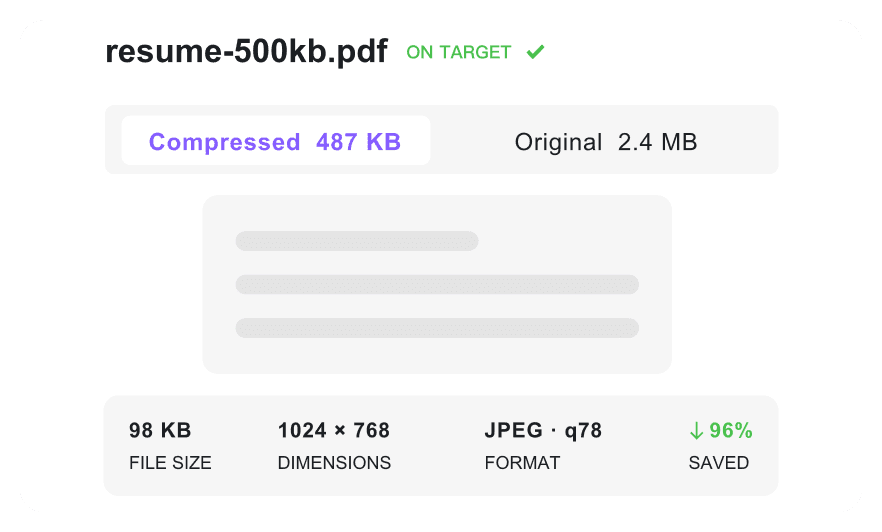
Ensure your compressed documents stay readable, keeping resumes, scanned forms, and certificates perfectly clear for professional review.

Multiple File Handling
Keep forms and invoices organized when several files need the same 300KB-ready workflow.

Free Browser Tool
Access this cost-free utility directly from your favorite web browser without installing heavy desktop software or paying subscription fees.

Flexible Target Options
If a PDF under 300KB is too strict for a large document, choose a nearby target size that better protects readability.

Secure & Private
Protect uploaded documents with secure processing and automatic deletion, so your files are not permanently stored on our servers.
Reduce Your PDF File Size to 300KB
Compress PDF Under 300KB with Readable Quality
Batch Compress PDFs to 300KB
How to Compress PDF to 300KB

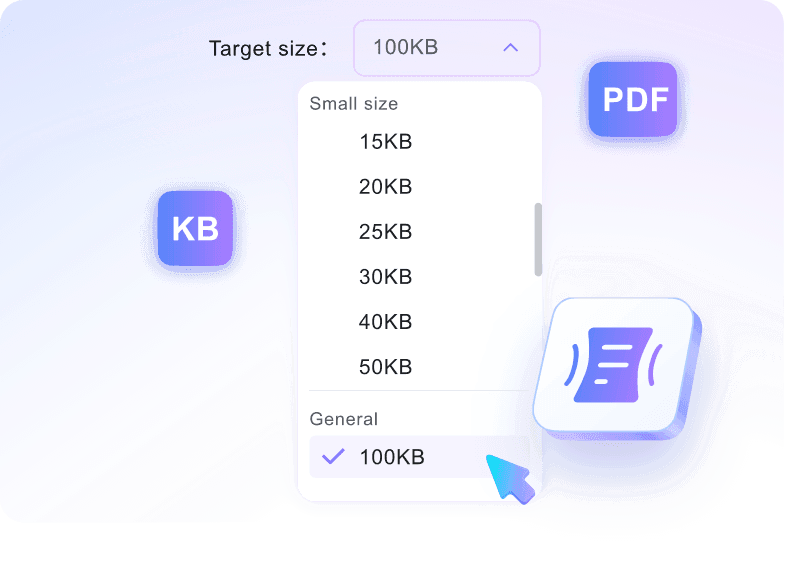
Step 1. Choose 300KB Target Size
Select the target size before adding your document. This tells the tool exactly how much to reduce your file to hit the PDF 300 KB mark. For a PDF resize 300KB task, choosing the target first helps the compressor work toward the right file-size limit from the start.
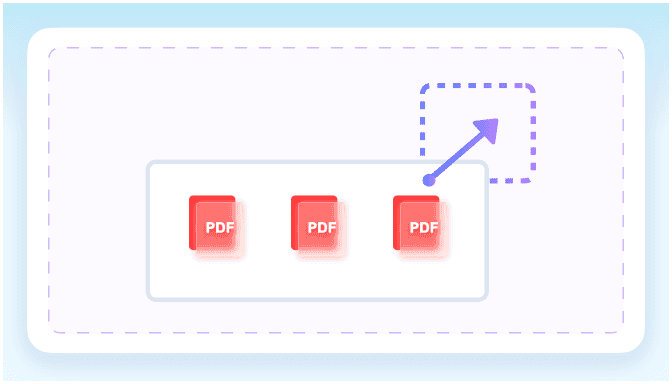
Step 2. Upload Your PDF
Upload your file from your device. Once added, the platform automatically triggers the process to compress 300KB PDF files.
Step 3. Download Compressed PDF
Check the final file size on the screen. Download the optimized PDF to 300KB to your device for immediate sharing.
Who Needs a 300KB PDF Compressor?

Job Applicants
Compress PDF to 300KB for strict applicant tracking systems. This resize pdf to 300kb process ensures your professional history uploads successfully without exceeding file limits.

Students
Reduce PDF size to 300KB for university portal uploads. A pdf less than 300kb keeps your text clear while meeting strict academic submission requirements.

Freelancers
Shrink invoices and contracts to a pdf 300 kb for quick email attachments. Send professional documents to clients faster without worrying about inbox restrictions.

HR Coordinators
Optimize employee onboarding forms and policy documents to a pdf under 300kb. Manage internal records efficiently while saving valuable corporate server space.

Government Applicants
Ensure scanned ID cards and tax forms meet strict upload limits. A pdf to 300kb guarantees your critical applications are accepted by official portals.

Small Business Owners
Compress receipts and business certificates for digital archiving. Maintain readable records while organizing your company files into a compact 300KB PDF.
What Our Users Say

Government Applicant

"My local tax portal has strict upload limits. This tool instantly reduced my heavy 15-page tax return into a compliant 300KB file, preventing frustrating rejection errors."

Freelancer
"As a contractor, I send out many documents. I compress pdf to 300kb free for my client invoices in one quick batch session."

Small Business Owner
"I handle dozens of client contracts daily. This pdf size reducer to 300kb processes multiple files at once, saving me hours of manual work while shrinking them for email attachments."

HR Coordinator
"Our company portal has strict limits. The simple target-size flow made it easy to resize pdf 300kb for all our new employee onboarding packets."

Student
"My university system kept rejecting my history essay. This pdf compressor to 300kb made my short assignment small enough to upload without ruining clarity."

Job Applicant
"When trying to compress 300kb pdf, my graphic-heavy resume was too large. I easily switched to a nearby size when 300KB was too strict for the original file."
Frequently Asked Questions
Still got questions about compressing your documents to 300KB? Here are the answers.
To compress PDF 300 KB, choose the target size before uploading your file. The tool works on existing PDFs and reduces them toward a 300KB output, allowing you to check the final size before downloading.
Not always. Reaching an exact PDF size 300 KB depends on the original length and embedded images. If your related search is JPG to PDF 300 KB, create the PDF first, then compress that PDF here.
Yes, a 300KB PDF is an excellent middle ground for short scans. It provides enough space to keep text readable while meeting the requirements of most official upload portals.
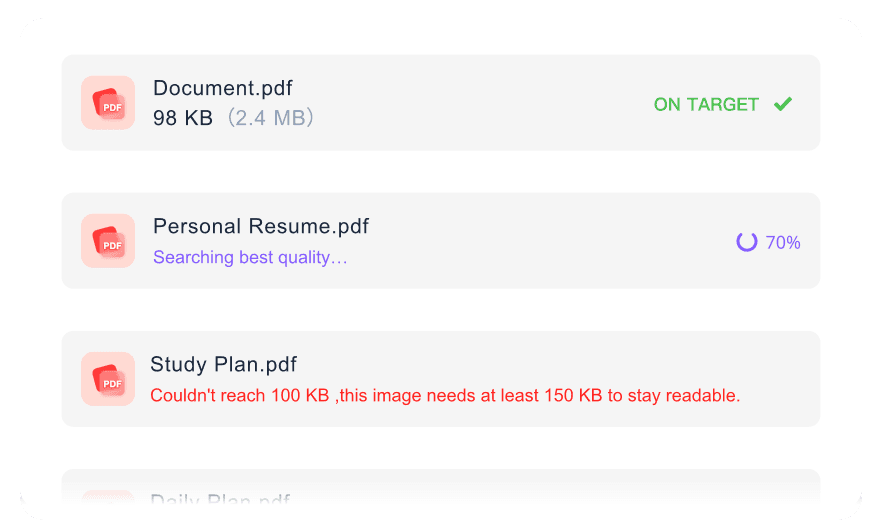
Yes, you can upload several files at once. The compressor will process the entire batch, applying your chosen target size to each document for a faster workflow.
Yes, it is free to use. You simply need to create an account to start compressing your PDF files instantly.
First, use an image converter to change your JPG file into a PDF document. Once converted, upload that file here to reduce the PDF size to 300KB. This page only compresses existing PDFs.
Yes. All uploaded documents are processed securely and deleted automatically from our servers. We do not store your files permanently.


