

Compress PDF 250 KB Online
Drop PDFs here, or click to select
Max 100 MB per file



Why Choose Our 250KB PDF Compressor

100% Free Tool
Use this 100% free tool to compress to 250KB online without paying for a desktop editor.

Easy 250KB Compression
Set an easy 250KB target before upload so the tool knows the exact file-size goal before compression starts.

Fast Browser Processing
Start compression in your browser and create a lighter PDF for portals, email, or shared folders.

Clear Readable Output
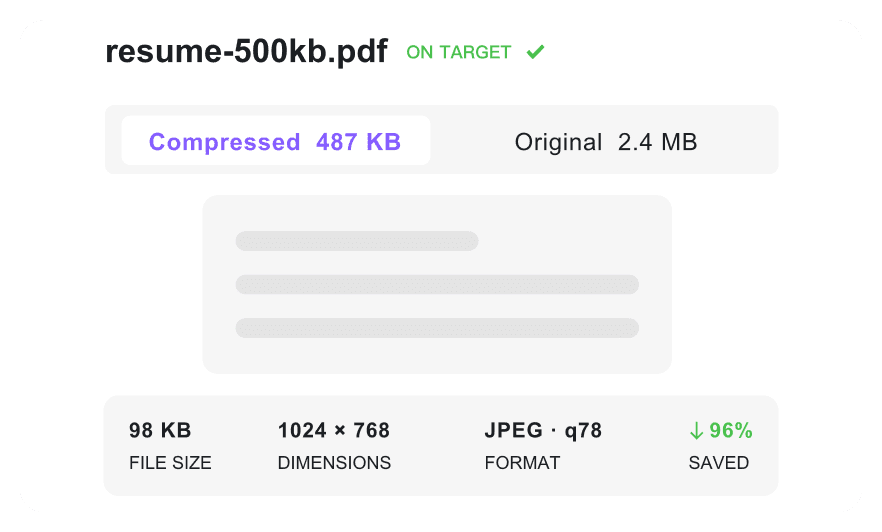
Keep signatures, labels, and embedded text clear enough for review while shrinking toward 250KB.

Multiple File Support
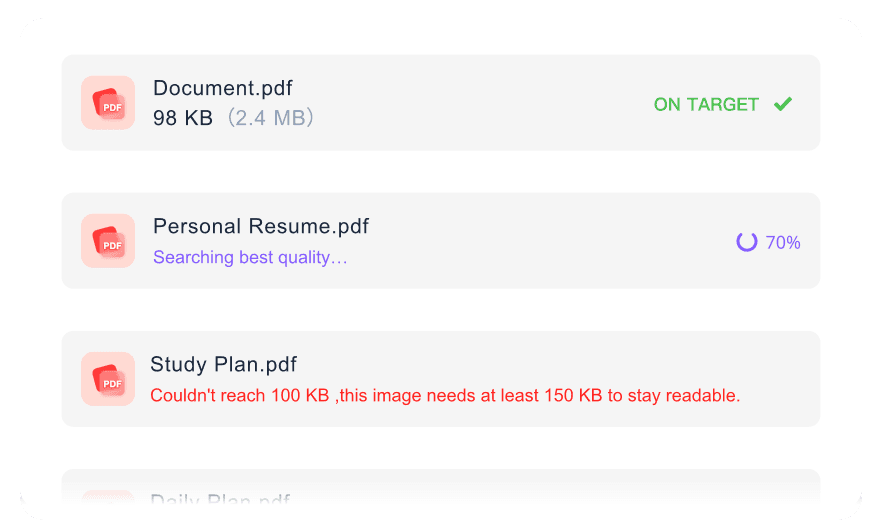
Handle multiple forms or certificates together when each file needs to meet a 250KB limit.

Work Anywhere
Work anywhere and resize PDF 250 KB from your desktop, tablet, or phone without installing a desktop app.

Flexible Size Options
Use flexible size options if 250KB is too strict for a complex PDF and a nearby target protects readability better.

Secure & Private
Keep your data secure and private. We automatically delete your documents after you resize PDF 250 KB.
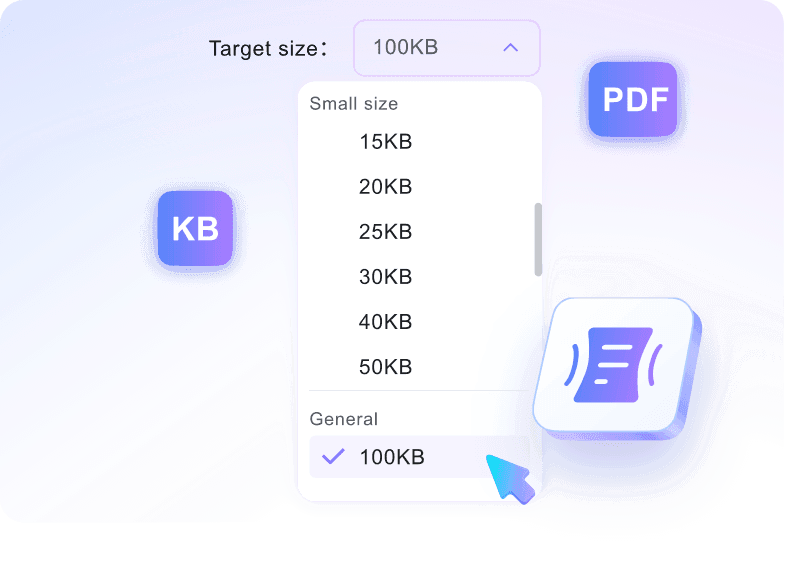
Compress PDF to 250KB with Size Control
Compress PDF to 250KB with High Clarity
Process Multiple PDFs to 250KB in One Batch
How to Compress PDF to 250KB Online

Step 1. Choose Target Size
Select your desired target limit before you begin uploading. Setting the limit first means the tool automatically applies the correct compression level to adjust your PDF to 250KB.
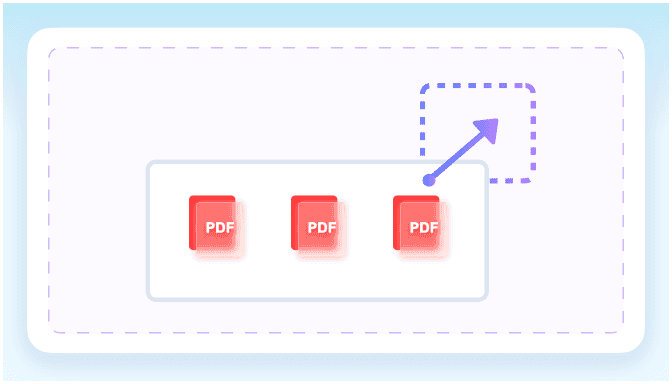
Step 2. Upload Your PDF
Upload one or more files directly from your computer or mobile device. The system will immediately start to reduce PDF size to 250 KB based on your chosen settings.
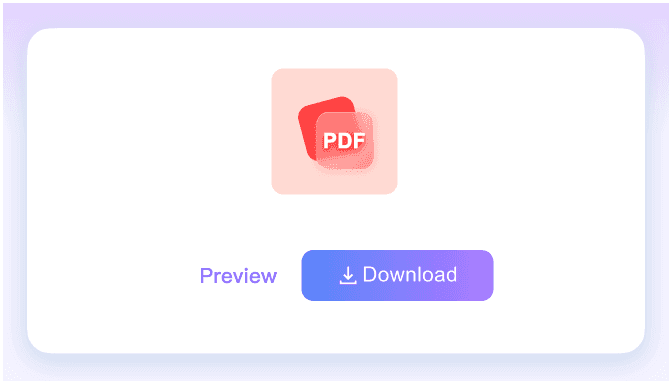
Step 3. Download Compressed PDF
Check the final file size on the screen to confirm it meets your strict requirements. Once verified, download the optimized document or use the PDF resize 250 KB option again if needed.
Who Should Compress PDFs to 250KB?

Job Applicants
Compress PDF resumes and cover letters to meet strict 250KB upload limits on career portals.

Students
Reduce text-heavy assignments and digital ID cards to a 250KB PDF size for university admissions portal uploads.

HR Professionals
Shrink employee onboarding packets and tax forms into compact 250KB files for efficient database storage.

Freelancers
Optimize PDF invoices and short portfolio samples down to 250KB for standard email delivery to clients.

Government Applicants
Resize digital passports and official visa application forms toward 250KB government portal requirements.

Small Business Owners
Compress signed PDF contracts and expense receipts into 250KB documents for organized digital archiving.
What Our Users Say

Job Applicant

"I needed to compress a PDF to 250KB for a strict career portal. This tool shrank my three-page resume while keeping the text readable."

Graduate Student
"It is simple to compress PDF to 250KB using the target size control. My 15-page history essay uploaded to the school portal without any errors."

HR Coordinator
"We process hundreds of onboarding packets. Reducing a PDF size to 250 KB while keeping the tax forms completely readable is a huge win for our database."

Graphic Designer
"I frequently batch compress my invoice PDFs to 250KB. It handles multiple files at once, making client emails much lighter."

Retail Owner
"I use this PDF compressor to 250KB for all our vendor contracts. The text stays sharp, and the files take up barely any storage space."

Everyday User
"I needed to resize a PDF to 250KB for a government visa application. Knowing the tool doesn't store my passport scan gave me total peace of mind."
Frequently Asked Questions
Still got questions about how to compress PDF 250 KB files? Here are the answers.
Select your target size, upload the document, and the tool will automatically compress the PDF to 250KB. Check the final size and download your file.
The compression balances size and readability. While standard text documents remain clear, highly detailed images or complex scanned layouts might lose some sharpness when forced under 250KB.
If your original file is extremely large, reaching 250KB may not be possible without severe quality tradeoffs. In these cases, the tool applies strong compression while keeping the text legible where possible.
Yes, you can upload multiple files at once. The tool processes each document individually, aiming for the target PDF size 250 KB simultaneously.
Yes, it works well for many scanned documents. When you compress PDF to 250kb, our tool optimizes the embedded images while keeping text readable where possible. This makes it useful for uploading driver's licenses, passports, and academic certificates to portals that enforce strict file size limits.
Yes. We process files temporarily to resize PDF to 250kb, and they are automatically deleted from our servers immediately after you download the result.
A 250KB target is a balanced choice for web portals, job applications, and government forms. If your document contains heavy graphics, you might want to choose a 500KB target to protect more clarity. Otherwise, a PDF size reducer 250 kb or pdf compressor 250 kb workflow works well for standard text. You can also use it as a pdf converter 250 kb workflow when you only need to reduce file size, not change format.


