Compress PDF to 25 MB
Drop PDFs here, or click to select
Max 100 MB per file



Why Choose Lynote PDF Compressor to 25 MB?

Built for 25 MB Upload Limits
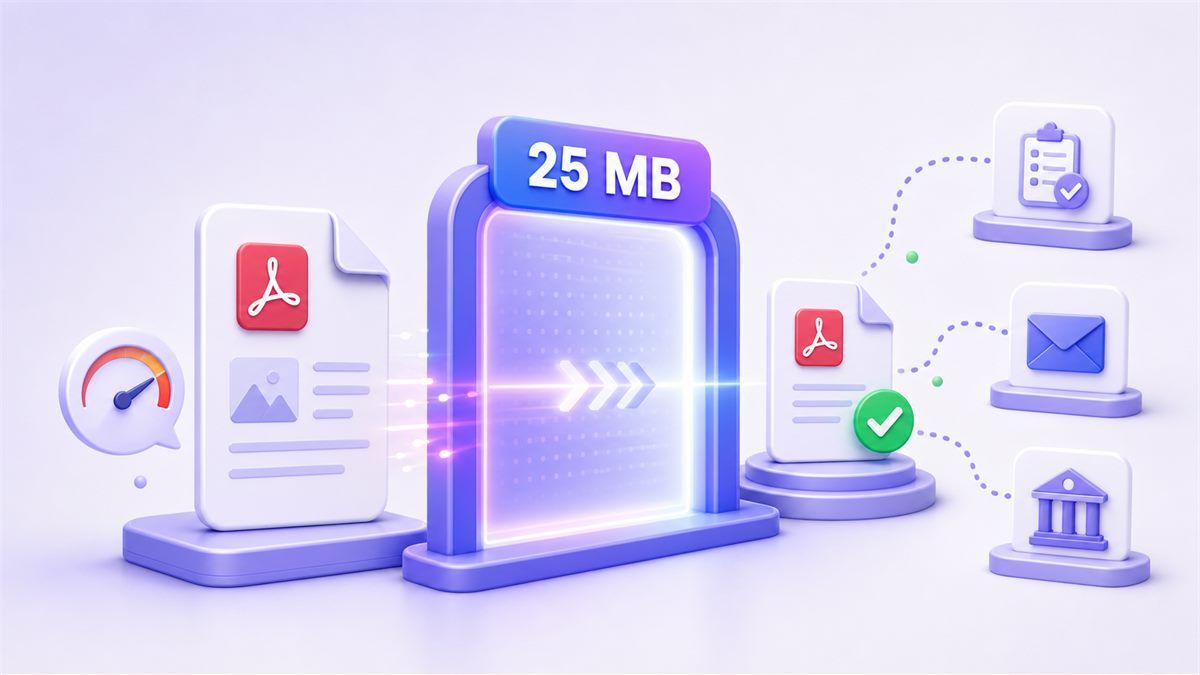
Use Lynote when a PDF is slightly too large for a form, email attachment, school portal, client system, or document upload page.

Target-Size Compression
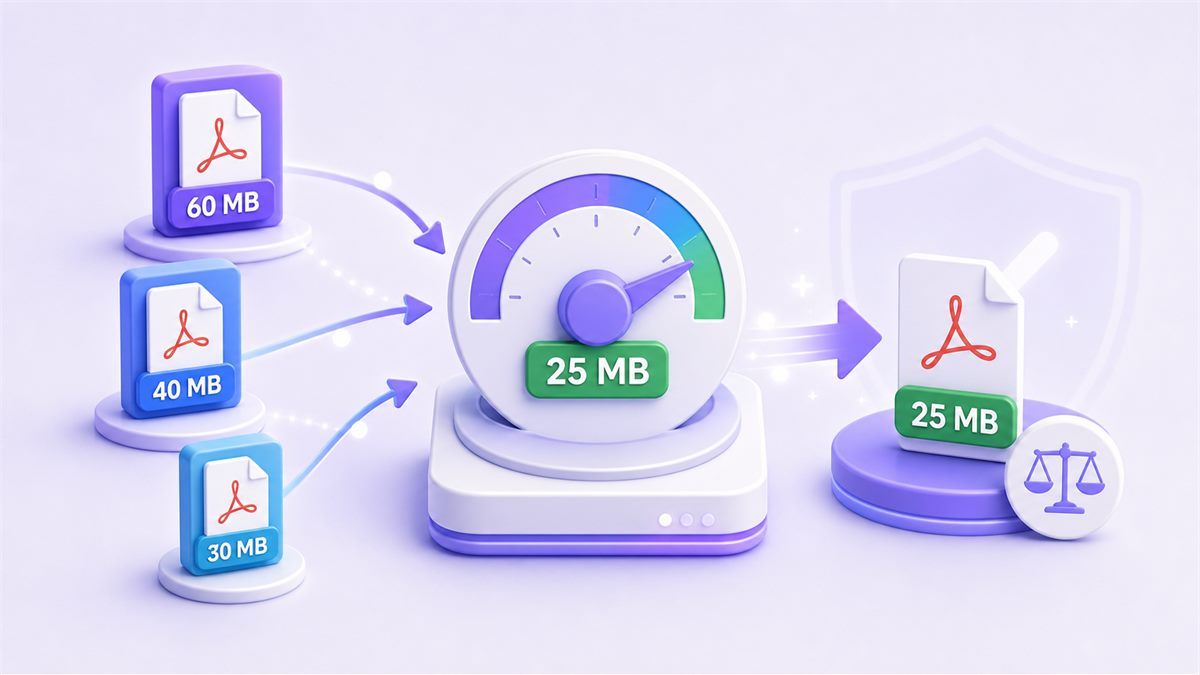
Instead of guessing random settings, choose a 25 MB goal and let the compressor reduce your PDF toward that limit.

Keeps Documents Practical
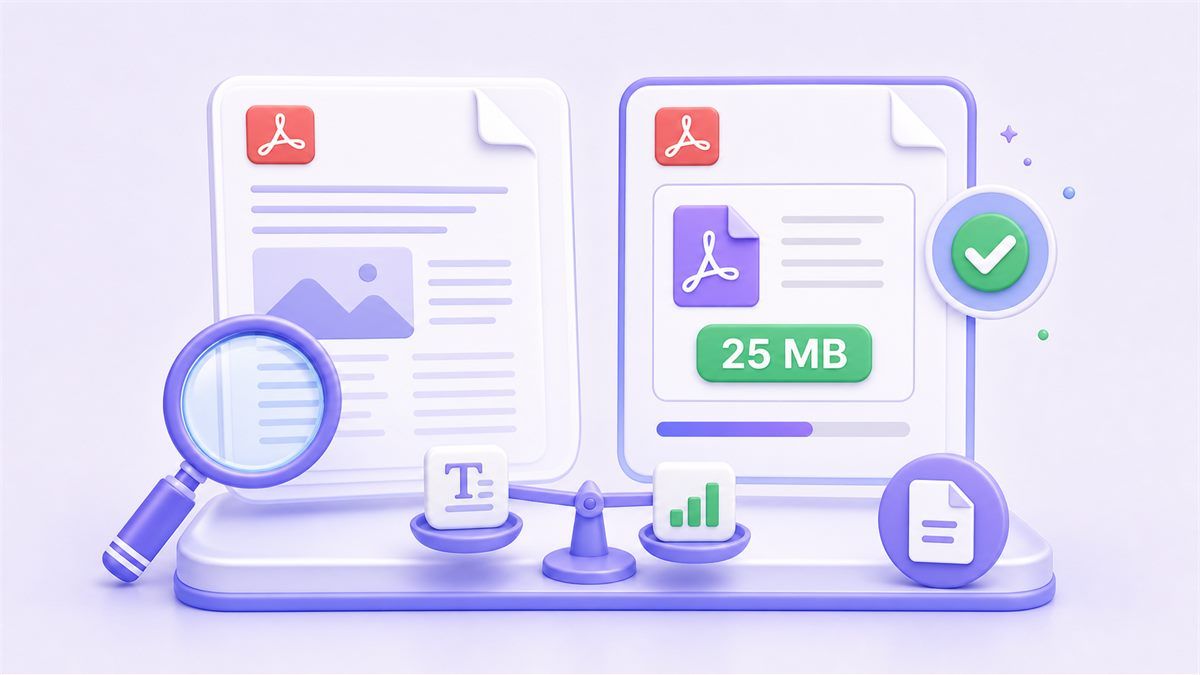
Compress PDF file to 25 MB while keeping text, layout, and key images readable for review, sharing, and submission.

Useful for Large Reports
Reduce PDF size to 25 MB for reports, manuals, contracts, scanned packets, portfolios, and presentation-style documents.

Fast Online Workflow
Compress PDF 25 MB tasks directly in your browser. Upload, process, preview, and download without installing desktop software.

Good for Email Attachments
Many email and file-sharing systems reject large attachments. Lynote helps compress PDF less than 25 MB for easier sending.

Works Across Devices
Use the PDF compressor 25 MB workflow from desktop, tablet, or mobile when you need a smaller file quickly.

Secure File Processing
Your PDF is processed securely, and the workflow is designed for simple online compression without long manual steps.
Compress PDF Below 25 MB
PDF Size Reducer Below 25 MB
Preview and Download a 25 MB-Ready PDF
Who Is This PDF Compressor For?

Job Applicants
Compress resumes, portfolios, certificates, and application documents below 25 MB before submitting them to hiring portals or email addresses.

Students
Reduce PDF file size below 25 MB for assignments, scanned notes, research packets, scholarship forms, and academic submissions.

Office Teams
Compress reports, contracts, invoices, onboarding packets, and internal documents so they fit email or cloud upload requirements.

Freelancers
Prepare proposals, case studies, design proofs, and client deliverables that need to stay professional while remaining easy to share.

Legal and Admin Users
Shrink scanned agreements, identity documents, forms, and case files when strict upload limits block submission.

Mobile Users
Make large PDFs easier to upload from a phone, especially when the connection is slow or the platform rejects oversized files.
How to Compress PDF to 25 MB
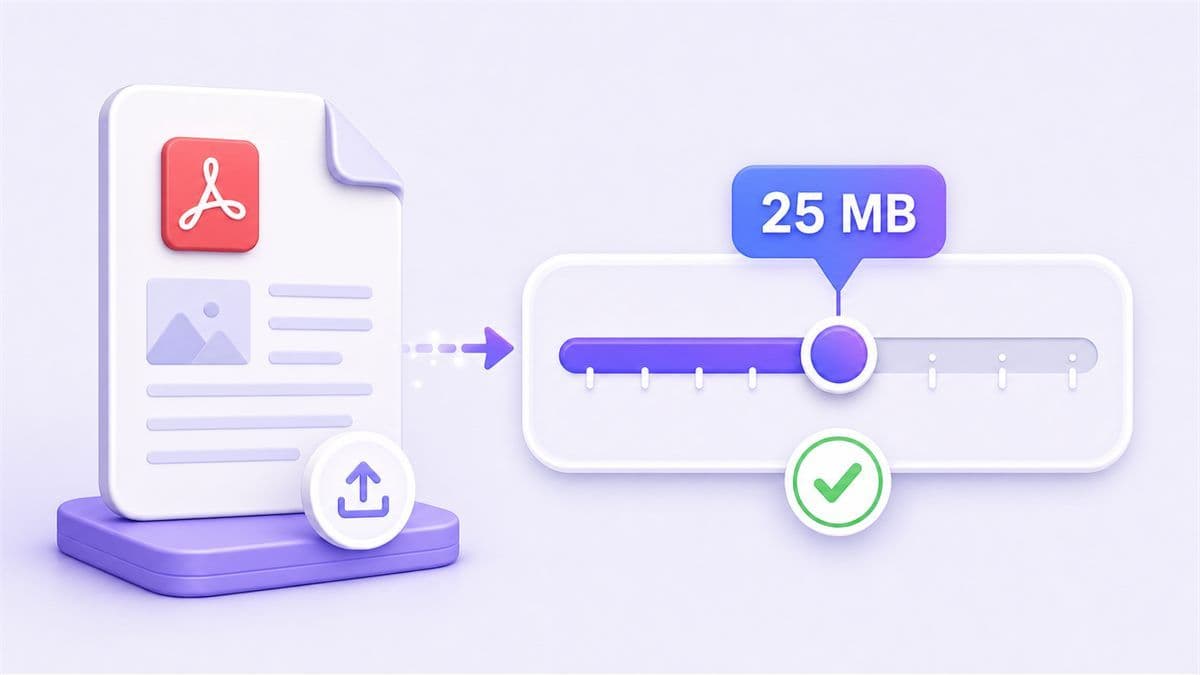
Step 1. Select 25 MB as the Target Size
Choose 25 MB as your target file size. This is useful when you need to compress PDF under 25 MB for forms, email, job portals, school submissions, or document systems.
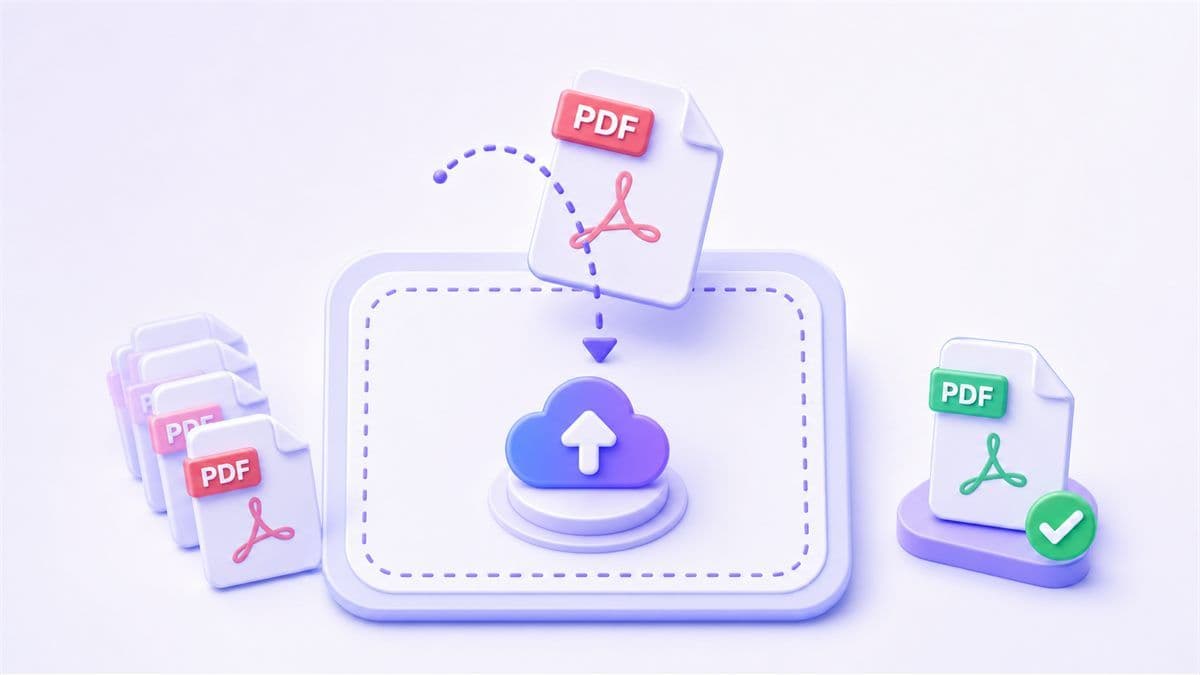
Step 2. Upload Your PDF File
Upload the PDF you want to reduce. Lynote works well with reports, scans, proposals, certificates, invoices, application packets, and image-heavy documents.
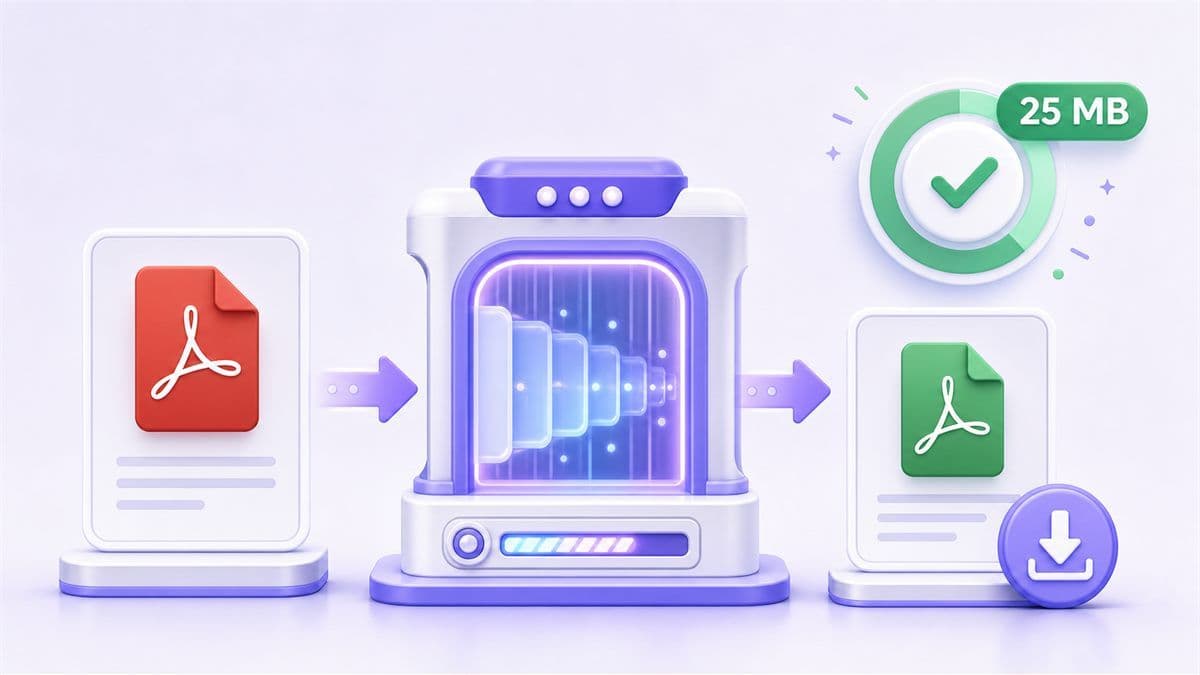
Step 3. Compress and Download
Start compression and download the smaller PDF. If the file is still above the limit, try a stronger setting or remove unnecessary pages before compressing again.
What People Say About Compressing PDF to 25 MB

Student

"I had a 31 MB assignment packet that would not upload to my school portal. Compressing it below 25 MB solved the issue without making the pages hard to read."

Operations Coordinator
"Our vendor forms often come back as large scanned PDFs. Lynote helps us reduce them to under 25 MB before sending them through our internal system."

Job Applicant
"My portfolio PDF was just over the upload limit. I used the 25 MB target and could submit it without rebuilding the whole file."

Consultant
"I like having a clear file-size goal. Compressing toward 25 MB is much faster than trying different settings again and again."

Admin Assistant
"We prepare policy packets and onboarding files for different portals. Getting PDFs below 25 MB makes the upload process smoother."

Designer
"My proposals include visuals, so I do not want to over-compress them. A 25 MB target gives me a useful balance between quality and shareability."
Frequently Asked Questions
Still have questions about compressing PDF files online? Here are the answers.
Upload your PDF, select 25 MB as the target size, then start compression. After processing, review the result and download the smaller file.
Yes. Lynote lets you use an online PDF compressor workflow to reduce large PDFs toward common upload limits such as 25 MB.
Large scanned PDFs, reports, proposals, portfolios, manuals, application documents, and image-heavy files often benefit most from compression.
Compression may reduce image detail, especially in scanned or visual-heavy PDFs. Lynote helps keep the file practical and readable while reducing its size.
Yes. If your email system or attachment rule requires a smaller file, you can reduce PDF size below 25 MB before sending it.
Try a stronger compression level, remove unnecessary pages, reduce large embedded images, or split the document before compressing again.
Yes. A normal compressor reduces size generally, while this page focuses on a clear 25 MB target for users who need to meet a specific upload or sharing limit.