

Compress PDF to 200KB
Drop PDFs here, or click to select
Max 100 MB per file



Why Choose Our 200KB PDF Compressor?

200KB Limits
Overcome strict 200KB limits on government portals and application systems that reject larger file uploads.

Fewer Upload Fails
Experience fewer upload fails by shrinking your document to the exact size required, preventing repeated submission errors.

Less Guesswork
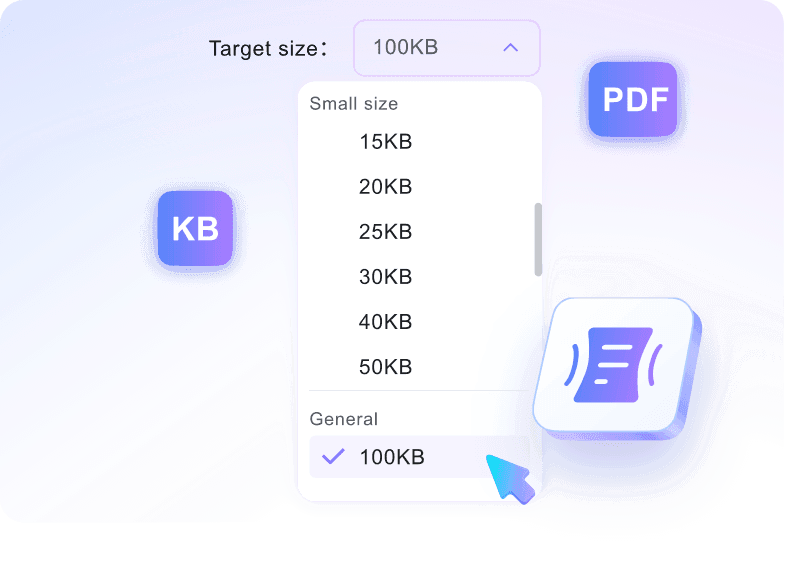
Eliminate the guesswork of vague compression settings by directly typing your desired file size for instant processing.

Deadline Fix
Fix oversized email attachments. You can resize pdf file to 200kb online right before a crucial submission deadline.

Free Online
Access the pdf compressor 200kb directly in your browser for free, without installing bulky software.

Any Device
Shrink files from any device, whether you use a desktop, tablet, or smartphone browser, without installing apps.

Flexible Sizes
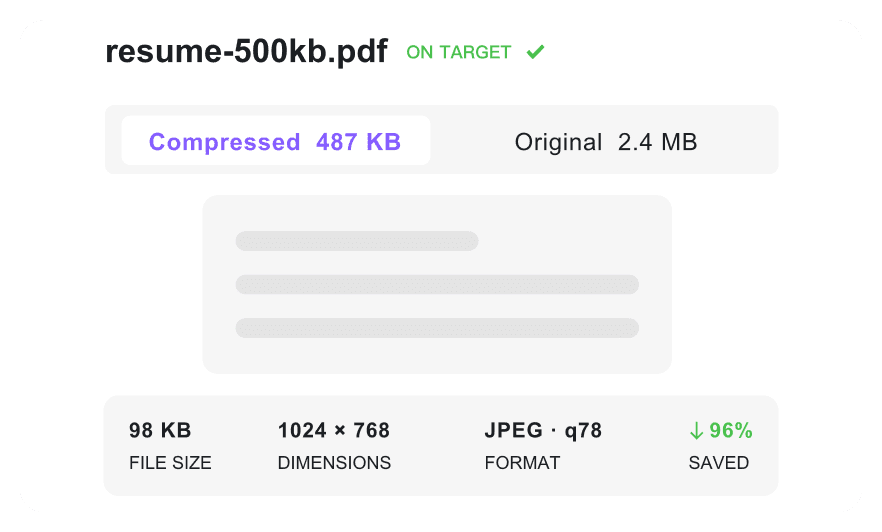
Access flexible sizes by easily adjusting your target number if a highly visual document loses readability.

Secure & Private
Your files are processed on private servers and deleted automatically. We never permanently store your sensitive information.
Reduce Your PDF File Size to 200KB
Compress PDF Under 200KB with Readable Quality
Batch Compress PDFs to 200KB
How to Compress PDF to 200KB Online

Step 1. Choose 200KB Target Size
Select 200KB as your target output limit first. This is required because uploading triggers the pdf size reducer 200 kb automatically.
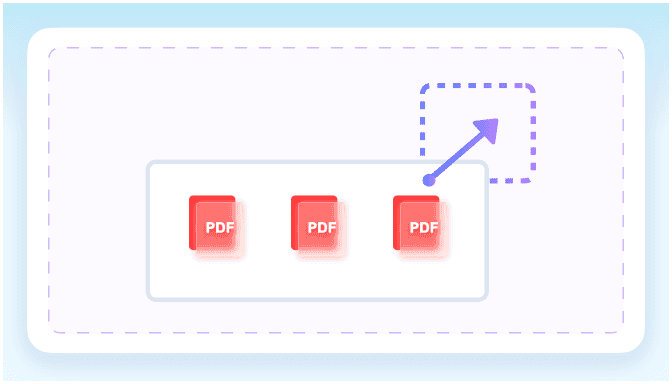
Step 2. Upload Your PDF
Drag and drop one or multiple documents into the workspace. The pdf converter 200kb will begin processing immediately.
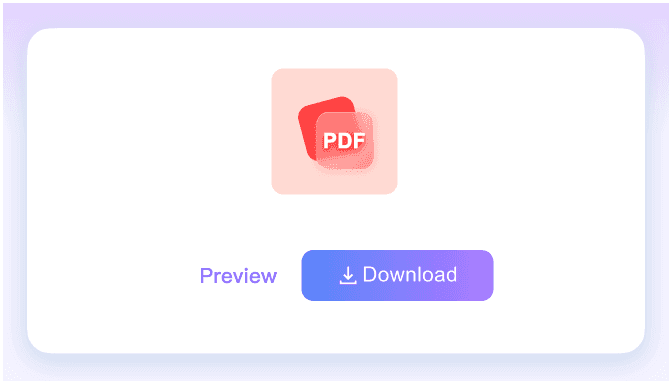
Step 3. Download Compressed PDF
Check the final output size on your screen. Download the optimized document to your device for immediate sharing or storage.
Who Needs a 200KB PDF Compressor?

Job Applicants
Compress resumes, CVs, and application PDFs to meet strict portal limits using our 200KB PDF compressor.

Students
Reduce assignment PDFs, school forms, and scanned notes for learning platforms with a reliable PDF size reducer 200KB.

Government Form Users
Shrink ID, license, tax, or registration PDFs with supporting documents to keep your PDF under 200KB.

Admin and HR Teams
Prepare employee records, forms, and onboarding documents for internal HR systems using a PDF compressor to 200KB.

Small Business Owners
Make invoices, quotes, and lightweight business files easier to email when you compress PDF 200KB.

Everyday Users
Resize personal PDFs for upload forms, email attachments, and cloud storage to keep your PDF less than 200KB.
What Our Users Say

Job Applicant

"I needed to compress PDF to 200KB for a strict career portal. This tool reduced my three-page CV perfectly so I could submit it."

Graduate Student
"Instead of guessing export settings, I just chose 200KB as the target size. It easily reduced my ten-page tax form to meet the exact portal limit."

Freelance Consultant
"I used the PDF size reducer 200 KB to shrink my tax registration forms. The text and my embedded signature remained completely readable after compression."

HR Coordinator
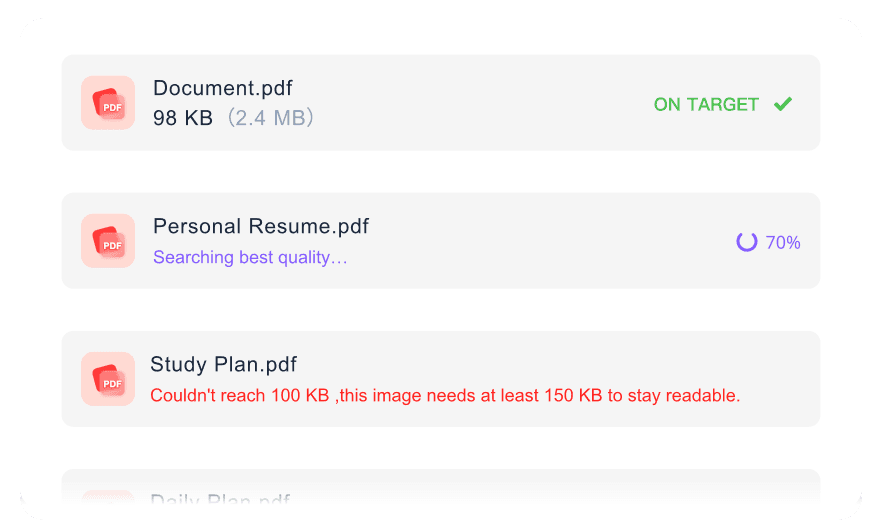
"Processing employee onboarding packets is much faster now. I can batch compress multiple PDFs toward the limit in one simple workflow."

Small Business Owner
"I love that I can check the compressed file size before downloading. It guarantees my client invoices are always a PDF under 200KB before emailing."

Retail Manager
"I needed a PDF compressor to 200KB for my personal lease agreement. Knowing this browser-based tool processes sensitive files securely gave me peace of mind."
Frequently Asked Questions
Still have questions about compressing PDF files to 200KB? Here are the answers.
Choose your target size before uploading your document. The tool will automatically reduce PDF size to 200KB for easy downloading. Use it as a pdf size reducer to 200kb when a form needs pdf size reduce to 200kb before submission.
Not always. While the tool aims for your target, very large or image-heavy documents may only get close. Final compression results depend heavily on the original file structure and scanned content, especially when the requested pdf size 200kb limit is very strict.
The compressor balances size reduction with document clarity. Text and basic layouts remain readable, though high-resolution images may lose some sharpness to meet the 200KB threshold.
Yes, you can upload and compress multiple files at once. The system will process each document toward your chosen target size, provided the source layouts support it.
Yes, you can use our tool to compress PDF to 200KB online for free. Simply log in to start processing your files instantly.
Yes. While this specific tool reduces existing documents, you can use our related image to PDF 200KB converter to turn JPGs into optimized PDFs. It also helps with pdf 200 kb converter, pdf resize 200kb, and pdf to pdf 200kb needs when an image has already been saved as a PDF.
Yes. We process your documents securely over an encrypted connection. Your files are never permanently stored and are automatically deleted after processing.


