

Online PDF Compressor to 150KB
Drop PDFs here, or click to select
Max 100 MB per file



Why Choose Our 150KB PDF Compressor

Free PDF Compressor
Use this PDF compressor to 150KB online without installing software or paying for a simple file-size fix.

Simple 150KB Target
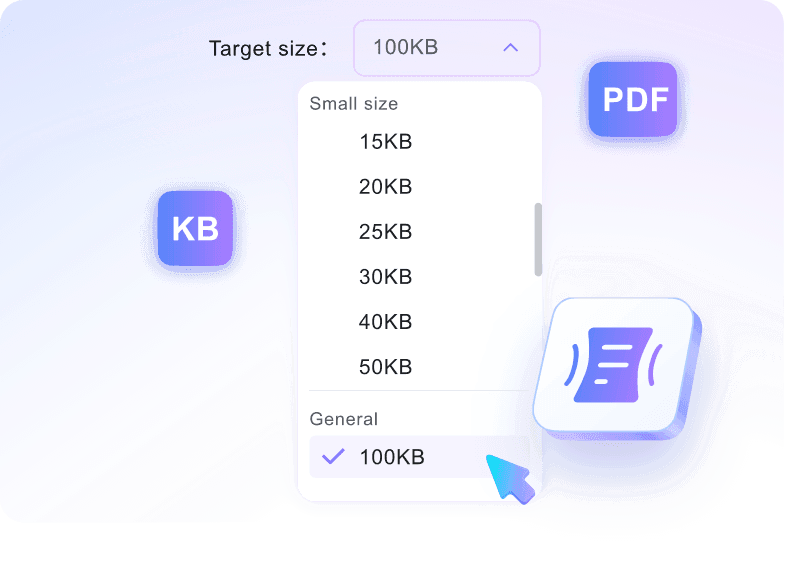
Choose the 150KB target before upload so your document is compressed toward the size you actually need.

Quick Online Compression
Turn an oversized document into a lighter 150KB file in a browser workflow built for quick uploads.

Readable Document Quality
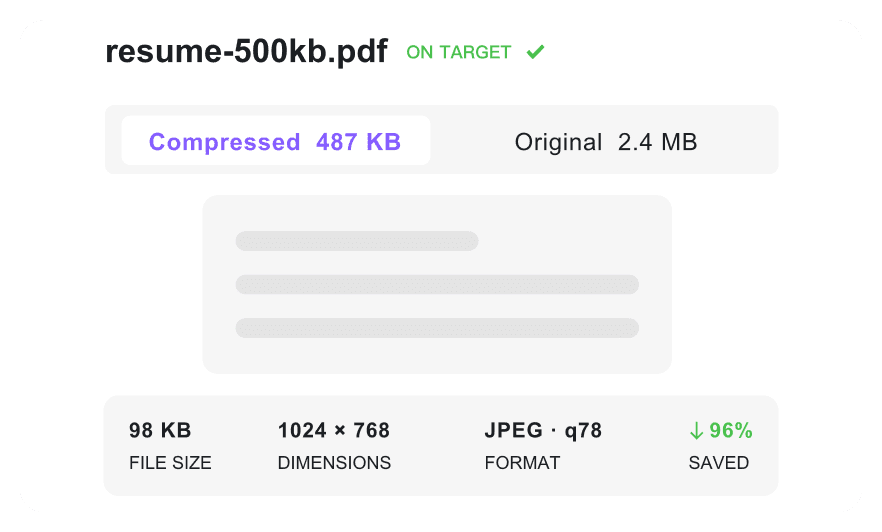
Keep compact forms, certificates, and text pages readable while reducing the file toward 150KB.

Use on Any Device
Use the 150KB compressor on any device, whether you are working from a laptop, tablet, or phone.

Multi-PDF Support
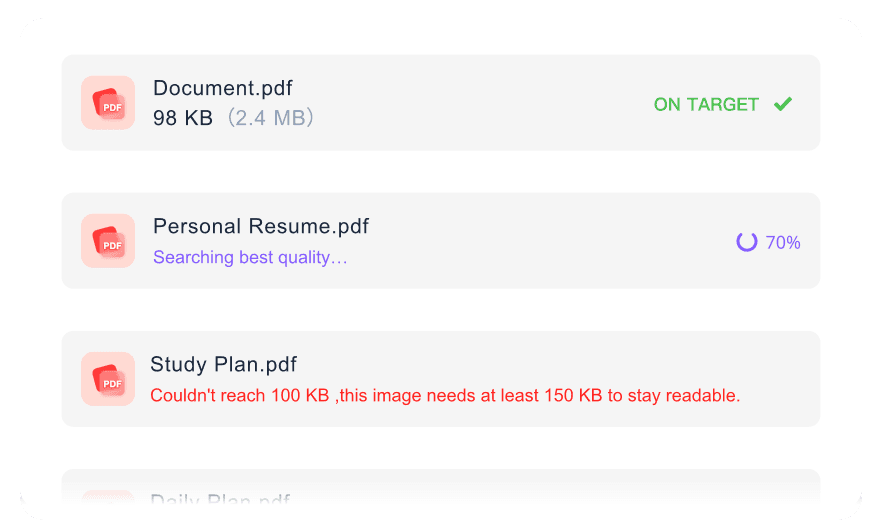
Group several PDFs together and prepare a small set of documents for the same 150KB upload rule.

Final Size Check
Check the final file size before downloading, then run the PDF resize 150 kb process again if needed.

Secure & Private
Process uploaded files securely. We do not store your documents permanently on our servers when you compress 150 kb PDF files.
Reduce PDF to 150KB with Target Size Control
Keep 150KB PDFs Readable After Compression
Batch Reduce Multiple PDFs to 150KB
How to Compress PDF to 150KB Online

Step 1. Choose Target Size
Select your target size in the PDF compressor 150kb before adding your document. The optimization process starts automatically as soon as your file uploads.
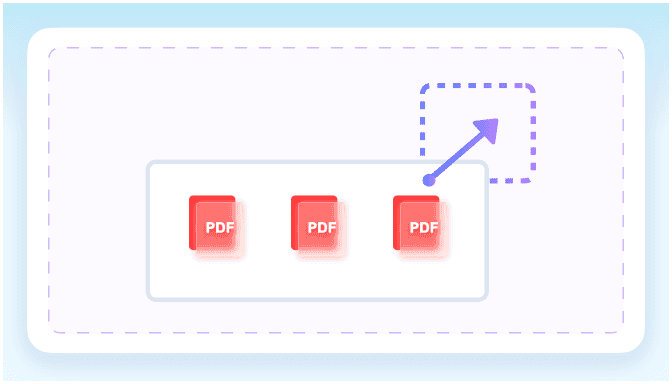
Step 2. Upload Your PDF
Upload one or more PDF files from your device once the size limit is set. The pdf convert 150kb process handles single documents or batch uploads easily.
Step 3. Download Compressed PDF
Check the final file size on the screen to verify your PDF resize 150kb result. Once confirmed, download the optimized document directly to your device.
Who Needs a 150KB PDF Compressor

Job Applicants
Use our PDF compressor to 150KB to shrink multi-page resumes and CVs, ensuring they meet strict job portal upload limits.

Students
Reduce admission forms and student ID scans. A reliable PDF size reducer 150KB makes university portal uploads seamless.

Freelancers
Make your signed contracts lightweight. A quick PDF convert 150KB helps your client emails avoid attachment-size bouncebacks.

HR Professionals
Batch compress heavy employee onboarding documents. Use this 150 KB PDF compressor to manage your HR files efficiently.

Small Business Owners
Shrink scanned tax forms and vendor receipts. A fast PDF converter 150 KB helps you organize digital archives.

Everyday Users
Need to resize PDF 150 KB? Compress personal ID cards and passport scans easily for government visa application portals.
What Our Users Say

Job Applicant

"I needed a PDF compressor to 150KB for my five-page resume. This tool helped me get the file small enough for my job portal upload."

Student
"Reducing my scanned admission forms was simple. I used the 150 KB PDF converter, and it gave me the perfect file size for my university application."

HR Professional
"When I reduce PDF size to 150 KB for employee contracts, the text stays readable. It is what our human resources department needed."

Freelancer
"Being able to batch compress multiple project proposals at once is fantastic. I can PDF resize 150KB for client files without repeating the same steps."

Small Business Owner
"This 150KB PDF compressor is incredibly fast. I shrink all my monthly tax receipts directly in my browser before archiving them."

Everyday User
"I needed to compress PDF 150 KB for my passport scan. It is great knowing my files are processed securely and deleted right after."
Frequently Asked Questions
Still got questions about compressing your PDF to 150KB? Here are the answers.
Choose your target size, upload your document, and the tool will automatically reduce the file size. Once processed, you can download your PDF to 150 KB.
Most text-based documents can easily hit this target. However, very large files with high-resolution images might not achieve a PDF to PDF 150 KB conversion without a noticeable drop in quality.
Yes. The tool balances size reduction with quality retention. When you compress 150 KB PDF files, text remains clear and important visual details are preserved for official submissions.
Yes, you can upload and process several files at once. The tool will apply the PDF resize 150 KB target to all uploaded documents, saving you time on repetitive tasks.
Text-heavy documents like resumes, cover letters, and standard government forms are ideal for this target size. If you reduce PDF size to 150 kb, files with minimal images or simple formatting yield the best readable quality. Highly visual documents might lose some clarity.
Yes. We process your documents using secure connections, and all files are automatically deleted from our servers immediately after you compress your PDF.
If your document contains heavy graphics, forcing it to 150KB might reduce readability. You can easily adjust the target size in our tool to 200KB or 300KB to balance a small file size with clear visual quality.


