Compress PDF to 10MB Online
Drop PDFs here, or click to select
Max 100 MB per file



Why Choose Our 10MB PDF Compressor?

100% Free
Use this tool to compress PDF to 10MB free before sending large reports, scans, or attachments.

No Sign Up
No sign up is required. Compress PDF to 10MB immediately without creating an account, logging in, or downloading software.

Batch Compress
Process multiple files at once by uploading a batch of large PDFs to quickly meet your 10MB sharing limits.

High Quality
Maintain high document quality by using a 10MB target to keep visual reports, portfolios, and complex charts perfectly readable.

Final Size Check
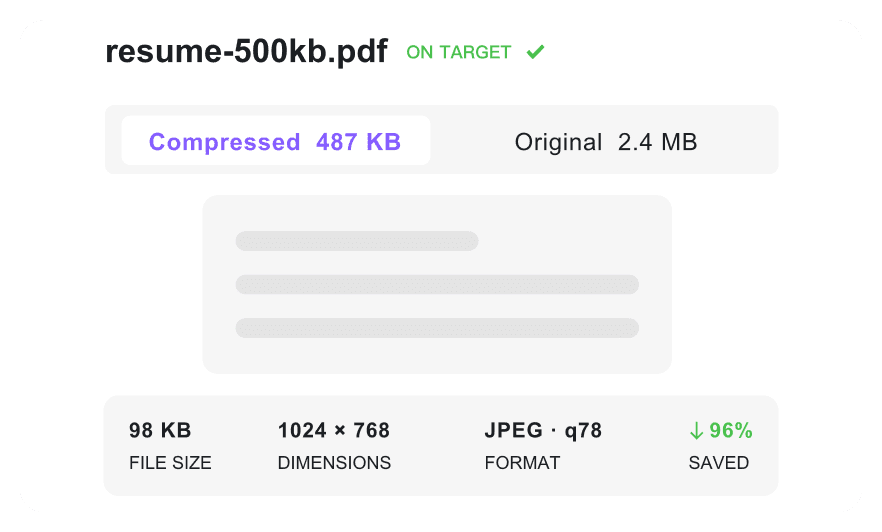
Verify the exact compressed file size before downloading to ensure it fits your platform limit.

Attachment-Ready PDFs
Prepare large PDFs as perfect email attachments for Slack, client portals, or cloud sharing using a practical 10MB target.

Works On Any Device
Resize your PDF to 10MB from any device, whether you are using a mobile phone, tablet, or desktop browser.

Secure & Private
Process uploaded PDFs securely with automatic file deletion. We maintain no permanent storage of your documents.
Shrink Large Reports to a 10MB Limit
Keep Charts and Portfolios Presentable
Compress Heavy Attachments Together
How to Make Large PDFs Shareable at 10MB

Step 1. Pick the 10MB Target
Select 10MB as your target before uploading. This is the best fit when you need a file small enough to share but still detailed enough to review.
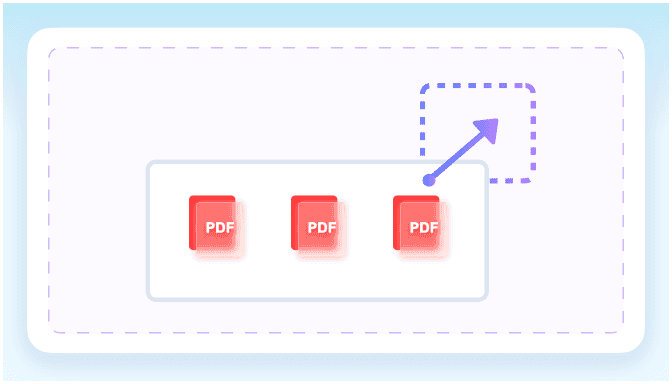
Step 2. Add Heavy Reports
Upload large reports, catalogs, portfolios, or scanned packets from your device. You can add one file or several PDFs in the same session.
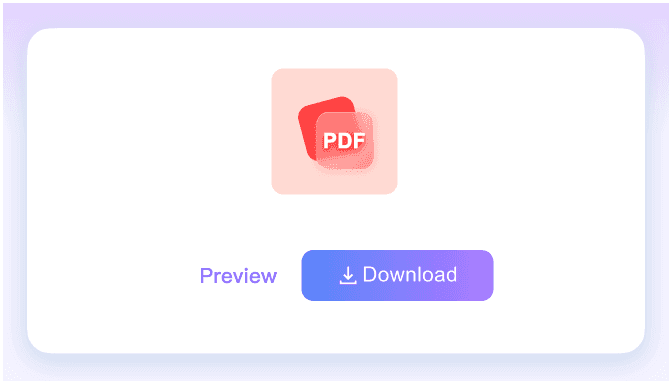
Step 3. Save a Shareable PDF
Check whether the final file is under 10MB, then download the optimized version. Your PDF is ready for email, cloud storage, or client review.
Who Needs a 10MB PDF Compressor?

Business Teams
Compress large contracts and business reports to exactly 10MB to easily bypass corporate email attachment limits.

Students
Shrink heavy academic assignments and research papers to 10MB to meet strict university portal upload limits.

Job Seekers
Reduce large PDF resumes and design portfolios to 10MB to ensure smooth uploads on job application forms.

Government Applicants
Resize scanned tax documents and official forms to 10MB to fit strict government portal upload maximums.

Freelancers
Convert heavy project proposals and invoice PDFs to 10MB for fast sharing via Slack or client emails.

Cloud Storage Users
Use our tool to compress PDF to 10MB online. Easily shrink your scanned personal records for secure cloud storage.
How Teams Use 10MB Compression

Financial Analyst

"I constantly struggle with emailing large quarterly financial reports. This tool let me compress my 45MB PDF to 10MB, instantly bypassing our strict corporate attachment limits."

Operations Manager
"Being able to select the exact 10MB target size from the dropdown before uploading is perfect. It shrank our 15MB product catalog without any guesswork."

Architect
"I frequently need to batch compress multiple 50MB design proofs for our client portal. Shrinking them all down to 10MB simultaneously saves me hours every week."

Graphic Designer
"I used to worry about losing quality when I resize PDF to 10MB. This compressor kept every image in my 60MB portfolio perfectly readable and sharp."

Real Estate Agent
"I needed to compress a signed lease agreement on my phone while at a property. It is great to compress PDF to 10MB free without even creating an account."

Freelance Consultant
"Uploading sensitive tax documents to a government portal is stressful. Knowing this tool processes my files securely with no permanent server storage gives me total peace of mind."
Frequently Asked Questions
Answers for large reports, upload caps, visual quality, privacy, and layout.
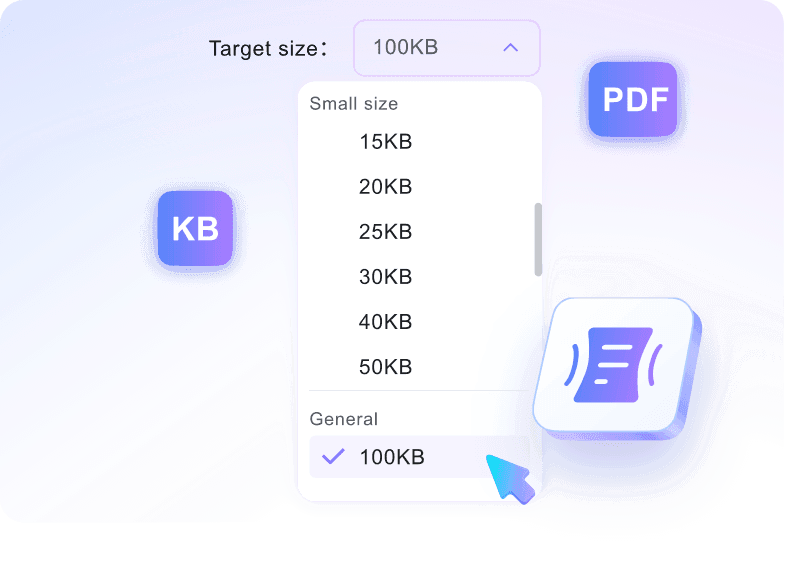
Select the 10MB option from the target size dropdown, then upload your file. The tool will automatically reduce your document to fit the target size before you download it.
You can upload PDF files up to 100 MB each. The tool will compress these large documents down to your selected 10MB target.
Our tool balances compression with readability. While very large or image-heavy PDFs may experience slight changes, the text, tables, and essential graphics will remain clear and legible.
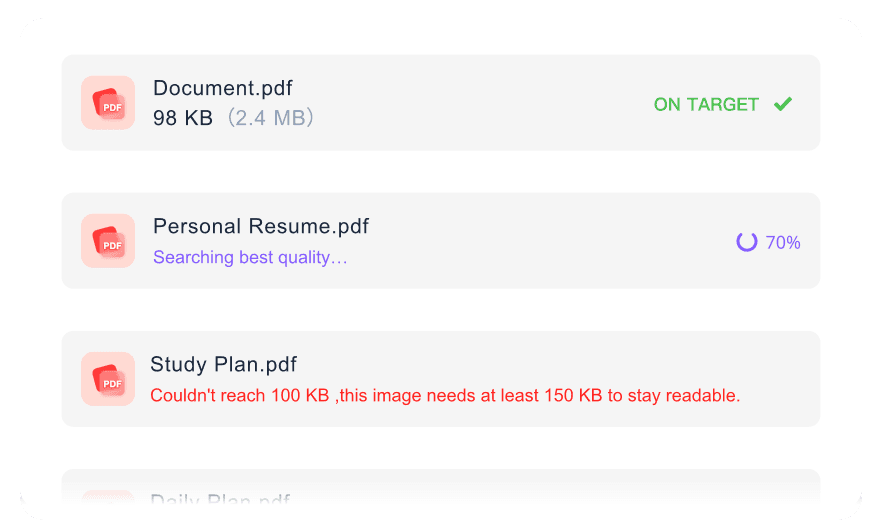
Yes. You can upload several documents simultaneously. Just set your target size to 10MB beforehand, and the tool will batch process all your files in one go.
Yes, your files are processed securely and deleted automatically. We do not permanently store your documents or share them with third parties.
No, you can compress PDF to 10MB free online without creating an account or providing any payment information.
No. When you resize PDF to 10MB, the tool reduces the file size by optimizing data, but keeps your original page dimensions intact.