

Compress PDF to 10KB Online
Drop PDFs here, or click to select
Max 100 MB per file



Why Choose Our 10KB PDF Compressor?

Free 10KB Compressor
Use this PDF compressor to 10KB online for free when a strict upload limit requires a very small file.

Simple Target Control
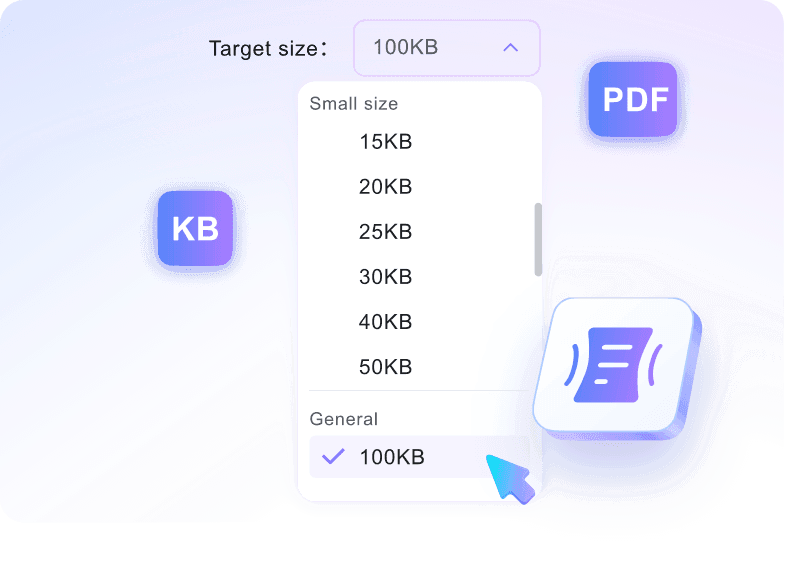
Choose 10KB before upload so compression starts with the right target instead of a vague preset.

Quick Browser Compression
Run a quick 10KB compression attempt in your browser, especially for short text-based documents.

Best for Simple PDFs
The 10KB target works best for short, text-heavy PDFs with few images, forms, or embedded graphics.

Readable Text Output
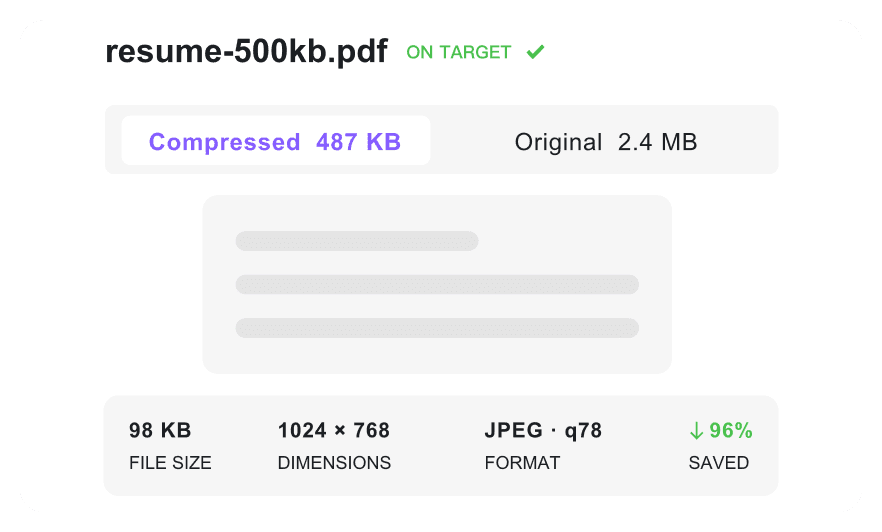
Create a more readable text output by retaining as much document quality as possible while compressing toward 10KB.

Multi-PDF Workflow
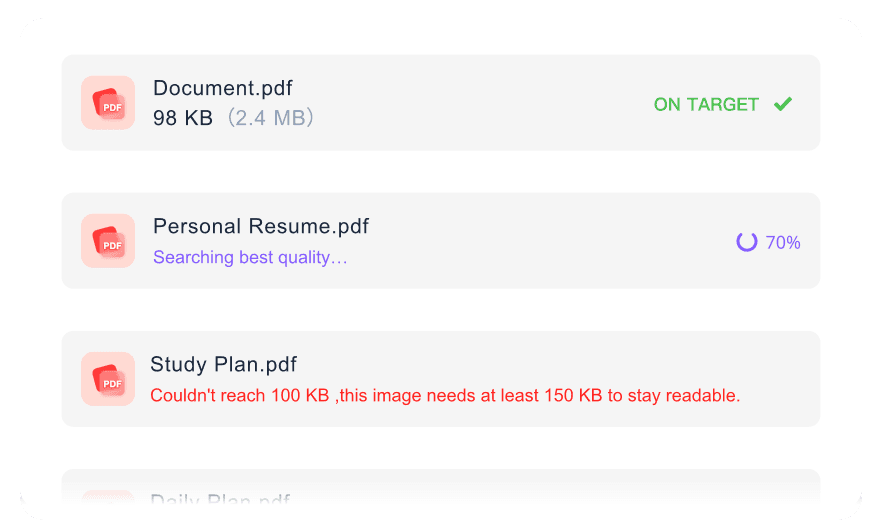
Prepare several lightweight PDFs in one workflow when each document must stay near the 10KB limit.

Practical Size Guidance
Review our clear size guidance to understand when a 10KB target is unrealistic for image-heavy documents and adjust accordingly.

Secure & Private
Process uploaded PDFs securely with no permanent file storage. All documents are deleted after your session.
Compress PDF to 10KB for Strict Limits
Keep Simple 10KB PDFs Readable
Batch Compress PDFs to 10KB
How to Compress PDF to 10KB Online

Step 1. Choose Target Size
Choose the 10KB target size before uploading your document. Setting this limit first is required because the upload starts the compression automatically.
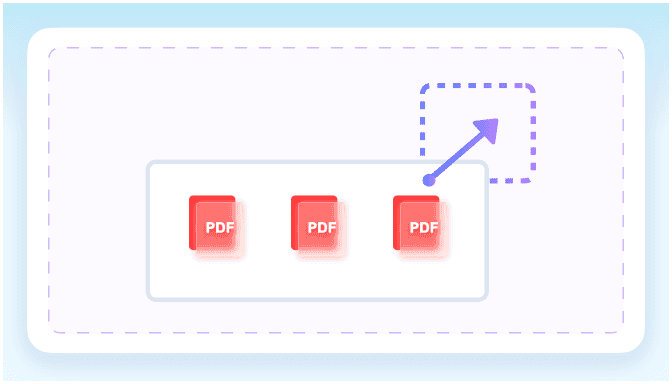
Step 2. Upload Your PDF
Upload one or more PDF files from your computer or mobile device. The tool immediately begins processing the files to reach your specified size limit.
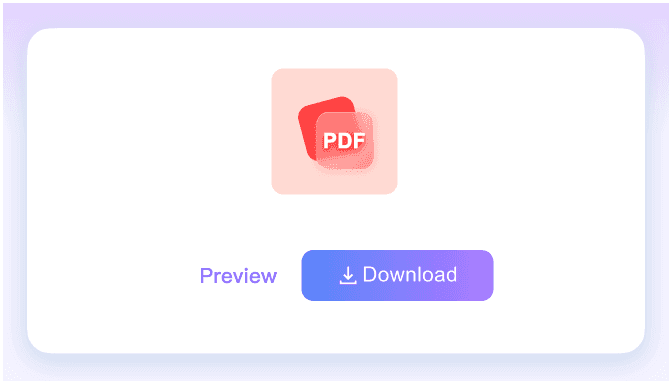
Step 3. Download Compressed PDF
Check the final file size on the screen to see whether it meets your requirements. Once verified, download the optimized PDF directly to your device.
Who Is This PDF Compressor For?

Job Applicants
Compress one-page text resumes to meet strict 10KB ATS upload limits so your job application processes correctly.

Government Portal Users
Shrink simple text-based tax or ID forms to fit the strict file size limits of outdated government portals.

Students
Reduce short text assignments down to 10KB for strict academic submission portals that reject larger document sizes.

Freelancers
Optimize text-only PDF invoices down to 10KB for fast, error-free uploads into strict client billing gateways.

Small Business Owners
Compress basic text receipts down to a 10KB size for efficient digital archiving and minimal storage use.

Administrative Staff
Shrink single-page text records to 10KB for lightweight internal database storage and rapid team sharing.
What Our Users Say

Job Applicant

"I needed to compress a PDF to 10KB for an outdated career portal. It shrank my plain-text resume toward the target while keeping the text readable."

Graduate Student
"My university submission system has ridiculously small limits. This tool let me convert my PDF to 10KB quickly so my short assignment uploaded without errors."

HR Professional
"Shrinking employee tax forms down this small usually ruins them. This PDF compressor to 10KB kept our single-page documents clear and readable."

Freelance Consultant
"I process dozens of text-only invoices monthly. Being able to batch compress PDFs to 10KB saves me from manually resizing each file for my client's strict email gateway."

Small Business Owner
"I scan basic text receipts for my digital archive. Getting them down to this small size keeps my cloud storage costs low while preserving the text."

Everyday User
"I needed to upload a state ID form securely. Knowing my files are deleted after I compress my PDF to 10KB gave me peace of mind."
Frequently Asked Questions
Still got questions about compressing PDFs to 10KB? Here are the answers.
Not every file can reach this extreme target. A 10KB limit works best for single-page, text-only documents without embedded images or complex formatting.
Simple, text-heavy PDFs like short resumes, plain invoices, or single-page forms are ideal. If your document contains high-resolution graphics, you will need to remove them first.
Yes, as long as the original file is mostly plain text. Compressing complex or scanned documents this tightly may result in a noticeable loss of clarity.
Yes, you can upload and batch process multiple simple documents simultaneously. The tool will attempt to reduce each individual file toward your target size.
Because 10KB is an extremely small file size, complex documents with images, custom fonts, or multiple pages may not reach this target. If your file remains too large, try removing embedded graphics, extracting only the essential text pages, or choosing a slightly larger target size instead.
Yes. All file processing happens securely, and your documents are never permanently stored. They are automatically deleted shortly after you download the result.
It only reduces the file size. Your document remains a standard PDF after compression, ensuring compatibility with strict upload portals and email clients.


