

Compress PDF to 100KB Online
Drop PDFs here, or click to select
Max 100 MB per file



Why Choose Our 100KB PDF Compressor

User-Friendly Flow
Experience a user-friendly flow: simply select the 100KB target, upload your PDF, and download the compressed file without adjusting complicated settings.

Fast Online Compression
Fix strict file-size limits quickly before visa, school, or government portal deadlines. Compress PDF online to 100KB instantly.

Exact Size Control
Define your exact size limit before uploading so the tool accurately reduces your PDF to 100KB.

Best For Simple PDFs
This aggressive 100KB target is best for simple PDFs, ensuring short forms, ID proofs, and text-based certificates remain readable after compression.

Readable Results
Reduce PDF size to 100KB aggressively while keeping important text and scanned details as readable as possible.

Multi-PDF Support
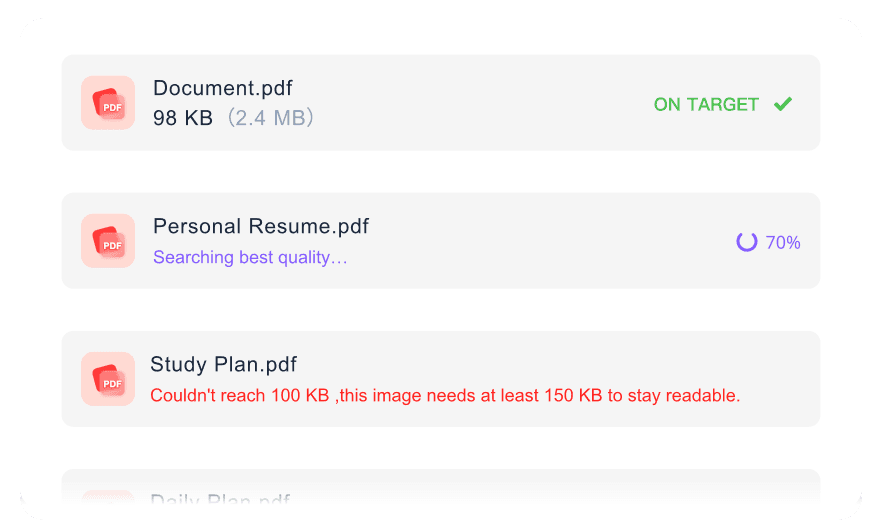
Prepare several simple files for the same PDF 100 KB upload requirement without repeating the setup for every document.

Works On Any Device
Access our PDF compressor to 100KB from your desktop, tablet, or mobile device without installing any extra software.

Secure & Private
Upload sensitive PDFs safely. We process your documents securely with no permanent file storage on our servers.
Reduce Your PDF File Size to 100KB
Compress PDF Under 100KB With Readable Text
Batch Compress Multiple PDFs to 100KB
How to Compress PDF to 100KB Online

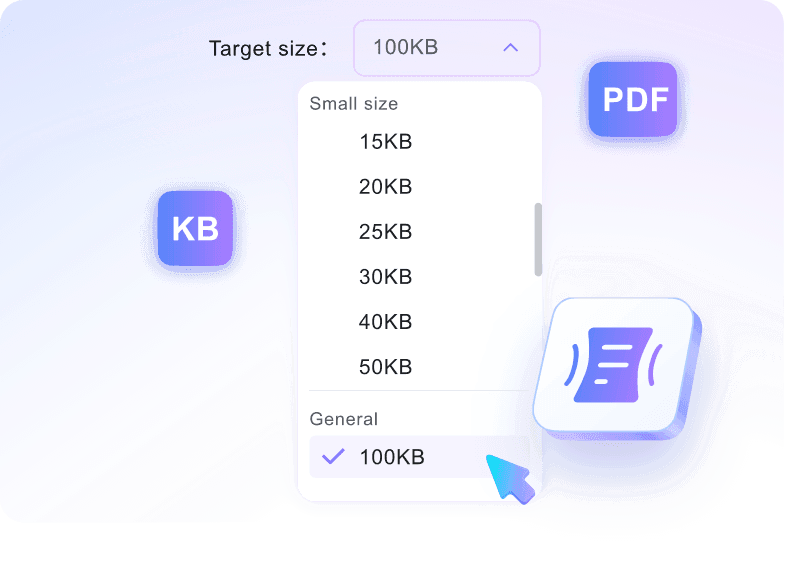
Step 1. Choose 100KB Target Size
Start by selecting the exact 100KB target file size from the options provided. Choosing this limit before uploading ensures the tool applies the correct compression level immediately.
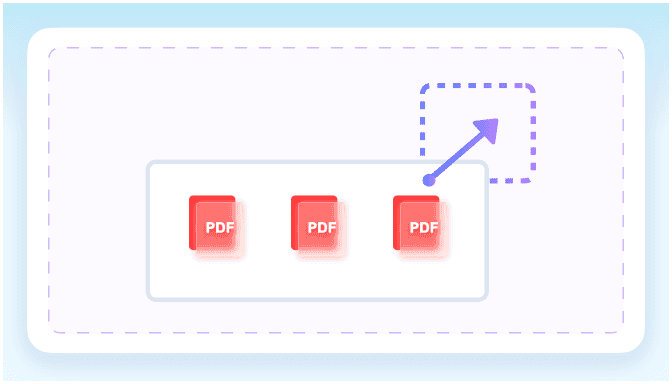
Step 2. Upload Your PDF
Upload one or more PDF files directly from your computer or mobile device. Once added, the tool automatically begins shrinking your documents toward the requested limit.
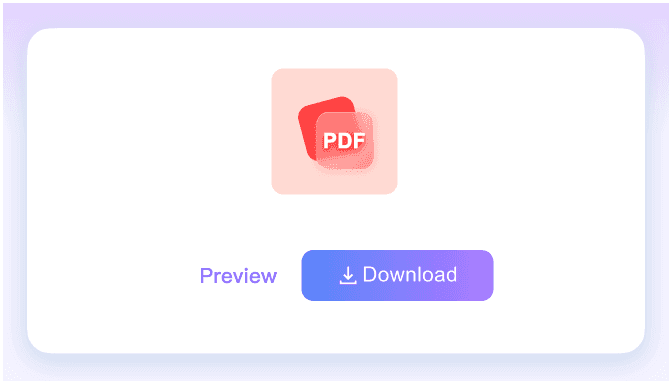
Step 3. Download Compressed PDF
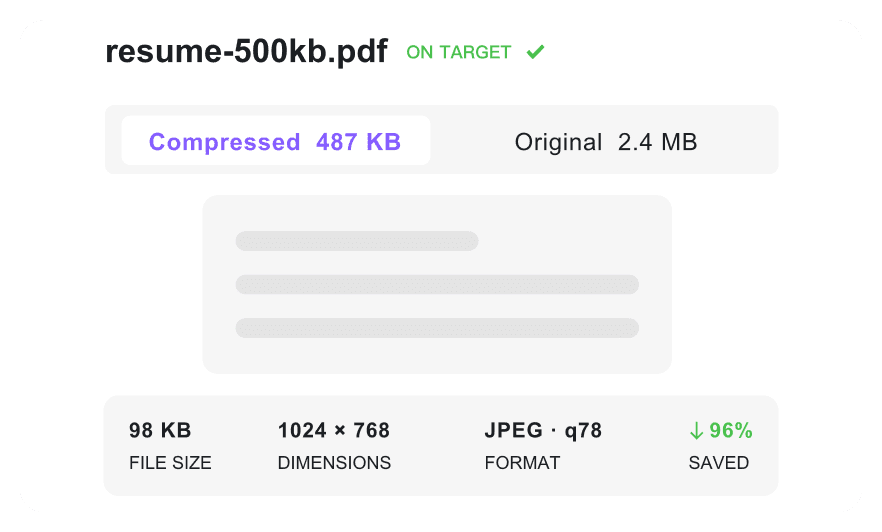
Check the final compressed file size displayed on the screen to confirm it meets your limit. Finally, download the optimized PDF to your device for immediate submission.
Who Needs to Compress PDF to 100KB?

Visa Applicants
Compress passport scans and travel ID proofs to 100KB to meet strict government portal upload limits.

Job Seekers
Reduce text-heavy resumes and cover letters so they pass strict applicant tracking system size constraints.

University Students
Shrink scholarship forms and simple academic certificates to fit tight university portal upload requirements.

Administrative Staff
Optimize simple signed forms and text documents for quick email attachments or internal database storage.

Freelancers
Compress simple text invoices and tax forms to ensure clients receive them without email bounces.

Everyday Users
Compress small ID proofs, certificates, and basic personal PDFs to 100KB for quick online submission.
What Our Users Say

Visa Applicant

"I needed to upload a passport scan for a travel application, but the portal rejected it. This tool helped me prepare a small visa PDF before a strict portal deadline."

Job Seeker
"My original application file was too large for the company's HR system. I reduced a text-heavy resume to meet a 100KB application limit, and the text stayed perfectly clear."

University Student
"I chose 100KB first, then uploaded a scholarship form for compression. The process was instant, and the file fit the university's strict upload rules."

Admin Staff
"Handling employee paperwork involves strict storage limits. I compressed several simple signed forms toward the 100KB requirement at once, saving me hours of manual formatting."

Freelancer
"Client portals often block large files. I kept invoice text readable after shrinking the PDF for upload, which helped me get paid much faster."

Everyday User
"I was worried about uploading my driver's license online. I compressed an ID document online with privacy reassurance, knowing the file wasn't permanently stored."
Frequently Asked Questions
Still got questions about compressing PDFs to 100KB? Here are the answers.
Choose the 100KB target size first, then upload your document. The tool will automatically compress your PDF to 100KB online and prepare it for download. Whether you call it a 100KB PDF compressor or a PDF resize task, the workflow is the same: choose 100KB first, upload, then download.
No. Very long documents or PDFs containing high-resolution images may not reach 100KB without becoming unreadable. This aggressive target is meant for short files. When you need a PDF less than 100KB, remove unnecessary pages or images before compression for the best chance of reaching the limit.
Simple text documents, one-page scanned IDs, basic certificates, and brief signed forms are ideal. These formats handle aggressive compression well.
Yes, standard text and basic scans usually remain legible. However, complex graphics or colorful photos will lose clarity when you resize a PDF to 100KB. For very small file-size targets, short text-based PDFs usually produce the cleanest result.
Yes, this tool is free to use. You can process your documents and meet strict upload limits instantly.
Our platform focuses strictly on PDF compression. If you need to convert a photo, use an image converter first, then upload the file here to reduce your PDF to 100KB.
Yes, all documents are processed securely. We do not store your files permanently, ensuring your sensitive forms and certificates remain private.


