Compress PDF to 1.5 MB
Drop PDFs here, or click to select
Max 100 MB per file



Compress PDF Below 1.5 MB
PDF Compressor Under 1.5 MB
Document-First Size Reduction
How to Compress PDF to 1.5 MB
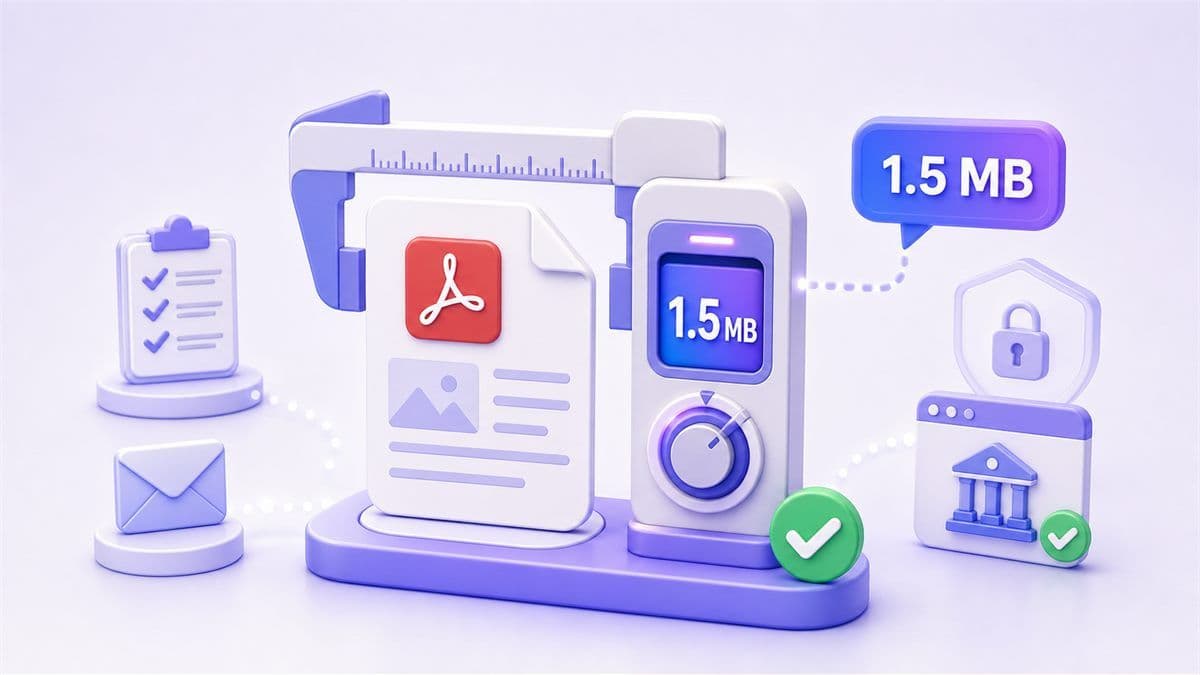
Step 1. Choose 1.5 MB as the Target Size
Select 1.5 MB as your compression goal. Use this when you need to compress PDF file to 1.5 MB for a form, email attachment, application portal, or online submission.
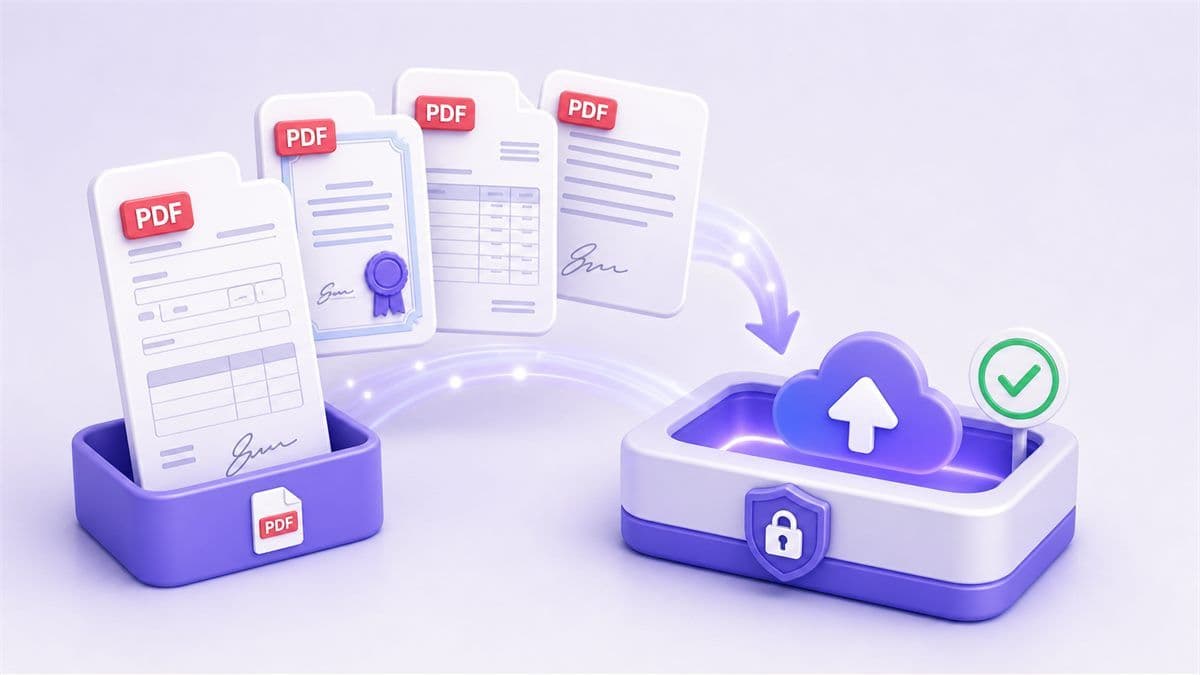
Step 2. Upload Your PDF File
Upload the PDF you want to reduce. Lynote works with reports, scanned forms, certificates, invoices, signed documents, application packets, and image-heavy PDFs.
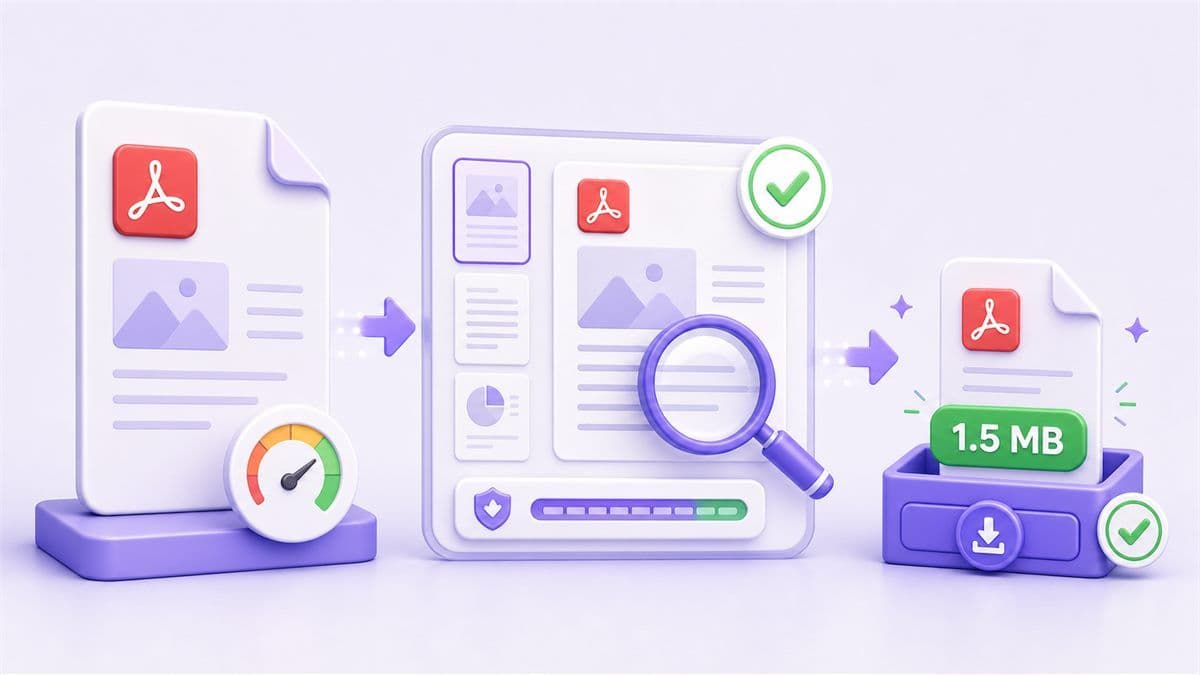
Step 3. Compress, Review, and Download
Start compression and download the smaller PDF. If the file is still above 1.5 MB, try a stronger setting, remove unnecessary pages, or reduce large images before compressing again.
Why Choose Lynote PDF Compressor to 1.5 MB?

Built for Tight Portal Limits
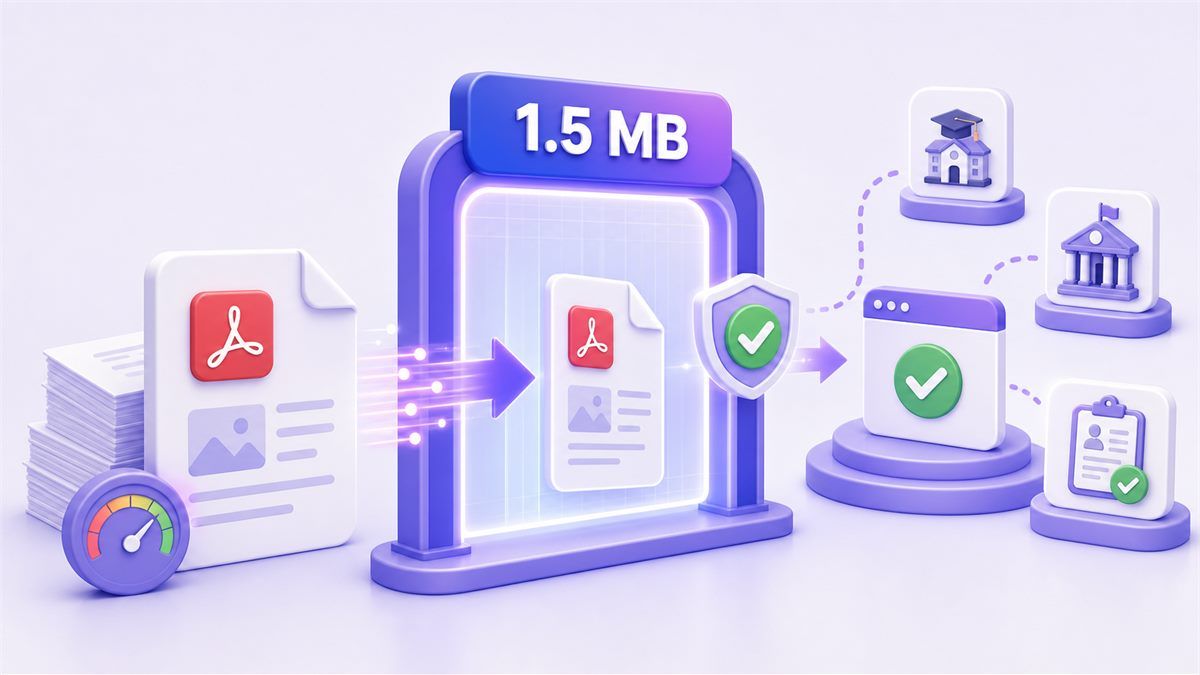
Use Lynote when a website rejects your file because it must be under 1.5 MB. This is useful for school portals, visa forms, job applications, and document upload systems.

Clear 1.5 MB Target
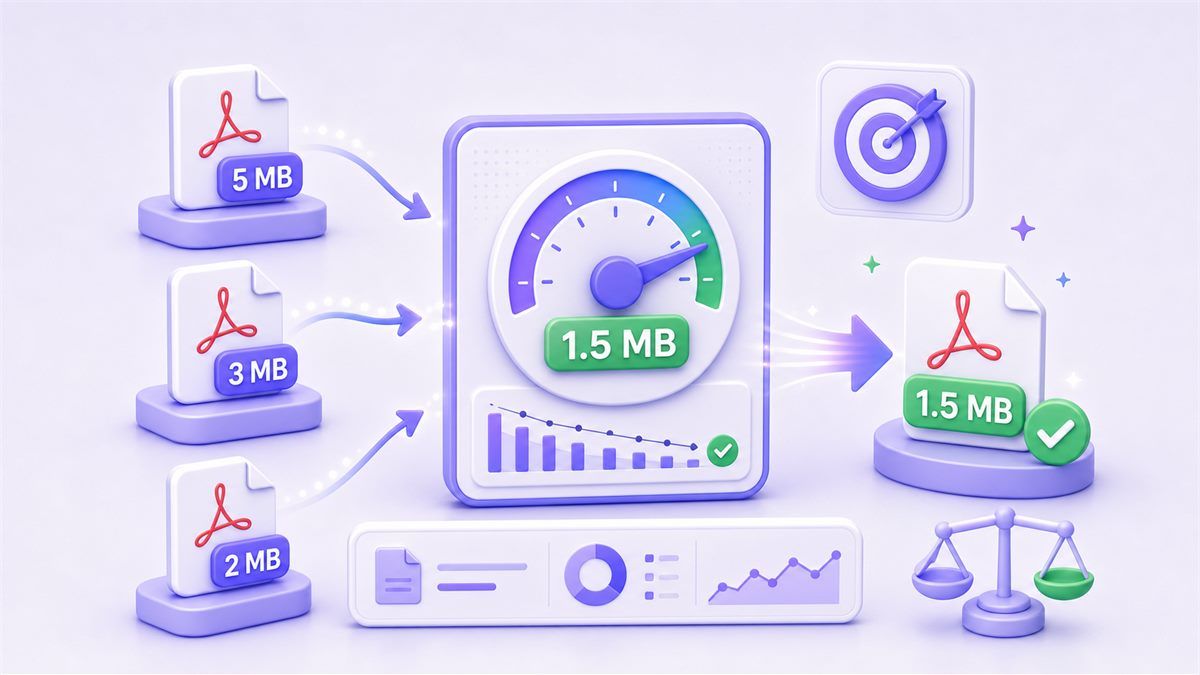
Instead of compressing blindly, choose a specific file-size goal. Lynote helps you compress PDF to 1.5 MB with a workflow focused on one strict limit.

Better Than Guesswork
A general compressor may still leave the file too large. Lynote keeps the goal visible so you can reduce PDF size to 1.5 MB more efficiently.

Useful for Scanned Documents
Certificates, receipts, signed forms, ID documents, and scanned packets can become too heavy. Lynote helps resize PDF to 1.5 MB for lightweight submission.

Practical Readability Check
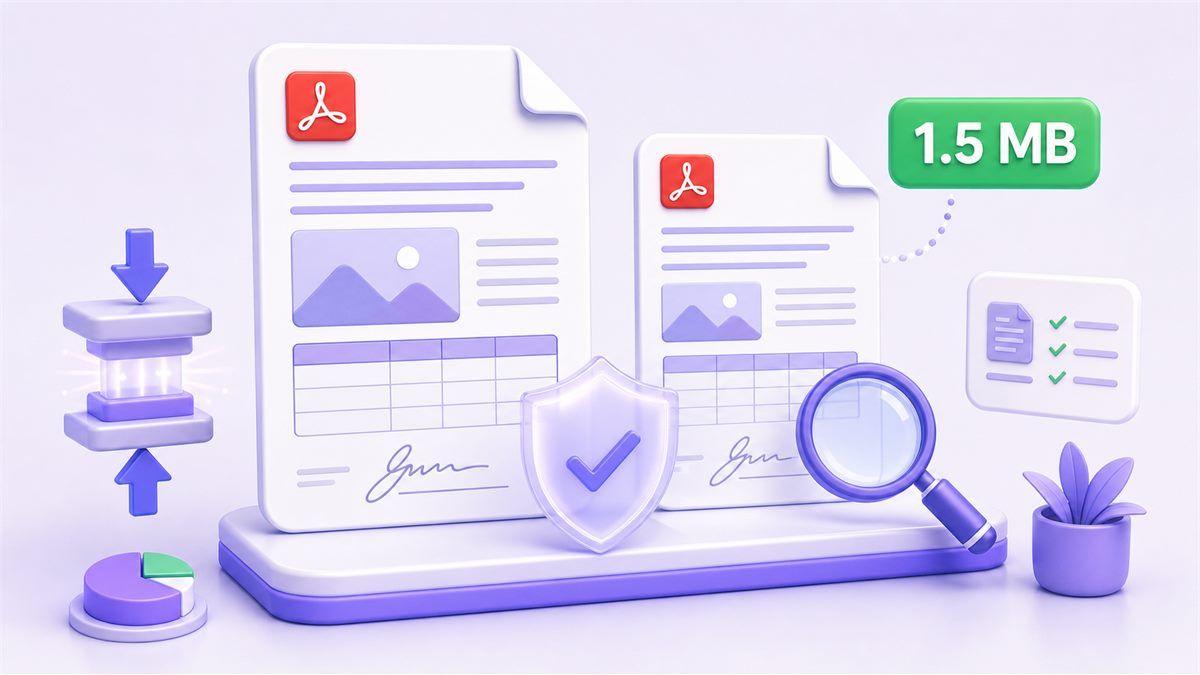
Small file limits can affect image clarity. Lynote helps you review whether the compressed PDF is still readable before you use it.

Online and Fast
Use the online PDF compressor to 1.5 MB directly in your browser. No desktop software is required for everyday file reduction.

Good for Mobile Uploads
Smaller PDFs are easier to submit from phones, especially on weak connections or strict mobile-first upload forms.

Secure File Processing
Your file is processed through a simple compression workflow designed for quick document preparation.
Who Is This PDF Compressor For?

Job Applicants
Compress resumes, certificates, portfolios, and application PDFs when hiring portals require a small file size.

Students
Reduce assignments, scanned notes, scholarship forms, transcripts, and school documents before uploading them to academic systems.

Visa and Form Applicants
Prepare signed forms, identity scans, receipts, and supporting documents for portals with strict size caps.

Office Admins
Compress scanned forms, invoices, HR documents, and internal packets when a lightweight PDF is required.

Freelancers
Resize proposals, contracts, invoices, and client documents before sending them through email or upload forms.

Mobile Users
Make PDFs small enough to upload quickly from a phone, especially when the connection is slow or the form rejects large files.
What People Say About Compressing PDF to 1.5 MB

Student

"My school portal would not accept my scanned PDF because it was over the limit. I compressed it to 1.5 MB and uploaded it without starting over."

Office Assistant
"We often receive forms that are too large after scanning. Lynote helps us reduce them below 1.5 MB for submission portals."

Job Applicant
"My certificate PDF was slightly too big for an application form. The 1.5 MB target made the process much easier."

Freelancer
"I needed to send a signed agreement from my phone. Compressing the PDF under 1.5 MB helped it upload faster."

Admin Coordinator
"The size target is useful because I know exactly what I need. I do not have to keep guessing compression settings."

Consultant
"Small limits can ruin document quality if you push too hard. I like being able to review the compressed PDF before using it."
Frequently Asked Questions
Still have questions about compressing PDF files online? Here are the answers.
Upload your PDF, choose 1.5 MB as the target size, start compression, then download the reduced file. Review the result before submitting it.
Yes. Lynote supports an online workflow to help reduce PDFs toward a 1.5 MB target for common document tasks.
It means reducing a PDF file so the final size is around or below 1.5 MB. This is often needed for upload portals, forms, or document submission systems.
Some quality loss may happen, especially with scanned or image-heavy files. Text-based PDFs usually keep readability better than photo-heavy PDFs.
Try stronger compression, remove blank or unnecessary pages, reduce large images, or split the document into smaller files if the portal allows it.
For most users, yes. Resize PDF to 1.5 MB usually means reducing the file size, not changing the page dimensions.
Forms, certificates, invoices, receipts, signed documents, scanned pages, and application PDFs are common use cases. Very image-heavy files may need stronger compression.