Compress PDF to a Specific Size
Drop PDFs here, or click to select
Max 100 MB per file



Why Choose Lynote PDF Compressor to Specific Size?

Pick the Exact Size You Need
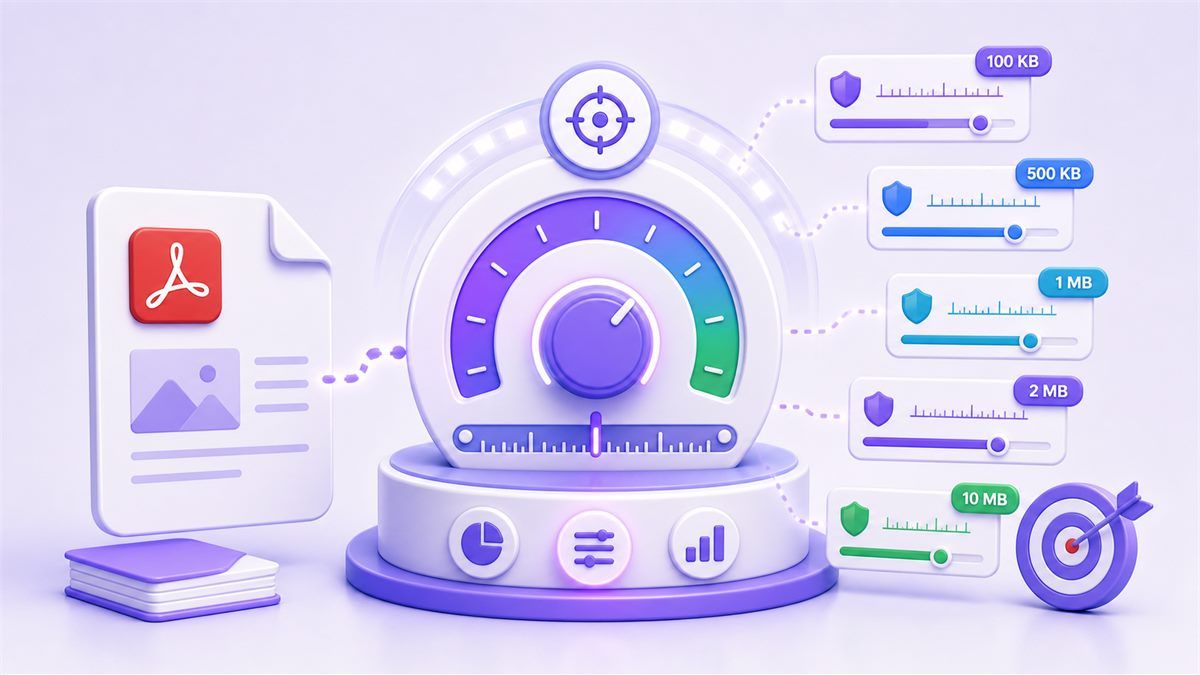
Use Lynote when you need to compress PDF to a specific size instead of choosing a vague compression level. Set a target that matches your upload rule, email limit, or sharing requirement.

Built for Real Upload Rules
Different portals ask for different limits. Lynote helps you reduce PDF size to specific size targets for school systems, job applications, government forms, client portals, and document submissions.

Less Trial and Error
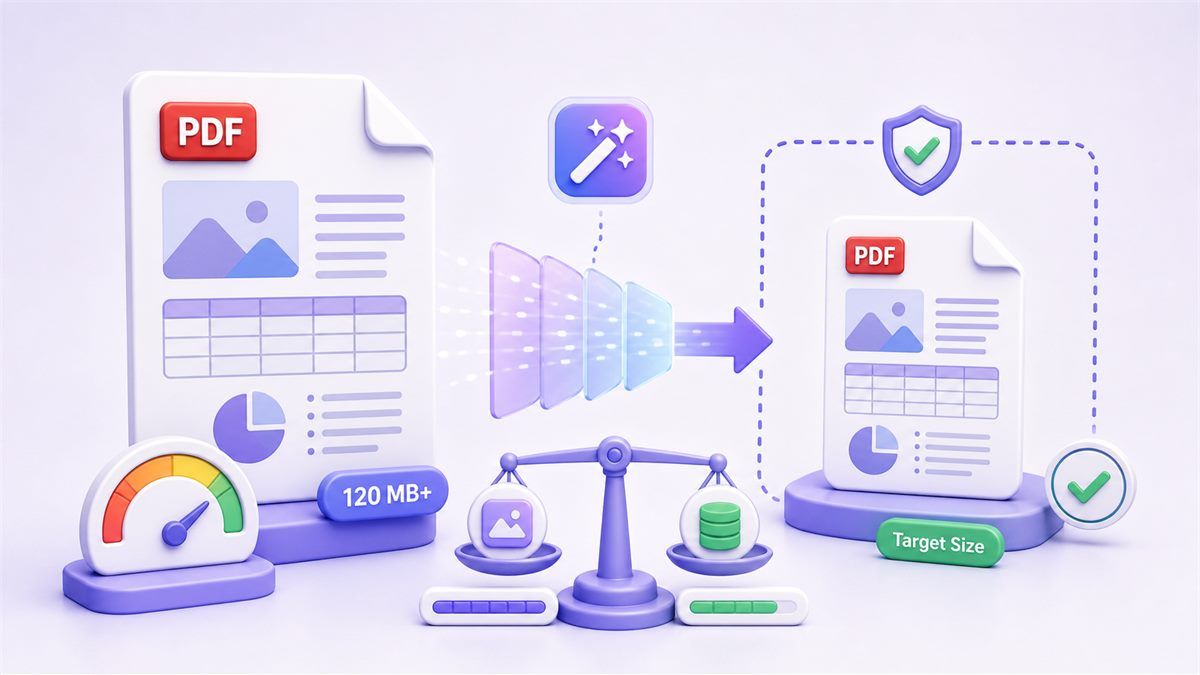
A normal compressor may make your file smaller but still miss the required limit. Lynote keeps the target size in focus, so you do not have to compress, check, and repeat blindly.

Flexible for Many Targets
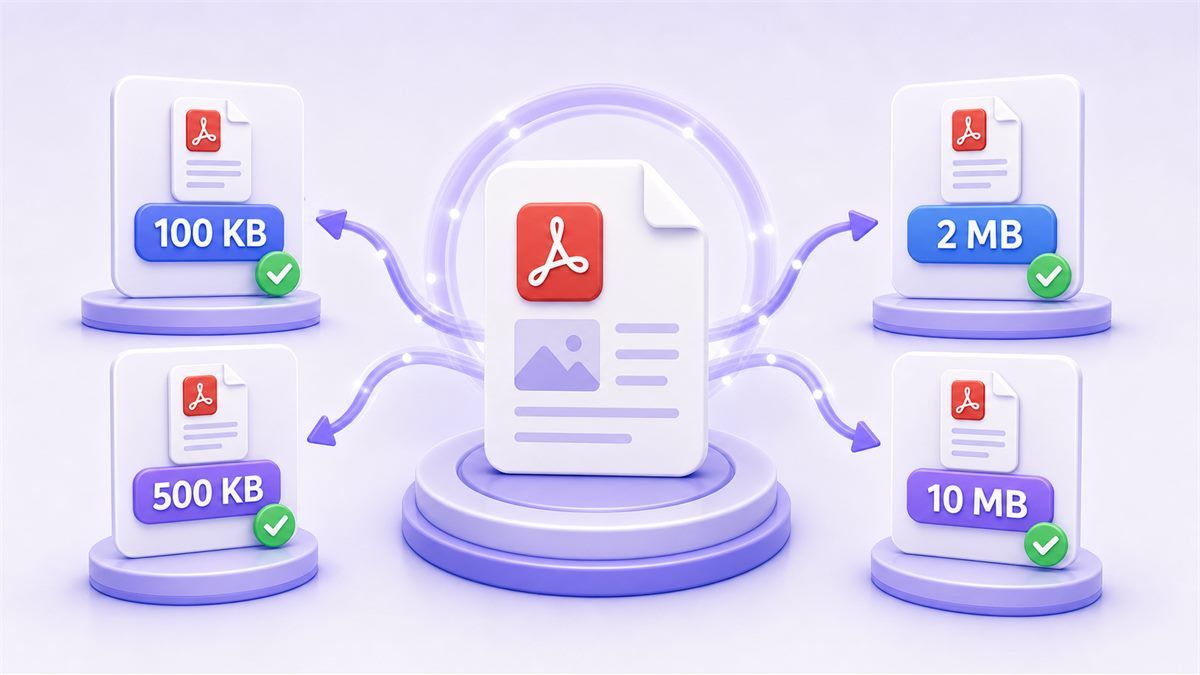
Compress PDF to chosen size goals such as 100 KB, 500 KB, 1 MB, 2 MB, 5 MB, 10 MB, or another limit. This makes the page useful for both tiny forms and larger document uploads.

Practical Quality Balance
A smaller target can affect image clarity. Lynote helps you aim for the required size while keeping the PDF practical for reading, review, and submission.

Works Online
Use the PDF compressor to specific size online from your browser. You can prepare documents quickly without installing desktop software.

Good for Scans and Forms
Scanned forms, certificates, invoices, resumes, signed pages, and ID documents often become too large. Lynote helps reduce them toward the exact file size you need.

Simple Secure Workflow
Upload your PDF, choose a target, compress, and download. The workflow is designed for quick document preparation and everyday file-size problems.
Compress PDF to Chosen Size
PDF Compressor With Specific Size Control
Reduce PDF File Size to Specific Size
How to Compress PDF to a Specific Size
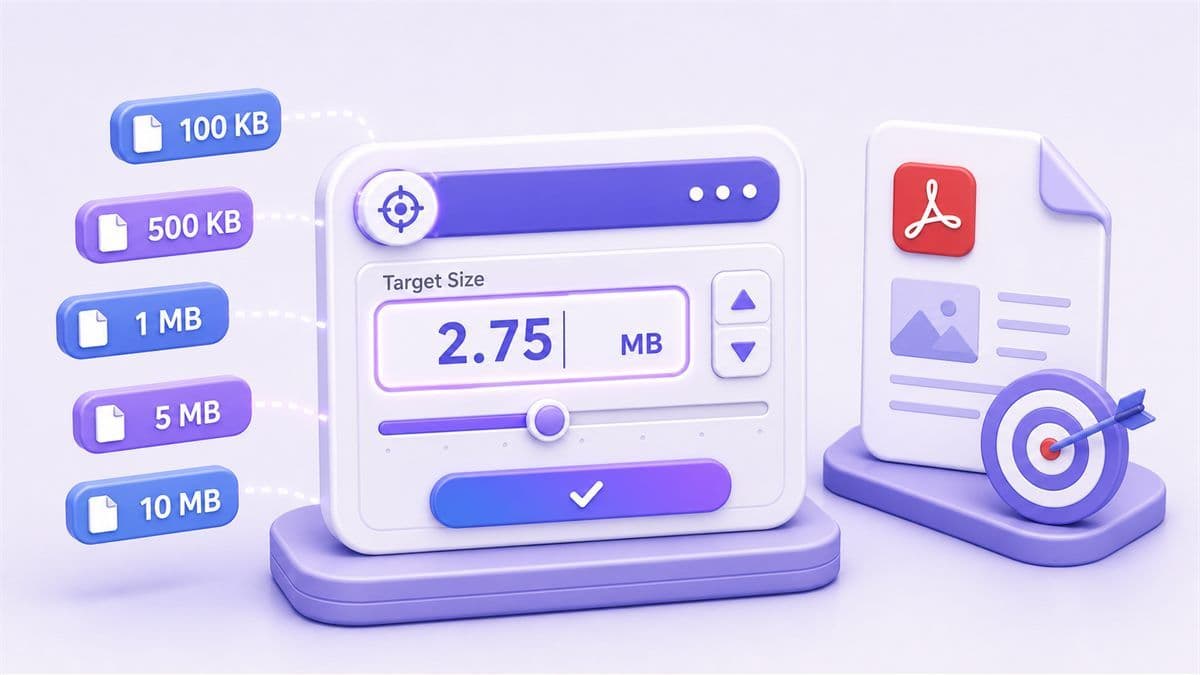
Step 1. Enter Your Target File Size
Choose the size you need before compression. Use a target such as 100 KB, 500 KB, 1 MB, 2 MB, 5 MB, 10 MB, or another requirement from your upload portal.
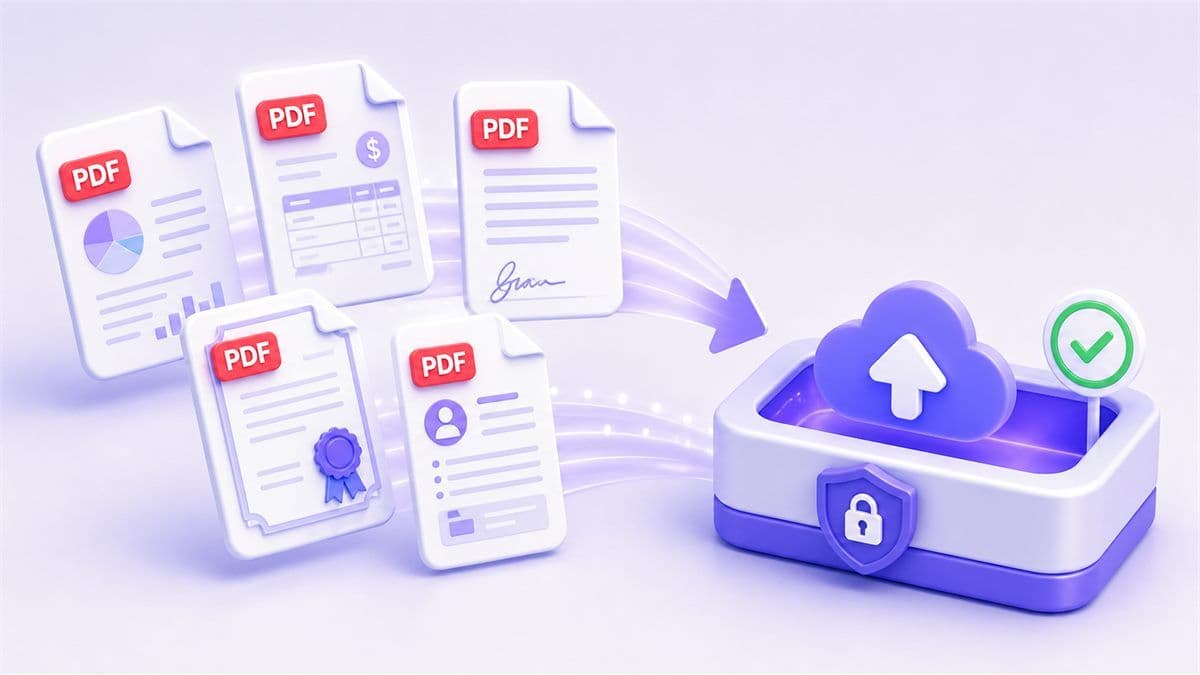
Step 2. Upload Your PDF File
Upload the PDF you want to reduce. Lynote works with documents such as resumes, scanned forms, certificates, reports, invoices, contracts, and application packets.
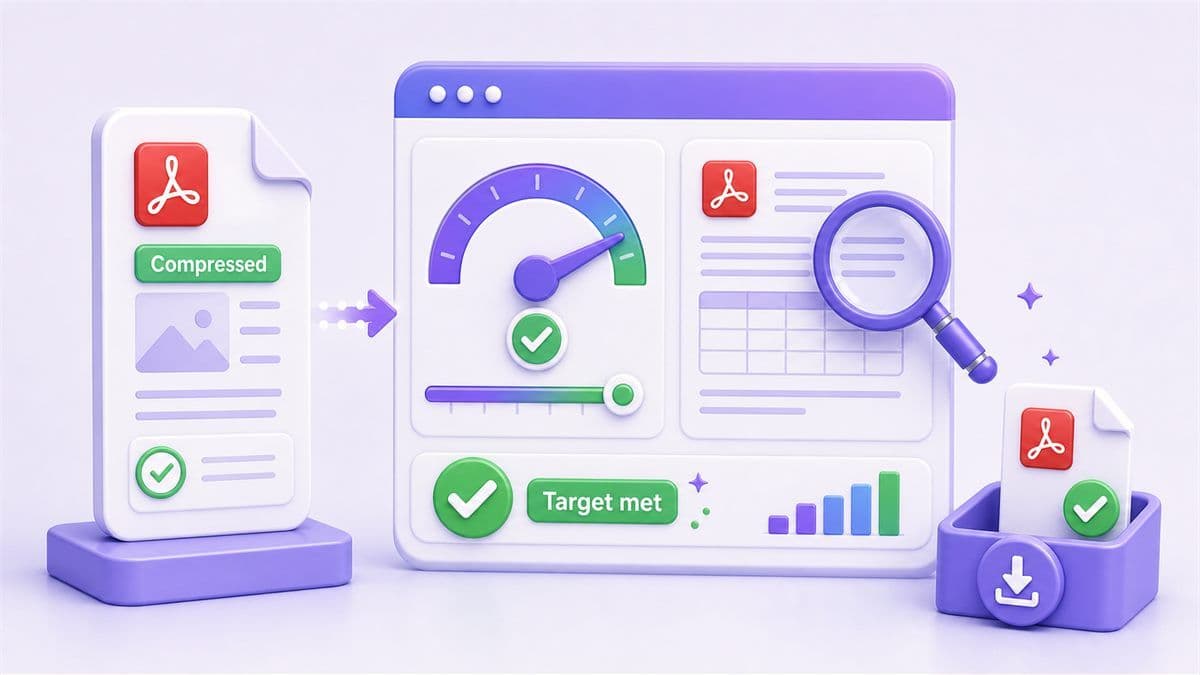
Step 3. Compress, Review, and Download
Start compression and download the reduced PDF. If it is still above your target, try a stronger setting, remove unnecessary pages, or reduce image-heavy content before compressing again.
Who Is This PDF Compressor For?

Marketplace Sellers
Prepare product manuals, compliance sheets, return forms, and invoice PDFs for marketplaces that set different upload limits by document type.

Real Estate Agents
Resize property brochures, disclosure packets, lease addendums, and scanned forms before sending them through MLS systems, client portals, or email.

Event Organizers
Compress sponsor decks, venue forms, speaker packets, printable schedules, and registration PDFs to match different vendor or ticketing platform limits.

Nonprofit Teams
Reduce grant attachments, donor reports, impact summaries, application files, and scanned receipts for funder portals with strict file-size rules.

Healthcare Admin Staff
Prepare intake forms, referral documents, insurance PDFs, and scanned records for secure portals that accept only specific file sizes.

Ecommerce Operators
Compress shipping labels, supplier catalogs, customs documents, packing slips, and product spec sheets for dashboards, email, and warehouse workflows.
What People Say About Compressing PDFs to a Specific Size

Marketplace Seller

"My seller dashboard had different limits for manuals, invoices, and return forms. Choosing the target size helped me prepare each PDF without guessing."

Real Estate Agent
"Disclosure packets can get bulky fast. I used Lynote to reduce each PDF to the size my client portal accepted, while keeping the pages readable."

Nonprofit Program Manager
"Grant portals are picky about attachment size. A specific-size compressor saved us from repeatedly exporting the same PDF in different ways."

Event Coordinator
"We had sponsor decks, vendor forms, and speaker packets going to different platforms. Being able to choose the final size made the handoff cleaner."

Healthcare Admin
"Our referral PDFs often need to fit portal rules exactly. Lynote helped us shrink scanned documents without losing the key patient details."

Ecommerce Operations Lead
"Supplier catalogs and customs PDFs all have different destination limits. Setting a chosen size made our upload workflow much more predictable."
Frequently Asked Questions
Still have questions about compressing PDF files online? Here are the answers.
Upload your PDF, enter or choose the target size you need, then start compression. After processing, review the result and download the smaller file.
Yes. Lynote supports an online workflow for reducing PDFs toward a chosen target size for common document tasks.
You can use common goals such as 100 KB, 500 KB, 1 MB, 2 MB, 5 MB, 10 MB, or another size required by your upload destination.
Some quality loss may happen when the target is very small, especially for scanned or image-heavy PDFs. Text-based files usually keep readability better.
Try stronger compression, remove blank pages, reduce large images, or split the PDF if the destination allows multiple files.
Yes. Normal compression reduces the file generally, while specific-size compression focuses on reaching a target file size for a rule, portal, or submission requirement.
Lynote is designed for online compression in your browser. If you need offline compression, you may need desktop PDF software, but online compression is faster for everyday uploads.