

Compress JPG to 10KB for Forms

Drop images here, or click to select
Max 50 MB per file



Why Use Lynote to Compress JPG to 10KB?

Hit a 10KB Upload Limit
Choose the 10KB target before processing so the compressed file is ready for forms, portals, and email attachments.

Preview Before Download
Check whether faces, text, charts, or product details are still readable before saving the compressed file.

Avoid Manual Trial and Error
You do not need to keep exporting from desktop software just to test file size again.

Works for Common Upload Tasks
Prepare application photos, website images, profile pictures, document scans, and listing images quickly.

Keep the Original Safe
Download a smaller copy without treating compression as a replacement for your original high-quality file.

Quality-Aware Compression
10KB can force visible quality tradeoffs. Use the preview and adjust expectations for tiny-file requirements.

No Sign Up Required
Upload and compress JPG images without creating an account. No registration, email, or unnecessary personal information is required.

Secure & Private
Your sensitive ID and passport photos are processed securely and are never permanently stored on our servers.
Choose the 10KB Target First
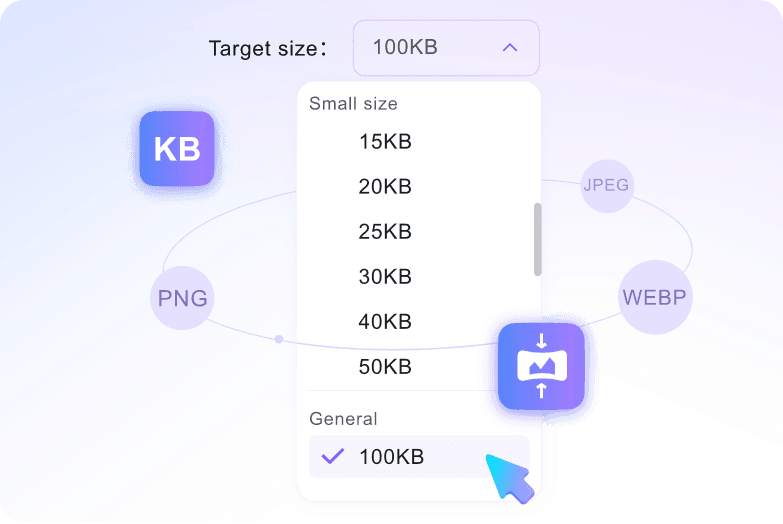
Upload the Image
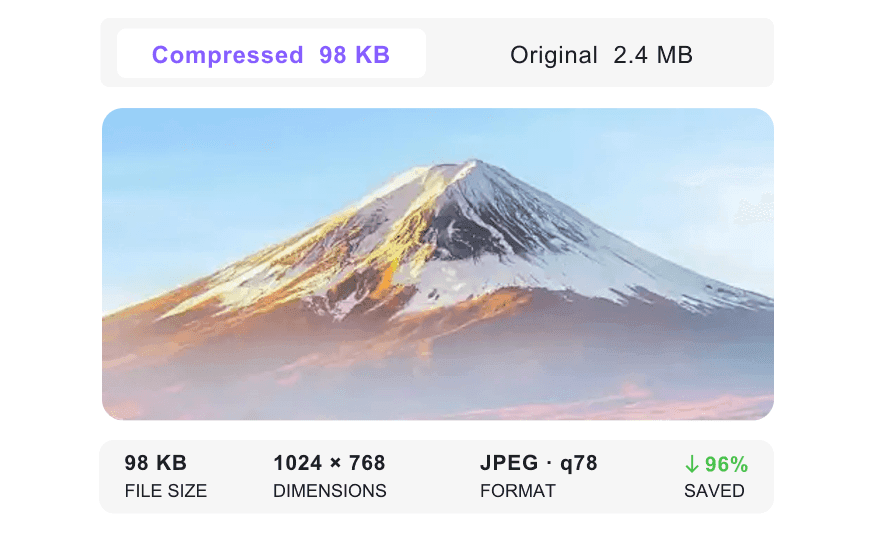
Check the Preview
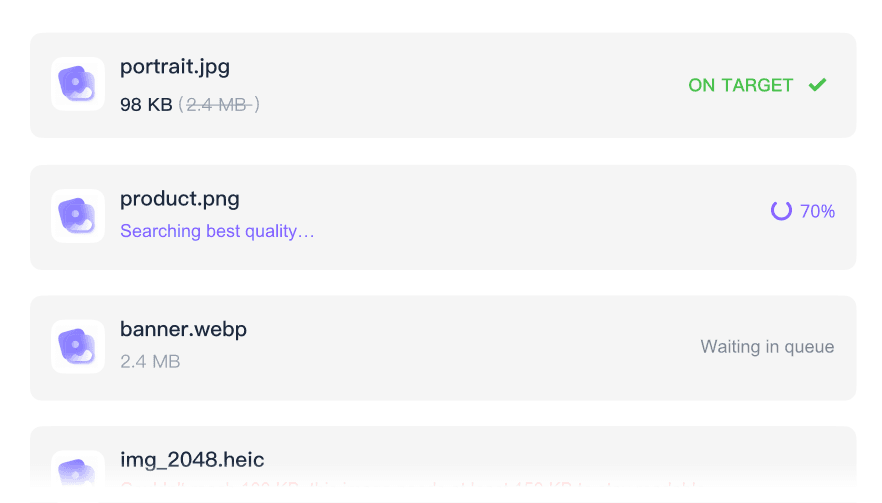
How to Compress JPG to 10KB

Select 10KB
Open the target-size menu and choose 10kb before upload.
Upload Your File
Add the JPG you need to reduce for a form, portal, application, or email.
Download and Verify
Save the compressed file, open it once, and confirm it meets the upload requirement.
Who Needs a 10KB JPG Compressor?

Applicants
Prepare photos or scans for admission, visa, job, and scholarship portals.

Students
Reduce assignment images and document photos before upload.

Office Teams
Shrink images for forms, CRM uploads, and email attachments.

E-Commerce Sellers
Prepare product images for marketplace limits while checking detail.

Designers
Create smaller preview files without exporting repeatedly.

Everyday Users
Fix a file-size rejection quickly when a website says the image is too large.
What Our Users Say

Job Applicant

"My target company's job portal rejected my headshot three times. I used this tool to compress my JPG to 10KB, and it finally uploaded without any errors."

Web Developer
"I loved setting the 10KB target before uploading my hero background assets. It saves me from guessing the right compression level for my performance budget."

E-commerce Seller
"I needed to shrink 50 tiny product thumbnails for my mobile storefront. Being able to batch compress them all into 10KB files at once saved me hours."

Digital Signature User
"I was surprised that my scanned signature image was still readable at 10KB. The 10KB JPG converter kept the result usable for my online signing form."

Visa Applicant
"Checking the quality of my visa photo before downloading gave me peace of mind. I could compare the original against the compressed version to ensure my face stayed clear."

Student
"I felt safe uploading my passport photo for my study abroad application because this tool deletes files automatically. It is a highly secure way to compress JPGs."
Frequently Asked Questions
Quick answers before you use the tool.
Choose the 10KB target, upload your file, then download the compressed copy after processing.
Possibly. 10KB is a strict target, especially for photos. Always preview important details before using the file.
You can use common image formats such as JPG, JPEG, PNG, and WebP, depending on the tool workflow.
The original image may be too large or detailed. Try stronger compression, smaller dimensions, or a more suitable format.


