

Compress Image to 2MB for Uploads

Drop images here, or click to select
Max 50 MB per file



Why Use Lynote to Compress Image to 2MB?

Hit a 2MB Upload Limit
Choose the 2MB target before processing so the compressed file is ready for forms, portals, and email attachments.

Preview Before Download
Check whether faces, text, charts, or product details are still readable before saving the compressed file.

Avoid Manual Trial and Error
You do not need to keep exporting from desktop software just to test file size again.

Works for Common Upload Tasks
Prepare application photos, website images, profile pictures, document scans, and listing images quickly.

Keep the Original Safe
Download a smaller copy without treating compression as a replacement for your original high-quality file.

Quality-Aware Compression
Reduce file size while preserving enough clarity for the upload context.

Works on Any Device
Reduce image size to 2MB directly from your smartphone, tablet, or desktop browser. Enjoy smooth, on-the-go resizing across any operating system.

Secure and Private
Your photos are processed through a secure connection with no permanent server storage after compression.
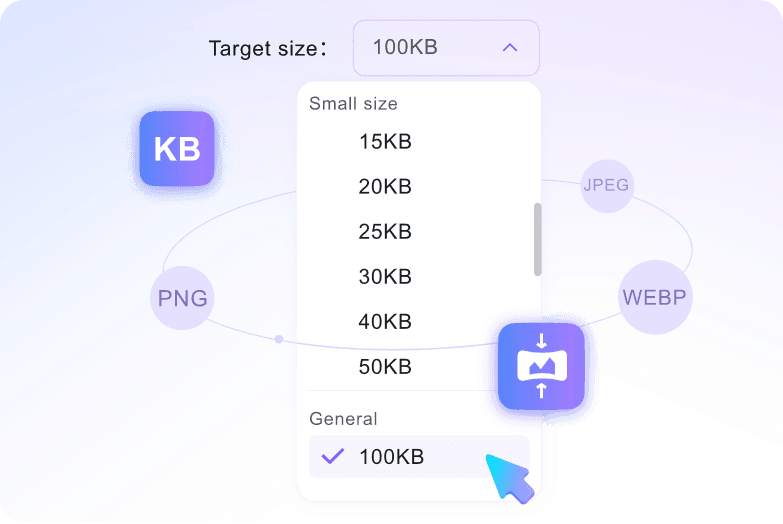
Choose the 2MB Target First
Upload the Image
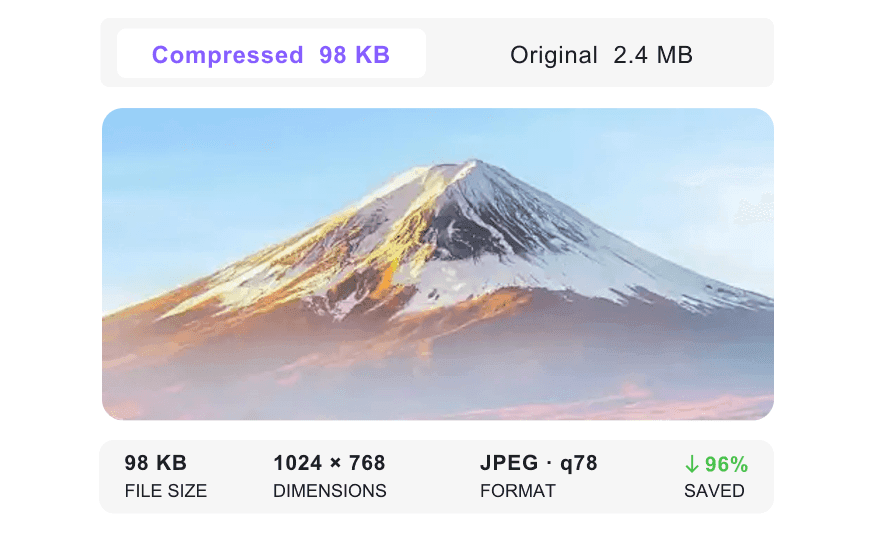
Check the Preview
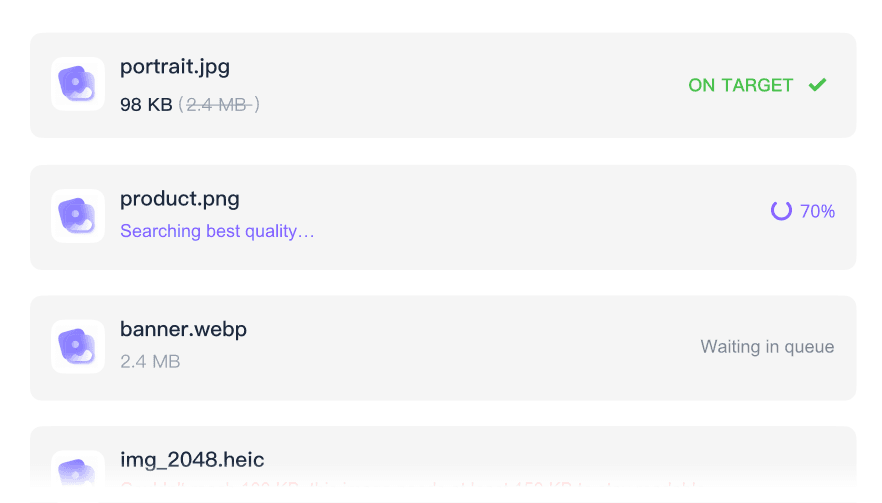
How to Compress Image to 2MB

Select 2MB
Open the target-size menu and choose 2mb before upload.
Upload Your File
Add the image you need to reduce for a form, portal, application, or email.
Download and Verify
Save the compressed file, open it once, and confirm it meets the upload requirement.
Who Needs a 2MB Image Compressor?

Applicants
Prepare photos or scans for admission, visa, job, and scholarship portals.

Students
Reduce assignment images and document photos before upload.

Office Teams
Shrink images for forms, CRM uploads, and email attachments.

E-Commerce Sellers
Prepare product images for marketplace limits while checking detail.

Designers
Create smaller preview files without exporting repeatedly.

Everyday Users
Fix a file-size rejection quickly when a website says the image is too large.
What Users Say About 2MB Image Compression

E-Commerce Manager

"I frequently need to compress images to 2MB for our online store. Batch processing product photos in one workflow keeps listing prep moving."

Real Estate Agent
"Our MLS platform rejects files that are too large. This tool helps reduce high-resolution property photos without making every room shot look flat."

Web Designer
"I use it to resize image to 2MB for web layout drafts before client review. The smaller files are easier to share in design notes."

Digital Artist
"The preview helps me compare dimensions, quality, and saved percentage before downloading. I can check my portfolio pieces before saving the 2MB version."

Professional Photographer
"It keeps enough visual detail for portfolio previews and client galleries. I can decrease image size to 2MB without making the photos look rough."

Marketing Director
"This photo compressor to 2MB helps us prepare event images for portfolio, marketplace, and gallery uploads without a long editing handoff."
Frequently Asked Questions
Quick answers before you use the tool.
Choose the 2MB target, upload your file, then download the compressed copy after processing.
Some compression is always a tradeoff, but the result is usually usable when the original is not extremely detailed or oversized.
You can use common image formats such as JPG, JPEG, PNG, and WebP, depending on the tool workflow.
The original image may be too large or detailed. Try stronger compression, smaller dimensions, or a more suitable format.


