

Chinese Audio to Text Online

Drop files or browse

Add study materials to enable the AI to extract and structure content.



Why Choose Our Chinese Audio to Text Tool?

Chinese Audio Transcription
Convert Chinese audio into editable text for interviews, lectures, meetings, podcasts, voice memos, study recordings, and video audio.

Mandarin and Cantonese Support
Use Lynote for Mandarin audio to text, Cantonese audio to text, and general Chinese speech transcription workflows.

Chinese to English Review
Generate a Chinese transcript first, then use it as a clear base when you need Chinese audio to English text for translation, research, subtitles, or documentation.

Mixed Language Audio
Chinese recordings often include English names, brand terms, classroom phrases, or business vocabulary. Lynote gives you editable text so you can review these details before reuse.

Upload Common Audio Formats
Upload MP3, WAV, M4A, and other common audio files directly from your device without converting the file first.

Searchable Chinese Text
Search for names, topics, timestamps, quotes, decisions, vocabulary, and repeated phrases after you transcribe Chinese audio to text.

Copy, Export, or Translate
Reuse your Chinese transcript for summaries, captions, notes, subtitles, blog drafts, reports, or Chinese-English translation workflows.

Secure Processing
Uploaded audio is processed securely and is not used to train AI models.
Convert Chinese Audio to Text Without Manual Typing
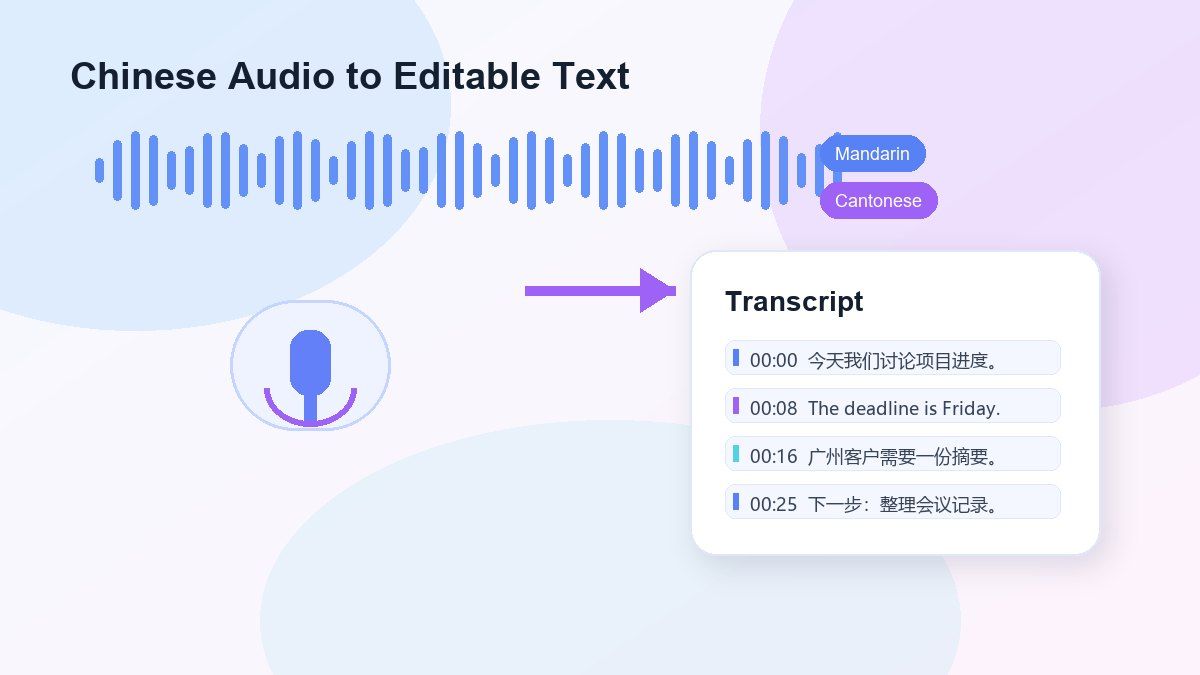
Mandarin and Cantonese Audio Review
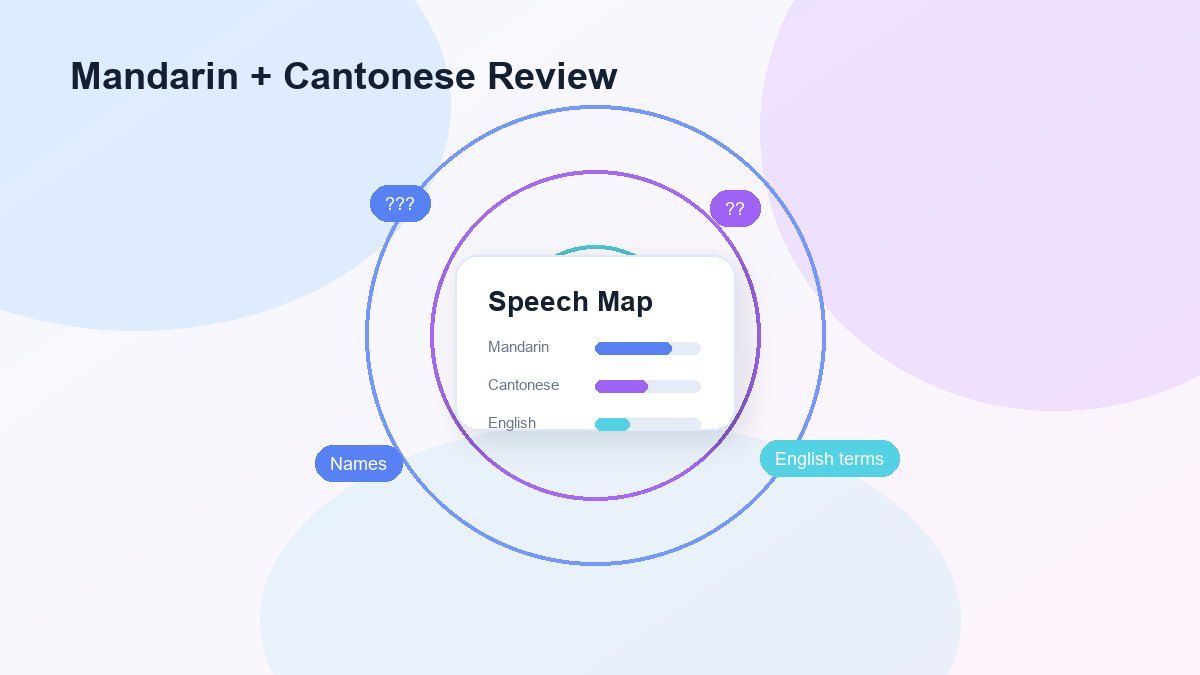
Transcribe Chinese Audio to Text Online
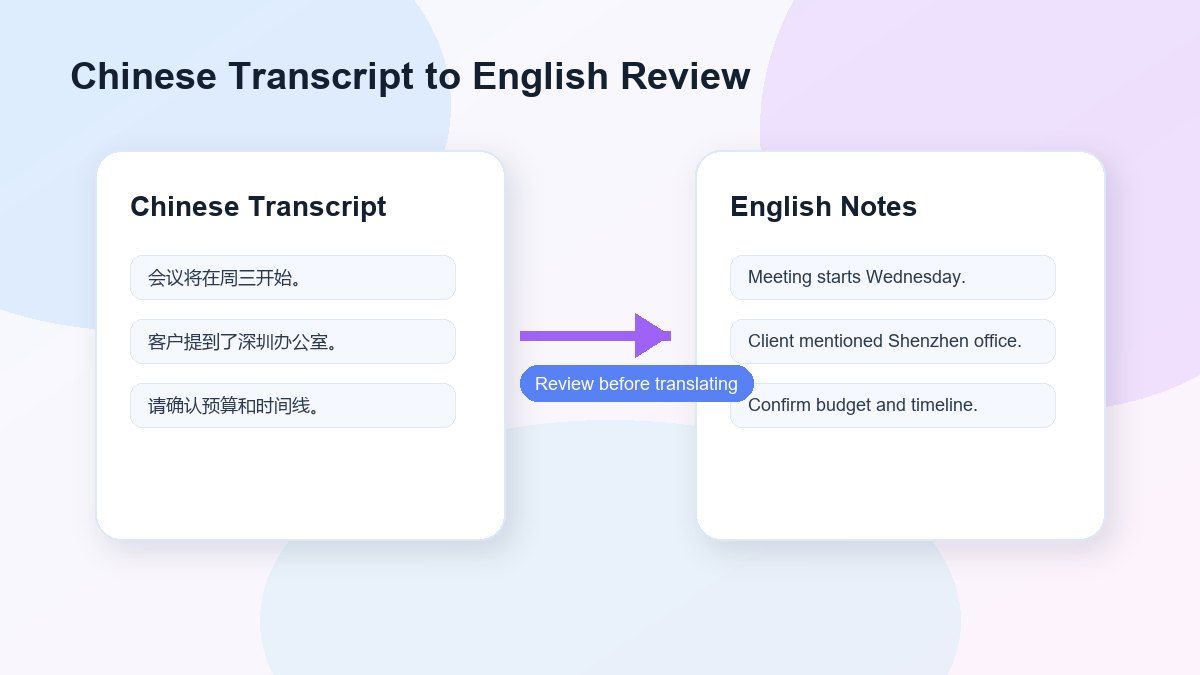
Transcribe Chinese Recordings to Text for Searchability
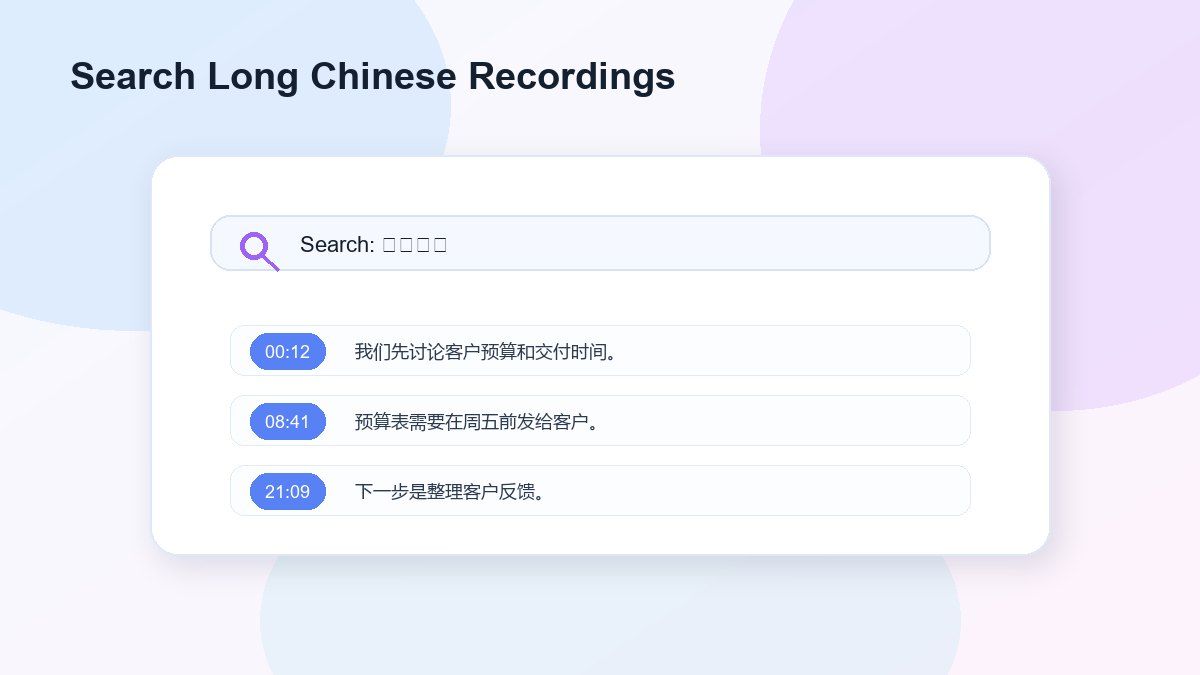
How to Transcribe Chinese Audio to Text Online
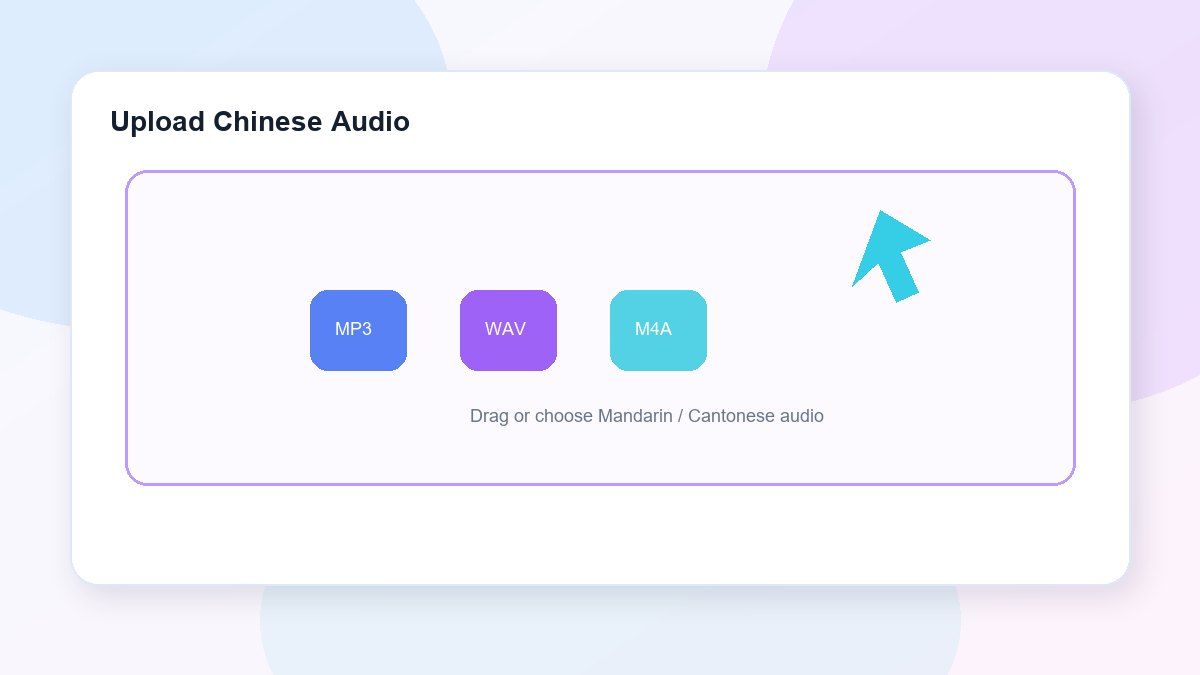
Step 1. Upload Chinese Audio
Upload your Chinese audio file from your device. Lynote supports MP3, WAV, and M4A, and performs best with clear speech, minimal background noise, and limited speaker overlap.
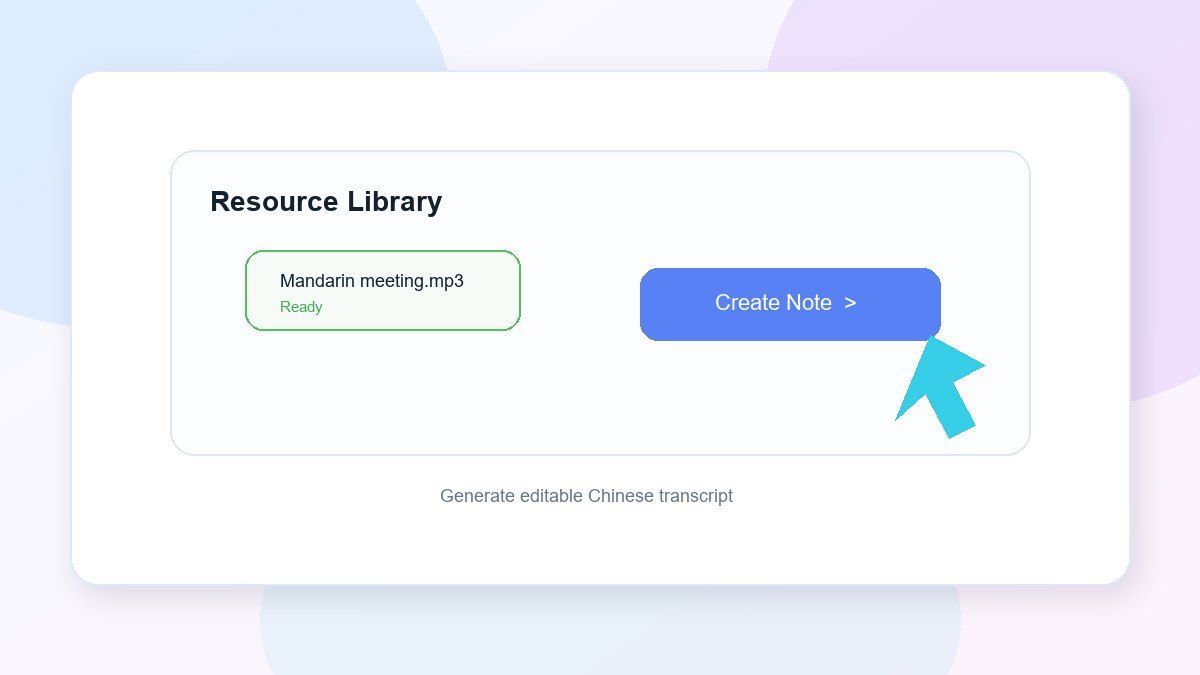
Step 2. Generate the Chinese Transcript
Start the transcription, and Lynote will convert the Chinese speech to editable text. This works for Mandarin lectures, Cantonese conversations, interviews, meetings, podcasts, voice notes, video audio, or study recordings.
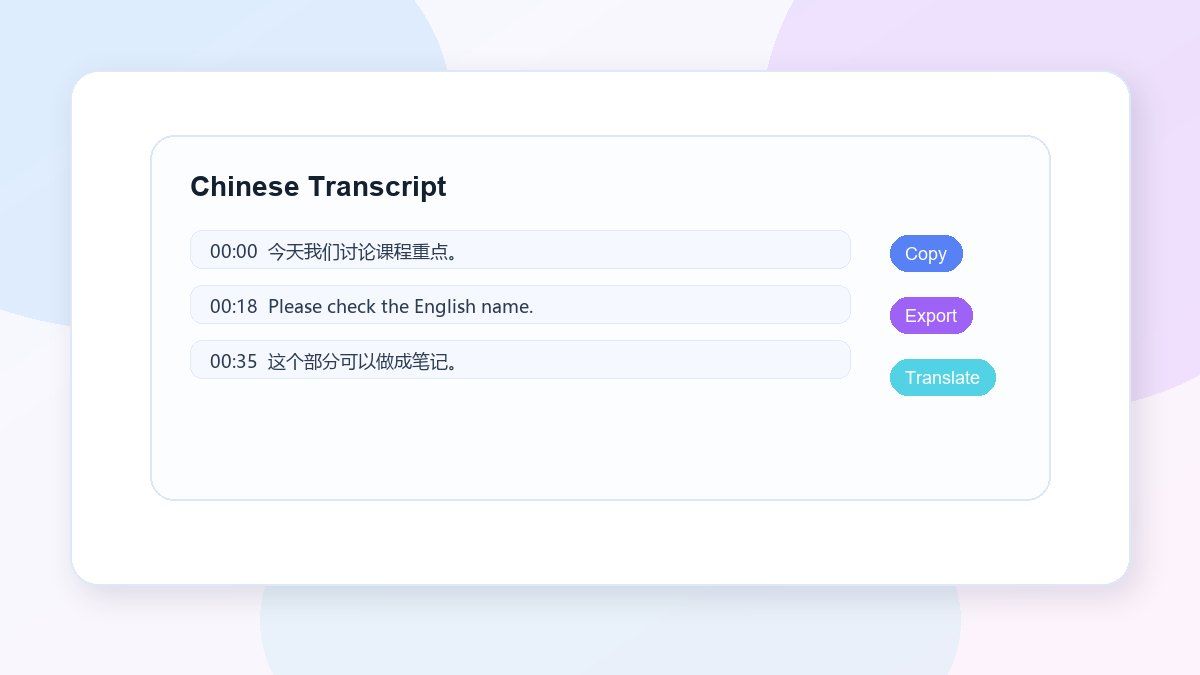
Step 3. Review, Export, or Translate
Read the transcript, correct names or unclear words, and search for key parts. Then copy, export, summarize, translate, or convert the Chinese transcript to structured notes.
Who Can Use This Chinese Audio to Text Tool?

Students
Convert Mandarin lectures, Chinese class recordings, study sessions, and spoken exercises to text.

Researchers
Transcribe Chinese interviews, oral histories, field recordings, participant conversations, and qualitative research audio.

Journalists
Convert Chinese interviews, press recordings, and voice memos to text. Find quotes, names, and details.

Content Creators
Convert Chinese podcasts, videos, voiceovers, livestream clips, and recorded ideas to captions, scripts, summaries, or posts.

Business Teams
Record Mandarin or Cantonese meetings, client calls, training sessions, and internal discussions. No need to type everything.

Language Learners
Study pronunciation, vocabulary, sentence structure, listening comprehension, and Chinese-English mixed speech with Chinese transcripts.
What People Say About Lynote Chinese Transcription

Graduate Student

I use Lynote to transcribe Chinese interviews for my research. It gives me a strong first draft, and I can quickly fix names, dialect terms, and mixed English phrases.

Podcast Producer
Our Mandarin podcast episodes used to take hours to review. Now I can search the transcript, pull key moments, and prepare show notes much faster.

Cantonese Content Creator
Cantonese video clips are what I work with, and having editable text is a big help for making captions. I still check the wording, but Lynote really saves me time.

Operations Manager
We use Lynote for Chinese meeting transcripts. It helps us document calls into written text without having someone type everything.

Language Teacher
I use Chinese transcripts for listening exercises. Students can check what they heard against the text and go over vocabulary more easily.

Marketing Strategist
Lynote helps us get the Chinese transcript first, then we translate the campaign notes into English. It makes the review process cleaner and easier to handle.
Frequently Asked Questions
A Chinese audio to text tool takes spoken Chinese in an audio file and turns it into written text. With Lynote, you can upload Chinese audio and create an editable transcript. You can search, correct, copy, export, translate, summarize, or convert it into notes.
Yes, Lynote can help you transcribe Chinese audio to text online. Free access may depend on your account limits, file length, and current product availability.
Yes. You can use Lynote for Mandarin audio to text. It works for lectures, meetings, interviews, podcasts, voice memos, study recordings, and video audio.
Yes, Lynote can help with Cantonese audio to text workflows. Because Cantonese speech often contains colloquial phrases and regional expressions, you should review the transcript before using it.
Lynote helps you create the Chinese transcript first. After that, you can use the transcript as a cleaner base for Chinese audio to English text translation, summaries, notes, or documentation.
Yes. Lynote can transcribe audio where speakers switch between Chinese and English. You should still review names, technical terms, slang, and context-specific phrases for accuracy.
Lynote supports common audio formats such as MP3, WAV, and M4A. Clear recordings with less background noise usually produce better transcripts.
Yes. Lynote is useful for Chinese interviews, research conversations, oral history projects, classroom discussions, podcasts, meetings, and voice notes.
Accuracy depends on audio quality, accent, speaking speed, background noise, dialect, and speaker overlap. Lynote provides editable transcripts so you can review and correct the result before using it.
Lynote processes uploaded audio securely and does not use your audio or transcripts to train AI models.


