Batch Compress PDF Files Online
Drop PDFs here, or click to select
Max 100 MB per file



Why Choose Our Batch PDF Compressor?

100% Free
Batch compress PDFs online for free. Reduce file sizes without hidden fees or expensive desktop software.

No Sign Up
Start batch compressing your PDFs instantly with no sign-up required. Skip the registration process and reduce multiple files immediately without creating an account.

Batch Compress
Batch compress multiple PDFs simultaneously in one efficient workflow. Upload your documents, select a target size, and bulk compress the entire set instantly.

High Quality
Retain high quality across your entire batch of compressed PDFs. Keep text readable, layouts intact, and visuals clear even after reducing the file sizes.

Browser Access
Compress PDF batches directly from your mobile, tablet, or desktop browser. No app installation is required.

Email-Ready Batches
Shrink groups of reports, invoices, or handbooks to easily meet common email attachment limits for fast sharing.

Portal Limits
Prepare several PDFs for university portals, government forms, or client uploads using the exact same target size.

Secure & Private
Process uploaded PDF batches securely. We do not permanently store your files on our servers.
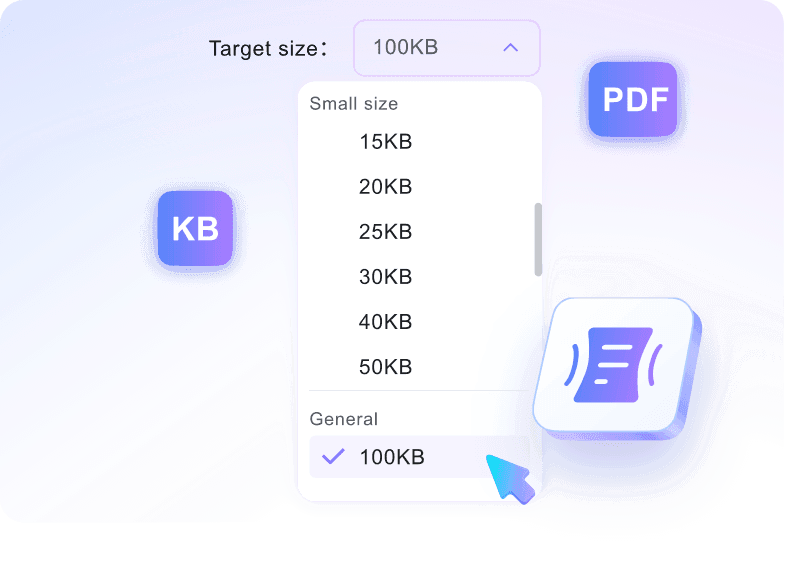
Set One Target for the Whole Batch
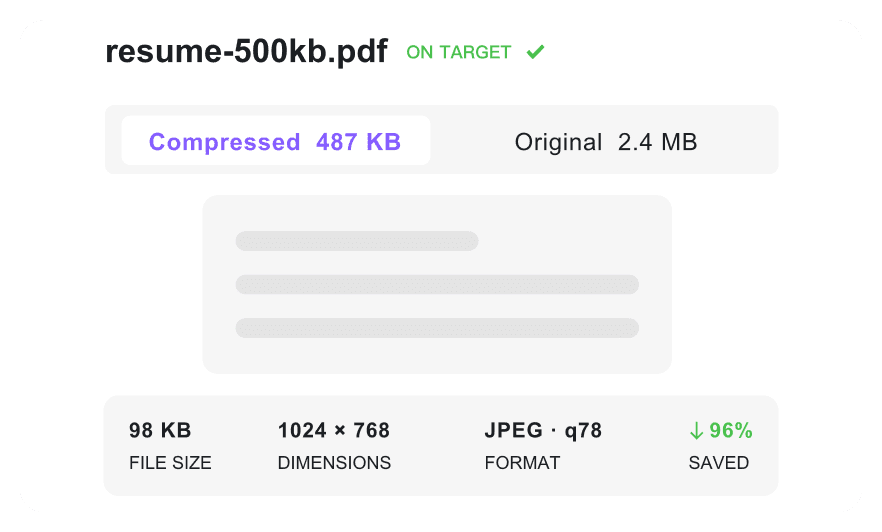
Keep Every PDF Reviewable
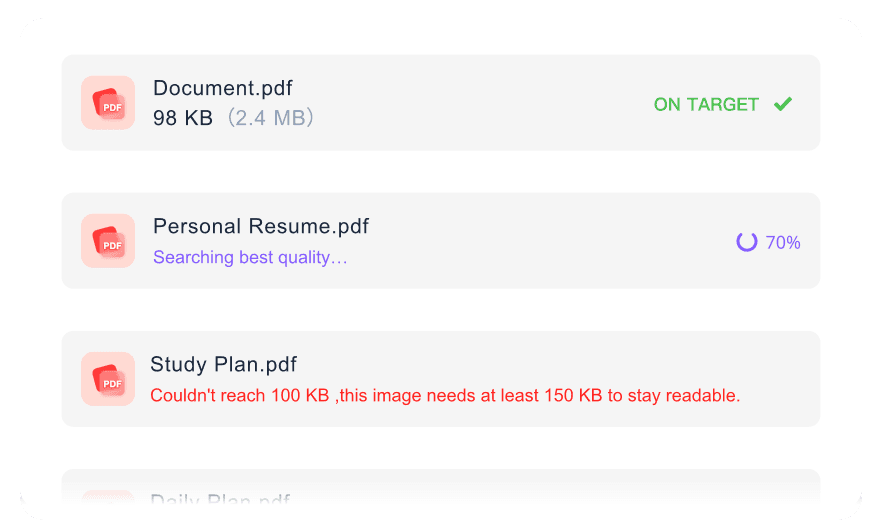
Handle Large Files Without Repeating Uploads
How to Batch Compress PDFs Online

Step 1. Set One Batch Target
Choose the KB or MB limit that should apply to the whole file group. Setting the target first keeps every upload working toward the same result.
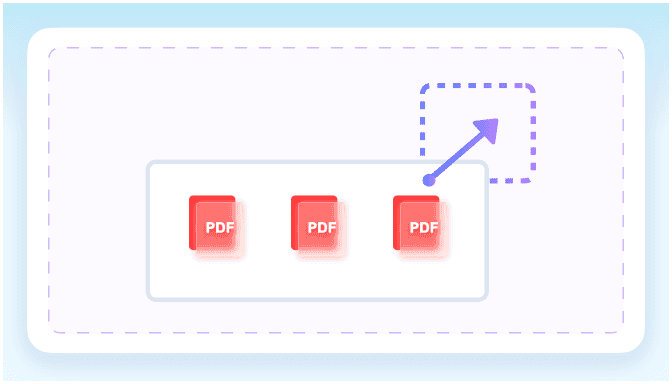
Step 2. Upload Your PDFs
Drag and drop multiple PDF files into the upload area. You can add several documents at once to process your entire group of files in one single action.
Step 3. Download the Finished Set
Review the final sizes across the batch, then download the optimized PDFs. Your documents are ready for email, portal upload, or shared storage.
Who Benefits From This Batch PDF Compressor?

Admin Assistants
Compress monthly scanned invoices in bulk so you can quickly email them to accounting without hitting attachment limits.

Legal Professionals
Shrink folders of heavy case files and contracts to meet strict court portal upload limits in one step.

Students
Optimize multiple assignment PDFs and research papers at once to ensure fast uploads to your university portal.

Marketers
Reduce bulk ebook and whitepaper sizes simultaneously to improve website download speeds and optimize server storage.

Educators
Compress weekly lecture slide PDFs simultaneously to easily share course materials with your students via email.

HR Coordinators
Make onboarding packets smaller in batch, allowing you to send multiple HR documents to new hires instantly.
Batch Compression Stories

Admin Assistant

"I needed to batch compress PDF files for our monthly reporting. Processing 40 heavy financial documents simultaneously saved me hours of manual effort."

Legal Professional
"The 100 MB per-file upload limit is incredible. I uploaded an 85MB architectural blueprint and used this batch PDF compressor without hitting a paywall."

Marketing Manager
"Being able to set an exact 2MB target for a set of whitepapers is exactly what I needed. It makes shrinking multiple PDFs so predictable."

IT Support
"I love that I didn't have to install desktop software or create an account to batch reduce PDF size. It just works instantly in the browser."

Graduate Student
"I shrunk multiple assignments for the university portal completely for free. Finding a tool to batch compress PDFs online for free with no hidden fees is rare."

HR Coordinator
"The text in our onboarding packets stayed perfectly readable after bulk reduction. It's the best way to make PDF smaller in batch while keeping quality high."
Frequently Asked Questions
Answers for bulk uploads, exact targets, quality, privacy, and free access.
Select your target file size from the dropdown menu, then upload all your documents. The batch PDF compressor automatically processes the files together.
Yes. Before uploading, choose a specific KB or MB target from the preset options. The tool will attempt to batch shrink PDF files as close to that target as possible.
You can upload files up to 100 MB per document. There is no need to worry about strict limits when you bulk compress PDF files.
No. The tool balances size reduction with document clarity. Your scanned text, charts, and tables remain legible even after you batch reduce PDF size.
Yes, your files are secure. We process all documents safely and do not store your PDFs permanently after the batch compression is complete.
Yes, it is free. You can batch compress PDFs online for free without creating an account or paying any hidden fees.
Unlike standard tools that force generic quality presets, our tool lets you pick an exact target size before uploading. This means you can make PDF smaller in batch to hit strict upload limits, like 500KB or 2MB, while maintaining readable document quality.