

Audio to Notes AI

Drop files or browse

Add study materials to enable the AI to extract and structure content.



Why Use Lynote Audio to Notes AI?

Audio to Structured Notes
Convert audio to notes AI output that is easier to review than a raw transcript. Lynote turns spoken content into headings, key points, and useful summaries.

Built for Lectures and Recordings
Use Lynote for lecture audio to notes AI workflows, recorded lessons, meetings, interviews, podcasts, and study recordings.

From Speech to Study Material
Lynote can help turn audio into notes, summaries, review points, and flashcards so you can study from the recording instead of replaying it again and again.

Works with Real-World Audio
Upload voice recordings, class audio, work discussions, or long explanations. Lynote helps organize the content into a cleaner note format.

Review and Edit the Result
After generation, you can read, adjust, copy, and reuse the notes. This is useful when the AI catches the structure but you want to add your own wording.

Helpful for Fast Review
Use the notes to revisit key ideas before class, meetings, exams, content planning, or research work.

Ask Questions About Notes
Use Lynote to review the generated notes and explore the content further when you need clarification or a study prompt.

Private Study and Work Flow
Lynote is designed for practical note-taking workflows, so you can upload supported content, generate notes, and keep your review process in one place.
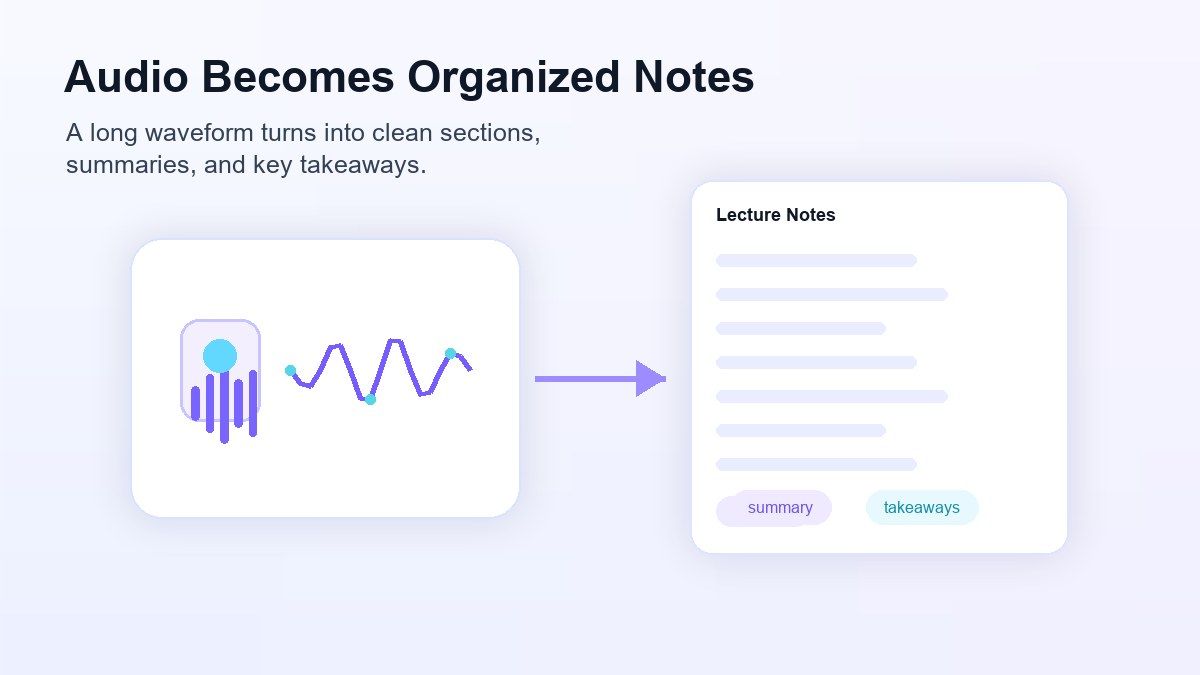
Turn Audio Recordings Into Organized Notes
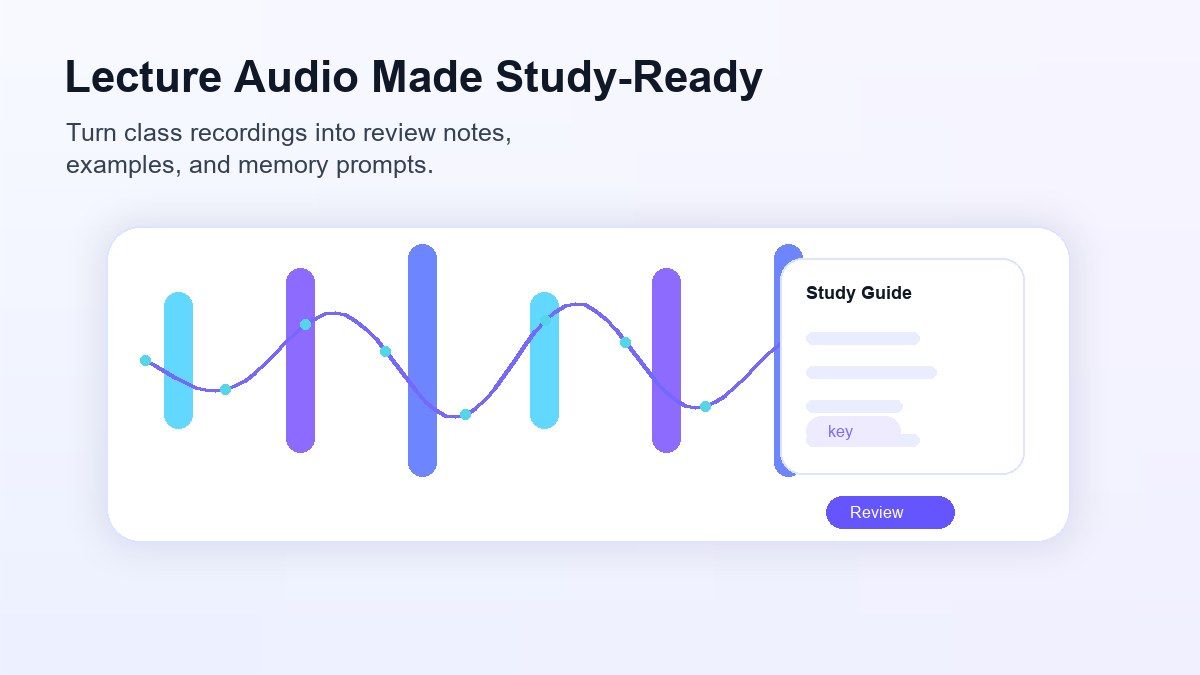
Make Lecture Audio Easier to Study
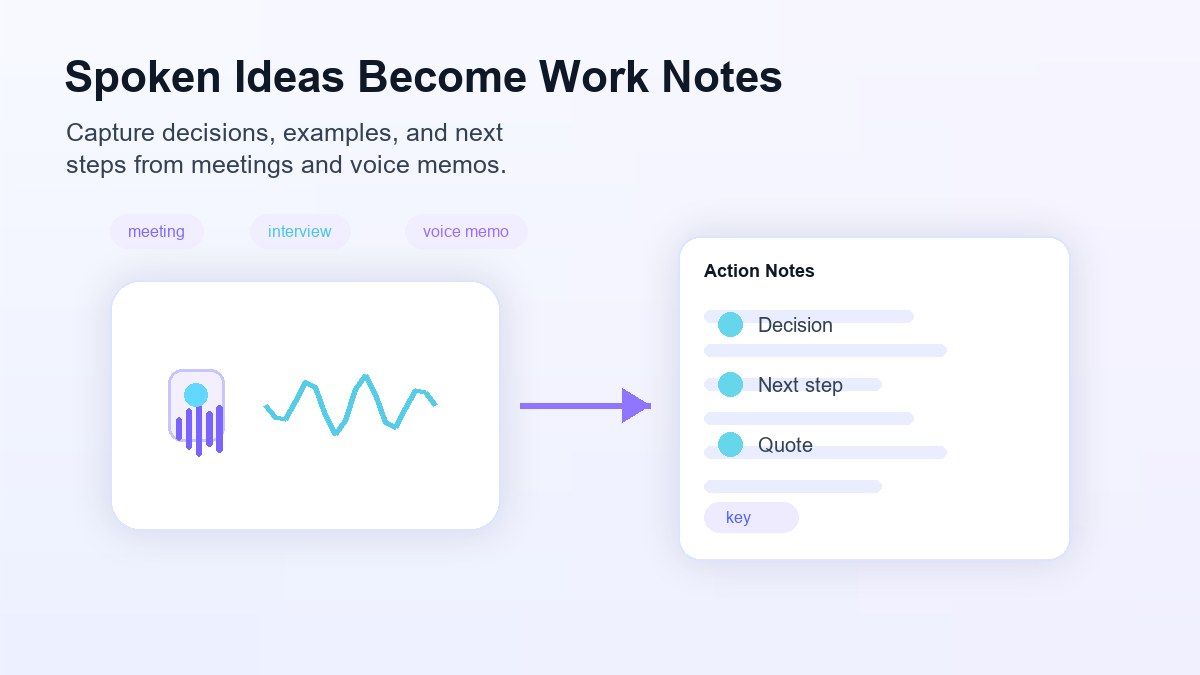
Convert Spoken Ideas Into Reusable Work Notes
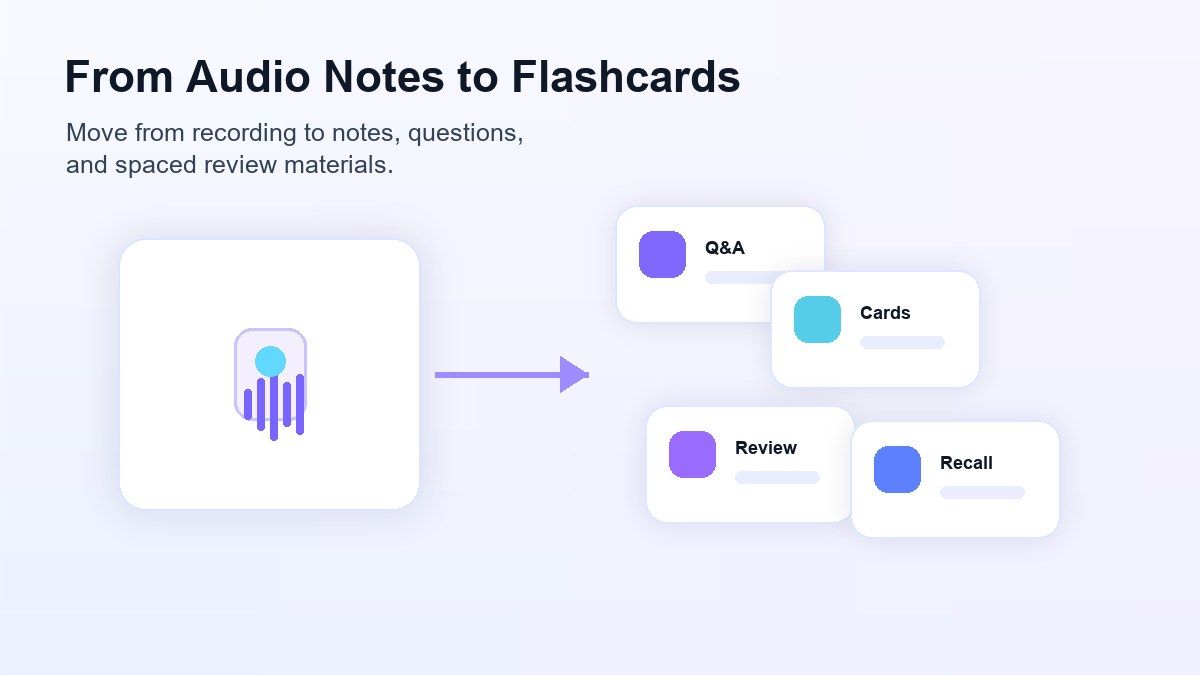
From Audio Notes to Flashcards and Review
How to Convert Audio to Notes with AI
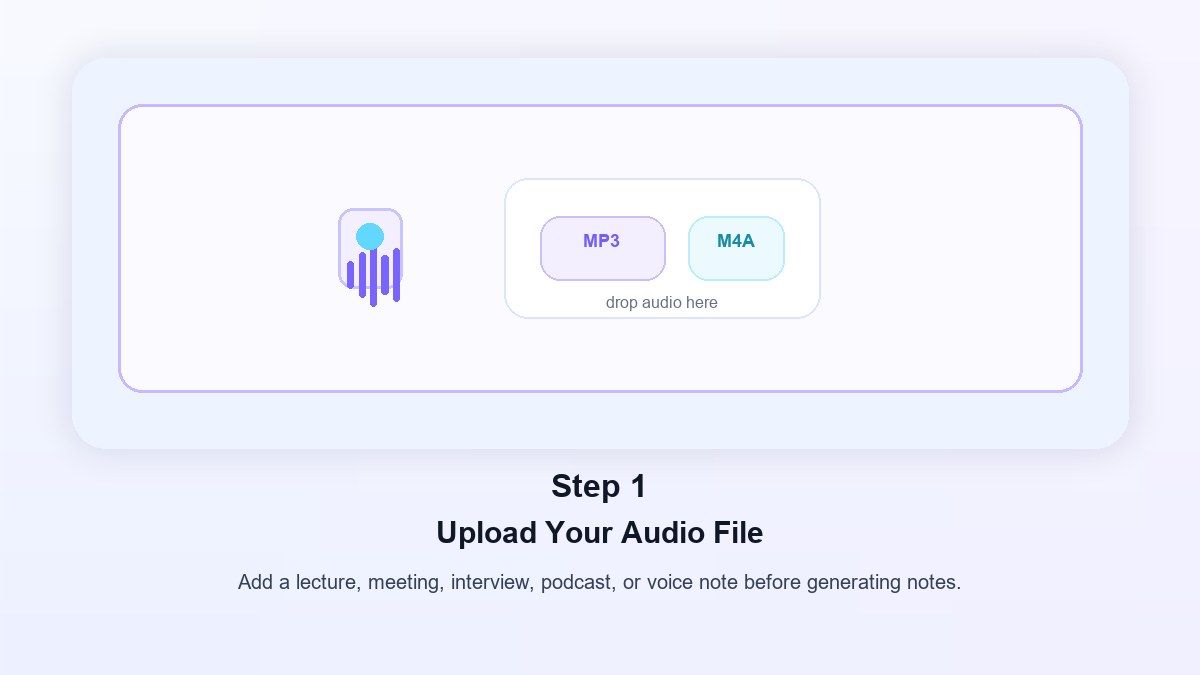
Step 1. Upload Your Audio File
Add an audio recording, lecture file, interview, podcast clip, or voice note. You can use Lynote when you need an AI tool to take notes from audio without writing everything manually.
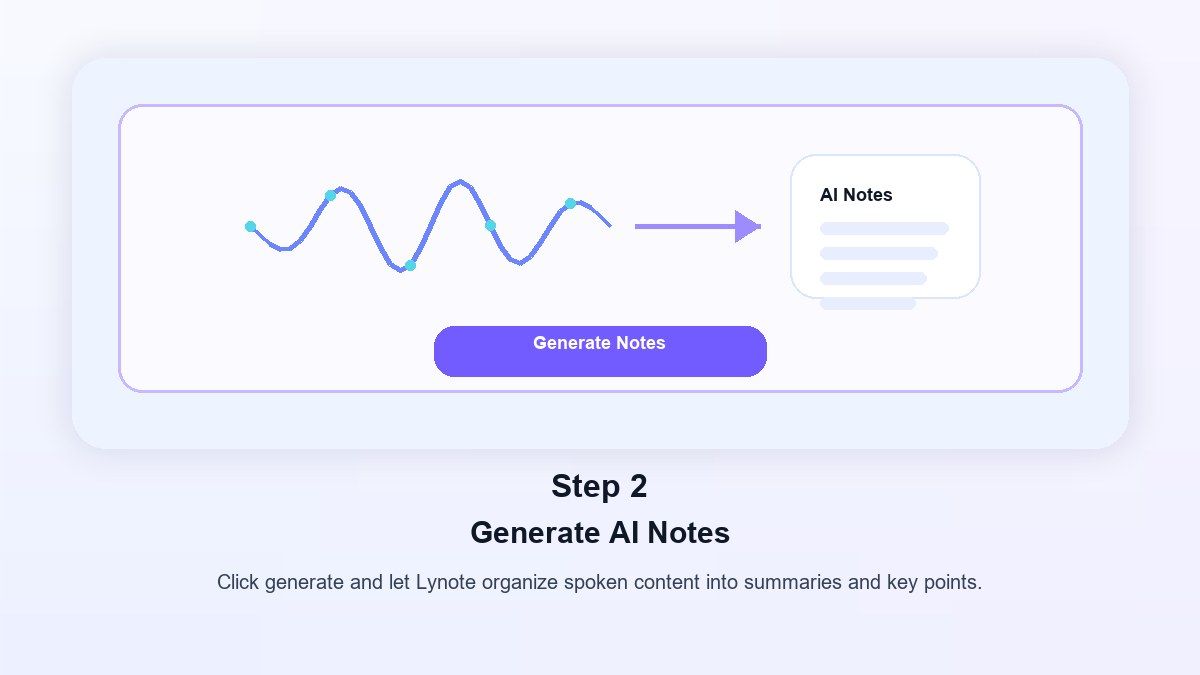
Step 2. Generate AI Notes
Lynote listens to the audio and turns the spoken content into structured notes. The result can include summaries, key points, sections, and review-friendly organization.
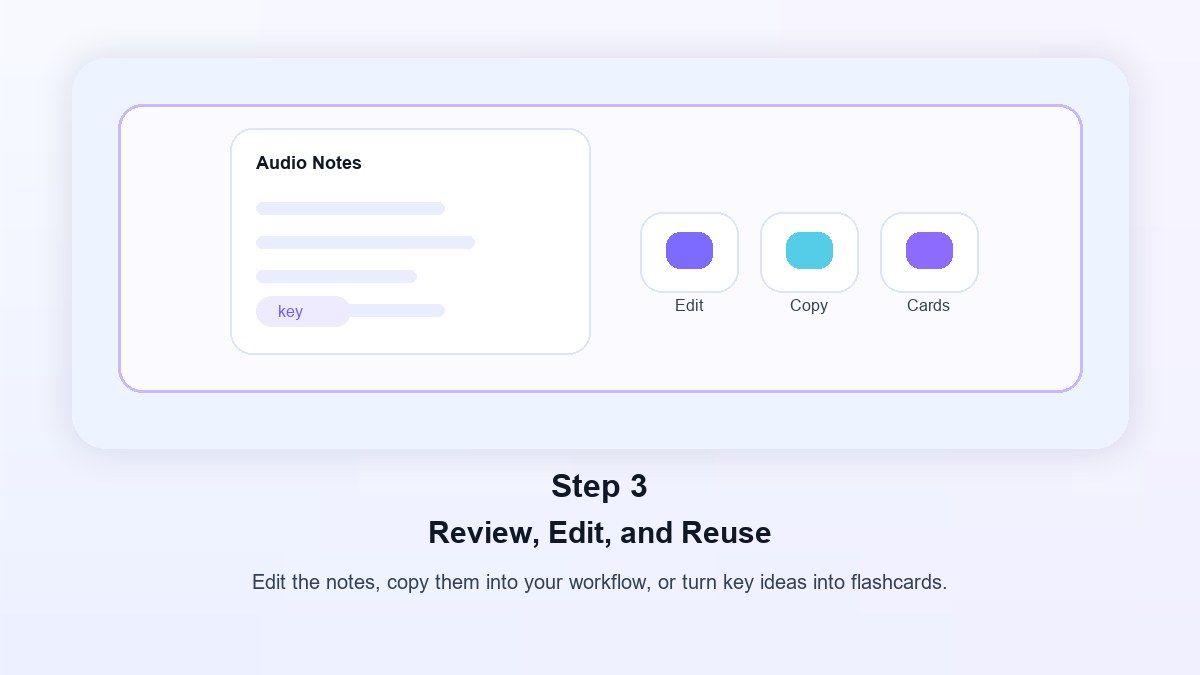
Step 3. Review, Edit, and Reuse
Read the AI notes, edit any details, copy the result, or use it for study and work. You can turn important parts into flashcards or use the notes as a review guide.
Who Is Audio to Notes AI For?

Students
Turn class recordings, study sessions, and lecture audio into notes you can review before exams.

Teachers
Convert lesson recordings, training audio, and explanation clips into structured teaching notes or review material.

Researchers
Use AI audio to notes for interviews, research discussions, field recordings, and source review.

Content Creators
Turn podcast episodes, video scripts, voice ideas, and interviews into outlines, summaries, and content notes.

Professionals
Convert meetings, calls, training sessions, and voice memos into notes that are easier to scan and reuse.

Language Learners
Review spoken lessons, pronunciation practice, and listening exercises with notes that make the content easier to follow.
What People Say About Lynote

College Student

"I use Lynote after long lectures. The audio notes help me find the main points without replaying the whole recording."

Research Assistant
"Interview recordings used to take hours to organize. Lynote gives me a structured first draft of notes I can clean up quickly."

Content Creator
"I record podcast ideas on my phone, then use Lynote to turn the audio into outlines and talking points."

Team Lead
"For meeting recordings, Lynote helps me pull out decisions and follow-up points before I write the final recap."

Graduate Student
"It is useful for lecture audio to notes AI study sessions. I can turn recordings into notes and then review the key ideas."

Online Tutor
"I use it to summarize teaching recordings and create cleaner study notes for follow-up lessons."
Frequently Asked Questions
Have questions? We've got answers. If you can't find what you're looking for, feel free to contact us.
Audio to notes AI is a tool that turns spoken content from recordings into structured notes. Instead of listening to the whole file again, you can review summaries, key ideas, and organized sections.
Yes, Lynote can help you generate notes from supported audio files online. Upload your recording, generate AI notes, then review and edit the result.
Yes. Lynote can process supported audio content and turn it into notes. This is helpful for lectures, meetings, podcasts, interviews, and voice recordings.
Yes. Lynote is useful for lecture audio to notes AI workflows. It helps students turn long class recordings into review-friendly notes.
Not exactly. Transcription turns speech into text, while AI notes organize the content into summaries, headings, and key points. Lynote is useful when you want notes, not just a raw transcript.
Yes. After generating notes, you can use the content for study review and flashcard-style learning. This is useful for exams, training, and repeated review.
You can use supported audio recordings such as lectures, voice notes, interviews, meetings, and podcasts. For best results, use clear audio with understandable speech.
The best tool should turn recordings into organized notes, support review, and make the content easy to reuse. Lynote is designed for students who want lecture notes, summaries, and study material from audio.