

Arabic Audio to Text Transcription Online

Drop files or browse

Add study materials to enable the AI to extract and structure content.



Why Choose Our Arabic Audio to Text Tool?

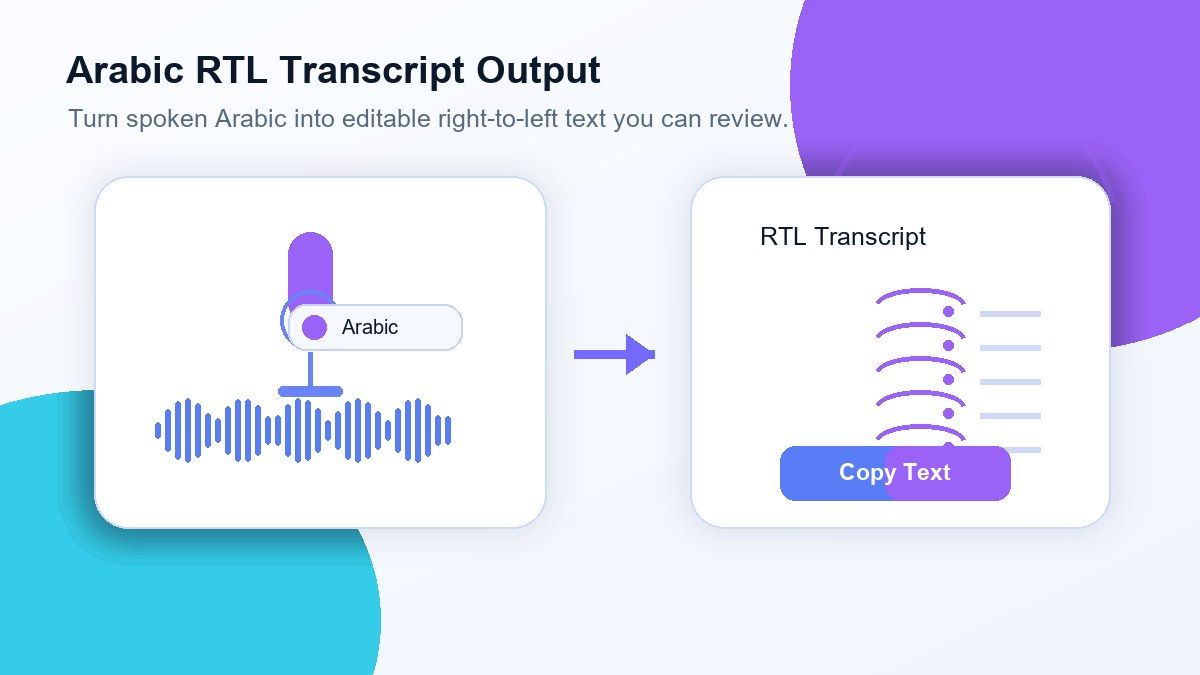
Arabic RTL Transcript Output
Get Arabic text in right-to-left order that is easy to review, copy, and reuse.

Modern Standard Arabic Support
Lynote transcribes Arabic audio from lectures, interviews, speeches, training recordings, and formal discussions.

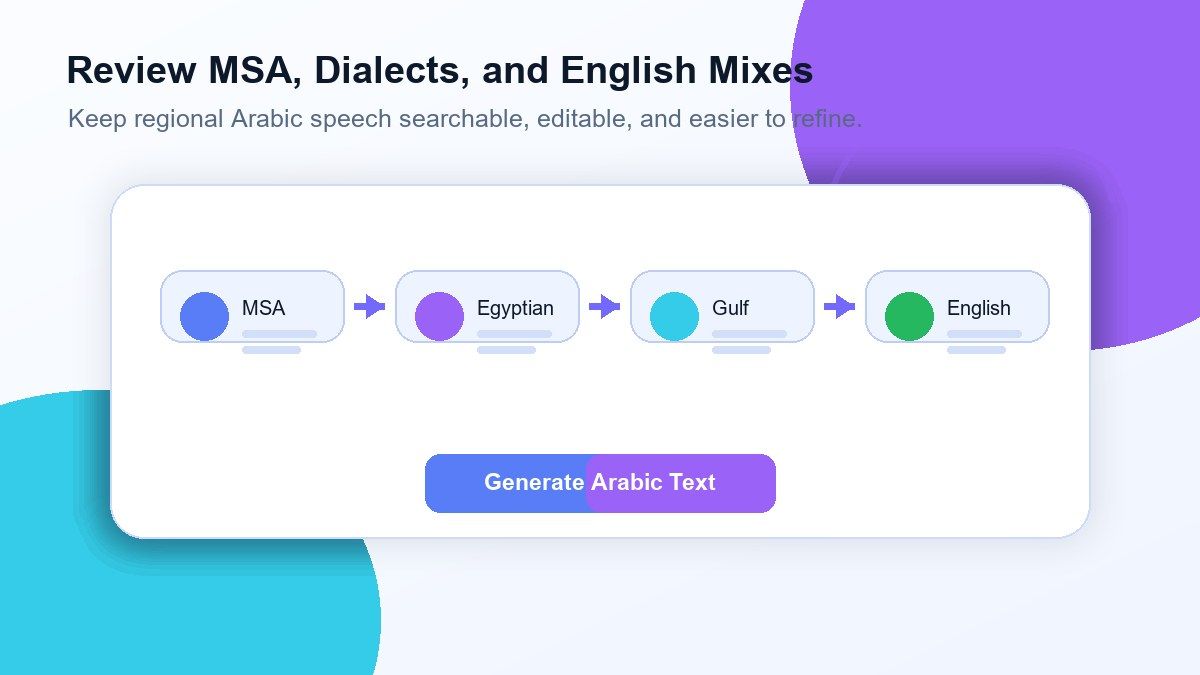
Dialect-Friendly Review
Arabic audio recordings may feature Egyptian, Gulf, Levantine, Maghrebi, or mixed regional phrasing. Lynote provides you with a transcript you can review and edit.

Arabic-English Mixed Audio
If speakers alternate between Arabic and English, Lynote lets you produce a searchable transcript rather than replaying the audio over and over.

Upload Common Audio Formats
You can upload MP3, WAV, M4A, and other popular audio files directly from your computer without having to convert the file first.

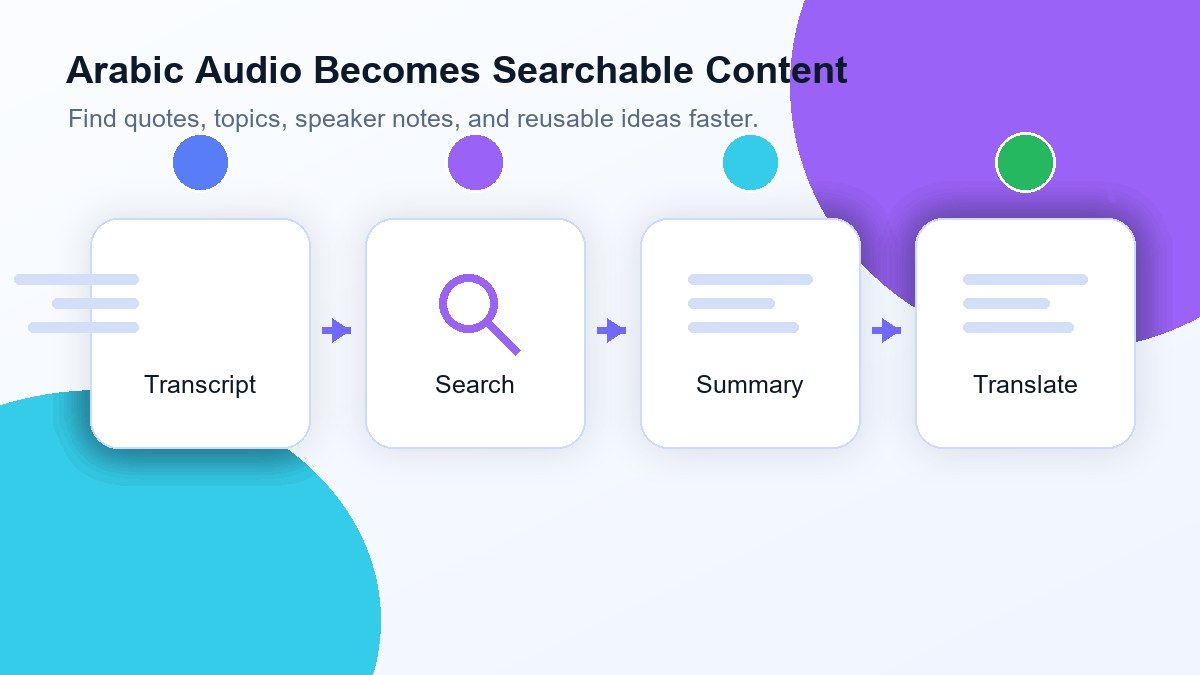
Searchable Transcript
Search for names, topics, quotes, timestamps, and recurring terms once you've transcribed Arabic audio to text.

Copy, Export, or Translate
The Arabic transcript can be used for summaries, notes, captions, research, documentation, translation, or content repurposing.

Secure Processing
The audio you upload is processed securely and will not be used to train AI models.
Transcribe Arabic Audio Without Typing Every Word
Review MSA, Dialects, and Mixed Arabic-English Speech
Convert Arabic Audio To Searchable Notes And Content
Free Arabic Transcription For Everyday Use
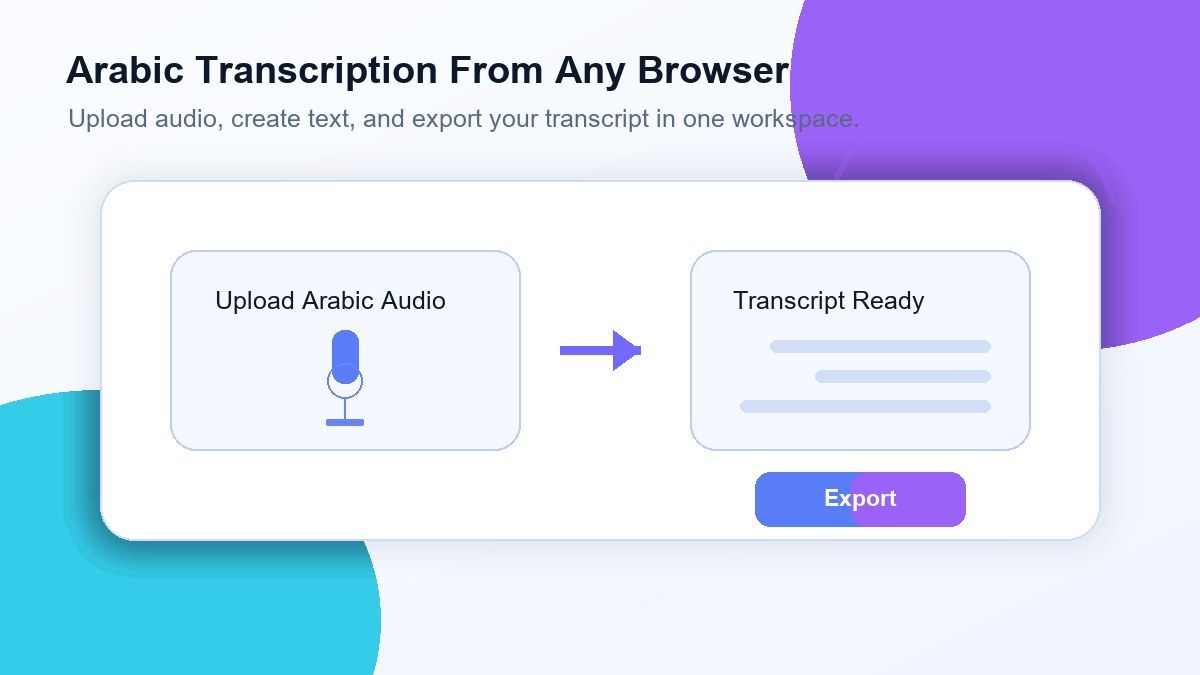
How To Transcribe Arabic Audio To Text Online
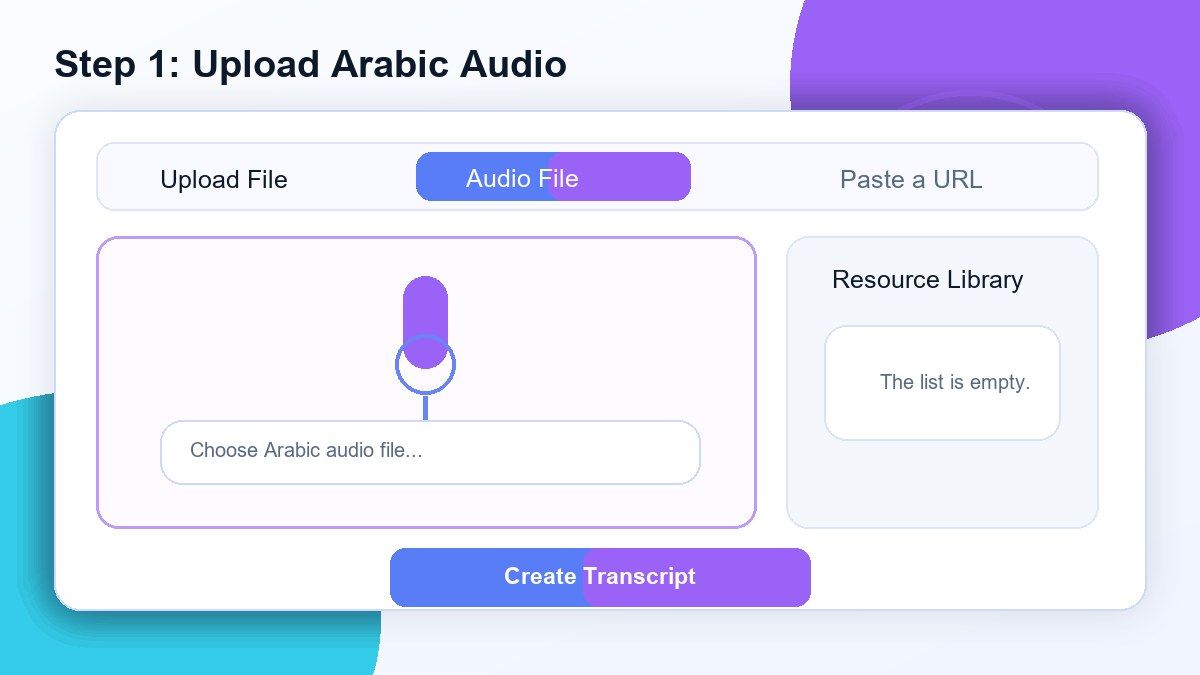
Step 1. Upload Arabic Audio
Upload an audio file of Arabic from your computer. Lynote accepts most formats like MP3, WAV, and M4A, but works best if the audio is clear and doesn't have much background noise.
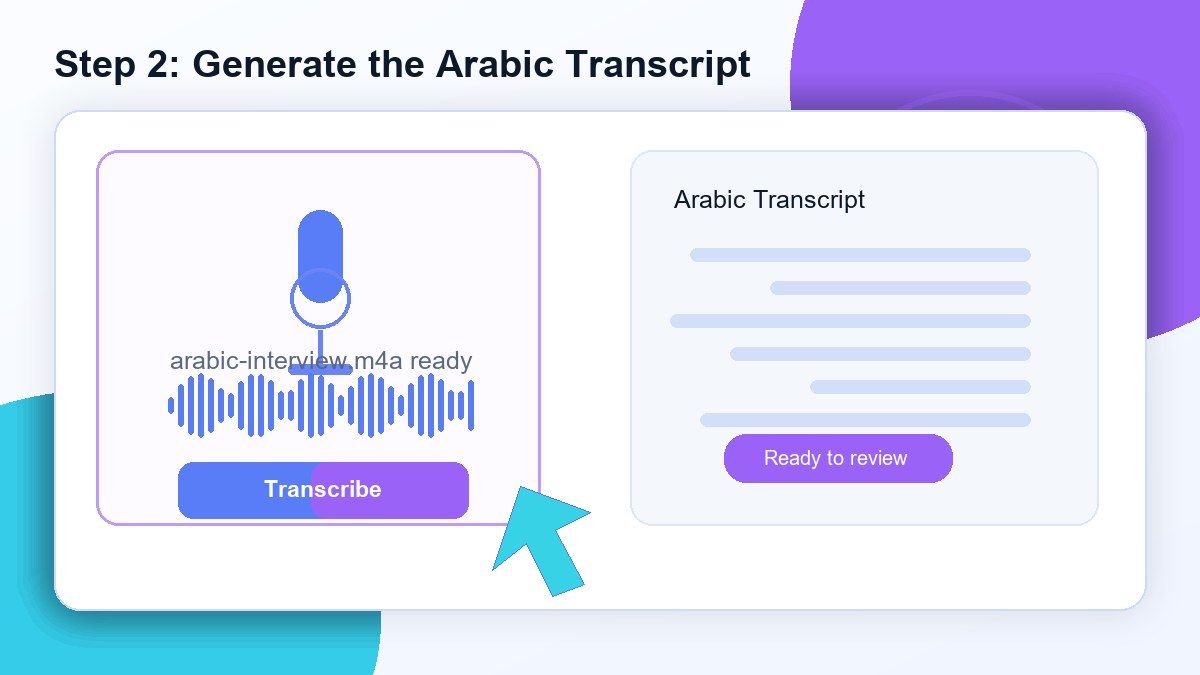
Step 2. Generate The Arabic Transcript
Begin transcribing Arabic audio and Lynote will generate a text version of your audio. You can use this tool to transcribe Arabic audio from interviews, classes, meetings, podcasts, voice memos, and study sessions.
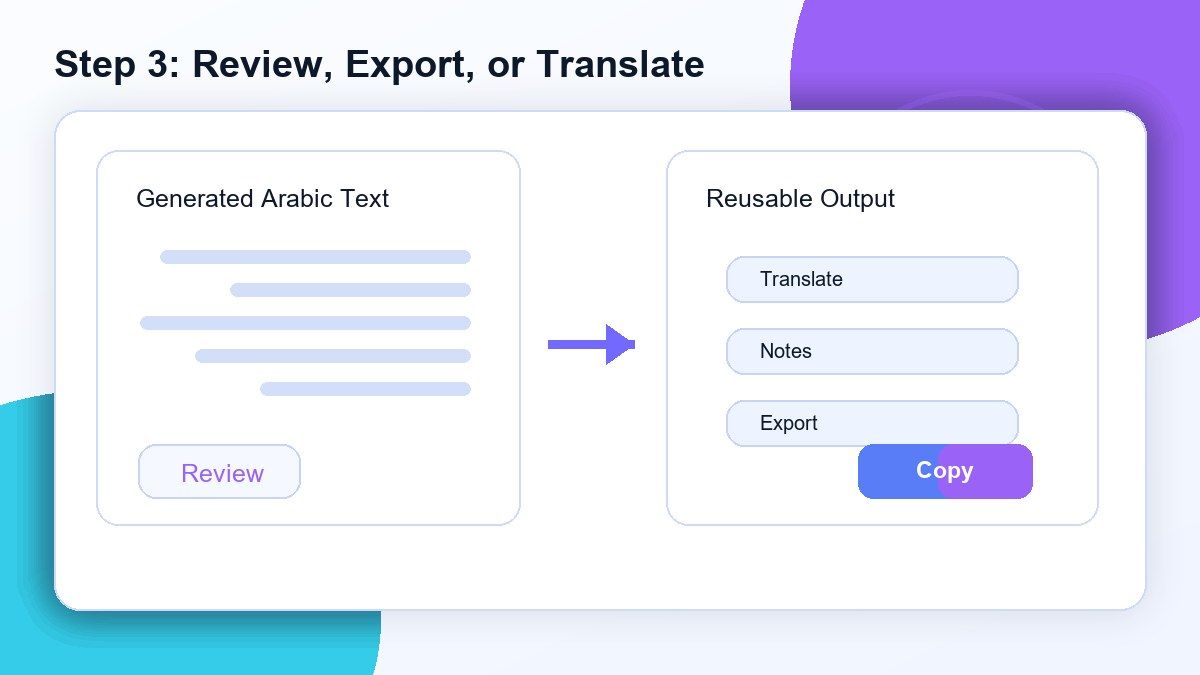
Step 3. Edit, Share, Export Or Translate
Read over the transcript, fix any mistakes such as names or dialect words, and search the document. You can then copy, share, export, translate, summarize, or create notes from the Arabic transcript for your needs.
Who Can Use This Arabic Audio To Text Tool?

Students
Convert Arabic lectures, class recordings, study sessions, and language learning audio into text.

Researchers
Transcribe Arabic interviews, oral histories, field recordings, and research interviews.

Journalists
Transcribe Arabic interviews, press recordings, and voice memos into searchable text for verifying quotes and writing stories.

Content Creators
Convert Arabic podcasts, videos, voiceovers, and brainstorming audio into scripts, subtitles, summaries, and blog posts.

Business Teams
Record and archive Arabic meetings, calls, trainings, customer feedback, and project discussions.

Language Learners
Study Arabic transcripts to learn pronunciation, vocabulary, grammar, and Arabic-English bilingual speech.
Lynote Arabic Transcription Testimonials

Graduate Student

I use Lynote to transcribe Arabic interviews for my thesis. It gives me a searchable first draft, then I clean up names and dialect words.

Journalist
I used to spend hours reviewing Arabic interviews. Now I can just generate a transcript, find the quote, and double check it in the audio.

Content Creator
I use Arabic audio transcripts for captions and snippets. It's really helpful when creating content from podcast recordings.

Operations Manager
We often have discussions in both Arabic and English during meetings. With Lynote, we can get a written record without having someone do all the typing.

Research Assistant
With extended community interviews, having an editable Arabic transcript makes coding and analysis easier.

Language Teacher
I use transcripts of Arabic audio for listening practice, which allows students to review vocabulary and compare what they heard with the written text.
Frequently Asked Questions
An Arabic audio to text tool is software that converts audio containing spoken Arabic into written text. Lynote allows users to upload their Arabic audio and create an editable transcript for review, search, export, translation, notes, etc.
Lynote is an online tool that can be used to transcribe Arabic audio to text. The level of free access may vary based on your account limits, the length of the file, and current product offerings.
Lynote can be used for transcribing Arabic audio with dialect or regional accents, although dialect-heavy audio should still be reviewed. Audio clarity typically results in higher-quality transcripts.
Yes. You can use Lynote for transcribing Modern Standard Arabic audio such as lectures, speeches, classes, interviews, and educational audio.
Yes. Lynote can be used for transcribing Arabic-English mixed audio, but the transcript should be reviewed for accuracy regarding names, technical terms, and specific contexts.
Lynote accepts various audio formats including MP3, WAV, and M4A. Transcription accuracy will depend on audio clarity, microphone quality, background noise, and speaker overlap.
Yes. Once you have generated the transcript, it can be used as a basis for translation, summaries, notes, captions, documentation, and content creation.
Accuracy depends on audio clarity, speaker clarity, dialect, background noise, and speaker overlap. Lynote provides an editable transcript so that you can review and make corrections before using it.
Yes. Lynote is helpful for long Arabic audio such as lectures, interviews, podcasts, meetings, and voice memos because the resulting transcript is searchable and easier to review.
Lynote processes uploaded audio files securely and does not use your audio or transcripts to train AI models.


