Start with a DOI
Journal articles
Check the journal title, volume, issue, and page range or article number. Include the DOI as a link when one is available.
Cite a journal article

Create APA 7 references and in-text citations for webpages, journal articles, books, and videos.
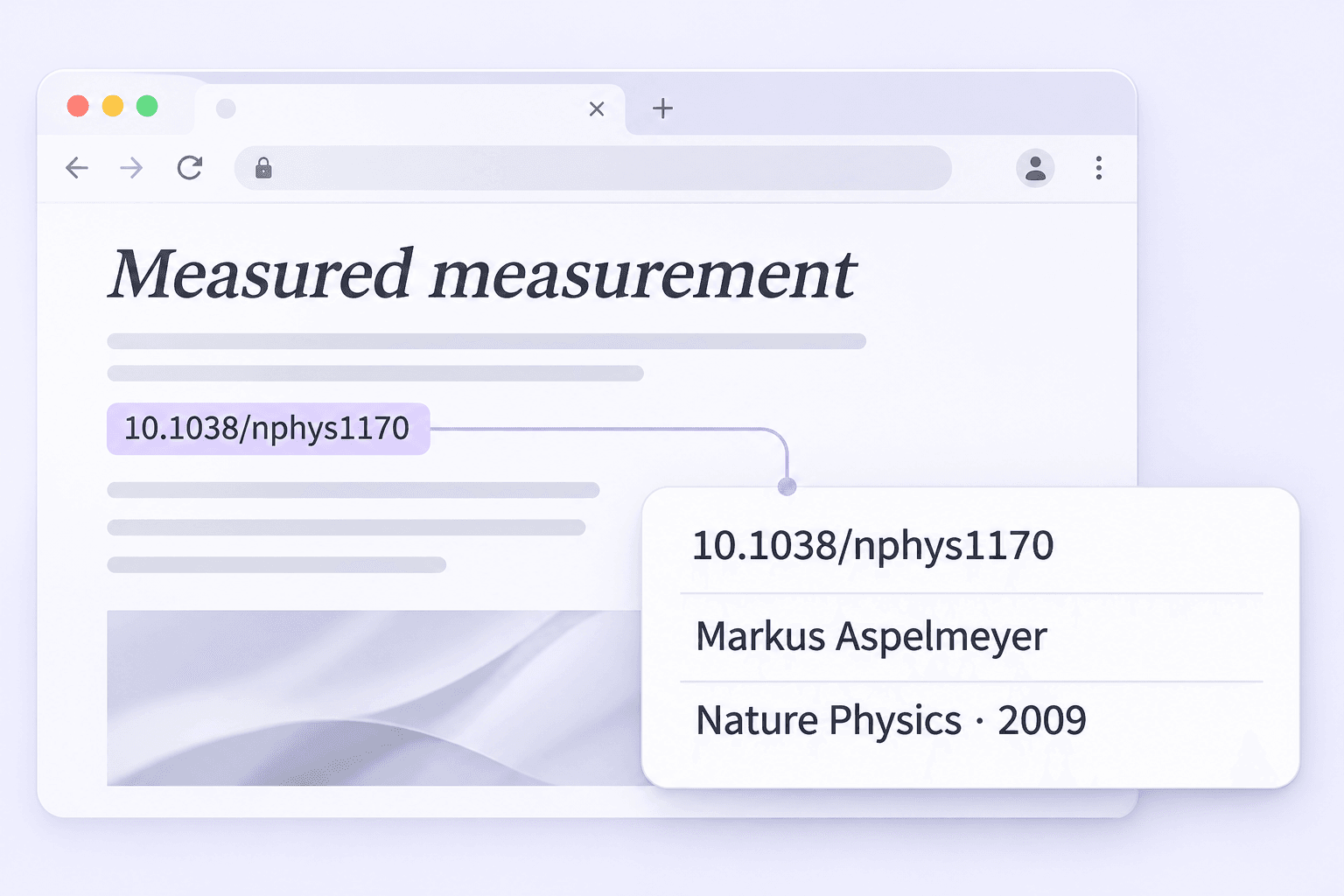
Start with the identifier you already have. Paste a journal article’s DOI, a book’s ISBN, or the link to a specific webpage. Compare the source details with the original before you cite it, especially when the result includes an online publication date or a different edition.
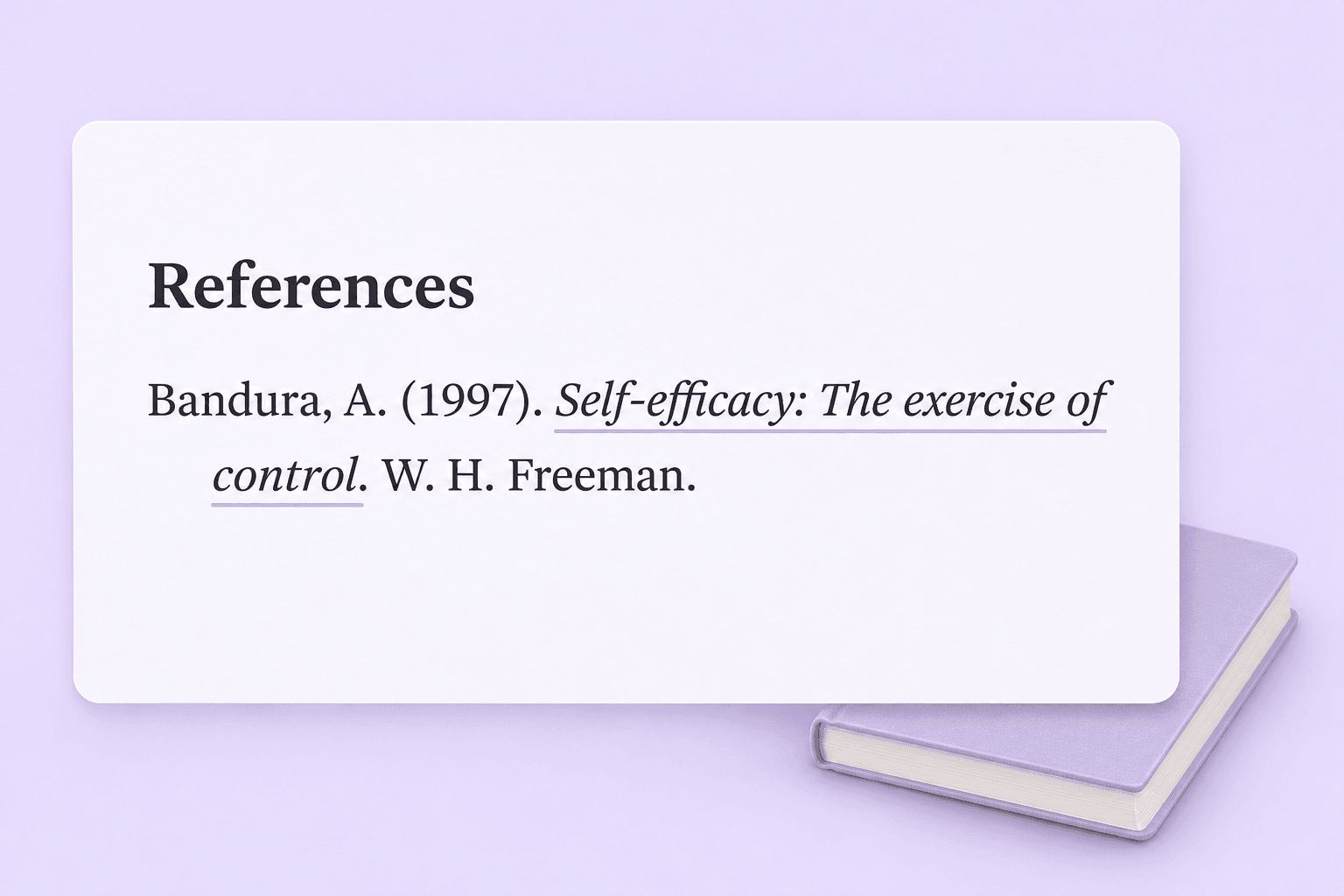
Put the full entry in the References section so a reader can find the work you used. For a book, APA 7 lists the author, year, title, and publisher. Check that the entry matches the edition you read.
Bandura, A. (1997). Self-efficacy: The exercise of control. W. H. Freeman.
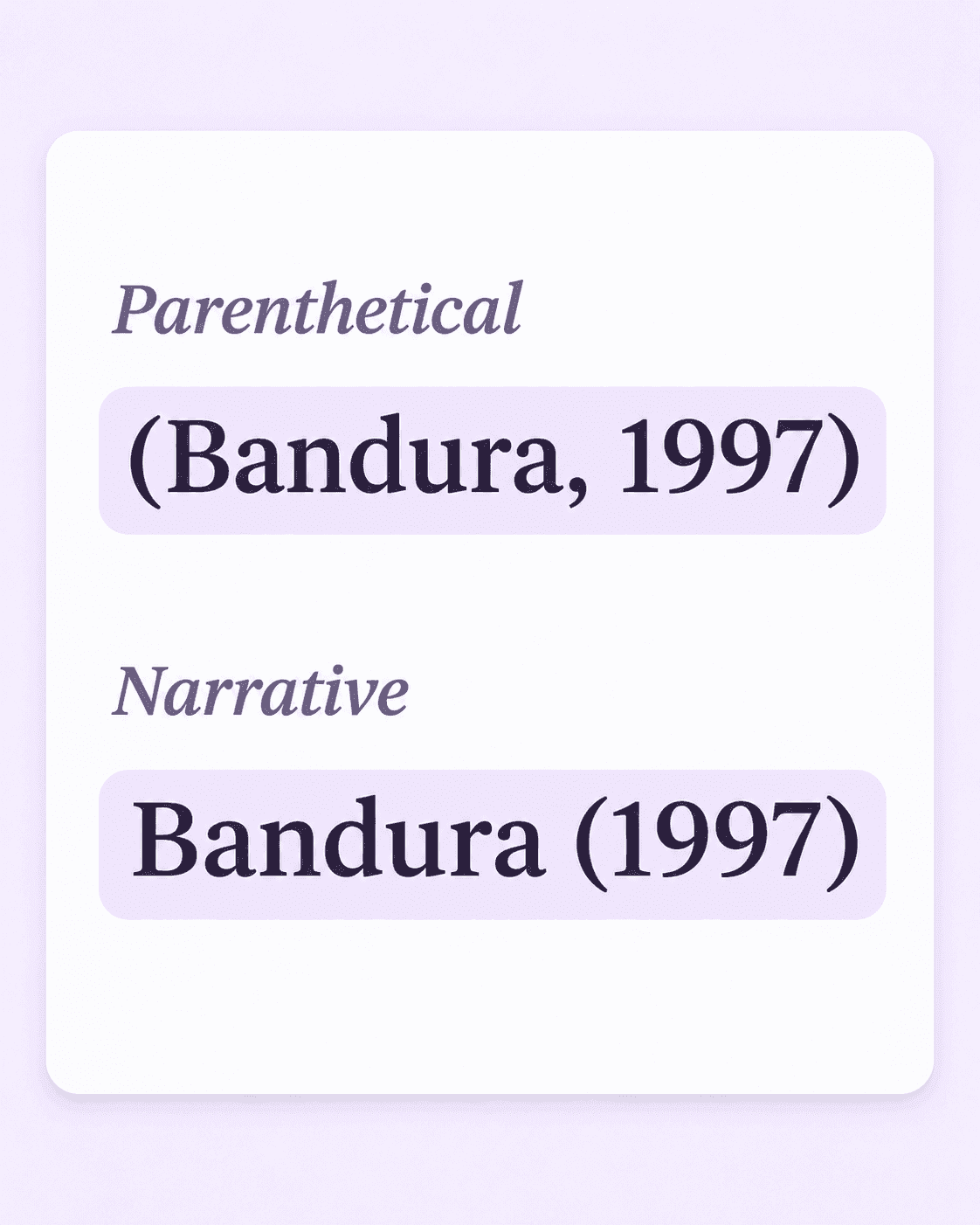
Use the author and year near the sentence that draws on a source. Both forms below refer to the same book in your References list.
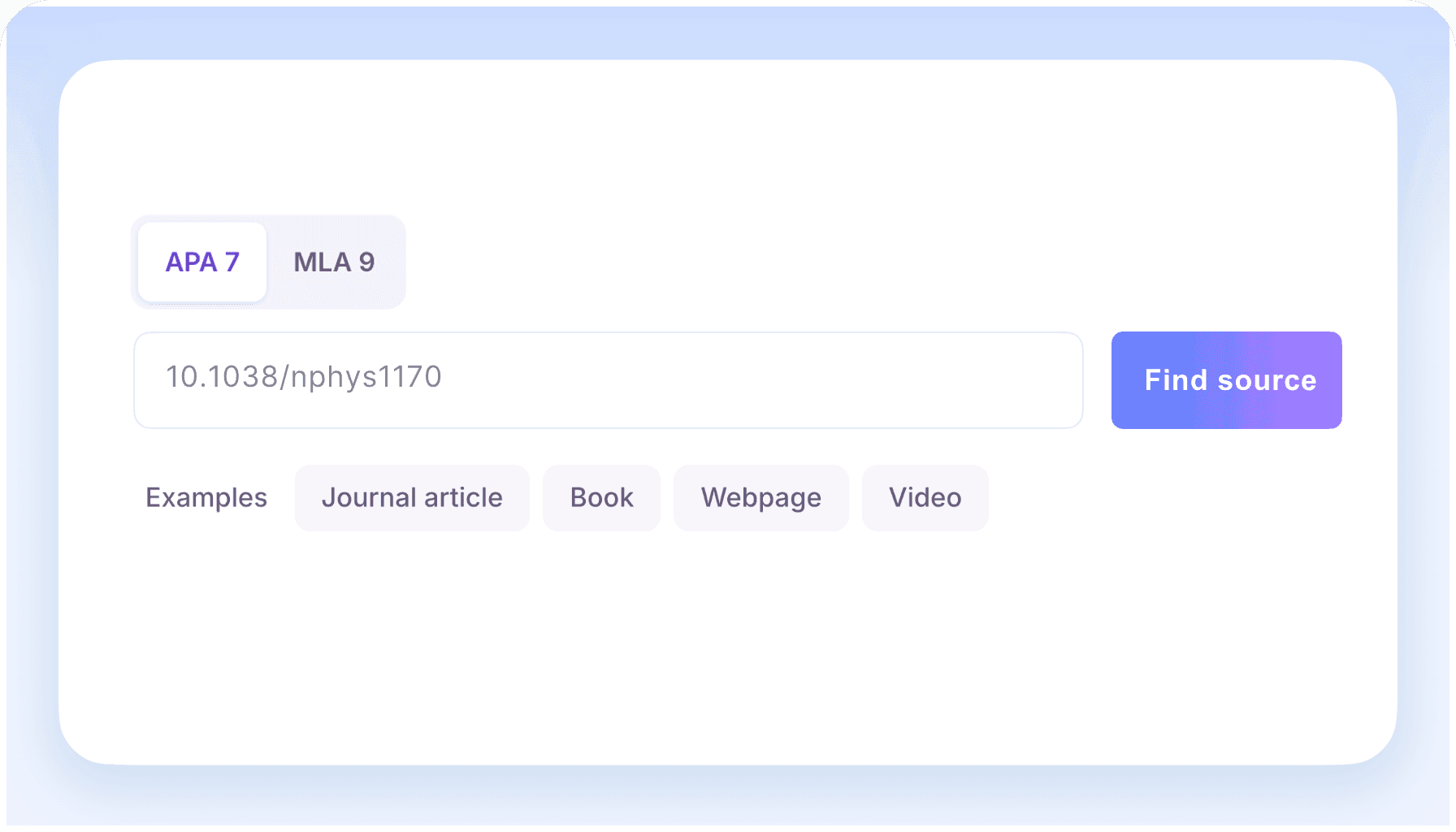
Choose APA 7. Paste a DOI, ISBN, or source link and select Find source.
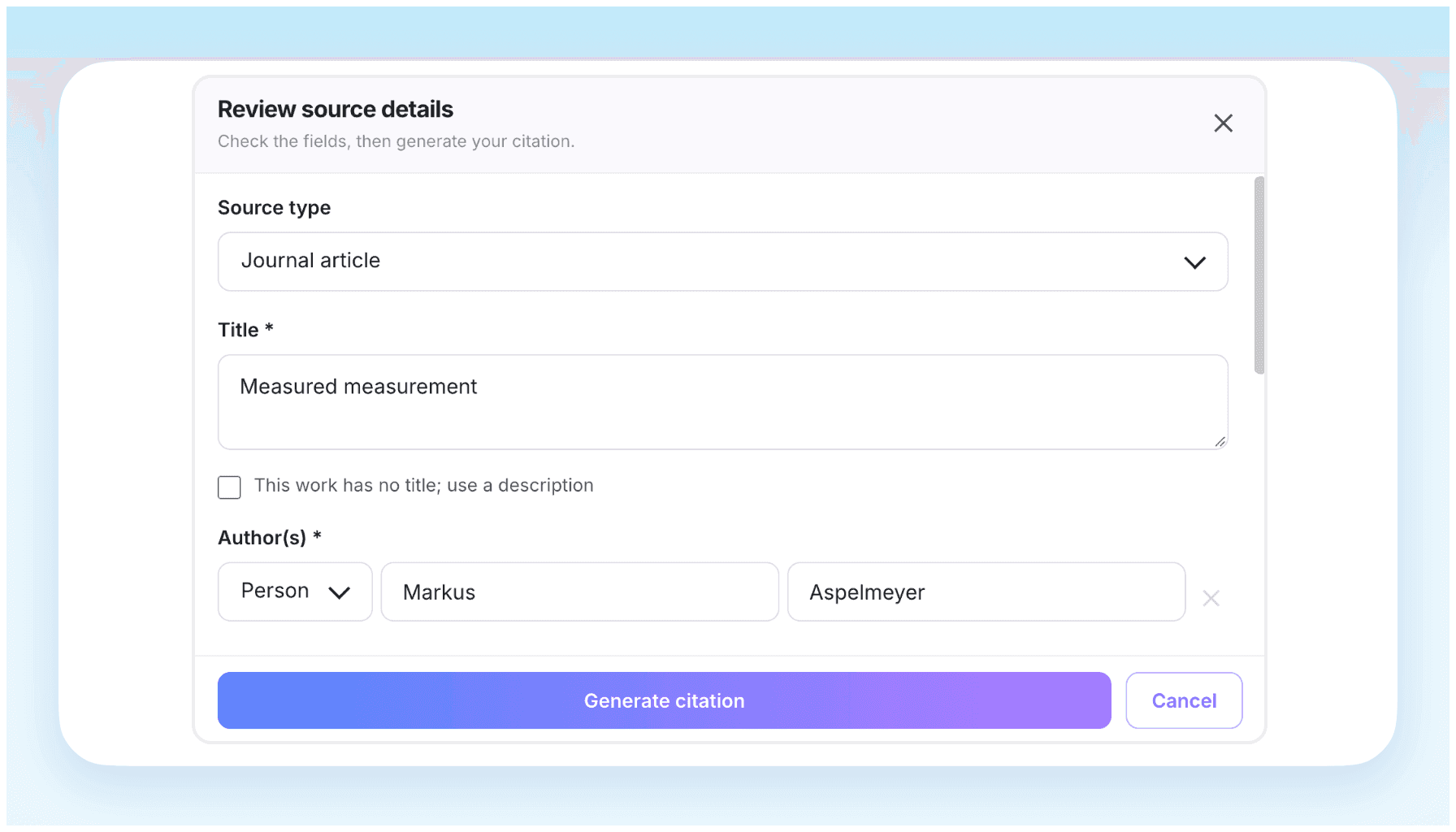
Compare the author, date, title, and publication details with the source. Correct or fill in the fields you can verify, then select Generate citation.
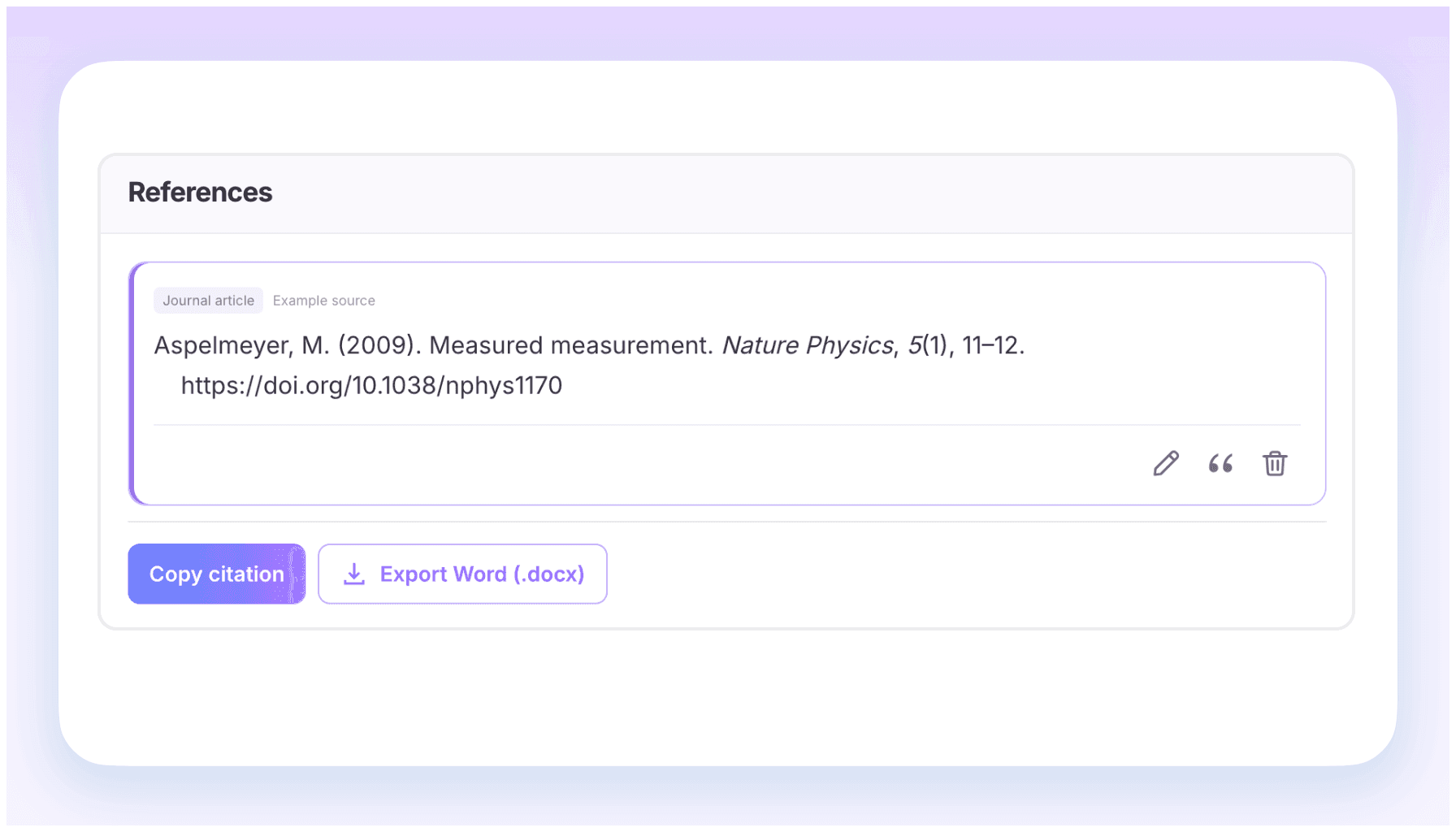
Copy the full entry for your References list. Open the quotation-mark button for the in-text citation. For a Word file, select Export Word (.docx), then Download Word.
Check the details APA uses to identify each type of source.
Start with a DOI
Check the journal title, volume, issue, and page range or article number. Include the DOI as a link when one is available.
Cite a journal article
Start with an ISBN
Use the ISBN to find the book. Check the edition and publisher against the copy you read.
Cite a book
Start with the page URL
Use the link to the specific page. Check for a named or group author and the publication date. If the group author and site name are the same, list the name once.
Cite a webpage
Start with a video link
Check the uploader, upload date, and video title. When quoting a specific moment, give the timestamp in the in-text citation.
Cite a videoUse APA 7 to document sources in assignments, research, and course materials.

Format references for psychology, education, or social science papers, and match each in-text citation to the right entry.
Cite the journal articles, books, and reports you compare in a literature review.

Build course reading lists with enough detail for students to locate the assigned works.

Check that author names and years in a manuscript match the entries in its References list.
Credit the studies and reports behind a recommendation in a workplace report.

Keep track of books and videos in your study notes so you can find them again.
Work from the source details and take the citation you need into your draft.
Choose the seventh edition required by your assignment.

Start with a DOI, ISBN, or URL when you have one.

Use the online tool to prepare APA references and in-text citations.

Check the bibliographic details against the original work.
Place the short citation beside a quote or paraphrase.

Add the full source details to the list at the end of your paper.

Use the Word export option to take your citation list into your draft.
Yes. Lynote offers free APA 7 reference and in-text citation generation on its citation tool.
First check whether an organization is credited as the author. If the work has no author, start the reference with its title. If you cannot find a publication date, use n.d. in place of the year.
Include a page number for a direct quotation when the source has pages. For a source without pages, use a suitable locator, such as a paragraph number for a webpage or a timestamp for a video. Page numbers are optional for paraphrases.
In an in-text citation, usually give the first author’s surname followed by et al. and the year. If that short form would make different works indistinguishable, include enough names to tell them apart. The References list uses separate rules for listing authors.
When the Word export option is available, select Export Word (.docx) in your citation results, then select Download Word.