logo
menu

AI-Powered Spanish Translator

Translate Spanish with high accuracy for both text and documents, and easily translate from or to Spanish for everyday, academic, or business use.
delete
0/5,000 characters
Translation will appear here...
1M+
Spanish Translation Processed
135+
Languages Supported
4.9
Average User Rating

Why Choose Our Spanish Translator?

Fast Output

Fast Output

Paste text or upload one file, choose Spanish or another target language, and get your translation in seconds without extra steps.

135+ Languages

135+ Languages

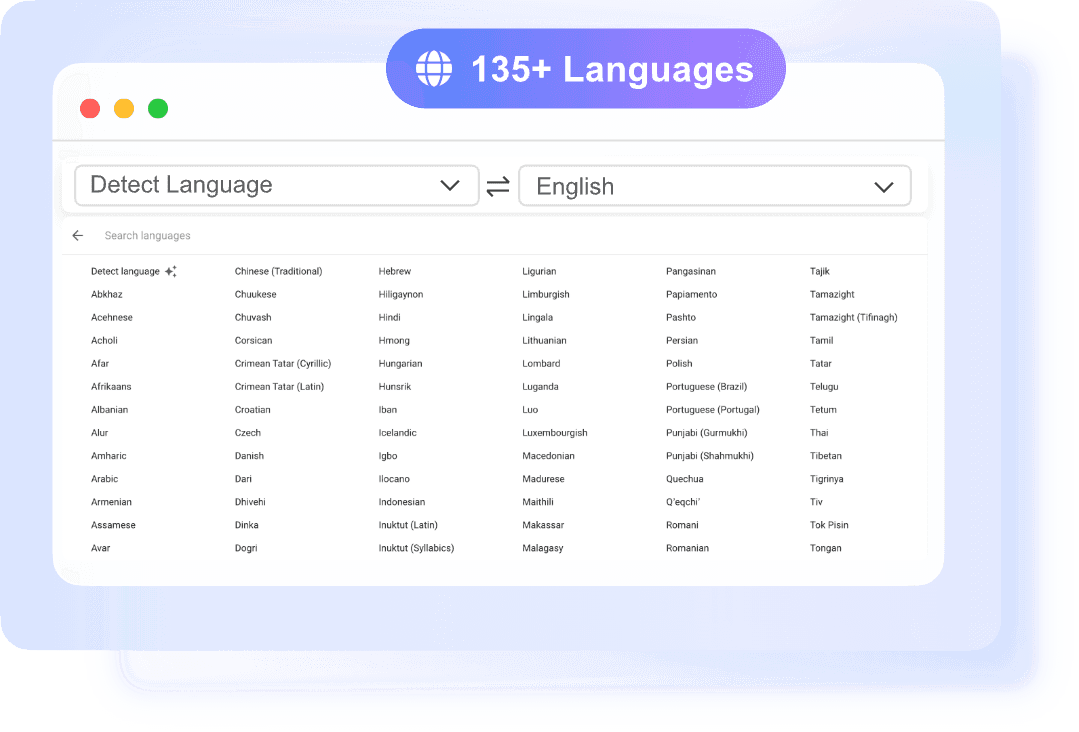
Use this AI Spanish translator for Spanish to English, English to Spanish, and many other language pairs with automatic source detection.

No Sign-Up

No Sign-Up

You can start right away without creating an account. That makes quick Spanish sentence translation easy when you need a fast answer.

Simple Workflow

Simple Workflow

The interface is straightforward: add text or one document, select the target language, then copy or download the translated result.

Accurate Spanish Translation

Accurate Spanish Translation

Lynote gives you a Spanish translator built for clear, readable output. It uses Google-powered neural translation to handle common phrases, formal writing, and technical content with better context. If you need AI Spanish translation for school, work, or travel, the results are fast and easy to review. You can translate short texts or full documents in one place.

    Translate from and to Spanish Instantly

    Translate from and to Spanish Instantly

    Translate from Spanish or into Spanish in a few clicks. The source language can be detected automatically, so you do not need to set everything manually. This Spanish AI translator is useful for quick messages, website copy, emails, essays, and more.

      Spanish Text and Document Translation

      Spanish Text and Document Translation

      Use one tool for Spanish sentence translator tasks and larger file translation jobs. Paste plain text for instant output, or upload a PDF, DOCX, PPTX, or XLSX file up to 10 MB. OCR also helps with scanned PDFs. That makes Spanish sentence translation and document translation easier when your content comes in different formats.

        How to Use Our Spanish Translator

        Add Text or File
        Step 1

        Add Text or File

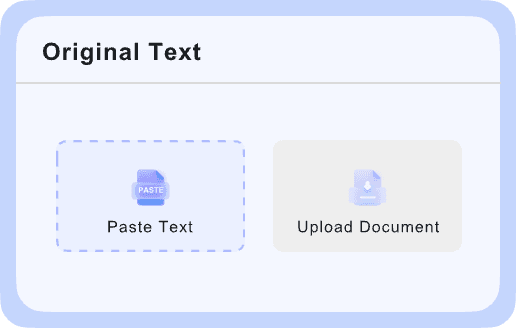
        Start with the format that fits your task. Paste up to 5,000 characters into the text box for a quick Spanish sentence translator workflow, or upload one document with "Choose Document." PDF, DOCX, PPTX, and XLSX files are supported up to 10 MB.

        Select Languages
        Step 2

        Select Languages

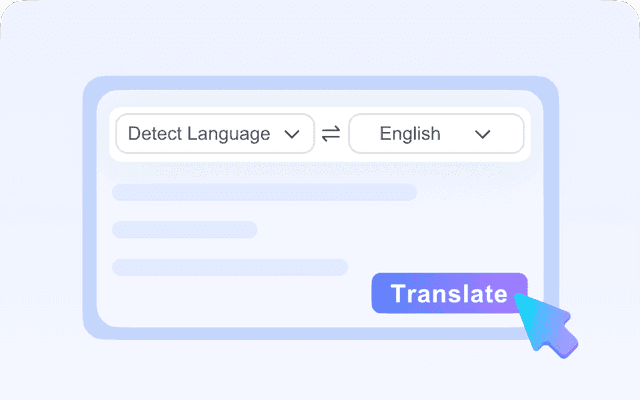
        Choose the language you want to translate into, and the source can auto-detect on its own. This keeps AI Spanish translation simple when you are working from English to Spanish, Spanish to English, or other language pairs.

        Copy or Download
        Step 3

        Copy or Download

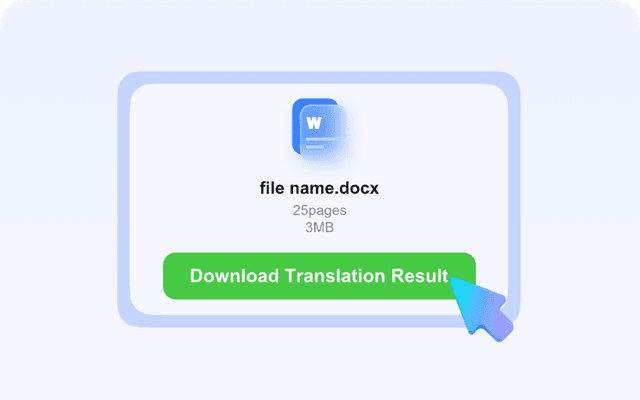
        Your translation appears quickly after processing. For text, click the copy icon to save the result and use it anywhere you need. For documents, download the translated file with layout, tables, fonts, and images preserved.

        Who Can Benefit from This Spanish Translator?

        Students

        Students

        Students can use this AI Spanish translator to understand articles, class notes, reading passages, and short assignments. It works well for both quick Spanish sentence translation and longer study documents. When a file is uploaded, the original layout stays intact. That makes reviewing bilingual materials much easier.

        Freelancers

        Freelancers

        Freelancers often need fast translation for client messages, proposals, slides, and working files. This Spanish translator helps convert text or documents without adding extra steps to the job. The no-sign-up workflow is useful when time matters. It is a practical option for one-off tasks and daily communication.

        Business Professionals

        Business Professionals

        Business users can rely on AI Spanish translation for reports, presentations, spreadsheets, and internal documents. Support for DOCX, PPTX, XLSX, and PDF makes the tool useful across common office formats. If a scanned PDF needs translation, OCR can extract the text first. That helps keep work moving without manual reformatting.

        What People Say About Us

        Daniel Brooks

        Daniel Brooks

        Graduate Student

        starstarstarstarstar

        "I use this spanish translator for journal abstracts and source notes. The output is fast, and the text box is perfect when I only need a quick Spanish sentence translation."

        Marcus Reed

        Marcus Reed

        Sales Manager

        starstarstarstarstar

        "I uploaded a client deck and got a clean Spanish version without breaking the slides. That saved me a lot of editing before a regional meeting."

        Ethan Carter

        Ethan Carter

        Freelance Designer

        starstarstarstarstar

        "The AI Spanish translator is simple to use and does not make me create an account first. I can translate project messages quickly and send them right back to clients."

        Noah Bennett

        Noah Bennett

        Operations Analyst

        starstarstarstarstar

        "I like that it handles scanned PDFs too. Our team gets older documents from partners, and the OCR support makes the spanish sentence translator much more useful."

        Olivia Hayes

        Olivia Hayes

        Travel Blogger

        starstarstarstarstar

        "I use it to check signs, booking details, and short local messages while traveling. The instant text result is great when I need a quick answer on my phone."

        Sophia Turner

        Sophia Turner

        HR Specialist

        starstarstarstarstar

        "We translate offer letters and internal documents into Spanish, and the formatting stays readable. It is a reliable ai spanish translation tool for everyday office work."

        Frequently Asked Questions

        Still have questions about this Spanish translator? Start here.

        A spanish translator is a tool that converts text or documents into Spanish or from Spanish into another language.

        Lynote uses Google-powered neural translation to process your text or document. The source language is detected automatically, then you choose Spanish or another target language from 135+ options. For text, the result appears instantly in the output box. For documents, you download a translated file with layout elements like tables, images, and fonts preserved.

        Yes. This AI Spanish translator supports PDF, DOCX, PPTX, and XLSX files up to 10 MB each. You upload one file, select the target language, and then download the translated version.

        Yes. If you only need a spanish sentence translator, you can paste up to 5,000 characters into the text box and get the result right away. This works well for messages, captions, email lines, study notes, or quick checks. It is a simple option when full document upload is not necessary.

        Yes, scanned PDFs are supported through OCR. That means the tool can read text from image-based documents before translating it. This is helpful for older files, printed forms, or scanned reports that cannot be copied as normal text. OCR makes the Spanish translator more useful for real-world documents.

        No, sign-up is not required to use the translator. You can open the tool, paste text or upload a file, and start translating right away. That makes it convenient for one-off tasks and quick checks. It is especially useful when you need fast AI Spanish translation without extra setup.

        The tool supports more than 135 languages. You can translate to or from Spanish while letting the source language auto-detect in many cases.

        Yes. Document uploads are limited to 10 MB per file, and the text translator accepts up to 5,000 characters per request.