

AI Podcast Notes

Drop files or browse

Add study materials to enable the AI to extract and structure content.



Why Choose Lynote for AI Podcast Notes?

Built for Downloaded Podcast Audio
Many podcast platforms do not provide a direct note-generation link. Lynote keeps the workflow simple: download the podcast episode, upload the audio file, and let AI organize the content into readable notes.

Turn Long Episodes Into Clear Notes
A one-hour episode can contain interviews, opinions, references, stories, and action points. Lynote helps separate the useful ideas from the noise so you can scan the episode faster.

Capture Speaker Insights
Podcasts often include multiple voices, examples, and back-and-forth discussion. Lynote helps transform spoken content into structured sections, making important points easier to review after listening.

Generate Notes With Context
A basic podcast notes generator may only provide a short summary. Lynote focuses on notes that preserve context, including key themes, supporting details, and moments worth revisiting.

Review Without Replaying Everything
Instead of scrubbing through a long episode to find one idea, use AI podcast notes to revisit the main points. This is helpful for research, content planning, learning, and team documentation.

Reuse Podcast Ideas Faster
Turn podcast discussions into blog outlines, learning notes, research references, meeting prep, newsletter ideas, or social content drafts. Lynote helps make podcast knowledge easier to reuse.

Ask Questions About the Episode
After the podcast is turned into notes, you can ask follow-up questions about the content. This helps you find explanations, compare ideas, or clarify confusing moments without listening again.

Private Podcast Workspace
Your uploaded audio and generated notes stay inside your Lynote workspace. Use it as a focused place to manage podcast notes, references, and learning materials.
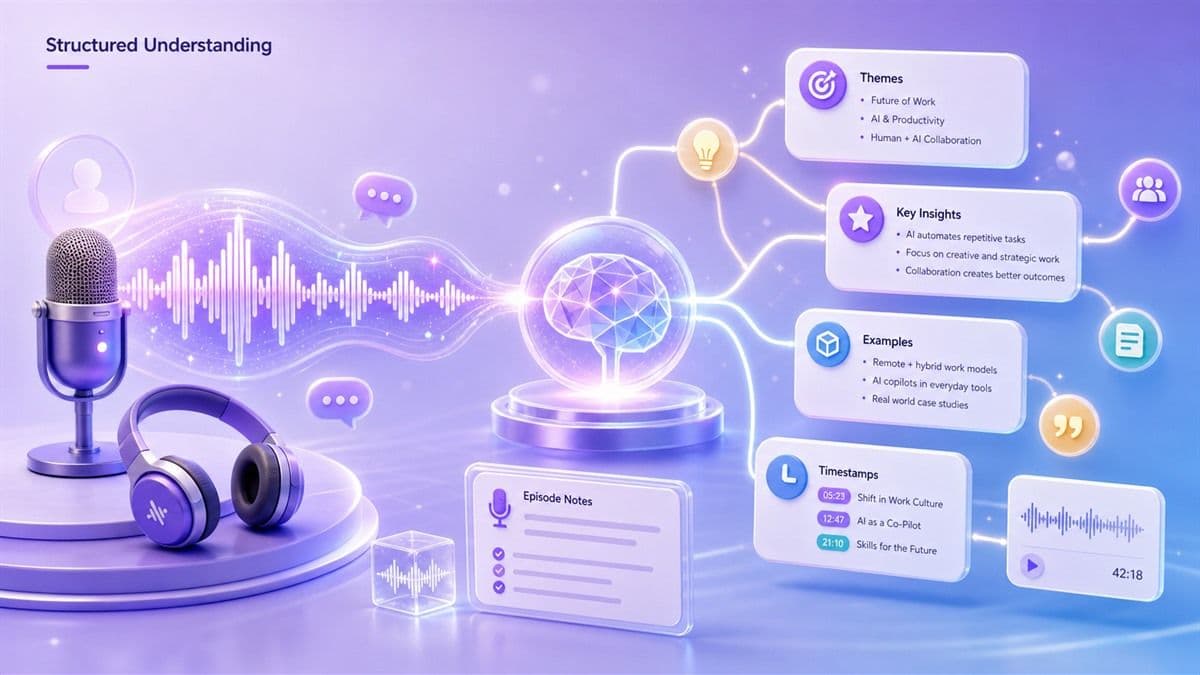
From Podcast Listening to Structured Understanding
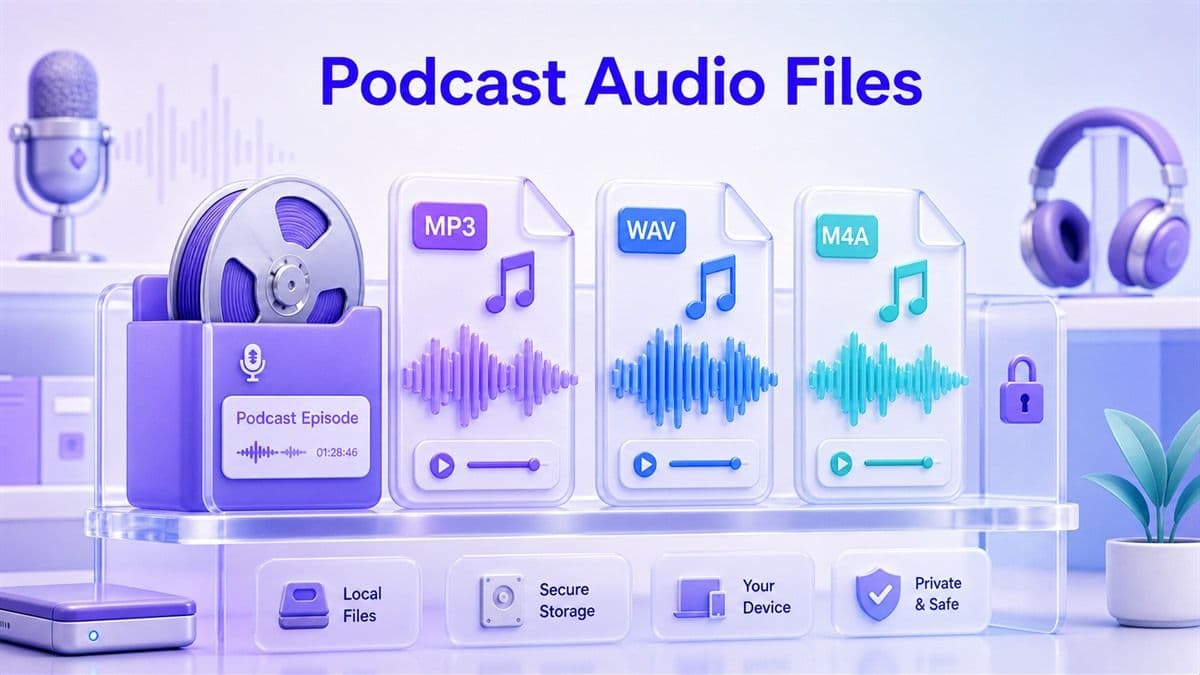
Designed for Podcast Audio Files
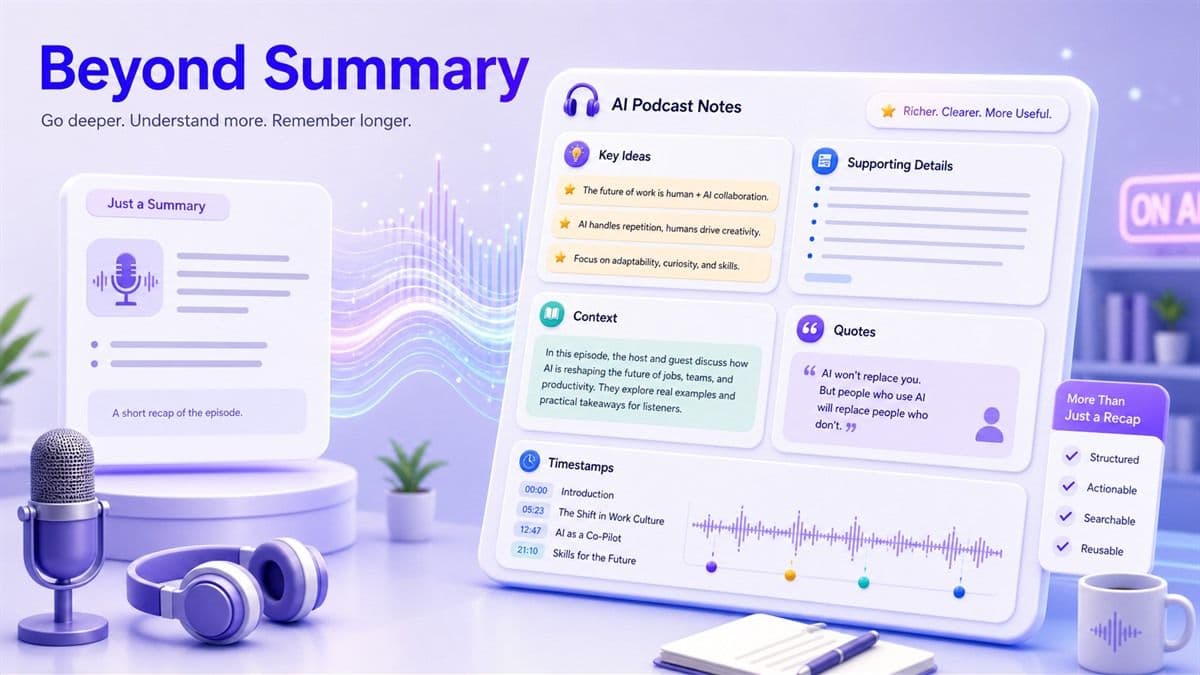
More Than a Podcast Summary
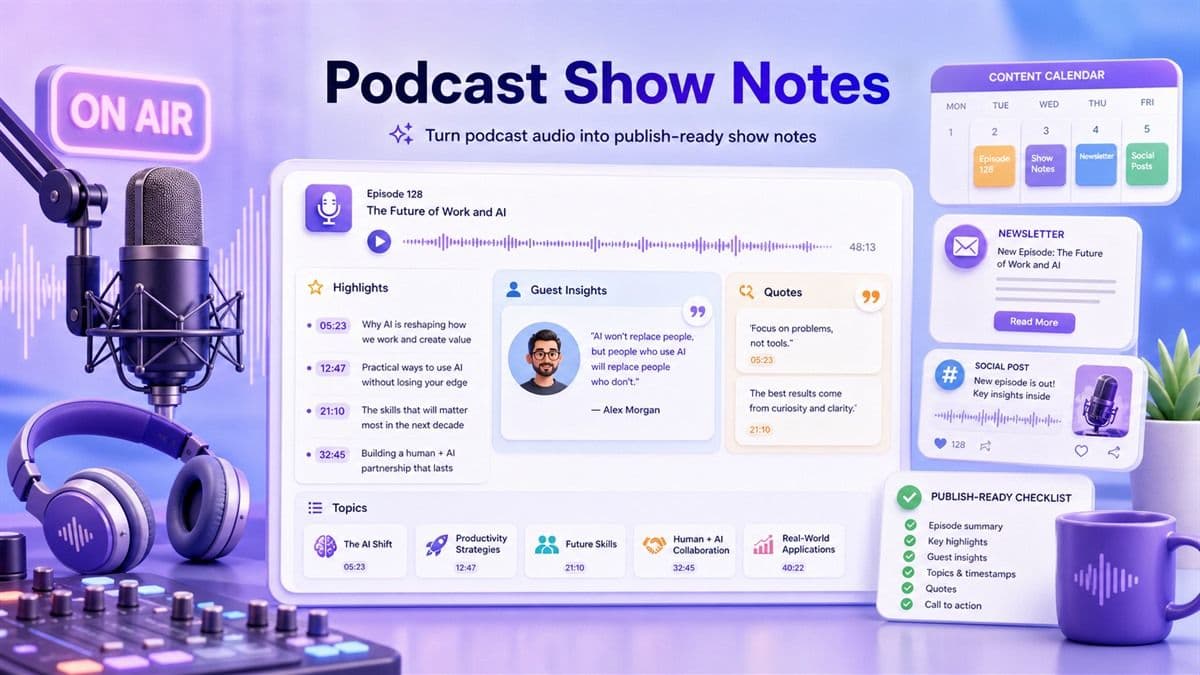
A Cleaner Way to Build Podcast Show Notes
How to Generate AI Podcast Notes
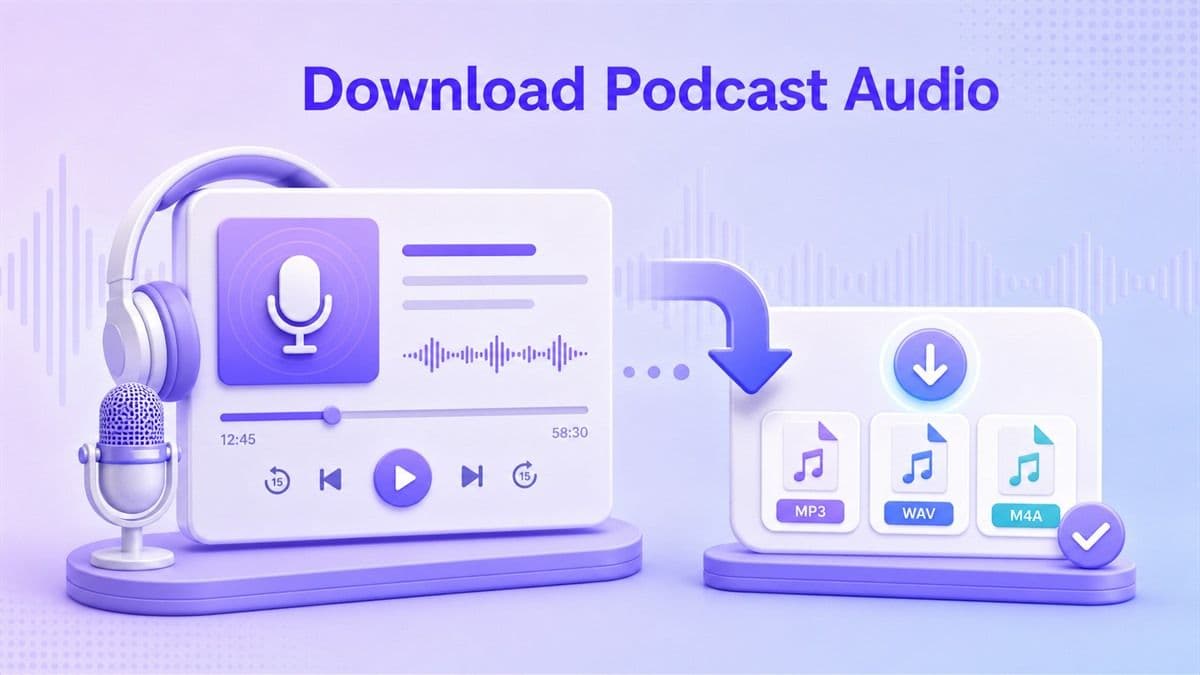
Step 1. Download Your Podcast Audio
Download the podcast episode from your podcast platform or recording source. Save it locally as an audio file, preferably MP3, WAV, or M4A, before uploading it to Lynote.
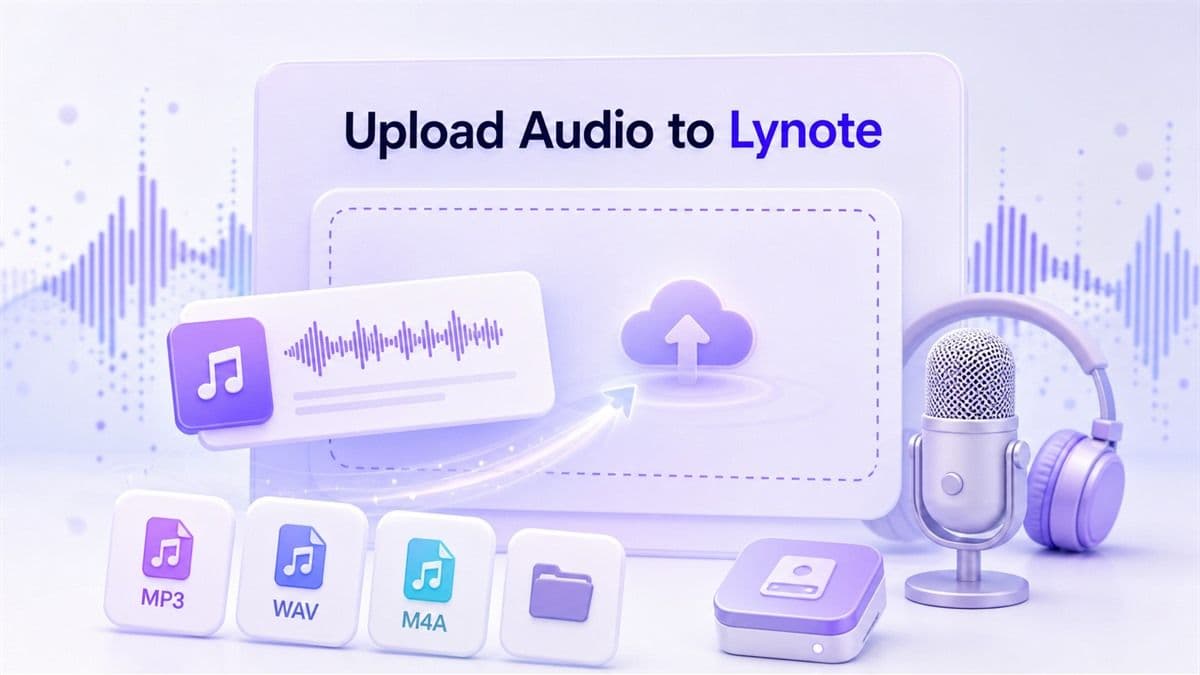
Step 2. Upload the Audio to Lynote
Open Lynote and upload your podcast audio file. Lynote can process the spoken content and prepare it for note generation inside your workspace.
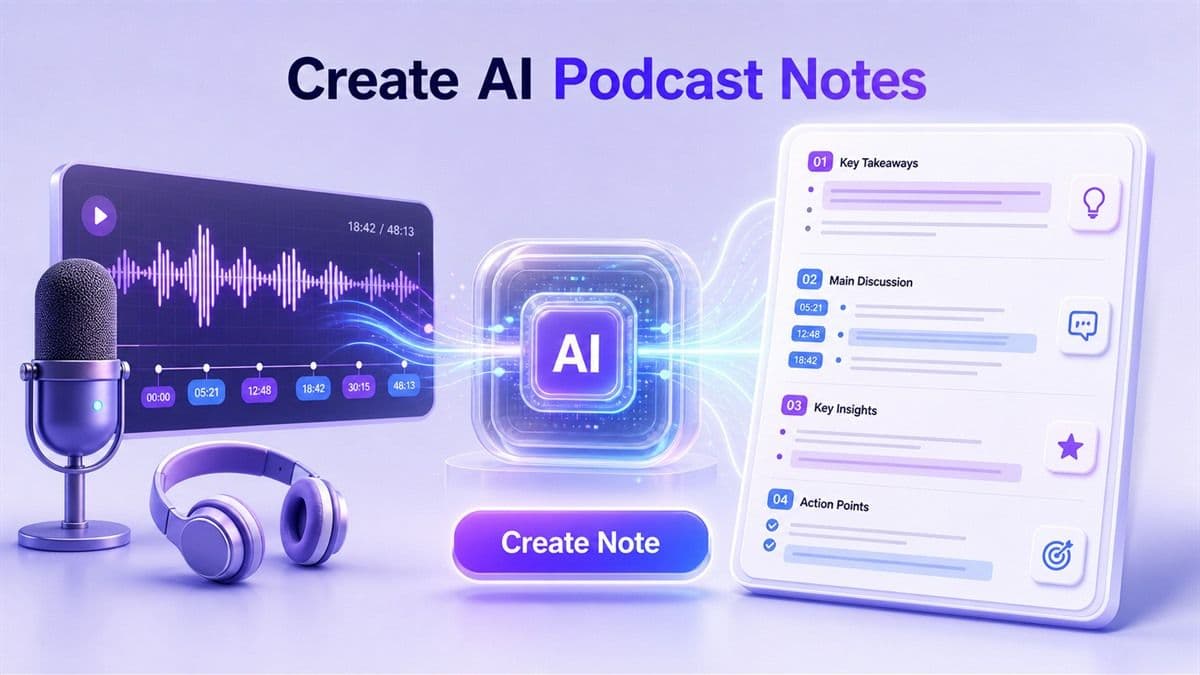
Step 3. Create AI Podcast Notes
Click 鈥淐reate Note鈥?and let Lynote turn the podcast audio into structured notes. It organizes key ideas, important details, and useful takeaways into a readable format.
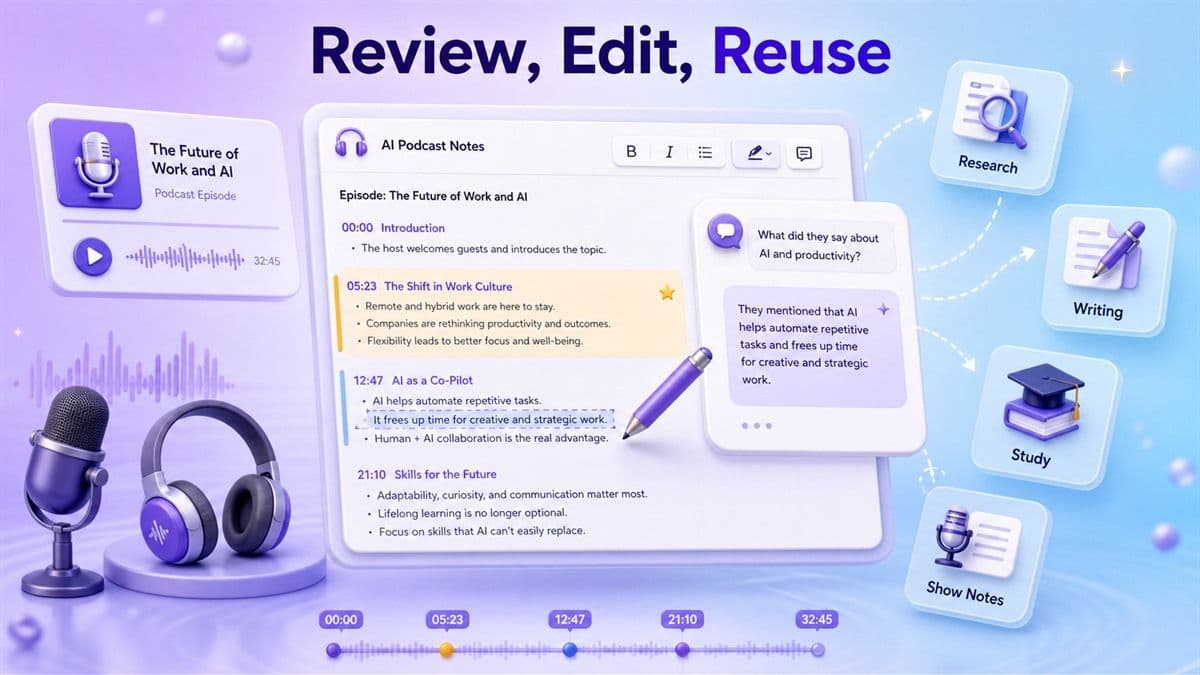
Step 4. Review, Edit, and Reuse
Read through the AI-generated notes, edit sections, ask questions about the episode, or reuse the content for research, study, writing, or podcast show notes.
Who Can Use AI Podcast Notes?

Podcast Creators
Turn raw episode recordings into organized notes for show notes, newsletters, clips, social posts, and episode planning. Lynote helps creators move from recording to repurposing faster.

Podcast Producers
Review interviews, guest conversations, and long recordings without manually logging every section. Use structured notes to support editing, publishing, and content planning.

Newsletter Writers
Convert podcast episodes into source notes for curated newsletters, expert roundups, and commentary pieces. This helps capture useful ideas while keeping the original episode close for review.

Researchers
Use podcast to notes AI workflows to extract insights from expert interviews, public conversations, academic podcasts, and industry discussions. Notes make qualitative review easier to manage.

Marketers
Turn podcast conversations into campaign ideas, audience insights, competitive notes, and quote banks. Lynote helps marketers reuse long audio content more efficiently.

Founders and Operators
Capture lessons from business podcasts, founder interviews, and industry analysis. Turn listening time into practical notes for strategy, hiring, sales, or product thinking.
Journalists and Writers
Review podcast interviews and commentary with a clearer structure. Use AI podcast notes to identify arguments, claims, timelines, and follow-up questions.
Lifelong Learners
Save insights from educational podcasts, history shows, language episodes, science discussions, and personal development content. Build a searchable learning library from what you listen to.
What People Say About AI Podcast Notes

Podcast Producer

Lynote helps me turn long guest interviews into clean notes before I prepare show notes. It gives me a much faster first draft.

Newsletter Writer
I listen to a lot of industry podcasts, but I used to forget the best ideas. Now I upload episodes and keep structured notes for later writing.

Graduate Researcher
Expert podcasts are useful for my research, but they are hard to review manually. Lynote makes the main ideas easier to organize and compare.

Startup Founder
I use podcast notes to capture lessons from founder interviews and market analysis. It is much easier than replaying the same episode.

Content Strategist
Podcast episodes are full of reusable ideas. Lynote helps me turn audio into outlines, quotes, and campaign notes faster.

Independent Learner
I download long educational podcasts and turn them into notes. It helps me review the material instead of only listening once.
Frequently Asked Questions
AI podcast notes are structured notes generated from podcast audio. They help turn spoken content into organized sections, key points, takeaways, and reviewable study or work material.
For standard podcast platforms, users should first download the podcast episode to a local audio file. Then upload the MP3, WAV, or M4A file to Lynote to generate notes.
Lynote supports common audio formats such as MP3, WAV, and M4A. For best results, use clear audio with minimal background noise and overlapping speech.
It can support that workflow. Lynote creates structured notes from podcast audio, and creators can edit those notes into show notes, summaries, episode highlights, or promotional copy.
Yes. Lynote can work as an AI podcast note taker when you upload podcast audio. It helps extract important ideas and turn them into organized notes.
Yes. After generating notes, you can ask questions about the content to clarify ideas, find details, or explore the episode more deeply.
Yes. Interview podcasts are a strong use case because Lynote can help capture guest insights, discussion themes, examples, and important takeaways.
Yes. You can review, edit, restructure, copy, export, or reuse the generated notes based on your study, research, writing, or production needs.