

AI PDF Translator – Translate PDF Documents Online


Upload Document
PDF, DOC, DOCX, PPT, PPTX
< 10M



Why Choose Our PDF Document Translator?

Translate PDFs Without Breaking Layout
Keep your original formatting intact, including tables, charts, and multi-column layouts. The translated PDF stays structured and readable, so you don’t need to fix messy formatting afterward.

Accurate Context-Based Translation
Instead of word-by-word translation, the AI interprets sentences and context, making the output more natural and easier to understand.

Built for Complex Documents
Handles scanned PDFs, academic papers, contracts, and reports. The AI understands document structure, not just text, ensuring more accurate and context-aware translations.

Translate Full PDFs Without Copy-Paste
Upload and translate entire PDF files directly. No need to extract text manually or switch between tools, which saves time when working with long documents.

Translate Scanned PDFs with AI OCR
Handle scanned PDFs and image-based files with AI OCR. The tool detects non-selectable text and turns it into readable, translatable content, making it easier to work with scanned documents online.

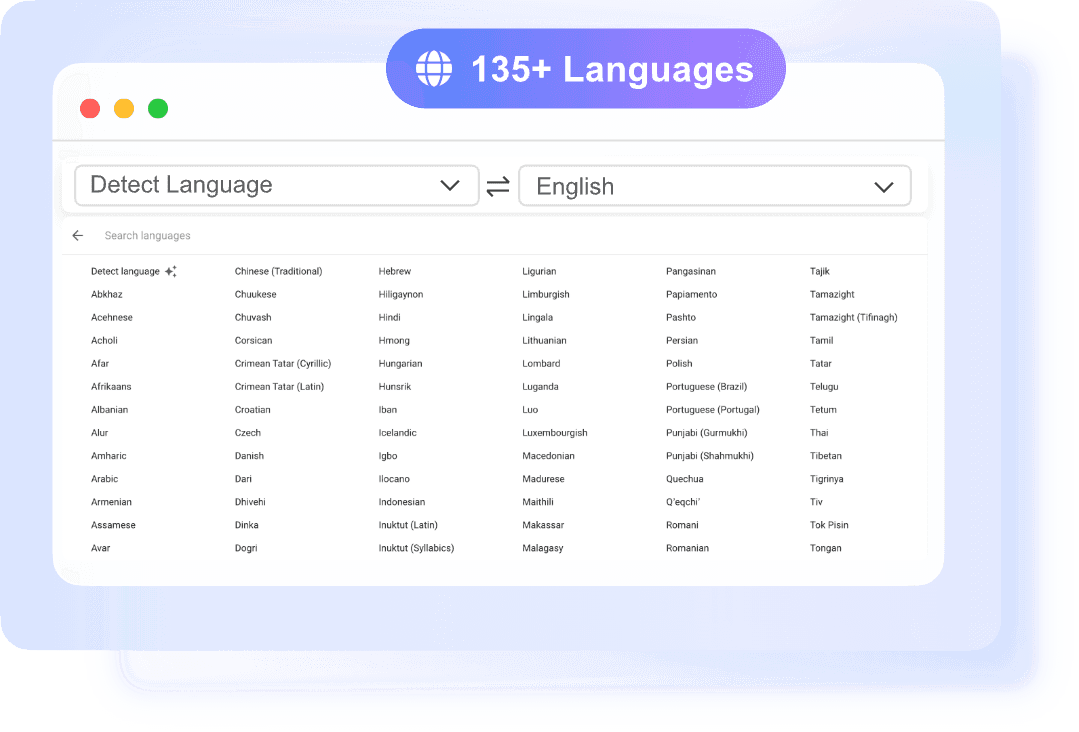
Supports 135+ Languages
Translate PDFs across major global languages. Whether you’re working with English, Spanish, Chinese, German, or others, the tool helps you access content across languages.
No Sign-Up, No Waiting
Start translating your PDF immediately. No account, no email, no setup. Just upload your file and get results in seconds, ideal when you need a quick document translation.

Works Directly in Your Browser
No downloads or installations required. Use the online PDF translator from any device and translate files instantly.
Easy PDF Translator with AI for Faster and Clearer Results
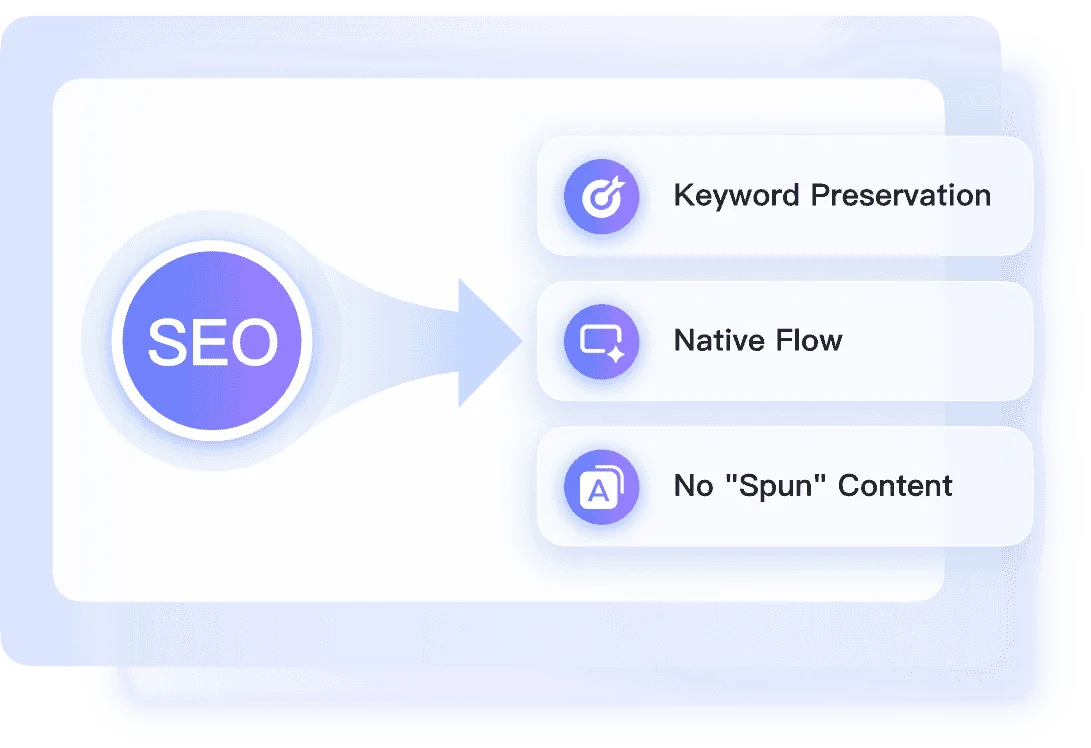
Translate PDF into Searchable and Editable Word
Translate Long and Complex PDF Files in Seconds
- •Large PDFs Support: Works well for long documents and multi-page PDFs
- •Flawless Formatting: Handles complex layouts and structured content
- •Accelerated Comprehension: Speeds up document review and understanding
Who Needs an AI PDF Translator?

Students
Translate academic papers, textbooks, and study materials from different languages. Quickly understand key concepts, search important terms, and use the translated content for notes, assignments, and exam preparation without manual translation.

Teachers and Educators
Access and translate teaching resources, research materials, and international content for classroom use. Adapt translated PDFs into lessons, handouts, or presentations without spending extra time rewriting materials.

Content Creators
Translate ebooks, guides, and PDF resources to reach a wider audience. Easily repurpose translated content into blogs, videos, or social posts without starting from scratch or manually extracting text.

Writers and Editors
Work with multilingual documents more efficiently. Translate source materials, references, or drafts and edit them directly, making it easier to refine ideas and produce content across languages.

Researchers and Academic Users
Review international studies, reports, and technical documents without language barriers. Understand findings faster and search through translated content to compare data and build stronger research insights.

Enterprise Professionals
Translate contracts, manuals, forms, and everyday documents when working or living across languages. Get a clear understanding of important information without relying on slow manual translation methods.
What People Say About Us

Graduate Student

"I used it to translate a journal article for class, and it was much easier than copying sections into a regular translator. The result was clear enough for me to read and take notes right away."

Research Assistant
"I often need to review papers in different languages. This tool saves a lot of time because I can upload the full PDF and get a readable translation without breaking the document into pieces."

Operations Manager
"We receive vendor files in multiple languages, and this has made document review much faster. It is simple to use and feels built for real work, not just quick text translation."

International Student
"I needed to understand study materials in another language, and this helped a lot. The translated content was easy to follow, and I could search through it instead of scrolling through the original PDF again and again."

Freelance Consultant
"I translated a client PDF in minutes and could immediately work with the content. That saved me from rewriting sections manually, which is what I usually end up doing with other tools."

Expat Professional
"I used it for housing and visa documents, and it made everything much less stressful. I just needed the content in plain English fast, and this did exactly that."
Frequently Asked Questions
Yes. You can start with Lynote online PDF translator without creating an account, which is helpful when you need quick access to a document translation.
You can use it for research papers, reports, manuals, study files, contracts, forms, and many other document types commonly shared as PDFs.
Yes. Our tool is free to use.
Our AI translates with context in mind, which helps produce clearer and more natural results than basic word-for-word translation tools.
Yes. The tool is suitable for multi-page PDFs, making it useful for long reports, academic files, and detailed business documents.
No. You can upload the PDF directly and translate the file online without manually extracting the text first.
Yes. Students can use it to translate papers, reading materials, and foreign-language course content more efficiently for study and review.
It supports 135+ languages, covering major global languages for study, work, and everyday document translation.
Upload your file to an AI PDF translator that preserves structure. This tool keeps content readable and organized while translating the document.