

Fast and Accurate AI Music Transcription

Drop files or browse

Add study materials to enable the AI to extract and structure content.



Why Choose Our AI Music Transcriber?

Multiple Formats Support
Upload MP3, WAV, M4A, MP4, and MOV files, or paste YouTube links directly to start transcribing instantly.

99.9% Accuracy
Generate highly accurate text transcripts from clear music recordings and vocal tracks with advanced AI recognition.

Editable Text Transcripts
Review your generated lyrics and text easily. You can search, edit, and export the final document for any project.

Lightning-Fast Processing
Let the AI transcribe music in seconds, saving you hours of manual typing and tedious listening.

Long-Form Audio Support
Process long DJ mixes, full live concerts, and extended audio sessions seamlessly without losing context.

Built-In Translation & Chat
Translate your extracted lyrics into other languages or use the built-in chat to summarize and analyze the text.

Private & Secure
Your unreleased music files are processed privately on secure servers and are never used to train AI models.
Extract Lyrics Automatically From Complex Music Tracks

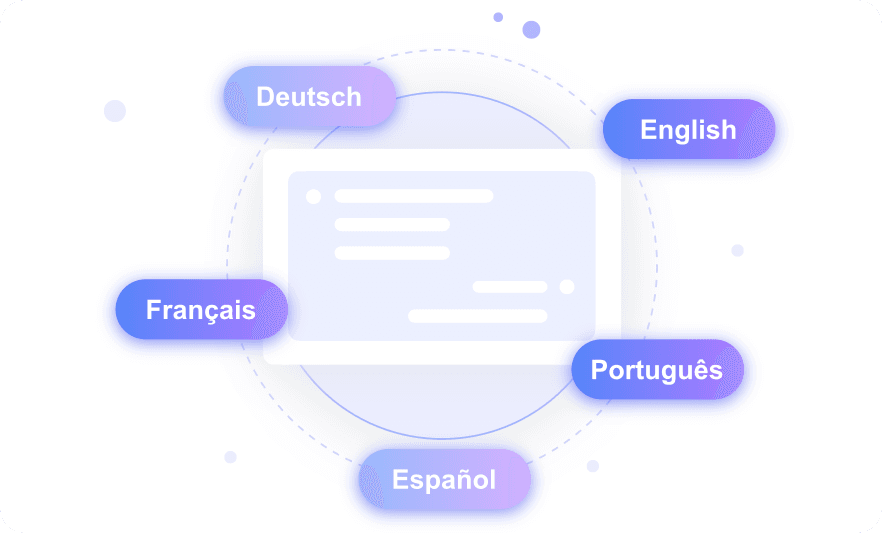
Transcribe International Music Vocals in Over 130 Languages
Batch Process Entire Albums and Multiple Music Files
How to Get Transcription from Music with AI
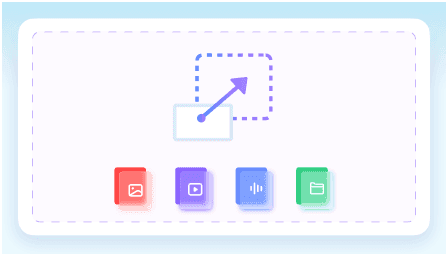
Step 1. Upload Your Music
Start by uploading your music audio or video file directly from your device. Alternatively, paste a YouTube link or web source to import the track for processing.
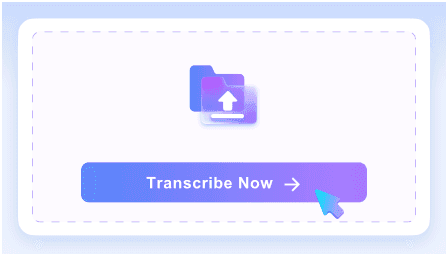
Step 2. Grab the Text
Click the transcription button to let the AI analyze your uploaded track. The system will process the vocals and convert the music to text in just a few moments.
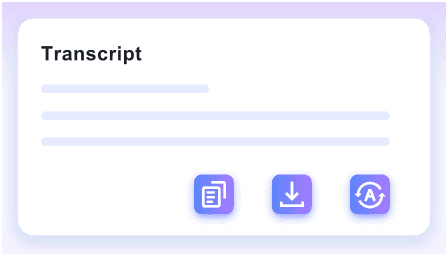
Step 3. Review and Export
Review the final music transcript on your screen and make any necessary edits. Once satisfied, you can copy, export, share, or even translate the text for your needs.
Who Needs AI Music Transcription?

Lyric Video Creators
Convert songs into accurate text for YouTube captions and lyric videos without typing every word manually.

Music Journalists
Turn artist interviews into searchable text. Let AI transcribe music listening sessions to help you write articles faster.

Vocal Coaches
Turn audio from reference tracks into printed study materials. This music to text capability helps create sheet annotations.

Audio Engineers
Document raw vocal takes and sample libraries into searchable text logs for easier studio session management.

Content Creators
Generate full text transcripts of your music analysis episodes to boost podcast SEO and accessibility.

Song Translators
Extract lyrics from international tracks. Using AI for transcribing music helps you translate songs for global fan communities accurately.
What People Say About Us

Music Producer

"The batch transcription flow is incredible. I uploaded a full 12-track album in WAV format, and it processed everything while I worked on another mix."

Lyric Video Editor
"I pasted YouTube links directly into this music transcription AI. It saved me hours of typing out lyrics for my video projects."

Entertainment Blogger
"I tested it on a noisy backstage interview recording. The high-accuracy text generation caught details I couldn't even hear properly."

Podcaster
"My podcast covers global sounds, and this tool handles over 130 languages. It transcribed an Arabic music review episode perfectly."

Vocal Coach
"Being able to export the text is a huge help. I generated editable lyrics from an MP3 and printed them for my choir students instantly."

Fan Translator
"I love that I can use this AI music transcription free of mandatory logins. No sign-up meant I could instantly transcribe a new K-pop song."
Frequently Asked Questions
Still got questions about AI music transcription? Here are the answers.
An AI music transcriber is a tool that automatically converts spoken words and lyrics in audio or video files into readable text. It uses artificial intelligence to process media files, recognize vocals, and generate an editable transcript for documentation.
You can upload a wide variety of common file types. The tool supports MP3, WAV, M4A, MP4, and MOV formats to ensure your music files process correctly.
Yes, you can. Simply paste the YouTube link or web source directly into the platform to generate a transcript without downloading the file.
Yes, it does. The platform supports over 130 languages, allowing you to transcribe international music tracks and interviews accurately.
Our music transcription AI delivers high accuracy for clear vocal tracks. However, heavy background instrumentation, complex noise, or poor recording quality can affect the results. For the best text output, we recommend using audio files with distinct vocals and minimal distortion.
You can use our batch transcription flow to process multiple audio or video files at once. Keep in mind that very large batch jobs may experience longer processing latency.
Yes, your files are completely private. We do not store or share your unreleased audio files or generated transcripts.


