

AI Meeting Note Taker

Drop files or browse

Add study materials to enable the AI to extract and structure content.



Why Use Lynote AI Meeting Note Taker?

Meeting Notes from Recordings
Upload meeting audio, video, or related files and let Lynote create organized notes from the discussion. It helps you capture what was said without replaying the full meeting.

Decisions and Action Items
Go beyond a simple transcript. Lynote helps pull out decisions, next steps, owners, blockers, and follow-up points so your meeting notes are easier to act on.

Works with Teams and Zoom Content
Use Lynote as an AI meeting note taker for Teams meeting recordings, Zoom meeting exports, calls, webinars, interviews, and internal training sessions.

Clean Summaries for Busy Teams
Turn long conversations into short summaries that are easier to share with managers, teammates, clients, or project stakeholders.

Ask Questions About the Meeting
After notes are generated, chat with your notes to find details, clarify a decision, or check what was discussed in a specific part of the meeting.

Source-Based Meeting Notes
Lynote creates notes from the files or links you provide. This keeps the output grounded in your actual meeting content instead of generic meeting templates.

Reusable Follow-Up Notes
Copy meeting summaries into Slack, email, Notion, Google Docs, project briefs, or task managers. Use the notes to write follow-ups faster.

Private and Secure
Your uploaded meeting content stays private and is not used to train AI models. Use Lynote for internal meeting notes with more confidence.
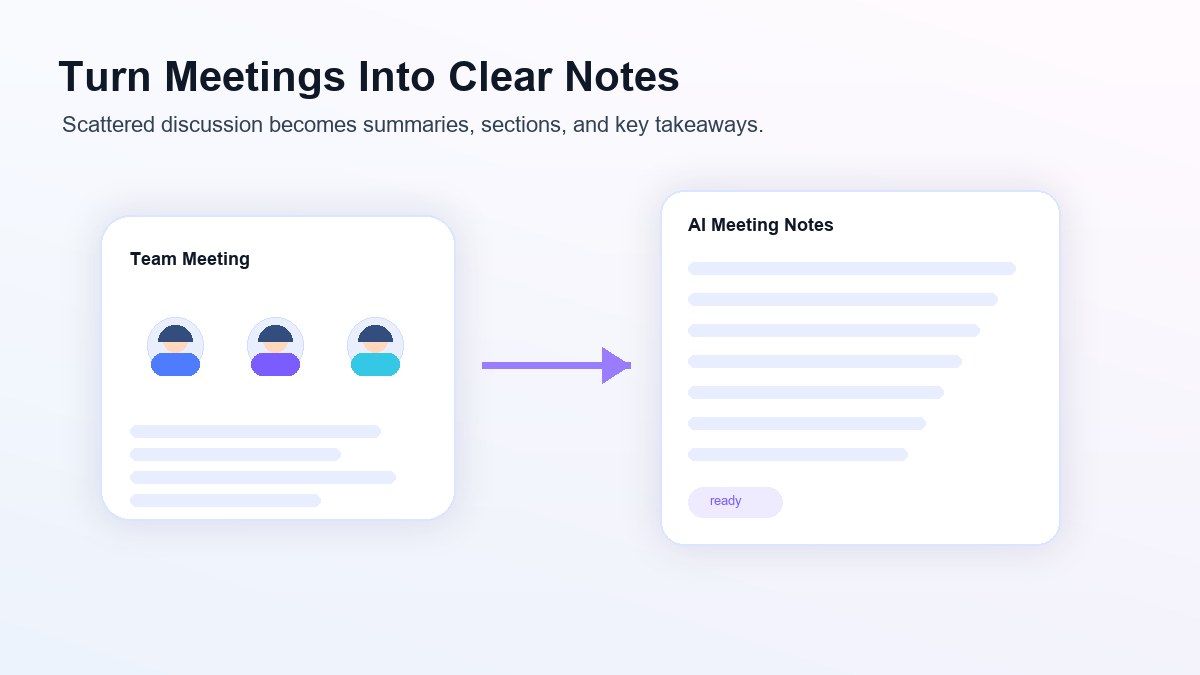
Turn Meetings Into Clear Notes
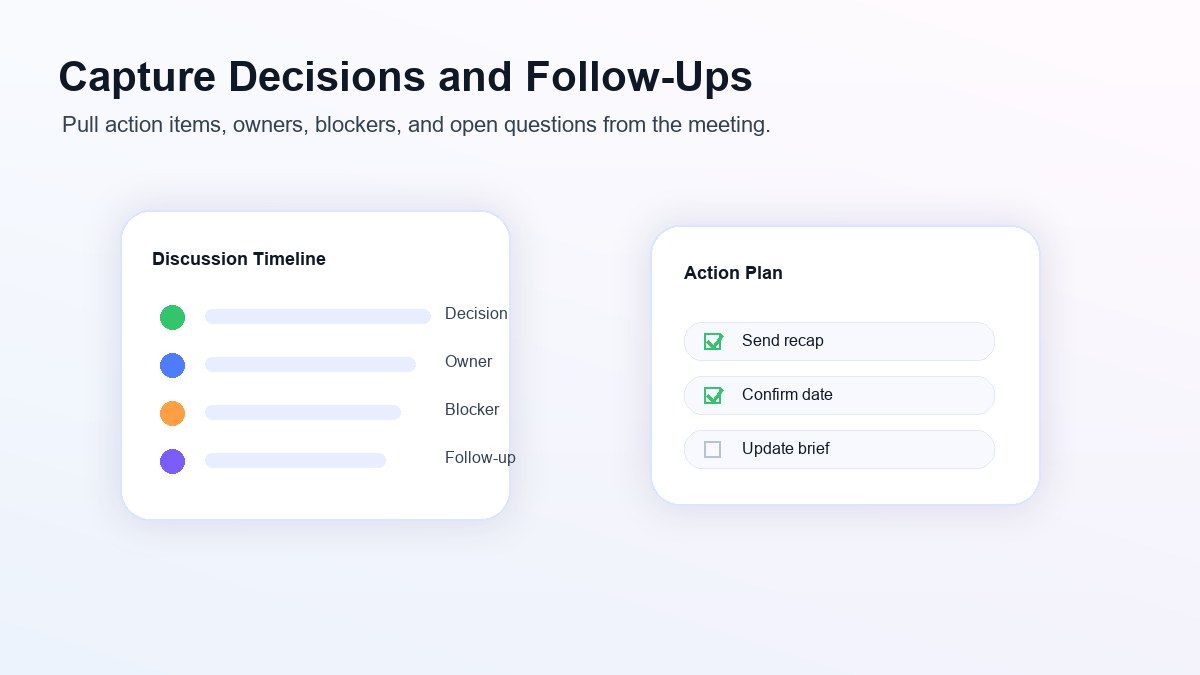
Capture Decisions, Tasks, and Follow-Ups
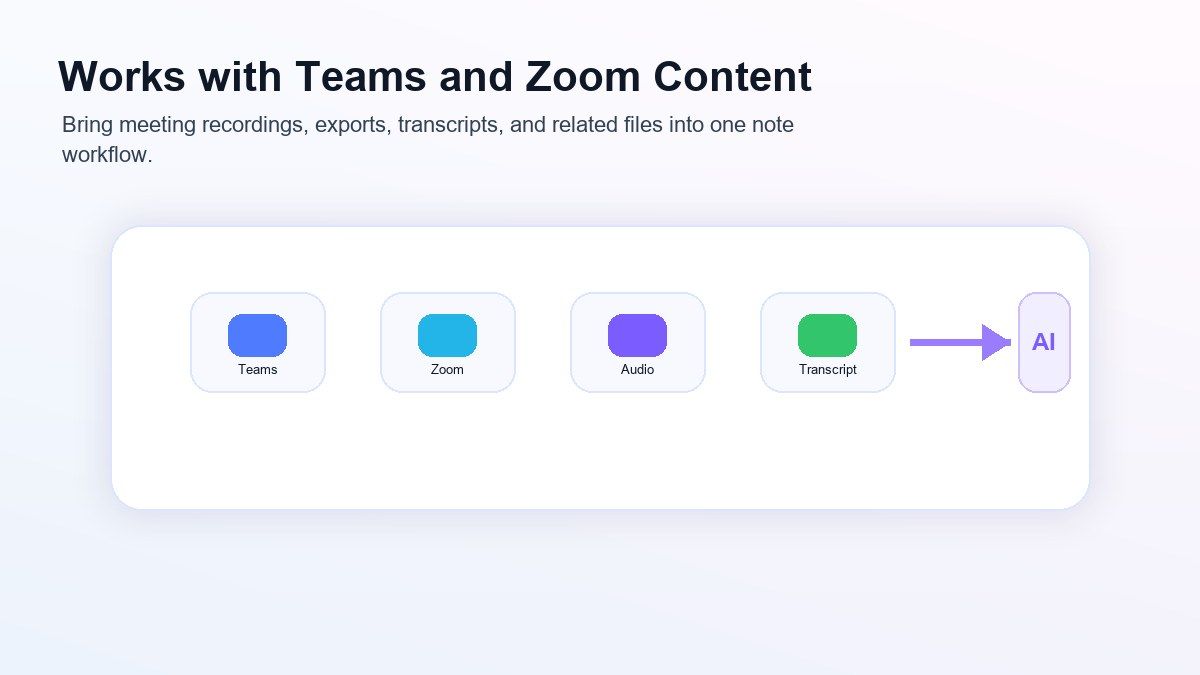
Use AI Notes Across Teams and Zoom Workflows
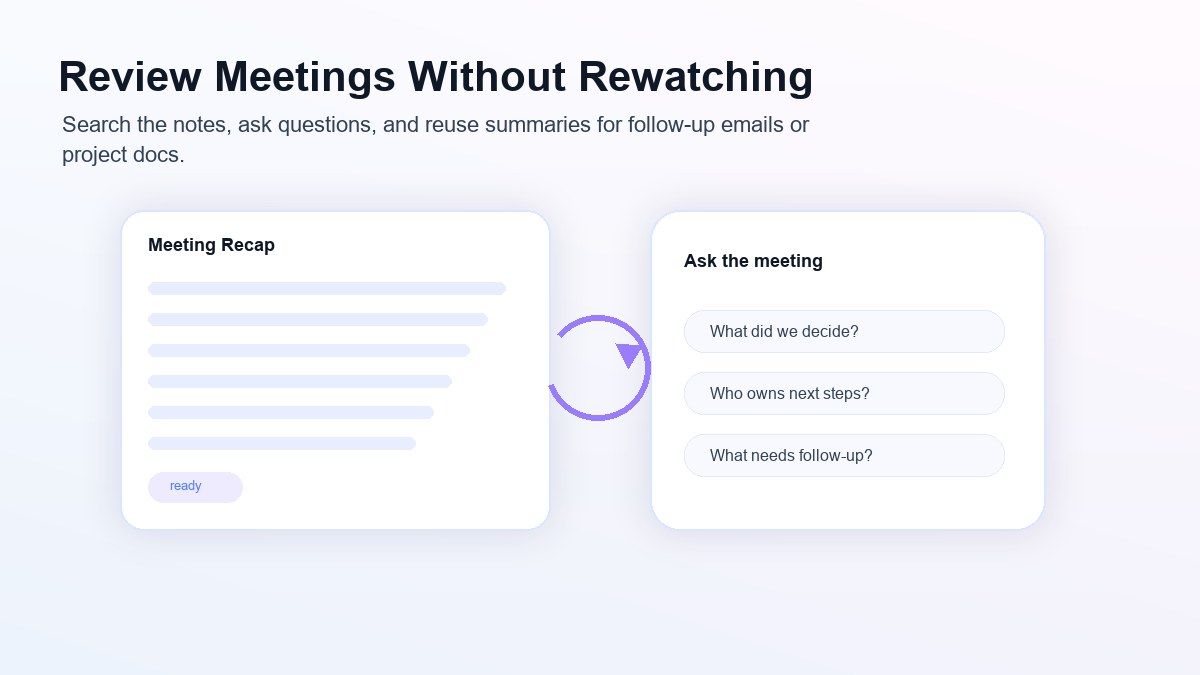
Review the Meeting Without Rewatching It
How to Use AI to Take Meeting Notes
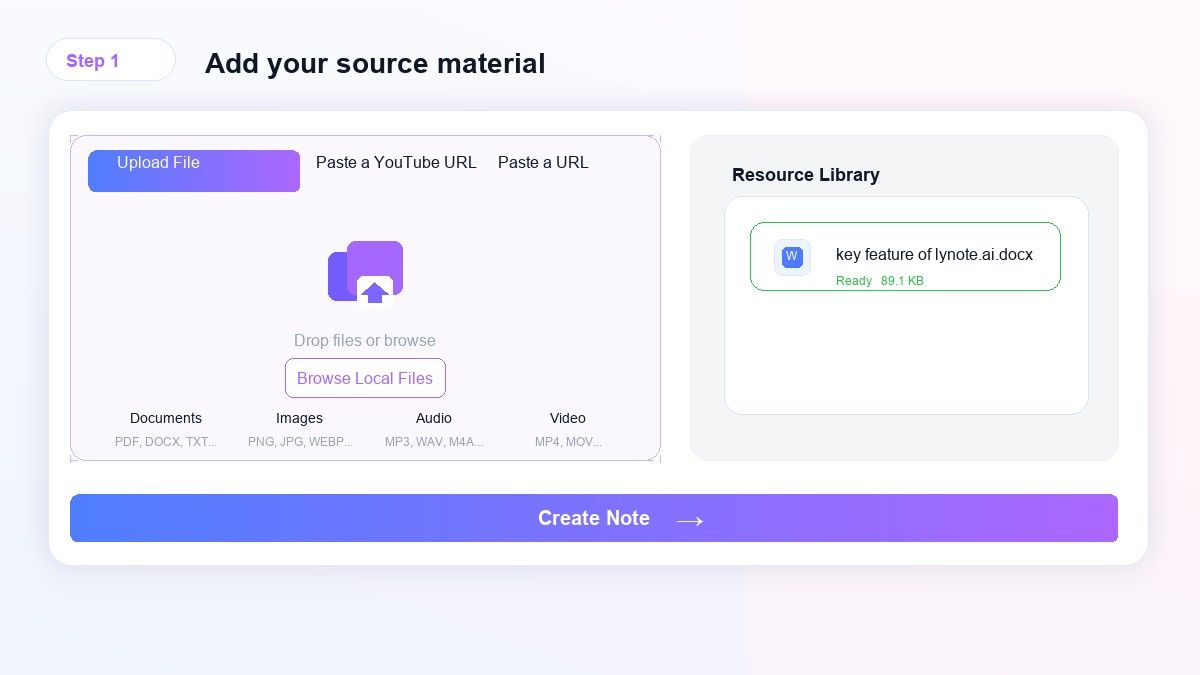
Step 1. Upload Meeting Content
Upload a meeting recording, audio file, video file, transcript, document, or related meeting material. You can use Lynote for team calls, Zoom recordings, Teams meeting files, interviews, webinars, and voice notes.
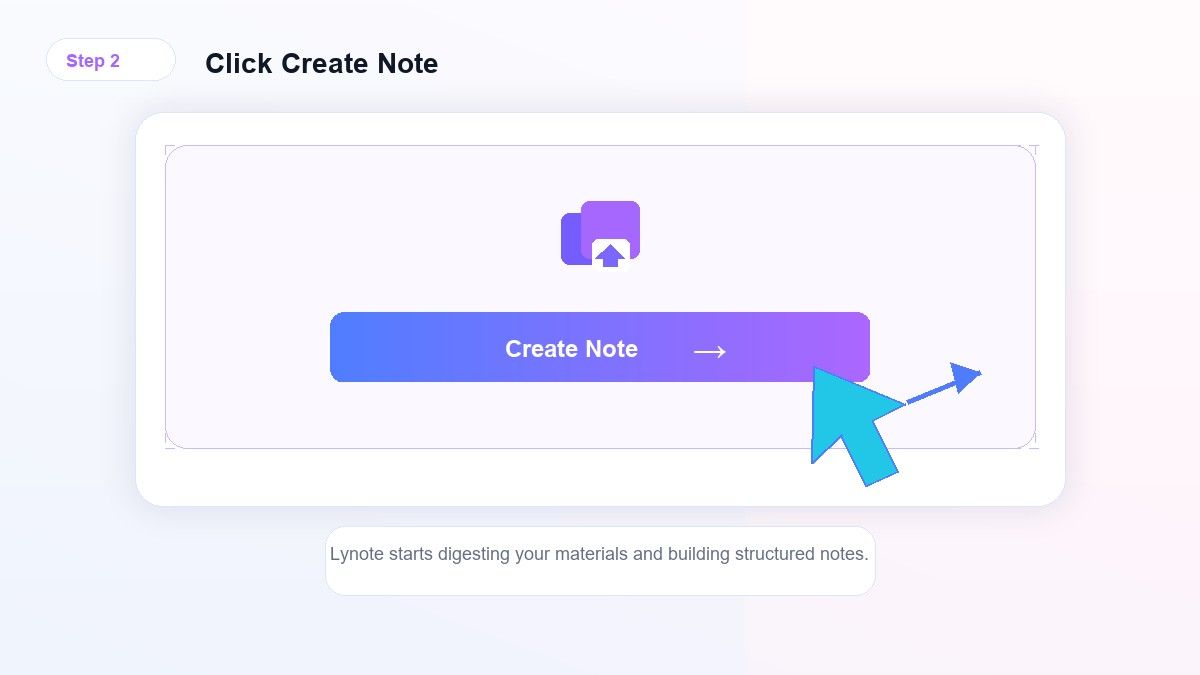
Step 2. Create AI Meeting Notes
Click Create Note and let Lynote digest the meeting content. The AI organizes the discussion into summaries, key points, decisions, and follow-up-ready notes.
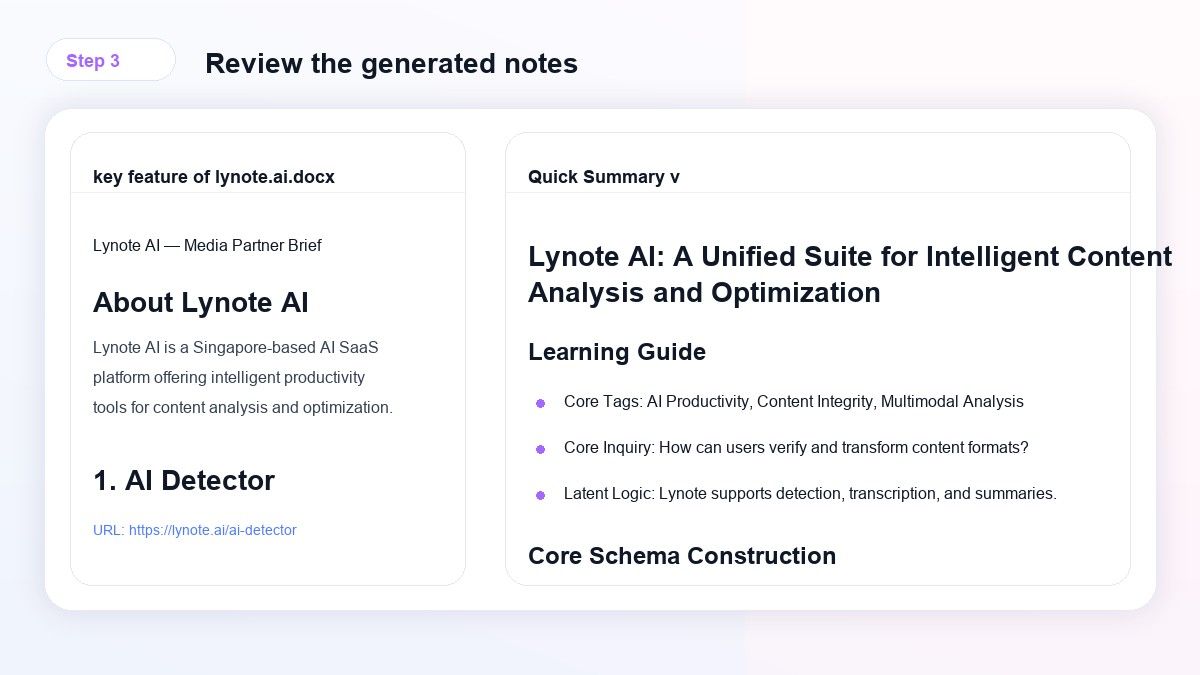
Step 3. Review, Edit, and Share
Review the generated notes, edit important details, ask questions about the meeting, and copy the result into your workflow. Use the notes for follow-up emails, task lists, reports, or team documentation.
Who Is AI Meeting Note Taker For?

Project Managers
Turn standups, sprint reviews, planning calls, and stakeholder meetings into clearer notes with decisions and next steps.

Remote Teams
Create shared meeting summaries from recordings so teammates in different time zones can catch up faster.

Consultants
Summarize client calls, discovery sessions, interviews, and workshops into clean follow-up notes and action items.

Sales Teams
Review demo calls, prospect conversations, objections, requirements, and follow-up tasks without replaying the full recording.

Researchers
Convert interview recordings and discussion sessions into organized notes that are easier to analyze and quote.

Founders and Operators
Capture decisions from strategy meetings, investor calls, hiring interviews, and internal reviews in a reusable format.
What People Say About Lynote

Product Manager

"Lynote helps me turn long project calls into notes I can actually send to the team. The action items are much easier to clean up than a raw transcript."

Operations Lead
"I use Lynote after recurring team meetings. It helps me review decisions, open questions, and follow-ups without spending another hour rewriting notes."

Consultant
"For client calls, Lynote gives me a strong first draft of meeting notes. I can edit the details, then turn it into a follow-up email quickly."

Research Coordinator
"I upload interview recordings and use Lynote to organize themes, quotes, and next steps. It saves a lot of manual review time."

Sales Manager
"It is useful after demo calls because I can quickly see customer pain points, requested features, and follow-up tasks."

Remote Team Lead
"Our team uses Lynote to keep async meeting notes readable. People who miss a call can catch up without watching the whole recording."
Frequently Asked Questions
Have questions? We've got answers. If you can't find what you're looking for, feel free to contact us.
An AI meeting note taker turns meeting recordings, audio, video, transcripts, or related files into structured notes. It helps summarize the discussion and organize decisions, key points, and follow-up tasks.
Lynote offers a browser-based AI note workflow that can help you create meeting notes from supported sources. Check the current plan limits before processing long or frequent meeting files.
Upload your meeting content, click Create Note, then review the generated summary and action items. You can edit the result, ask questions about the meeting, and copy the notes into your workflow.
Yes. If you have a Teams meeting recording, transcript, or exported file, you can upload the supported source into Lynote and generate structured AI meeting notes.
Yes. Upload Zoom meeting recordings, audio files, or transcripts when available, then generate notes that summarize the meeting and highlight useful follow-ups.
The best AI note taker for meetings depends on your workflow. Lynote is a strong choice when you want meeting notes plus source-based summaries, editable notes, Q&A, and reusable follow-up content in one place.
Yes. Lynote can help identify follow-up points, decisions, and next steps from the meeting source. You should still review important details before sharing final notes.
AI meeting notes depend on audio clarity, speaker overlap, topic complexity, and source quality. Use them as a strong draft, then review names, numbers, deadlines, and decisions before sending.