

AI Listener

Drop files or browse

Add study materials to enable the AI to extract and structure content.



Why Choose Our AI Listener?

High Transcription Accuracy
Get highly accurate text from clear spoken content. The listening AI captures every word reliably.

Skip Manual Replay
Avoid tedious manual replay or endless rewinding. This AI listener extracts key points instantly, saving you from listening to recordings twice.

Process Long Files Fast
Transcribe one-hour lectures or lengthy podcasts in minutes. The AI audio listener handles massive files quickly.

Export and Translate
Share your generated notes with your team, export them to documents, or translate them instantly.

Organize Unstructured Speech
Organize unstructured speech into clear paragraphs and bullet points. The AI listener automatically structures rambling audio into clean, readable notes.

Access Across Devices
Access your transcripts across all devices. Whether on mobile or desktop, you can review your AI listener notes anywhere.

Versatile Recording Types
Handle versatile recording types with ease. This AI listener processes everything from single-speaker lectures to complex interviews and group meetings.

Secure and Private
Your files are processed securely and never used for AI model training. Keep your sensitive data private.
Listen to Audio Files in Common Formats
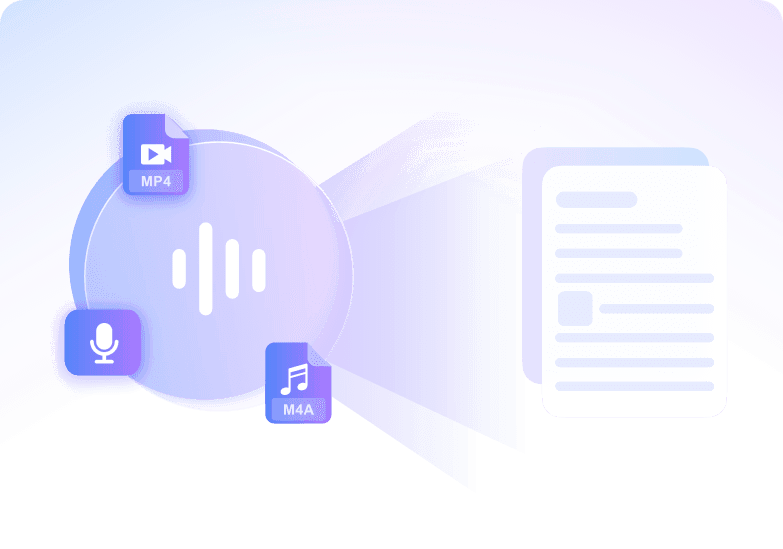
Listen to Video and YouTube Audio
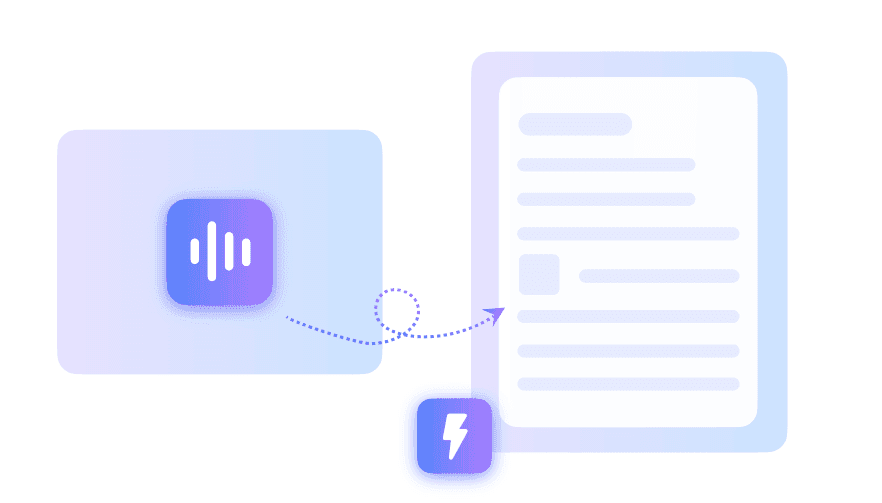
Listen and Create Searchable Notes
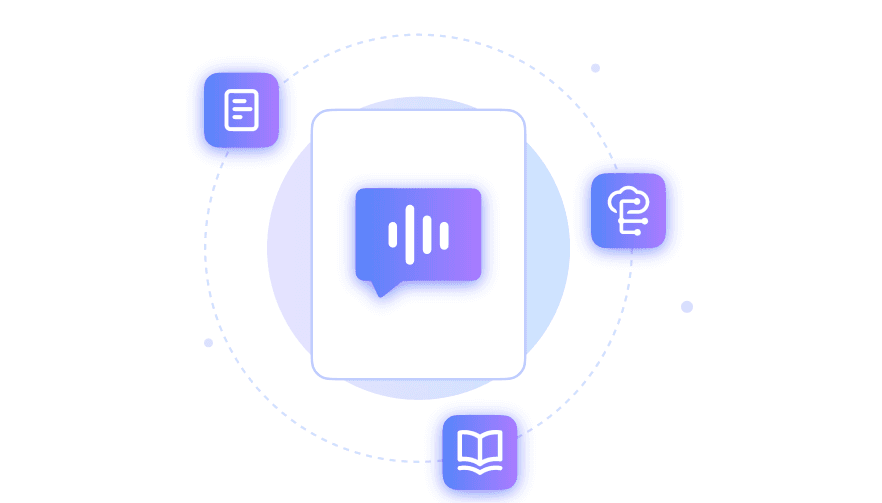
Listen to Conversations With Speaker Context
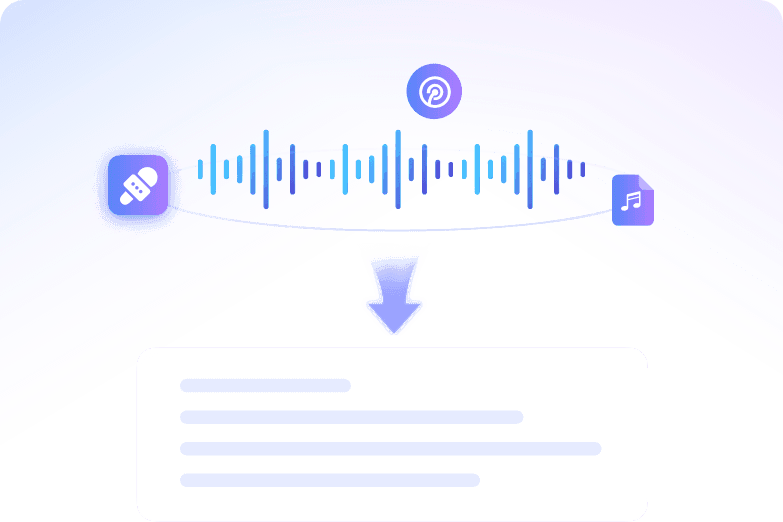
How to Use the AI Listener in 3 Steps
Step 1. Upload Audio or Paste Link
Upload your MP3, WAV, or M4A files directly from your device. You can also paste a YouTube URL to let the AI process the speech.
Step 2. Let AI Listen
Click the "Start Listening" button and let the system analyse your file. The AI will listen to the content and generate structured notes automatically.
Step 3. Review Notes and Export
Read through your generated transcript and notes, then edit any details as needed. Export the final text to use in your daily workflow.
Who Should Use This AI Listener?

Students
Upload your recorded lectures and let the AI listening note taker generate structured study guides for your next exam.

Project Managers
Turn long meeting recordings into clear action items. Our AI meeting listener extracts deliverables so your team stays aligned.

Journalists
Process interview recordings quickly to find exact quotes. The AI audio listener builds searchable transcripts for your articles.

Researchers
Transcribe qualitative audio data from field studies. Use this listener AI to turn voice recordings into structured research text.

Podcasters
Convert your raw episodes into written show notes. An AI that listens and takes notes makes content repurposing simple.

Knowledge Workers
Transform quick voice memos into readable emails or strategy documents. This AI listener for notes organizes your scattered thoughts.
What Our Users Say

University Student

"This AI that listens to lectures and takes notes processed my 2-hour organic chemistry recording in minutes. I exported a complete DOCX study guide instantly."

Project Manager
"I use it for our weekly 4-person sync recordings. The speaker-aware formatting perfectly captures who said what, giving me a clean 500-word summary every time."

Journalist
"Finding exact quotes in a 45-minute interview used to take forever. Now, this AI listening tool surfaces the key points into a clean TXT draft so I never hit rewind."

Researcher
"Uploading my old WAV field recordings was incredibly easy. It handles thick background noise and outputs a flawless 5000-character transcript for my thesis."

Podcaster
"I paste my YouTube URLs directly into the tool. It extracts the speech flawlessly, turning my video episodes into ready-to-publish HTML blog drafts."

HR Specialist
"Security is critical for internal disciplinary meetings. I trust this platform because files are processed securely into private PDF records and never used to train external models."
Frequently Asked Questions
Still got questions about our AI listener? Here are the answers.
An AI listener is a smart transcription tool that processes spoken audio and converts it into written text. It listens to your uploaded recordings, meetings, or lectures, and generates structured notes. This helps you capture important details without having to manually transcribe or replay the original audio file.
You upload an audio file, and the system uses advanced speech recognition to create a full transcript. From there, it identifies key topics, action items, and structural points to generate a concise summary. You get an editable document that highlights the most important parts of your conversation.
You can upload common audio formats including MP3, WAV, and M4A. The tool also supports video file uploads and can extract speech directly from pasted YouTube URLs.
Yes, it detects different voices and labels speakers in the transcript, making it easy to follow conversations from interviews or meetings.
No, it does not join live calls as a bot. You need to upload your recorded audio or video files for transcription.
The transcription is highly accurate for clear recordings with minimal background noise. Heavy overlapping speech or poor audio quality may slightly reduce accuracy, but you can easily edit the text afterward.
Yes, your files are processed securely. We protect your privacy and do not use your personal recordings or transcripts to train our models.
Yes, you must create an account and log in to upload files, generate transcripts, and save your notes securely.


