

AI Lecture Note Taker

Drop files or browse

Add study materials to enable the AI to extract and structure content.



Why Choose Lynote AI Lecture Note Taker?

Lecture Recordings to Notes
Upload recorded lectures and let Lynote turn long class audio into organized notes with key ideas, definitions, and section summaries.

Video Lecture Support
Paste a YouTube or video lecture link to create notes without manually replaying the same explanation again and again.

Structured Study Output
Get lecture notes with headings, bullets, and readable sections instead of a raw transcript that still needs hours of cleanup.

Source-Linked Understanding
Review notes with context from the original lecture so you can trace important ideas back to the material when needed.

Flashcards After Notes
Convert lecture notes into study flashcards for active recall, quiz prep, and faster review before exams.

Works Beyond Audio
Add PDFs, slides, documents, images, webpages, audio, or video when your lecture materials come from more than one source.

Better Review Workflow
Edit your notes, ask follow-up questions, and reuse key sections for outlines, study guides, presentations, or exam prep.

Private Study Workspace
Keep your lecture materials in one focused workspace while turning them into notes, summaries, and study tools.
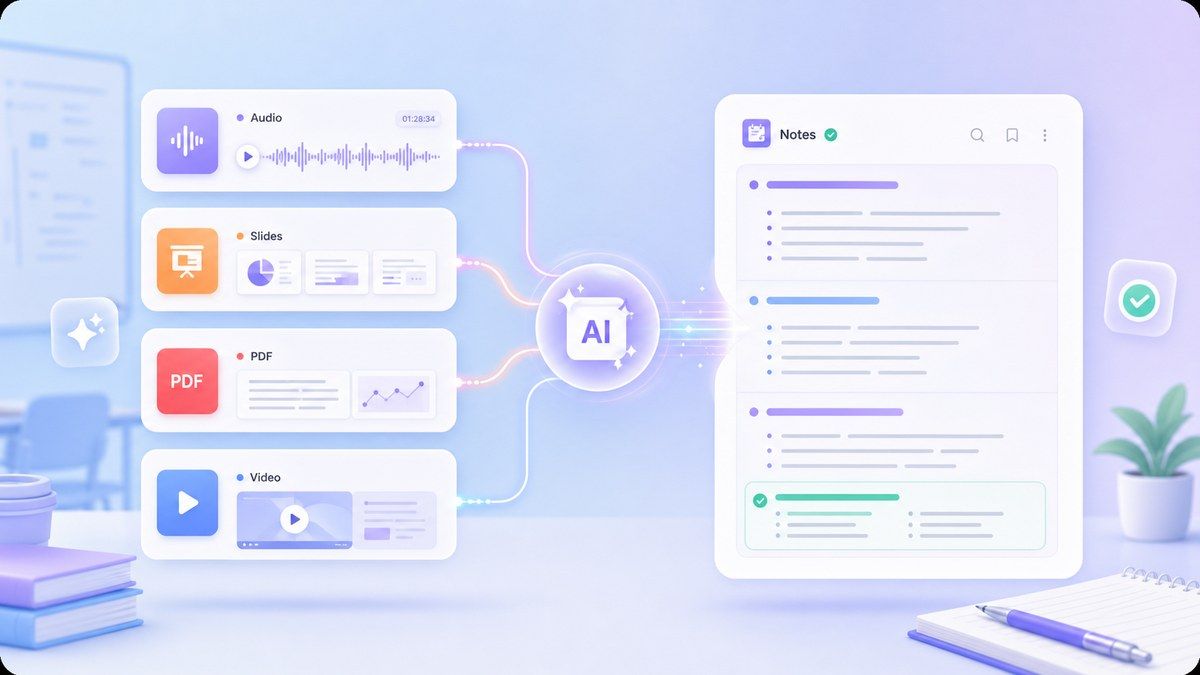
AI Lecture Notes From Real Class Materials
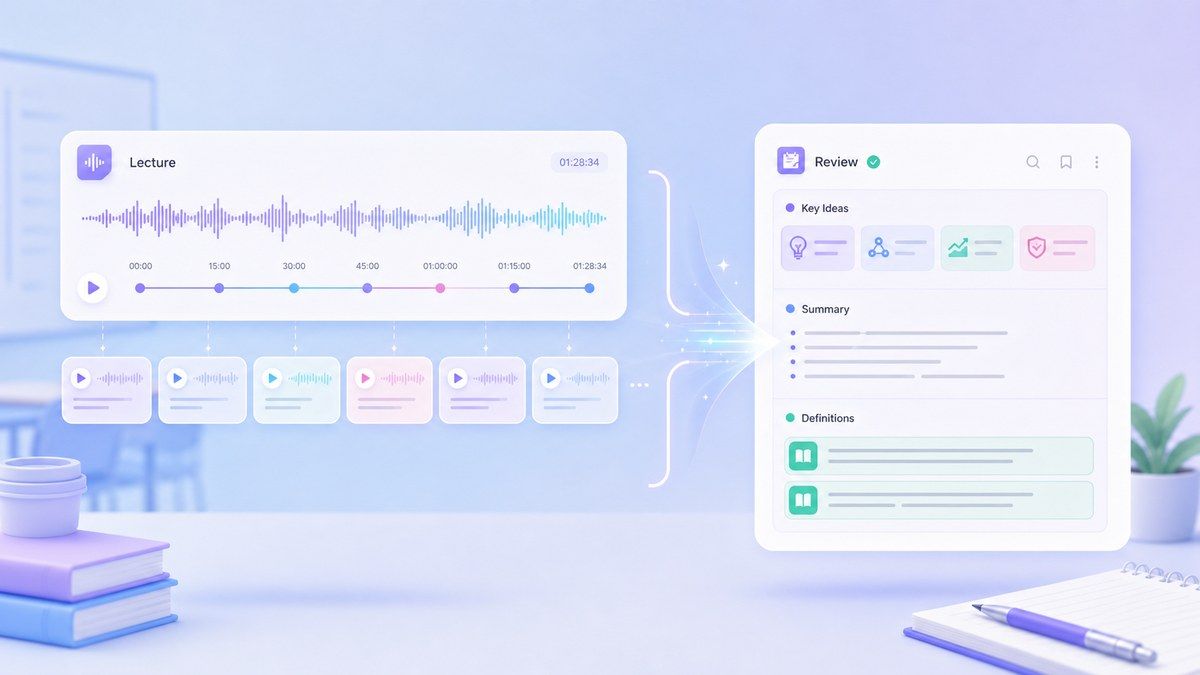
Turn Long Lectures Into Review-Ready Notes
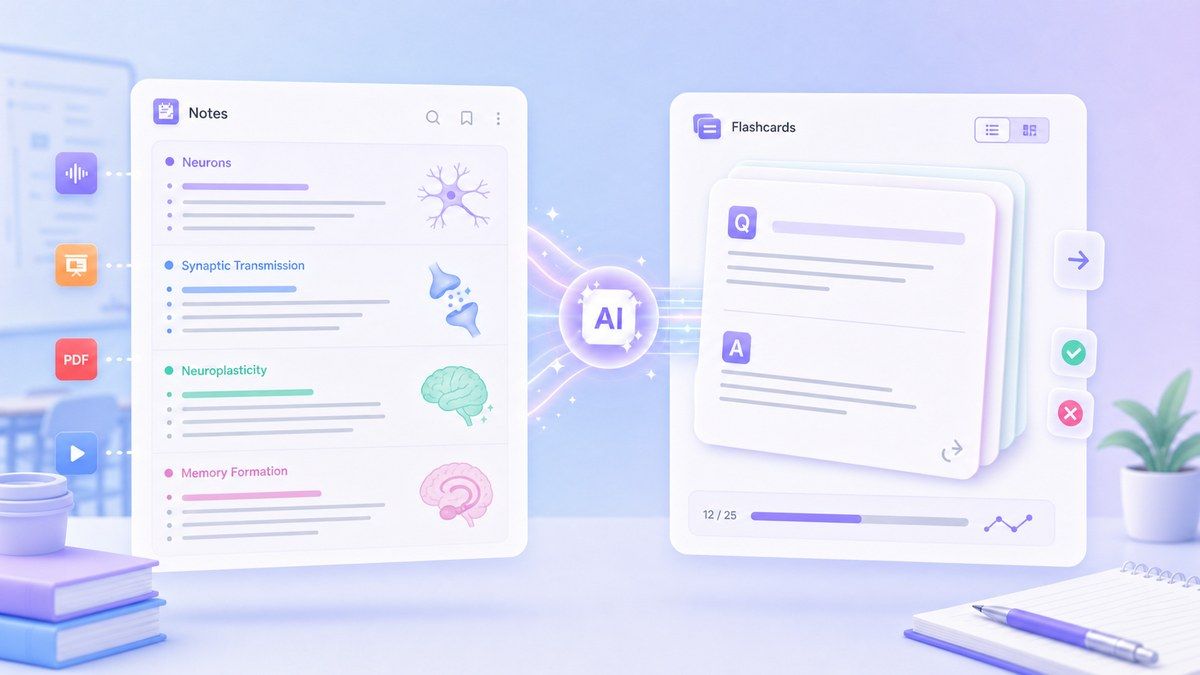
From Lecture Notes to Flashcards
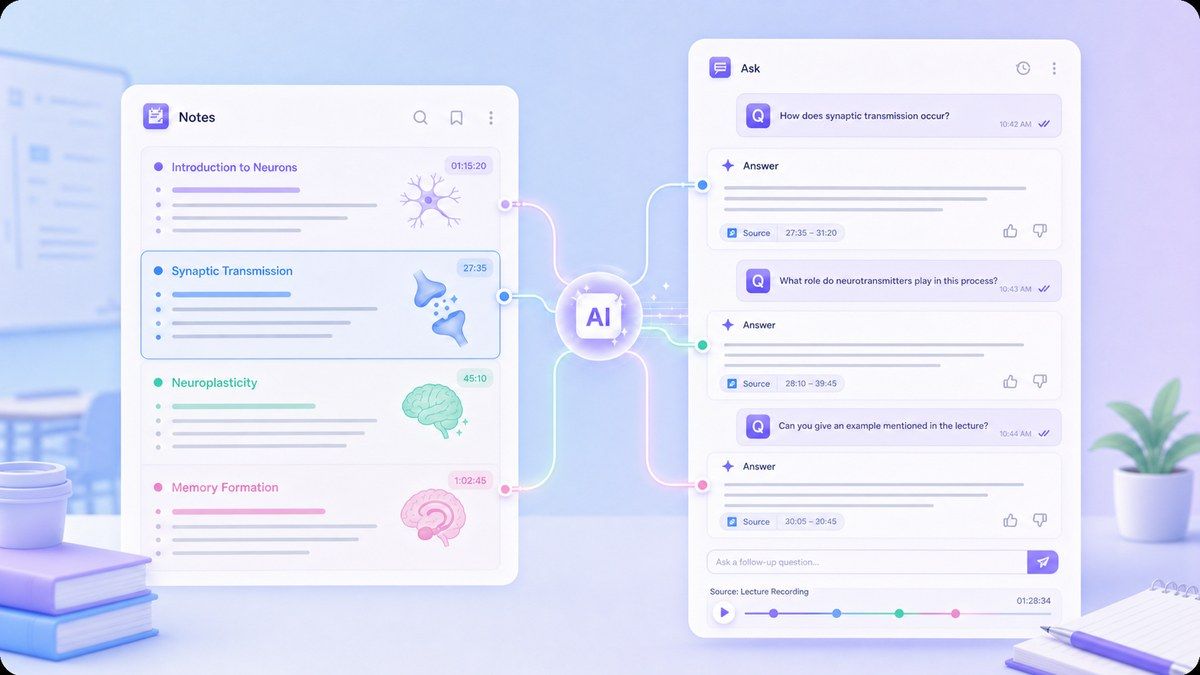
Ask Follow-Up Questions About the Lecture
How to Use an AI Lecture Note Taker Online
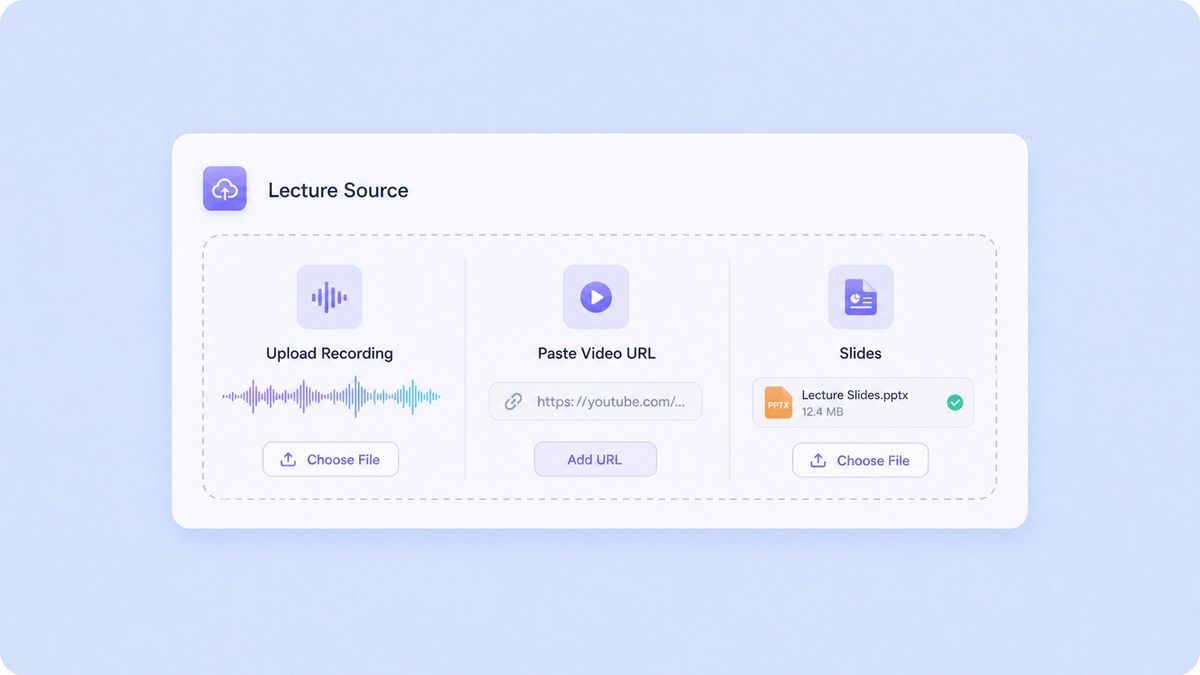
Step 1. Upload or Paste Your Lecture Source
Upload a lecture recording, class file, slide deck, document, or paste a video lecture URL. If you recorded the lecture with your phone or computer, upload the audio file after class so Lynote can process it into notes. This works for students searching for an AI app that records lectures and takes notes, but the recording itself should come from your device or lecture source. Lynote then helps convert that source into structured study notes.
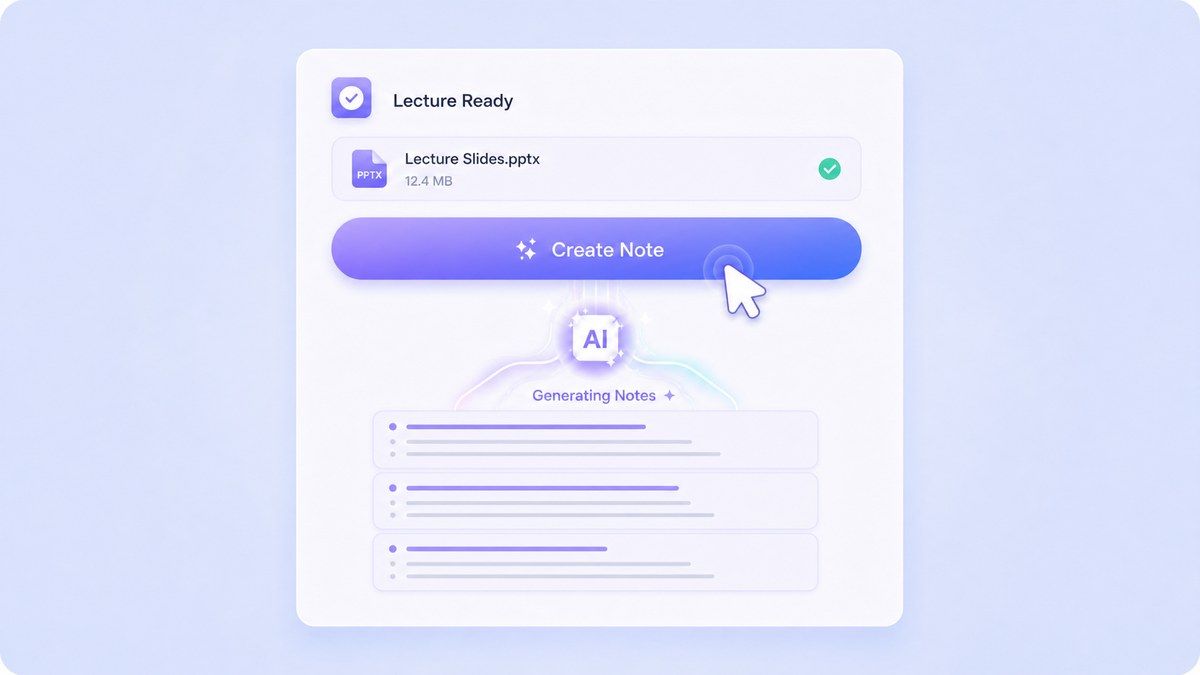
Step 2. Generate Lecture Notes
Click Create Lecture Notes and Lynote will process the lecture content into organized notes. The output can include headings, bullet points, major ideas, definitions, and source-based sections that are easier to review than a full transcript. Use it as a lecture AI note taker when you want to save time after class. Instead of rewriting every spoken sentence, you can start from a cleaner note draft and refine it for your course.
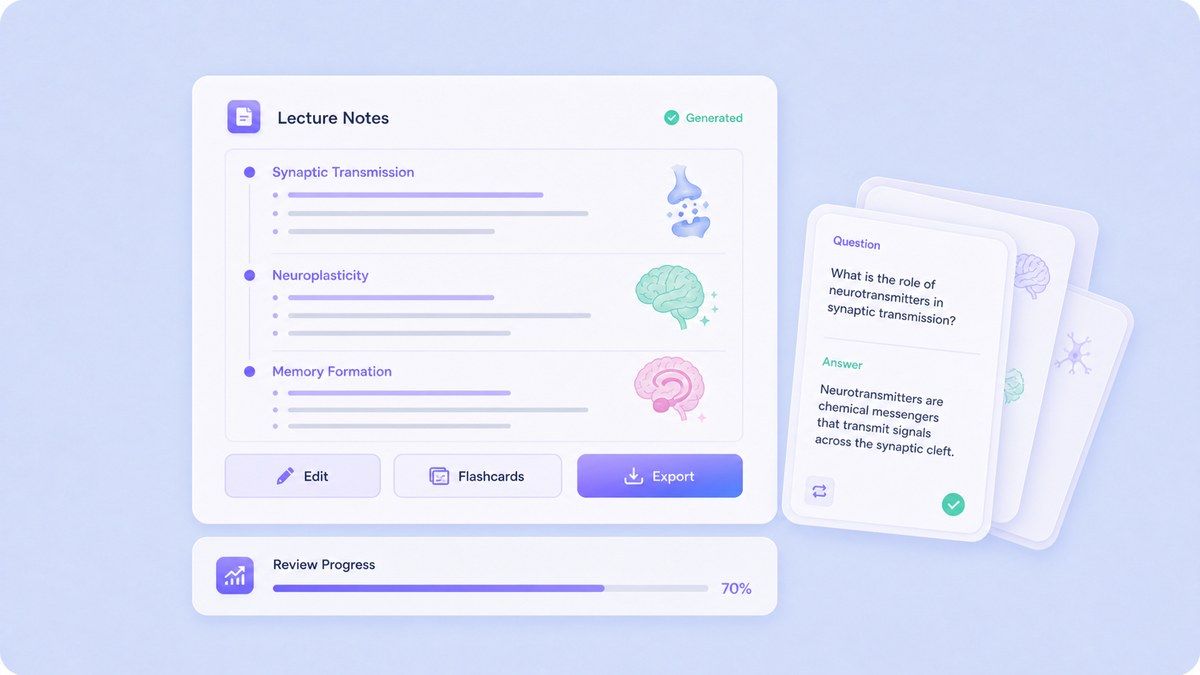
Step 3. Review, Edit, and Study
Read through the generated lecture notes, edit anything that needs clarification, and ask follow-up questions when a concept is unclear. You can reuse the notes for study guides, summaries, assignments, or exam review. When you need deeper practice, convert the notes into flashcards. This turns Lynote from an AI note taker for lectures into a complete review workflow.
Who Benefits from This AI Lecture Note Taker?

College Students
Turn recorded lectures, course videos, and reading materials into structured notes before midterms, finals, or weekly review sessions.

Online Learners
Use Lynote as an AI video lecture note taker for MOOCs, YouTube lessons, webinars, and self-paced courses.

Graduate Students
Convert seminars, research talks, PDFs, and discussion recordings into notes that are easier to organize and revisit.

High School Students
Create cleaner notes from class recordings, study videos, and teacher-provided files when preparing for tests or projects.

Language Learners
Review lecture-style audio and video materials with notes that help capture vocabulary, examples, and explanations.

Busy Professionals
Turn training sessions, certification lessons, and educational webinars into practical notes for later reference.
What Students Say About Lynote Lecture Notes

College Biology Student

Lynote helps me turn long lecture recordings into notes I can actually review. I still edit the details, but the first draft saves me a lot of time after class.

Engineering Student
I use it for video lectures when the professor explains formulas too quickly. The notes give me a structure, then I go back and check the parts I need to practice.

Online Course Learner
My online classes have hours of recordings, and I used to lose track of the main points. Lynote makes the lessons easier to review before quizzes.

Graduate Research Assistant
I like using Lynote for seminars and research talks. It gives me a readable note draft, and the follow-up questions help me check whether I understood the argument.

Nursing Student
Lecture notes and flashcards in one workflow are really helpful. I can turn a recorded class into notes, then use flashcards for quick review.

Business Student
It is useful when I miss details during fast lectures. I upload the recording, review the generated notes, and clean them up before studying.
FAQs About AI Lecture Note Takers
Answers about recording lectures, video lecture notes, lecture summaries, flashcards, source types, and study workflows.
An AI lecture note taker is a tool that helps turn lecture content into study notes. With Lynote, you can upload lecture recordings, video lectures, documents, slides, or links and generate structured notes for review.
Lynote does not need to be the recording device itself. You can record a lecture with your phone, computer, or approved class recording tool, then upload the recording to Lynote to create notes.
Lynote offers an online AI note workflow that lets users start creating notes from supported sources. Availability and limits may depend on the current product plan, source type, and usage.
Yes. Lynote can help with video lecture workflows by letting you paste a supported video or YouTube lecture link, then generate structured notes from the content.
The best AI lecture note taker depends on your source materials. If you study from recordings, videos, PDFs, slides, and webpages, Lynote is a strong choice because it turns multiple source types into notes, follow-up Q&A, and flashcards.
For live lectures, record the lecture first using your device or an approved classroom recording method. After that, upload the file to Lynote and generate lecture notes from the recording.
No. Lynote is designed to create structured notes, not only raw transcripts. It can organize lecture content into headings, bullets, summaries, and study-ready sections.
Yes. After generating notes, you can use Lynote's flashcard workflow to create question-and-answer cards from your lecture material for active recall practice.