

AI Excel Translator: Translate XLS/XLSX Online


Upload Document
PDF, DOC, DOCX, PPT, PPTX
< 10M



Why Choose Our Excel File Translator?

Built for Spreadsheet Content
Not just plain text translation. This Excel translator understands tables, short labels, and structured data, making it more suitable than generic tools.

Translate Without Breaking Workflow
Upload, translate, and download in one flow. No need to copy content between Excel and other tools.

Works with Real-World Excel Use Cases
Perfect for reports, product lists, financial sheets, and internal documents where accuracy and clarity matter.

Keeps Terminology Consistent
Repeated words, labels, and categories stay consistent across the entire file, avoiding messy translations.

Handles Mixed Content Easily
Translate files that include numbers, short phrases, headers, and notes without losing meaning or clarity.

Clean Output, Ready to Use
Your translated Excel file is easy to read and usable right away, without extra cleanup.
Translate Excel Without Copy-Paste
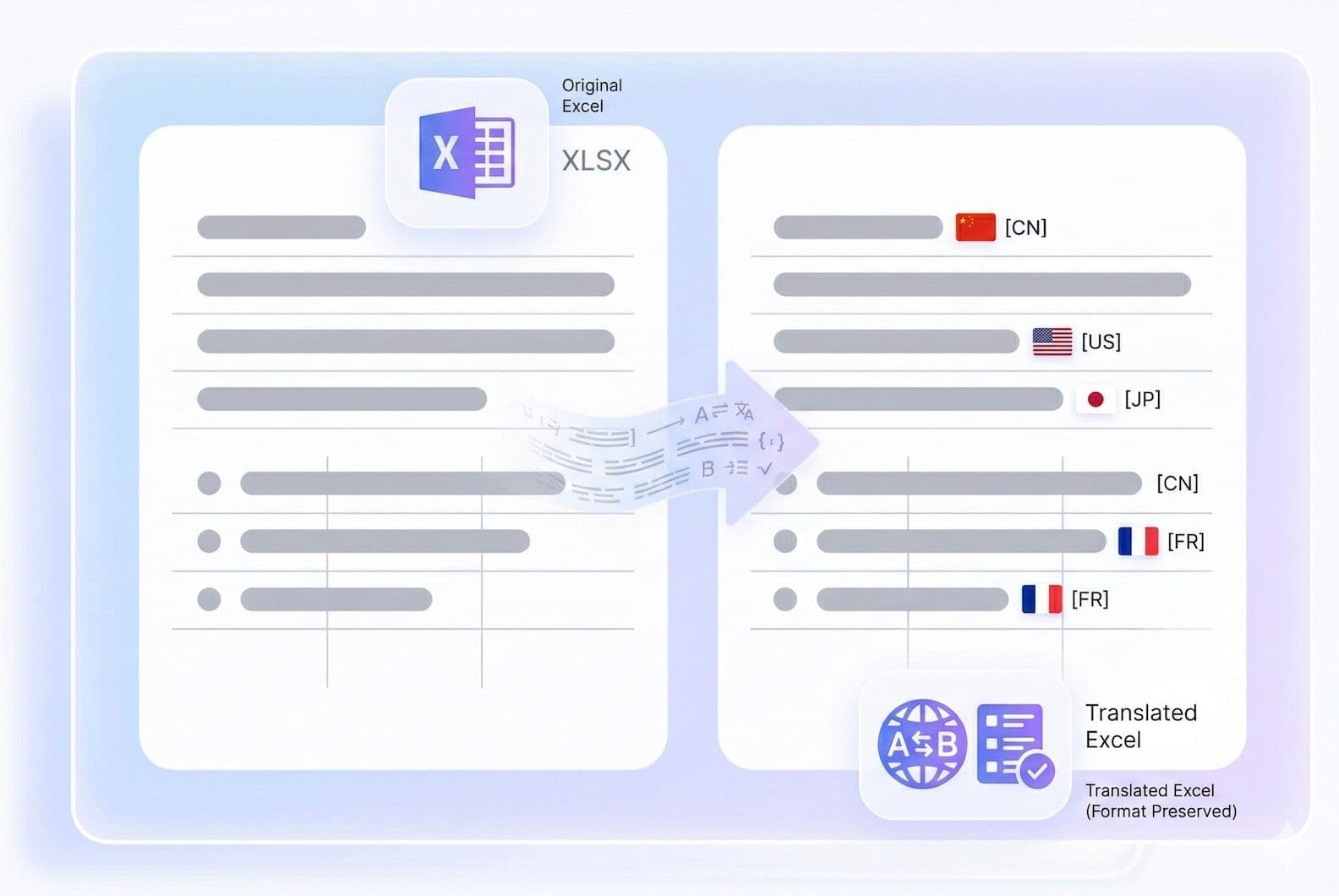
Accurate Excel File Translation with AI
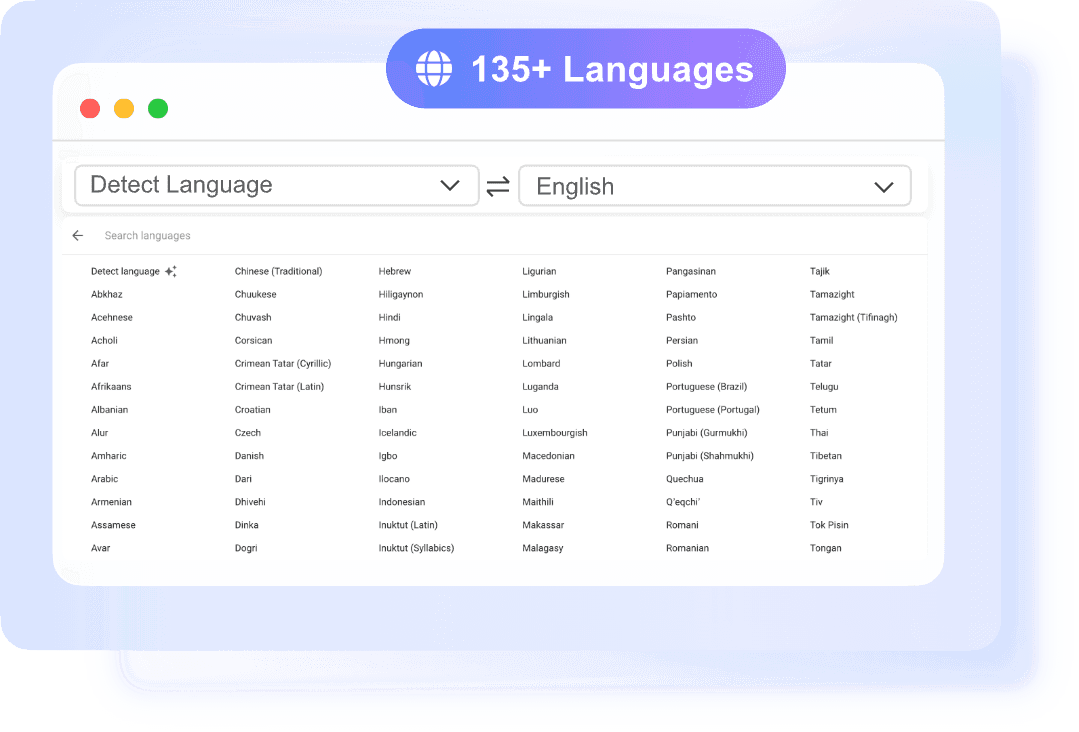
Support Multilingual Excel Translation
- •Large PDFs Support: Works well for long documents and multi-page PDFs
- •Flawless Formatting: Handles complex layouts and structured content
- •Accelerated Comprehension: Speeds up document review and understanding
Who Is This AI Excel Translator For?

Business Teams
Translate internal reports, product data, and operational spreadsheets for global collaboration without slowing down workflows.

E-commerce Sellers
Localize product lists, SKUs, and inventory data into multiple languages to support international marketplaces.

Analysts and Researchers
Translate datasets, survey results, or research tables while keeping information clear and easy to interpret.

Students and Educators
Work with multilingual data, assignments, or academic materials stored in Excel without manual translation.

Freelancers
Handle client spreadsheets in different languages more efficiently and deliver translated files faster.

Operations and Admin Teams
Translate everyday documents like pricing sheets, schedules, and internal trackers used across regions.
What Users Say About Our Excel Translator?

E-commerce Manager

“Saved me hours when translating product sheets for different markets. I didn’t need to reorganize anything after downloading.”

Supply Chain Specialist
“I deal with supplier spreadsheets in different languages every day. This tool made translation much faster and less error-prone.”

Data Analyst
“I tested it on a dataset with repeated labels, and the consistency across cells was surprisingly good.”

Freelance Consultant
“It’s perfect for quick Excel translation tasks when working with international clients. Very practical and reliable.”

Sales Coordinator
“I translated a full pricing sheet for our regional team in minutes. It saved me a lot of manual work.”

Undergraduate Student
“I use it for school assignments with tables and data. Much easier than translating everything manually.”
Frequently Asked Questions
Questions about AI powerpoint translation? We’ve got answers.
Upload your Excel file, select the target language, and click translate. Our tool processes the spreadsheet and gives you a downloadable file in seconds.
Yes, this Excel translator supports both XLS and XLSX formats without requiring file conversion.
Yes, Excel files with multiple sheets can be translated, ensuring consistent results across all sheets.
Yes, it uses AI to understand cell-level content, making translations more accurate for structured data compared to basic tools.
The tool supports common Excel file sizes up to 10MB used in daily work. Performance may vary depending on file complexity.
Yes, the output file remains fully editable in Excel, allowing you to make adjustments if needed.