 Add to Chrome - It's Free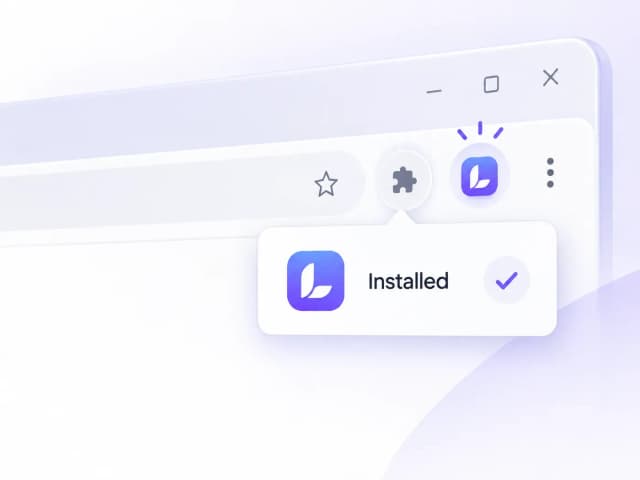
Step 1
Install and Pin
Add Lynote from the Chrome Web Store, then pin it to your toolbar so it stays one click away.


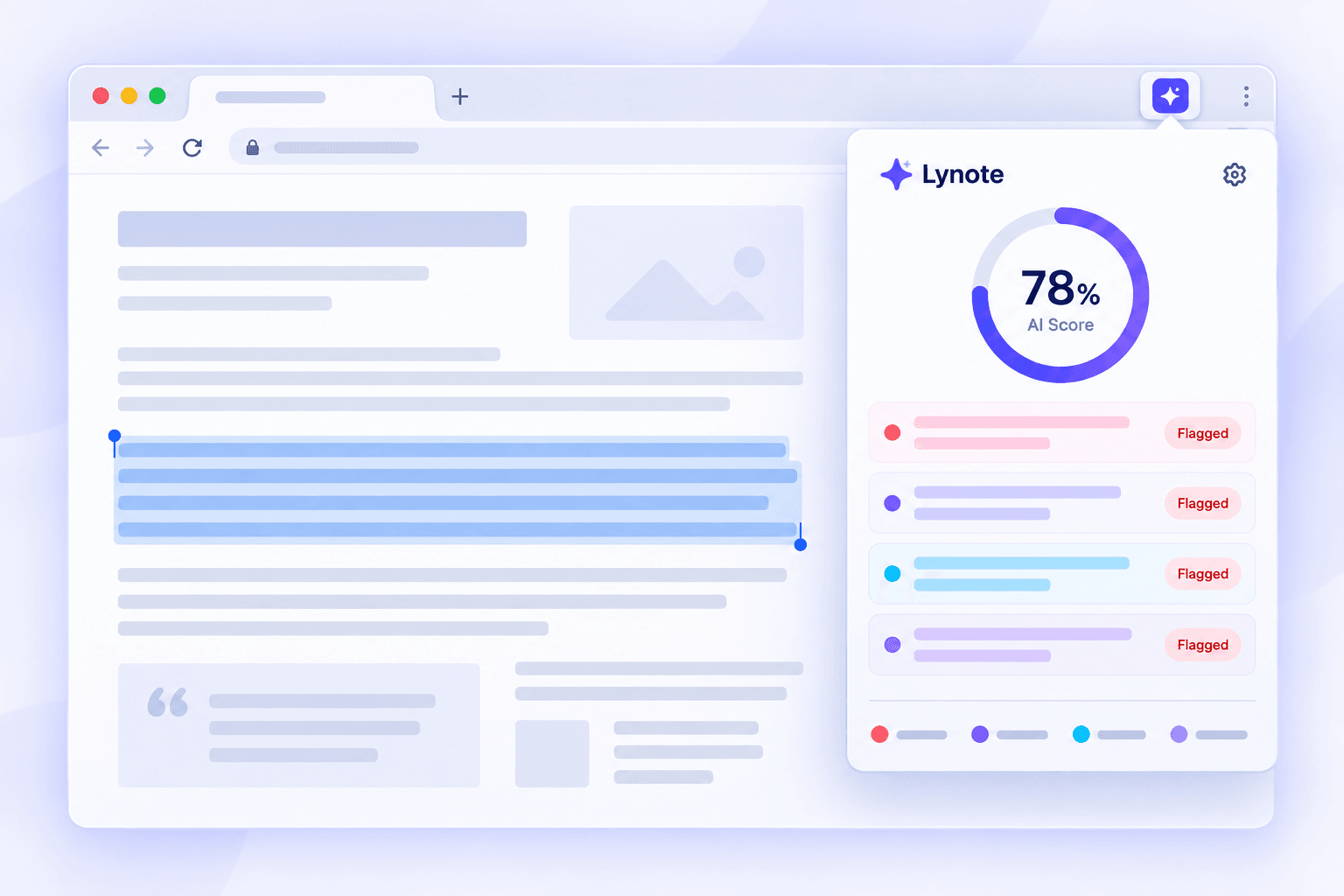
Stop copy-pasting paragraphs into a separate checker. Our free AI detector Chrome extension works right from the page you're reading. Select your text, click to detect, and get flagged results from ChatGPT, Claude, and Gemini in under five seconds.




Select text on the page you are already reading and check it without opening a separate detector. The extension brings AI detection into your existing review workflow.
Built to catch more than obvious AI phrasing, including paraphrased and lightly edited text that can slip past basic checkers.

Install the extension and start checking selected text without entering payment details or creating an account first.

Go beyond a single percentage. Flagged sentences show which wording contributed to the score, so you know where to review more closely.

Selected text returns a score in under five seconds, helping you keep moving through essays, applications, listings, and drafts.

Use the same select-and-check workflow in grading portals, applicant tracking systems, CMS platforms, email, and general webpages.
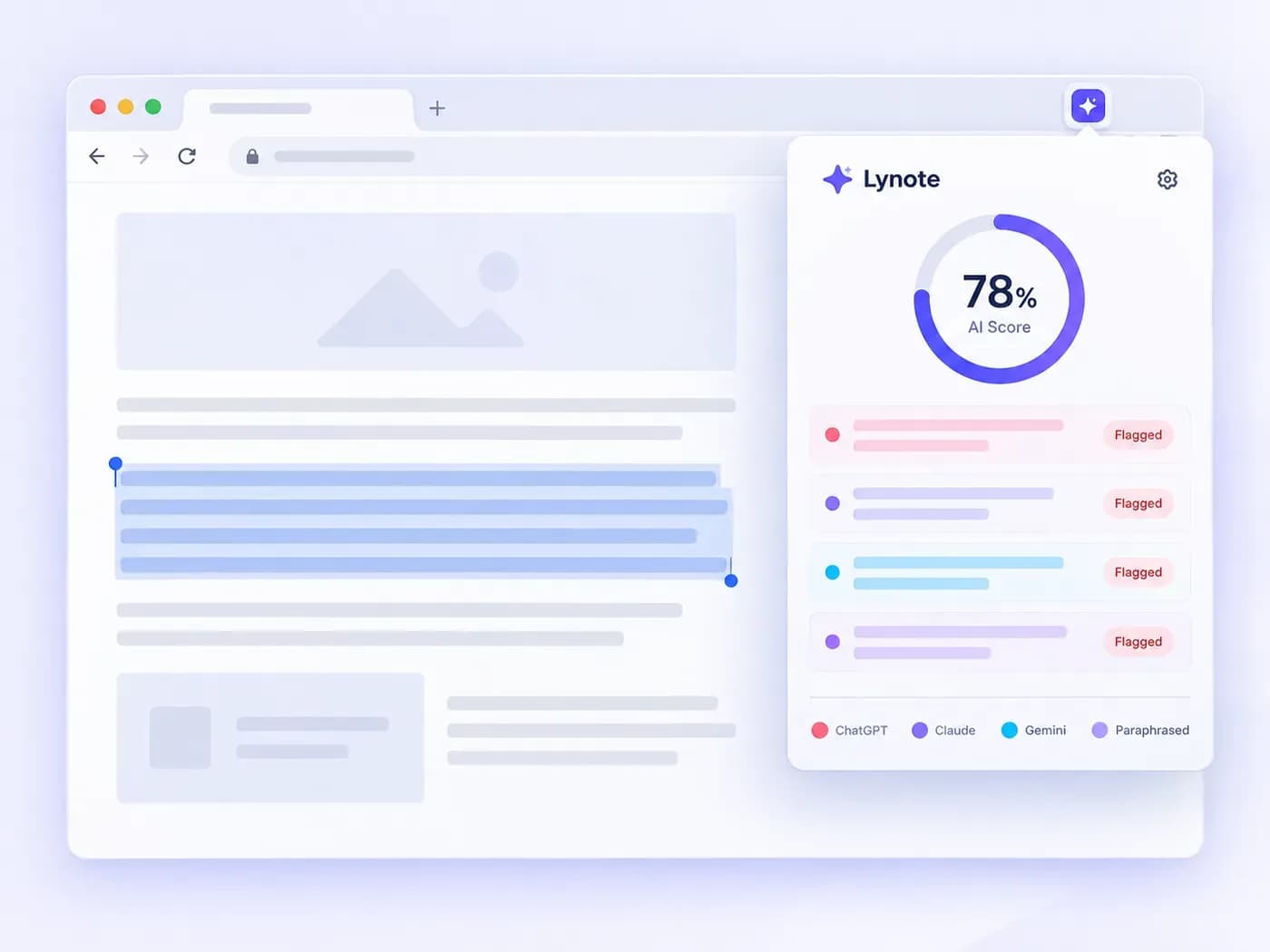
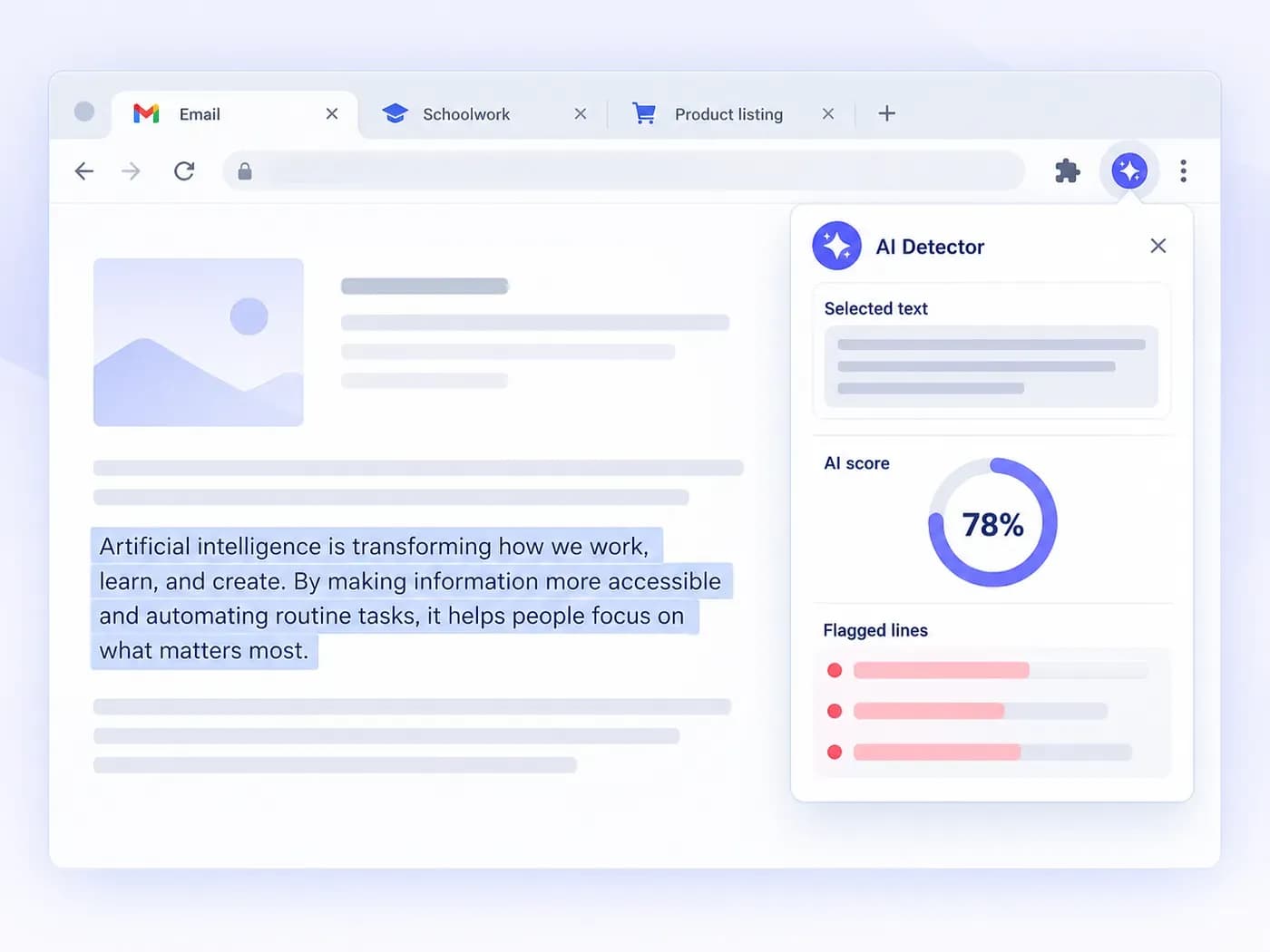
An email draft, a student submission, or a listing description: whatever you're checking, our AI detector browser extension is already in your toolbar. Select the text, click to detect, and see exactly which lines were flagged.
Add Lynote from the Chrome Web Store, then pin it to your toolbar so it stays one click away.
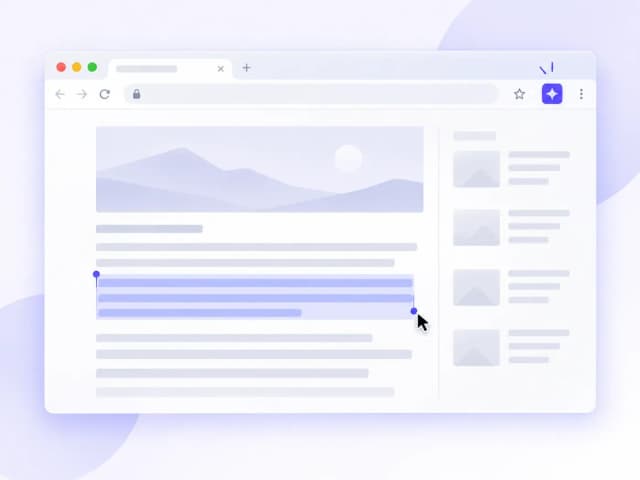
Highlight the text you want to check on any webpage, such as an email, article, essay, application, or listing.
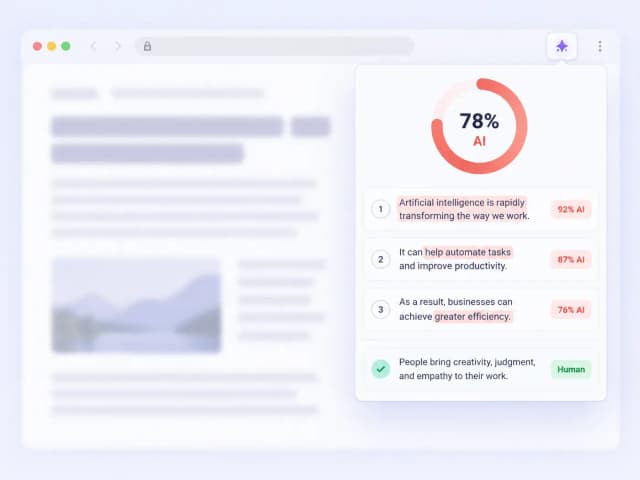
Choose AI Detector and get a score in seconds, with sentence-level highlights showing which lines contributed to the result.

Check your own drafts before submitting and review wording that may be flagged as AI-generated.

Scan submitted essays directly in a grading portal without exporting every file to a separate checker.

Review cover letters and application answers for AI-written patterns while assessing candidates in an applicant tracking system.

Check freelance or AI-assisted drafts before publishing, directly inside the CMS or webpage where you review them.

Screen resumes and outreach responses for AI-generated language without leaving your recruiting platform.

Review listing descriptions and customer-facing copy before they go live on your storefront.

High School Teacher

I grade essays through our school portal, and this catches things without me exporting every file somewhere else first.

Recruiter
It runs right on LinkedIn and our ATS. Cover letters that read a little too smoothly get flagged before I spend time on a call.

Freelance Editor
The sentence-level highlights are why I kept it installed. I can see exactly which line triggered the result instead of getting only a percentage.

College Student
I check my own drafts before submitting anything. It gives me another signal before the school's checker sees the work.

E-commerce Seller
I used it on listing copy from a freelancer I was unsure about. It gave me a quick reason to review the draft more closely.

Content Manager
I check drafts all day and used to keep a separate detector site bookmarked. Now the check is available from the page I am already reviewing.
Using the Lynote AI detector extension in Chrome.
Yes. You can install the extension and start with free access. Paid options are available if you need more consistent use.
The extension can review multilingual text, although result quality can vary by language and writing style.
It can flag patterns that may remain after AI text has been paraphrased or edited. Treat the result as a review signal rather than proof of authorship.
Anywhere Chrome allows you to select webpage text, including email, student portals, job boards, CMS platforms, and general webpages.
No. You can install the extension and start checking selected text without creating an account.
It is designed to review text produced by common AI writing tools, including ChatGPT, Claude, and Gemini, as well as edited or paraphrased AI-assisted text.
Use it as a review signal alongside context, source checks, and your own judgment. An AI score should not be treated as proof of authorship by itself.
Yes. The result includes sentence-level highlights so you can review the specific wording that contributed to the score.