menu

User Manual Translation With AI

Translate user manuals and guides with structured AI accuracy, keeping instructions, steps, and technical details clear and easy to follow in any language.
PDFPPTWord

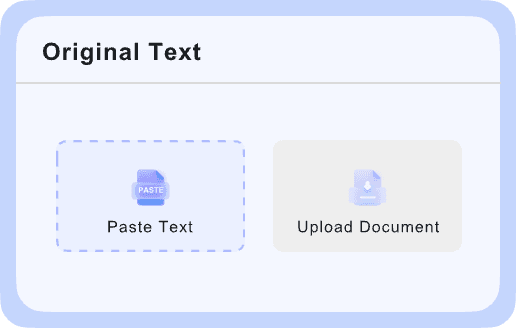
Upload Document

PDF, DOC, DOCX, PPT, PPTX

< 10M

10M+
Manuals Translated
135+
Languages Supported
4.9
User Rating

Why Choose Our User Manual Translator?

99% Accuracy

99% Accuracy

Built for technical manual translation, it handles instructions, labels, and product terms with clear, readable output across supported languages.

Fast Results

Fast Results

Upload a file or paste text and get manual translation in moments. It works well when you need quick turnaround for updates or reviews.

Layout Preserved

Layout Preserved

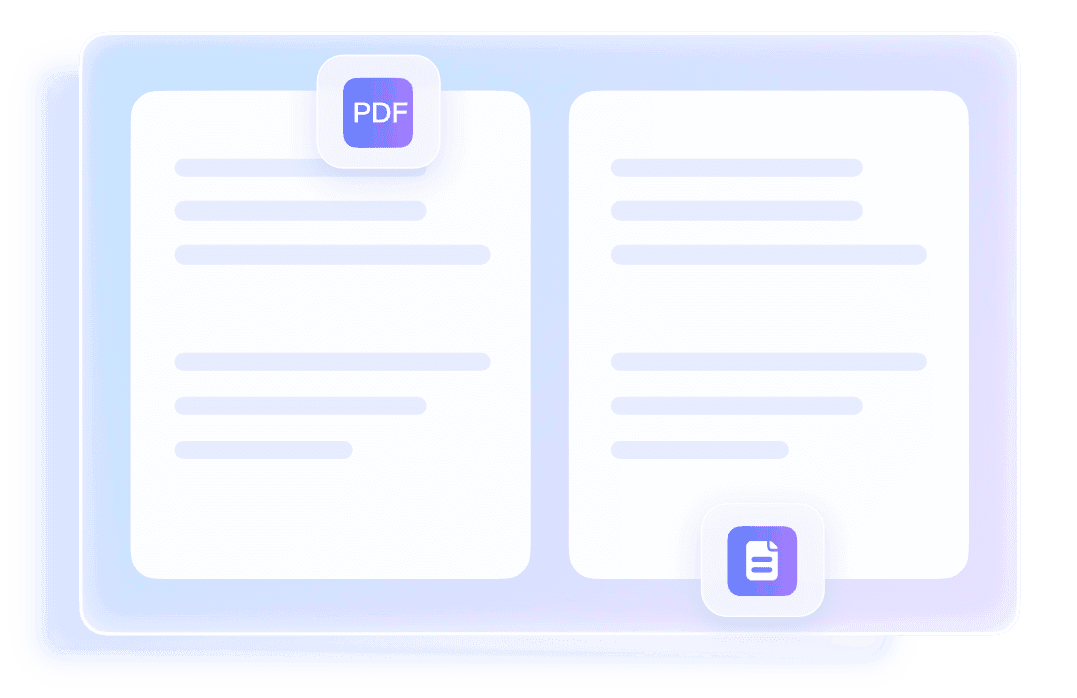
Translate PDF, DOCX, PPTX, and XLSX files while keeping tables, images, fonts, and page structure close to the original document.

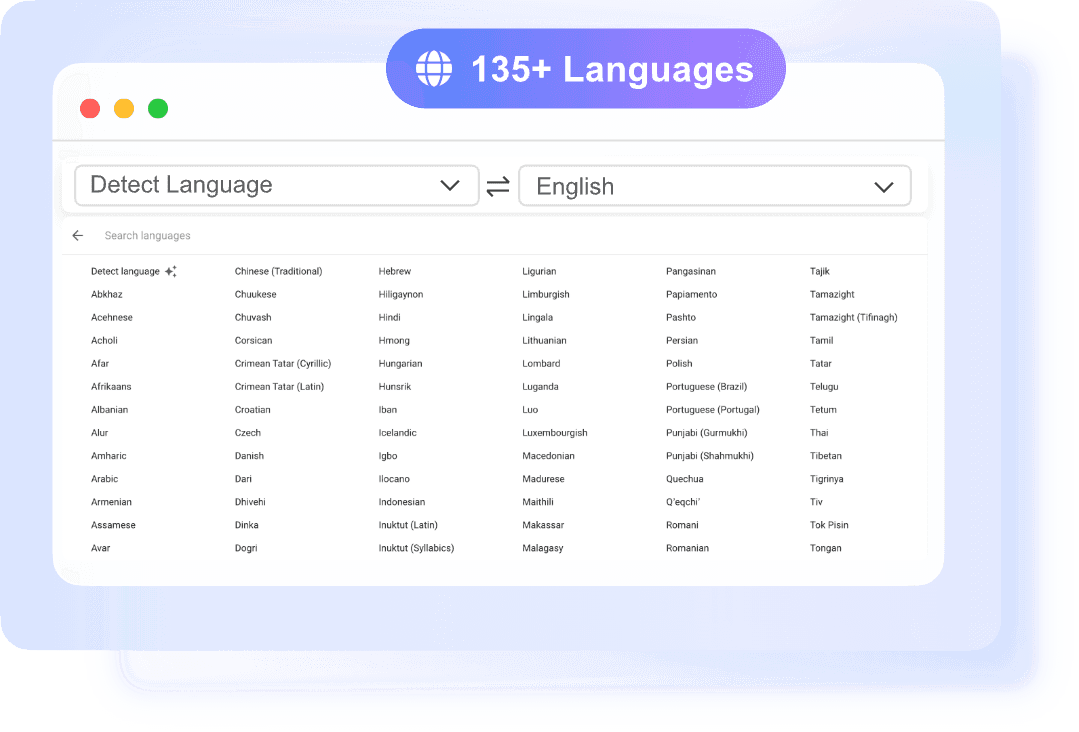
135+ Languages

135+ Languages

A user manual translator is most useful when it supports broad language coverage. Choose from 135+ target languages with source auto-detection.

OCR Support

OCR Support

Scanned PDFs can still be processed. OCR reads the text first, which helps with guide translation when the original file is image-based.

No Sign-Up

No Sign-Up

You can translate guide files or plain text without creating an account. That makes quick checks and one-off translations easier.

Precise User Manual Translation

Precise User Manual Translation

Use Lynote for user manual translation when wording needs to stay clear and consistent. It works well for setup steps, safety notes, product functions, and operating instructions. The tool auto-detects the source language and returns a readable translation quickly. This helps reduce confusion when manuals need to be shared across markets.
    Multi-Language Guide Translation

    Multi-Language Guide Translation

    If you need to translate guide content for international users, Lynote supports 135+ languages in one simple workflow. Upload a document or paste text, then choose the target language. This makes guide translation easier for onboarding materials, help docs, and product instructions. It is a practical way to publish the same content for different regions.
      Keep Formatting, Structure, and Instructions Clear

      Keep Formatting, Structure, and Instructions Clear

      Technical manual translation is more useful when the structure stays readable after translation. Lynote keeps layouts intact in PDF, DOCX, PPTX, and XLSX files, including tables, images, and fonts where supported. That means translated instructions are easier to review and distribute. You spend less time fixing formatting by hand.

        How to Use User Manual Translation

        Upload Your Manual
        Step 1

        Upload Your Manual

        Start by dragging in your file or clicking "Choose Document." The document translator supports PDF, DOCX, PPTX, and XLSX files up to 10 MB.

        Select Languages
        Step 2

        Select Languages

        After upload, the source language is detected automatically. Then choose the target language from 135+ options to match your manual translation needs.

        Download Your Manual
        Step 3

        Download Your Manual

        Once processing is finished, download the translated user manual document directly. The exported file keeps the original layout as much as possible, including tables, images, and formatting elements.

        Who Should Use This Guide Translator?

        Product Teams

        Product Teams

        Product teams often need user manual translation for launches in new markets. Lynote helps them translate setup guides, feature instructions, and support documents without rebuilding the file from scratch.

        Technical Writers

        Technical Writers

        Technical writers can use Lynote for technical manual translation when they need a clear first-pass version in another language. It supports common document formats and keeps formatting readable for review.

        Freelancers

        Freelancers

        Freelancers handling documentation, localization, or admin work can use this user manual translator for quick client requests. It is useful when a client asks you to translate guide files, instruction sheets, or product PDFs.

        Operations Teams

        Operations Teams

        Operations teams often manage SOPs, internal guides, and equipment instructions across locations. Lynote helps with guide translation so teams can share the same process in different languages.

        Business Teams

        Business Teams

        Business teams use manual translation to share product instructions, setup guides, and internal documentation across markets. That makes technical manual translation faster when formatting and clarity both matter.

        What People Say About Us

        Daniel Brooks
        Daniel Brooks

        Technical Writer

        starstarstarstarstar

        "I used it for technical manual translation and the layout stayed intact in the downloaded file. That saved me a lot of cleanup time before sending it to our overseas team."

        Michael Turner
        Michael Turner

        Operations Manager

        starstarstarstarstar

        "We needed fast user manual translation for product instructions in two languages. The upload flow was simple, and the translated document was ready in minutes."

        Kevin Ramirez
        Kevin Ramirez

        Freelance Translator

        starstarstarstarstar

        "I like that I can paste short sections and translate guide text instantly. It is useful when a client only needs a few paragraphs checked instead of a full file."

        Ryan Collins
        Ryan Collins

        Product Specialist

        starstarstarstarstar

        "The OCR feature helped with a scanned PDF manual that was hard to work with elsewhere. For manual translation, that made the difference between retyping and finishing the job quickly."

        Emily Foster
        Emily Foster

        Research Assistant

        starstarstarstarstar

        "I used it as a user manual translator for lab equipment guides from overseas vendors. The language detection worked well, and the instructions were much easier to review."

        Sophia Bennett
        Sophia Bennett

        Customer Support Lead

        starstarstarstarstar

        "We often need guide translation for help documents and setup notes. Being able to copy translated text right away is great for quick support replies."

        Frequently Asked Questions

        Still have questions about user manual translation? Start here.

        User manual translation is the process of converting product instructions, operating guides, or setup documents from one language into another. The goal is to keep the meaning clear while preserving the structure users rely on, such as headings, warnings, tables, and steps. A good user manual translation helps readers use a product correctly in their own language.

        A user manual translator takes the text from your file or pasted content, detects the source language, and converts it into your chosen target language. With Lynote, you can upload PDF, DOCX, PPTX, or XLSX files up to 10 MB, or paste up to 5,000 characters of text. The translated result is then available to download or copy, depending on the input type.

        Yes. Lynote works well for technical manual translation when you need to translate product documentation, operating instructions, or process guides. It supports common business file types and keeps fonts, tables, images, and layout in the translated document. That is especially helpful when the manual needs to stay readable and organized after translation.

        You can upload PDF, DOCX, PPTX, and XLSX files for manual translation. Each file can be up to 10 MB, and Lynote processes one document at a time. If your manual is scanned as a PDF, OCR can read the text before translation so you can still get a usable output.

        In most cases, yes. Lynote is built to preserve layout during document translation, including fonts, tables, images, and page structure. This matters for guide translation because readers often depend on formatting to follow instructions correctly. It helps reduce manual reformatting after download.

        Lynote supports 135+ languages and can auto-detect the source language for both documents and text. You only need to choose the target language before translating. This makes the guide translate tasks faster when you receive manuals or instructions from different regions and do not want to set the source language manually.

        No. You can use Lynote without creating an account. That makes it convenient when you need a quick guide translation or want to check a short section before sharing it with a team, customer, or client. Just upload a file or paste text and start translating.

        No. Lynote handles one file at a time for document translation. If you have several manuals, you will need to upload and translate each one separately. This keeps the workflow straightforward, but it is important to know if you are comparing tools for larger manual translation jobs.