





logo
menu

Stable Diffusion Image Detector

Wondering whether an image came from Stable Diffusion? Upload it online and review clear AI and human probability signals before you publish, approve, or share it.

콘텐츠

upload

이미지를 드래그 앤 드롭하거나 업로드

JPG · JPEG · PNG · WEBP · 최대 10MB

탐지 후 삭제 · 보고서는 독립적으로 검증 가능

결과

이미지를 업로드하여 시작

왼쪽에 파일을 놓거나 아래 샘플 이미지 중 하나를 선택하세요.

샘플 이미지 사용해 보기

확실하게 알아보세요. AI인가요, 사람인가요?

모든 텍스트 뒤에 숨겨진 진실을 밝혀내세요. 무료 AI 감지기를 사용해 콘텐츠가 사람이 작성했는지 AI가 생성했는지 즉시 분석하고 확인하세요.

Top 3
AI Image Detection Tool
500K+
Images Checked Monthly
4.9
Average User Rating
Check If an Image Was Made With Stable Diffusion

Check If an Image Was Made With Stable Diffusion

A polished fantasy scene, portrait, or product mockup can look credible at first glance. Upload the visual before publishing, licensing, or sharing it. The Stable Diffusion AI image detector returns a probability result that helps you decide whether the source needs a closer review.
    Detect Stable Diffusion Images with Clear AI Scores

    Detect Stable Diffusion Images with Clear AI Scores

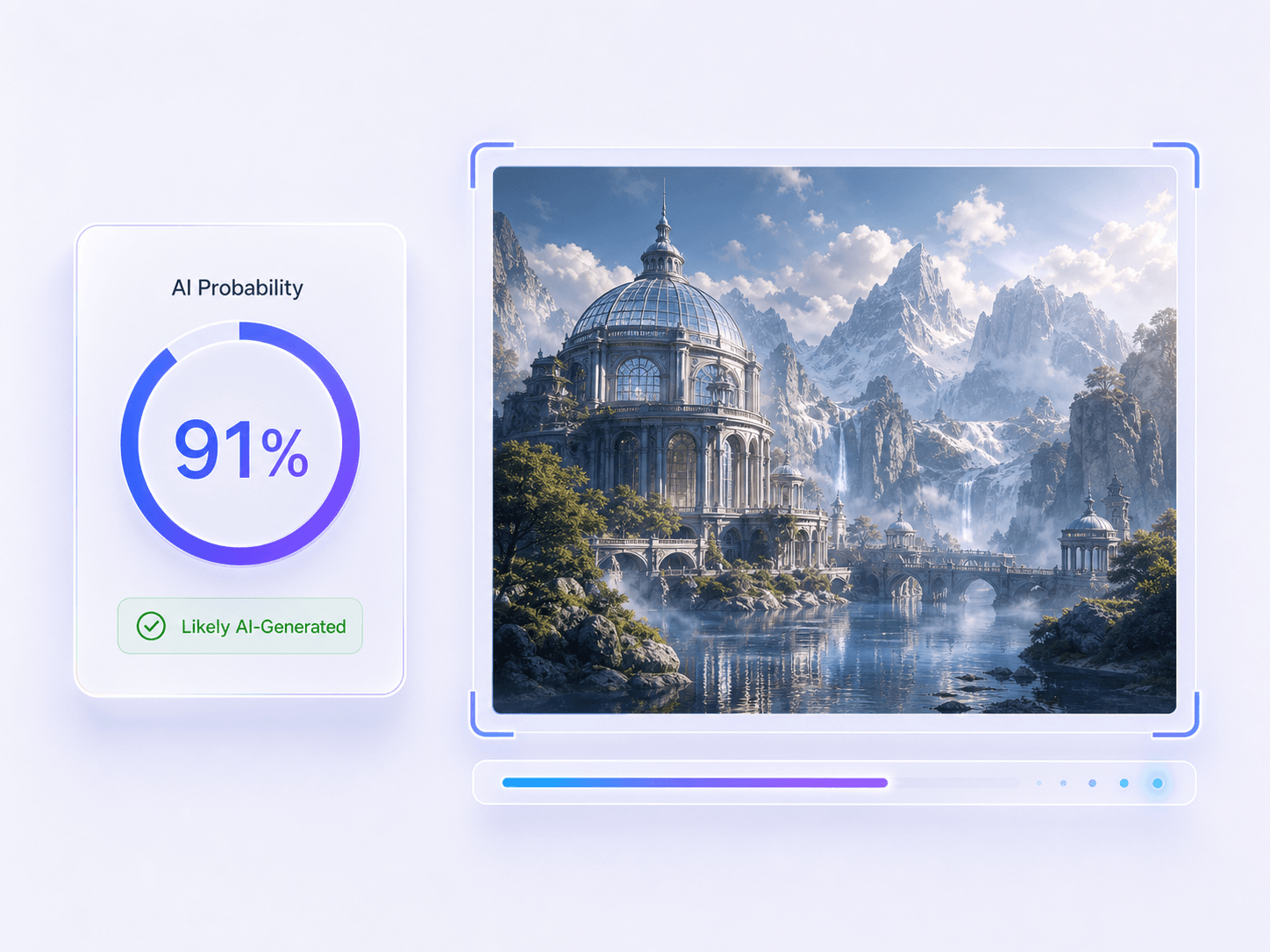
    Stable Diffusion can produce everything from stylized artwork to photorealistic scenes. Instead of a vague warning, the scan returns clear AI and human probability signals. Use that result to decide whether to trace the original source, request workflow files, or continue reviewing the image.
      Review Evidence Beyond Stable Diffusion Artifacts

      Review Evidence Beyond Stable Diffusion Artifacts

      Stable Diffusion outputs do not share one permanent visual fingerprint. Review the probability result alongside available metadata, provenance, watermark evidence, and the creator's source history. Use Basic Scan for a quick first check or Advanced Scan when the decision needs more context.

        How to Detect Stable Diffusion Images

        Step 1. Upload a Suspected Stable Diffusion Image

        Step 1. Upload a Suspected Stable Diffusion Image

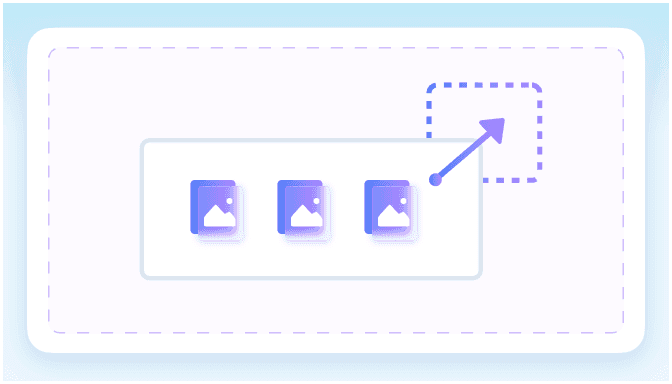
        Upload the portrait, artwork, product visual, or social post you want to check. You do not need to know which Stable Diffusion checkpoint or workflow may have produced it.

        Step 2. Run the Stable Diffusion Image Check

        Step 2. Run the Stable Diffusion Image Check

        Click “Detect Image” to begin. Lynote reviews the uploaded visual and file signals, then estimates how strongly the image leans toward AI-generated or human-made.

        Step 3. Review the AI Probability Result

        Step 3. Review the AI Probability Result

        Read the AI and human probability signals in the result. If the image affects publication, ownership, payment, or moderation, compare the score with its original source, metadata, creator history, and available workflow files.

        Common Signs of a Stable Diffusion Image

        Stable Diffusion does not leave one universal visual fingerprint. Check these patterns alongside the detector result and source history, because no single sign proves which model created an image.

        Custom Model Polish Without Provenance

        A checkpoint or LoRA can produce polished work with a consistent style. Look for the original post, prompt history, project file, or creator trail before treating that polish as evidence of origin.

        Polished Stable Diffusion fantasy scene without clear provenance

        Local Details That Lose Coherence

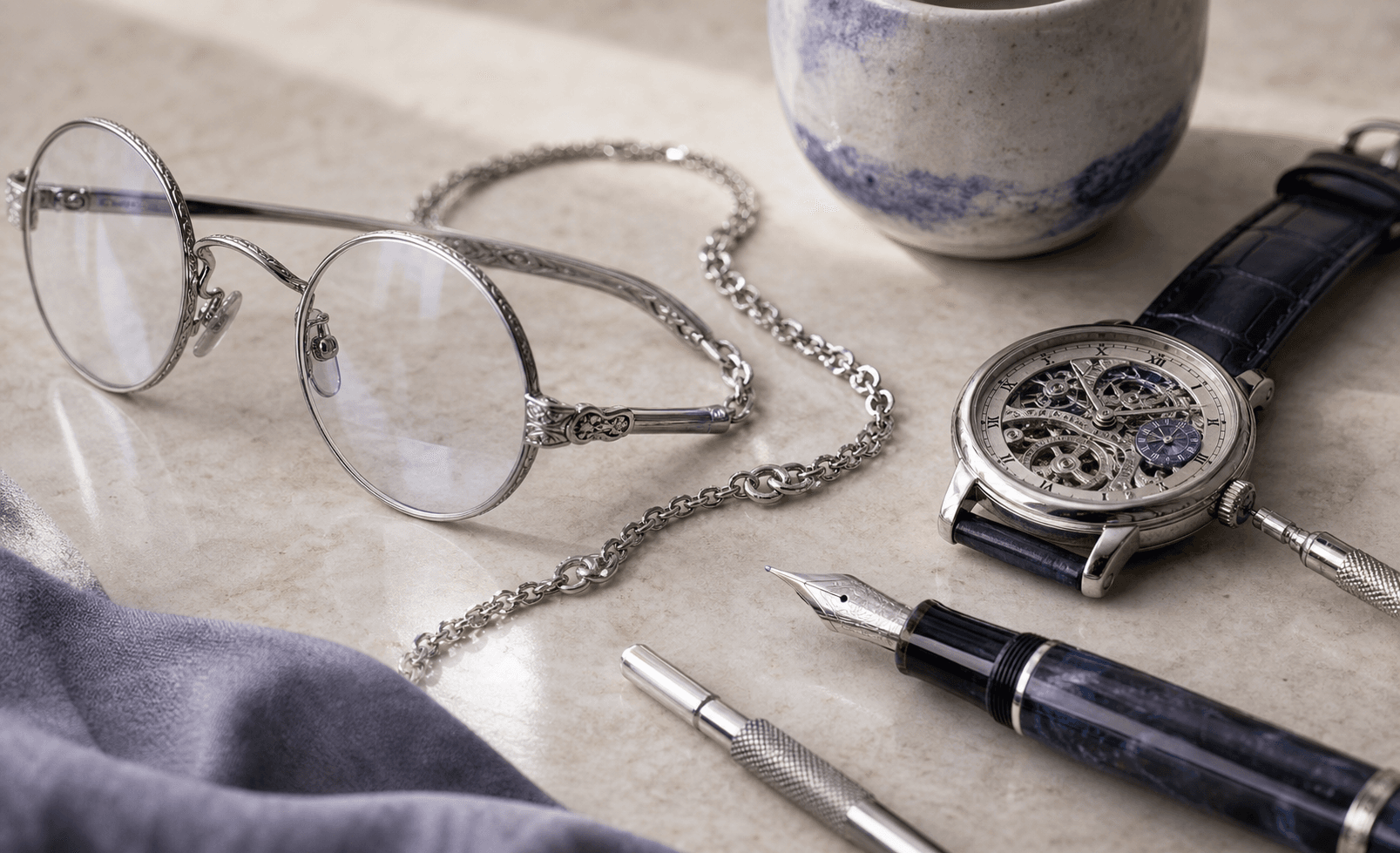
        Inspect hands, jewelry, eyewear, tools, labels, and object intersections. A Stable Diffusion image can look convincing overall while nearby details conflict when viewed together.

        Jewelry and eyewear details that lose visual coherence

        Warped Text, Labels, and Symbols

        Signs, packaging, interface labels, and decorative lettering may resemble real language while containing malformed letters or inconsistent typography. Treat this as a clue, not proof.

        Product packaging with warped text and inconsistent labels

        Repeated or Over-Smoothed Textures

        Hair, skin, fabric, foliage, windows, and background patterns may repeat, merge, or look unnaturally smooth across different parts of the scene.

        Repeated and over-smoothed textures in fabric and foliage

        Img2img and Inpainting Inconsistencies

        Partial edits can leave mismatched edges, texture, scale, shadow, or lighting around a replaced object. Compare the edited area with the rest of the image.

        Inpainted furniture area with inconsistent edges and geometry

        Lighting and Reflections That Disagree

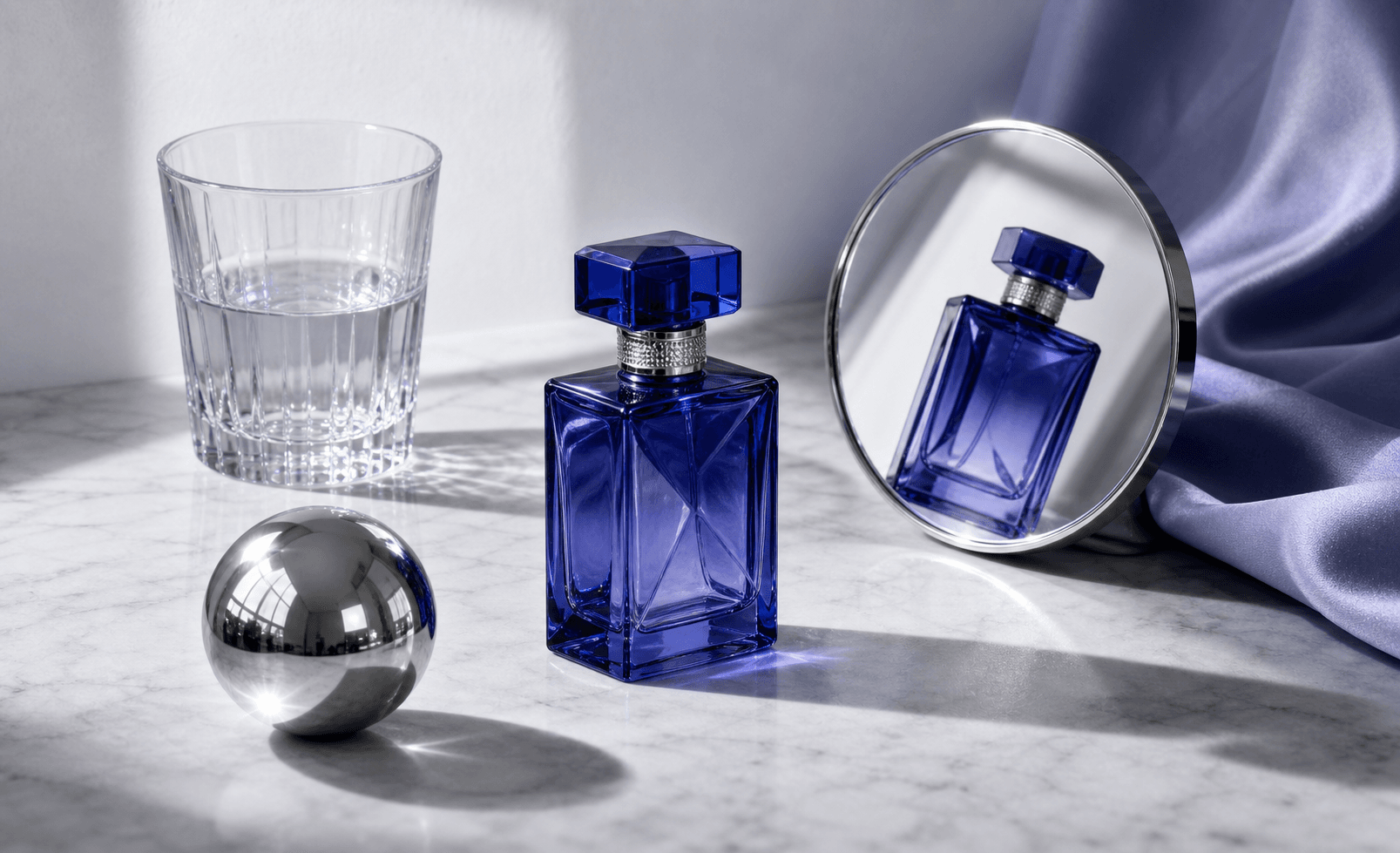
        Compare shadows, highlights, mirrors, glass, and reflected objects. A polished composition can still contain local lighting logic that does not hold together.

        Interior scene with lighting and reflections that disagree

        Why Choose Our Stable Diffusion Detector

        Visual Pattern Review

        Visual Pattern Review

        Examine textures, lighting, repeated objects, malformed text, and backgrounds. This helps guide your review without treating any single artifact as definitive proof.

        EXIF Context

        EXIF Context

        Camera or software metadata adds useful context to your check. Remember that screenshots, social media platforms, and heavy compression often strip this data away.

        Provenance Signals

        Provenance Signals

        Available content credentials, editing history, and embedded watermark evidence support your review process. However, missing provenance does not automatically prove an image is real.

        Stable Diffusion-Focused Review

        Stable Diffusion-Focused Review

        Review Stable Diffusion-style portraits, artwork, and edited visuals in the right context. The page explains relevant clues while the detector supplies a probability signal, without claiming an exact checkpoint or workflow.

        Clear Probability Result

        Clear Probability Result

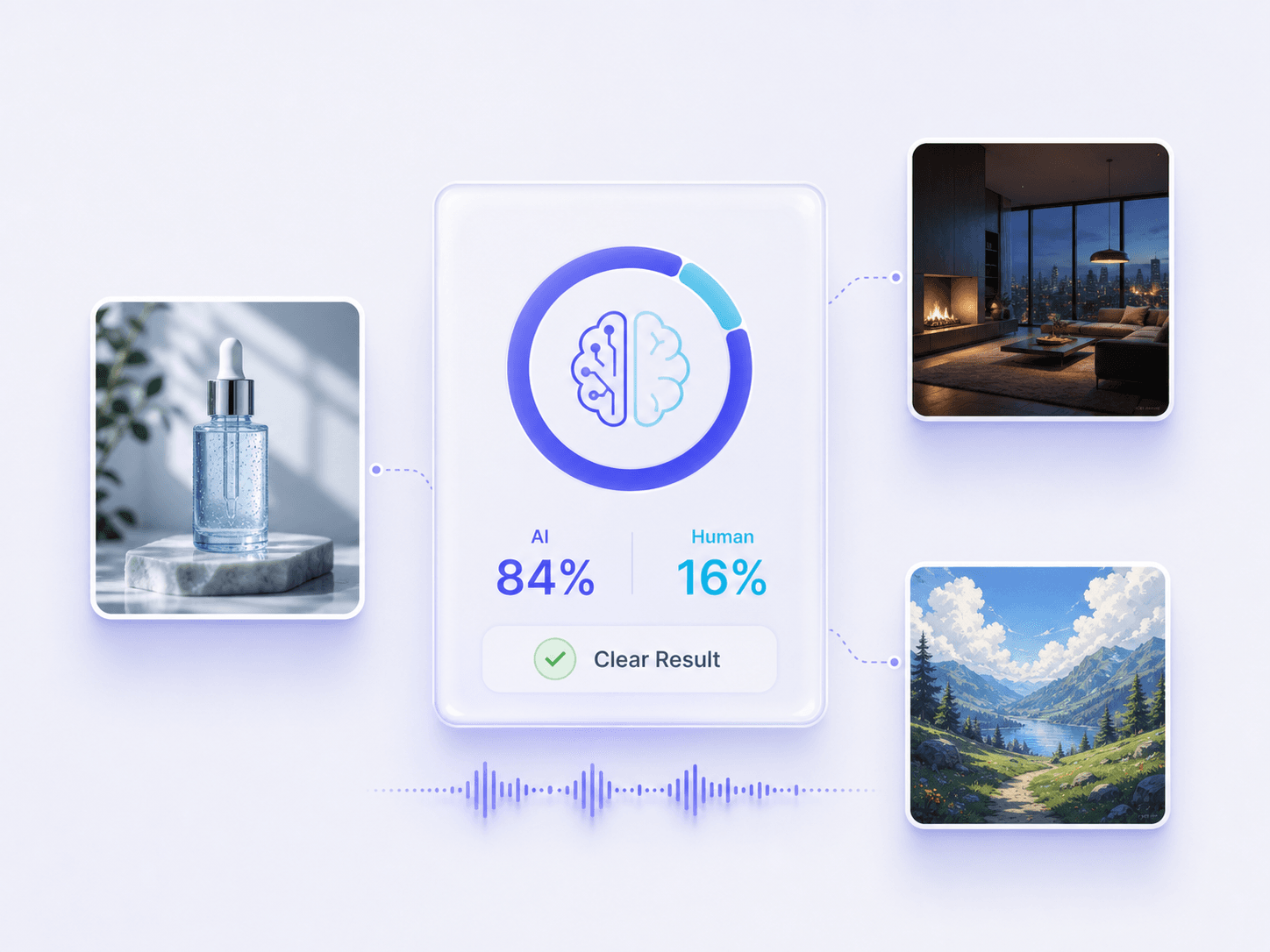
        Get a clear probability result showing AI and human likelihood. This percentage serves as a practical review signal rather than definitive Stable Diffusion attribution.

        Two Review Depths

        Two Review Depths

        Access two review depths tailored to your workflow. Use the basic scan for everyday screening, or apply the advanced depth for higher-stakes editorial decisions.

        Common Image Formats

        Common Image Formats

        Upload standard JPG, JPEG, PNG, WebP, and HEIC files. This covers common generation exports, saved web graphics, and standard screenshots.

        Private and Secure

        Private and Secure

        Your files are processed securely during the scan. We do not store your uploaded images or use them for future model training.

        Who Uses a Stable Diffusion Image Detector

        Digital Art Moderators

        Digital Art Moderators

        Screen digital portfolio submissions for undisclosed Stable Diffusion generation before approving artwork into community galleries.

        News Editors

        News Editors

        Use the AI probability result as one signal when a breaking-news image looks synthetic or arrives without a reliable photographer, source, or capture history.

        Stock Image Reviewers

        Stock Image Reviewers

        Flag undisclosed AI assets in marketplace listings to maintain strict platform quality standards for buyers.

        Social Media Managers

        Social Media Managers

        Pause suspicious trending images before resharing them, then compare the detector result with the earliest post, credited creator, and available source files.

        Creative Directors

        Creative Directors

        Check freelance design deliverables to ensure strict compliance with human-only client project briefs and contracts.

        Trust and Safety Teams

        Trust and Safety Teams

        Screen suspicious listing visuals before requesting original source files or escalating a platform fraud case.

        What Our Users Say

        Javier Castillo
        Javier Castillo

        Digital Art Moderator

        starstarstarstarstar

        "A concept-art portfolio looked consistent, but several pieces appeared without sketches or source files. The AI score gave me a reason to pause the submission and ask for the artist's workflow evidence."

        Marcus Thorne
        Marcus Thorne

        News Editor

        starstarstarstarstar

        "A dramatic event photo arrived without a photographer credit. We ran a check, traced the earliest upload, and requested the original file instead of publishing it based on appearance alone."

        Kenji Sato
        Kenji Sato

        Stock Image Reviewer

        starstarstarstarstar

        "We receive polished landscape images with almost no creation history. I use the score as a first filter, then compare metadata and contributor records before deciding whether an asset needs manual review."

        Tariq Al-Fayed
        Tariq Al-Fayed

        Social Media Manager

        starstarstarstarstar

        "A reposted product image had one object that looked locally replaced. The result showed enough uncertainty to hold the post while I tracked down the brand's original version."

        Elena Rostova
        Elena Rostova

        Creative Director

        starstarstarstarstar

        "When a brief requires human-made artwork, I check suspiciously polished deliverables before sign-off. It helps me ask for layered files and sketches without accusing an artist based on style alone."

        Chloe Bennett
        Chloe Bennett

        Marketplace Trust and Safety Reviewer

        starstarstarstarstar

        "For listing images with unclear origins, I run a private first check before escalating. The result gives our moderation team useful context while we request source files from the seller."

        Frequently Asked Questions

        Still got questions about our stable diffusion image detector? Here are the answers.

        A Stable Diffusion detector estimates whether an image may be AI-generated by reviewing visual and available file signals. It returns a probability result for further review, not proof that a particular Stable Diffusion model created the image.

        No. While the tool calculates the probability that an image is AI-generated, it cannot determine the specific checkpoint, LoRA, or workflow used. It serves as a visual review signal rather than definitive attribution.

        You can upload JPG, JPEG, PNG, WebP, and HEIC images. Select the file and click “Detect Image” to begin the scan.

        Malformed text can be one clue, especially on signs, packaging, and interface labels. However, readable text does not prove an image is real, and garbled text does not prove it is AI-generated. Compare this clue with the detector result and source evidence.

        Yes. The current image checker accepts supported files up to 10MB.

        No. The stable diffusion detector provides a probability signal based on visual patterns, but false positives can occur. It is not absolute proof.

        No. We do not store your submitted files or use them to train any AI models. Your privacy is fully protected.

        Yes. Basic Scan is available free without payment details. Advanced Scan is a Pro feature for checks that need additional review signals.

        No account is required for Basic Scan. Upload an image and run the Stable Diffusion image check online as a guest.

        The underlying image detector estimates general AI likelihood; this page frames the result around Stable Diffusion use cases and explains relevant review clues. It still cannot attribute an image to SDXL, a checkpoint, a LoRA, or a particular workflow.

        No. A high score suggests the image deserves closer review, but it does not identify the exact generator. Check the original source, project or workflow files, metadata, and creator history before making a consequential decision.

        Yes, but heavy resizing, screenshots, and compression can remove useful file or visual signals. Treat the result cautiously and check the highest-quality original when it is available.

        Explore Related AI Image Detection Tools

        Continue checking suspicious visuals with tools for AI-generated images, fake photos, watermark evidence, deepfakes, and broader AI content review.