logo
menu

Midjourney Detector

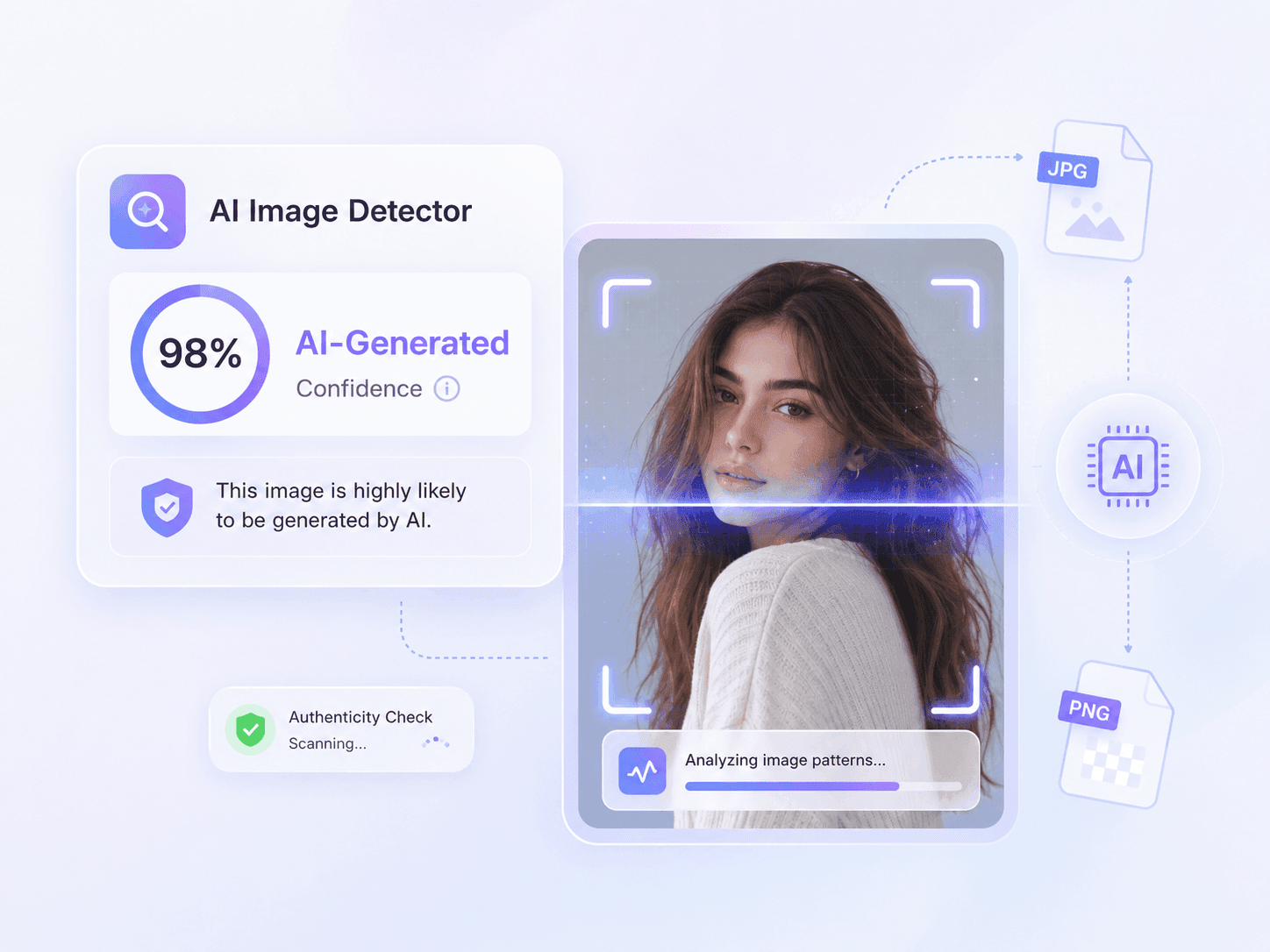
Check if an image was likely generated by Midjourney. Get a clear probability result online without signing up.

Content

upload

Drag & drop or upload an image

JPG · JPEG · PNG · WEBP · max 10 MB

Detected then deleted · Reports are independently verifiable

Result

Upload an image to start

Drop a file on the left, or pick one of the sample images.

Try one of our sample images

Know for Sure. Is It AI or Human?

Uncover the truth behind any text. Use our free AI detector to instantly analyze and verify whether content is human-written or AI-generated.

Top 3
AI Image Detection Tool
500K+
Images Checked Monthly
4.9
Average User Rating
Check If an Image Was Made With Midjourney

Check If an Image Was Made With Midjourney

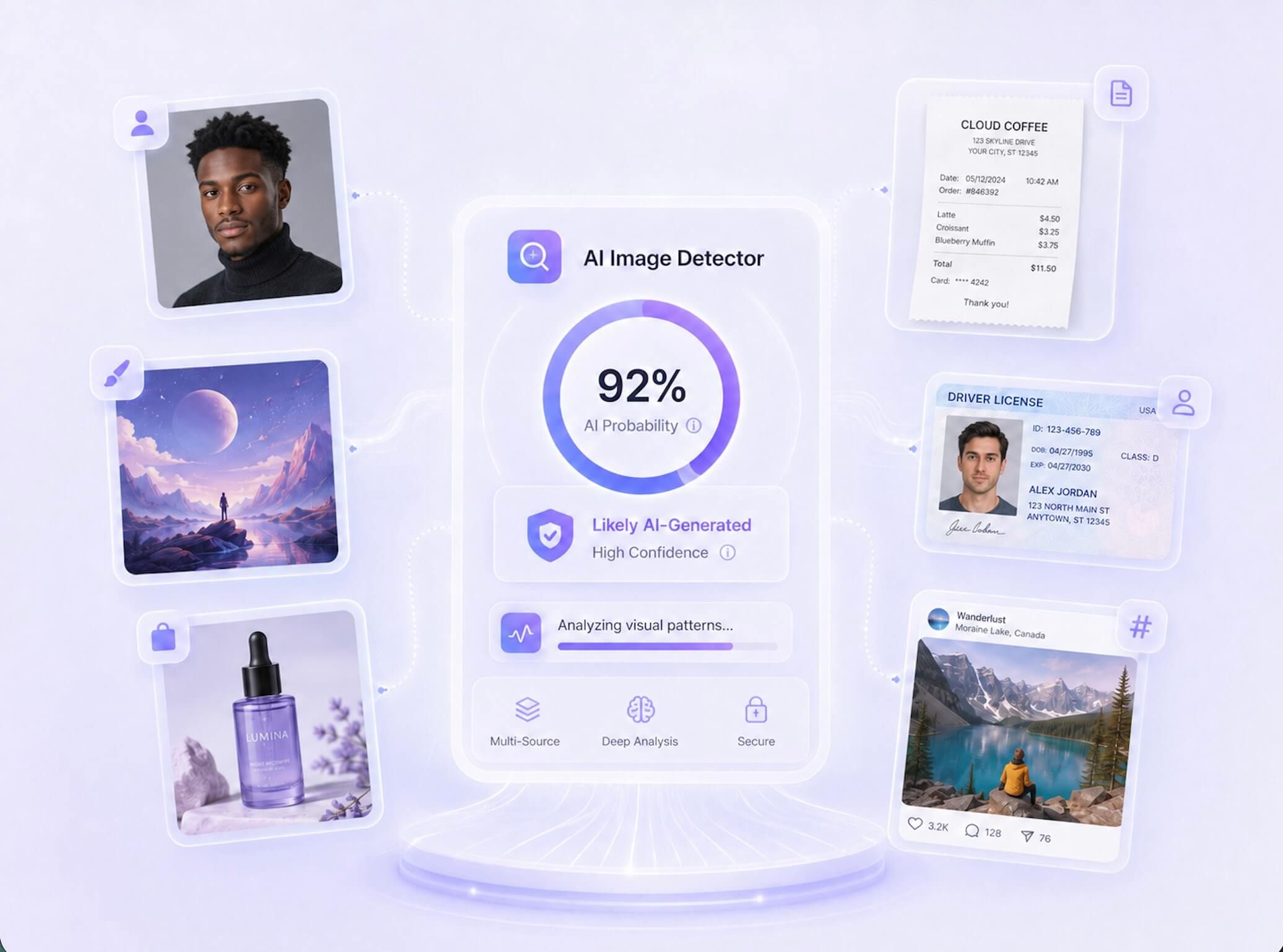
A polished fantasy scene, portrait, or product mockup can look credible at first glance. Upload the visual to run a focused Midjourney image check before you publish, approve, license, or share it. You receive a clear probability result to guide what you verify next.
    See If the Image Leans AI or Human

    See If the Image Leans AI or Human

    Midjourney can produce everything from stylized artwork to photorealistic scenes, so a simple warning that an image looks suspicious is not enough. Lynote shows AI and human probability signals for the image you suspect came from Midjourney. Use the result to decide whether to trace the original post, request source files, or continue with a deeper review.
      Review Evidence Beyond the Midjourney Look

      Review Evidence Beyond the Midjourney Look

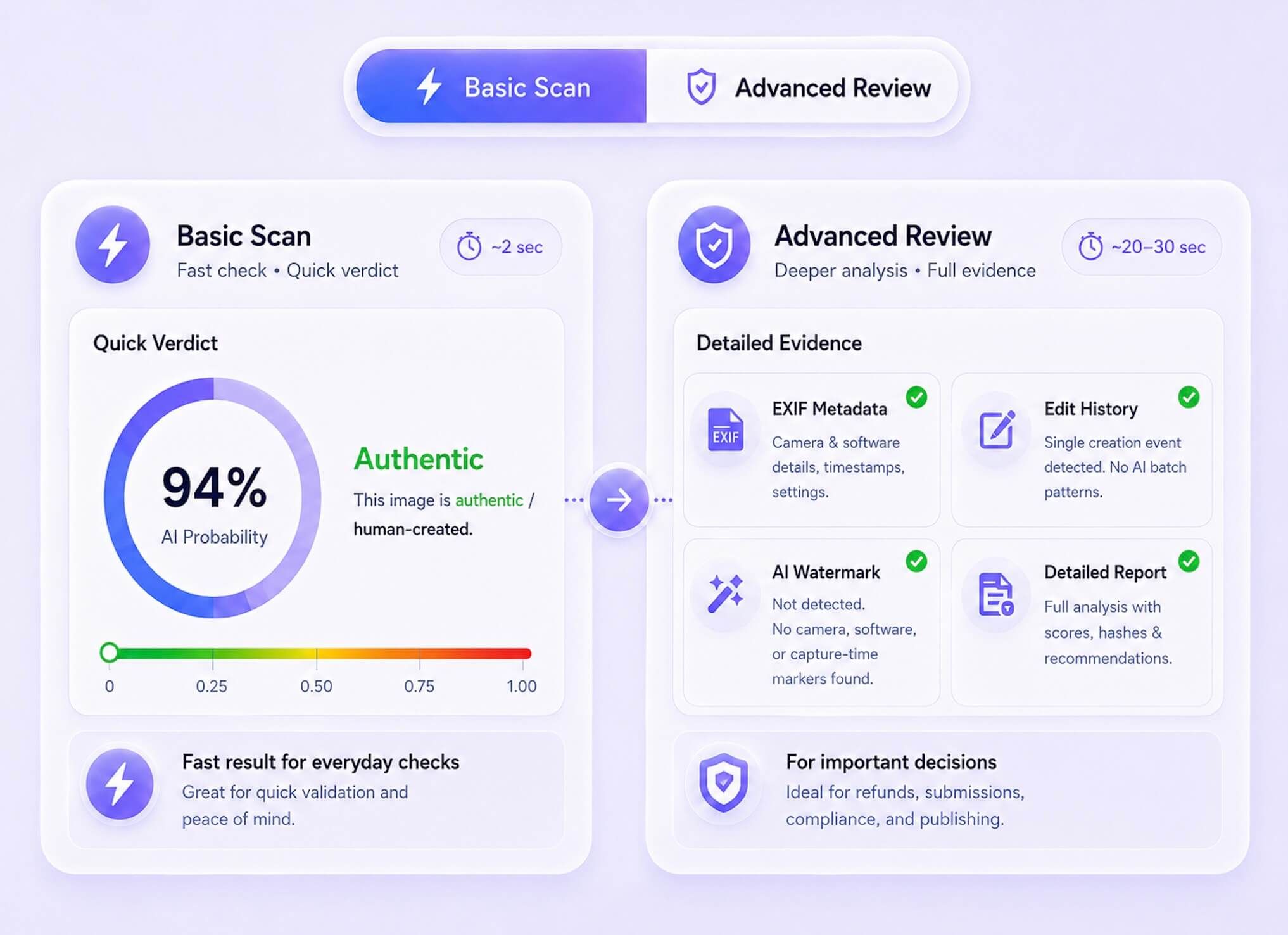
      Midjourney does not have one permanent visual style, and newer outputs often look entirely natural. Go beyond surface-level aesthetics by reviewing visual patterns alongside available metadata, provenance, and watermark signals. Start with a quick Basic Scan, or choose an Advanced Scan when a publishing decision requires deeper context.

        How to Detect a Midjourney-Generated Image

        Step 1. Upload a Suspected Midjourney Image

        Step 1. Upload a Suspected Midjourney Image

        Upload the portrait, artwork, product visual, or social media post you suspect was generated with Midjourney. We support standard formats including JPG, JPEG, PNG, WebP, and HEIC files.

        Step 2. Run the Midjourney Image Check

        Step 2. Run the Midjourney Image Check

        Click the 'Detect Image' button to start the analysis. Lynote checks the suspected Midjourney image for visual patterns and available file signals.

        Step 3. Review the AI Probability Result

        Step 3. Review the AI Probability Result

        Read the AI and human probability signals to see how strongly the image leans. If the result points toward AI, check the original source, creator history, or project files before making a final decision.

        Common Signs of a Midjourney-Generated Image

        Midjourney does not leave one universal visual fingerprint. These patterns can help you decide when an image deserves a closer source check, but no single sign proves that Midjourney created it.

        Polished Style Without a Clear Source

        The image may look production-ready, yet have no photographer, original post, project file, or creation history that explains where it came from.

        A polished cinematic image without a clear source trail

        Small Details That Lose Coherence

        Inspect hands, jewelry, eyewear, tools, labels, and object intersections. Complex details may look convincing separately but conflict when viewed together.

        Small object and accessory details that lose coherence

        Text and Symbols That Almost Work

        Signs, packaging, interface labels, and decorative lettering may resemble real language while containing malformed characters or inconsistent typography.

        Product labels and symbols that resemble text but do not fully resolve

        Repeated Textures and Background Forms

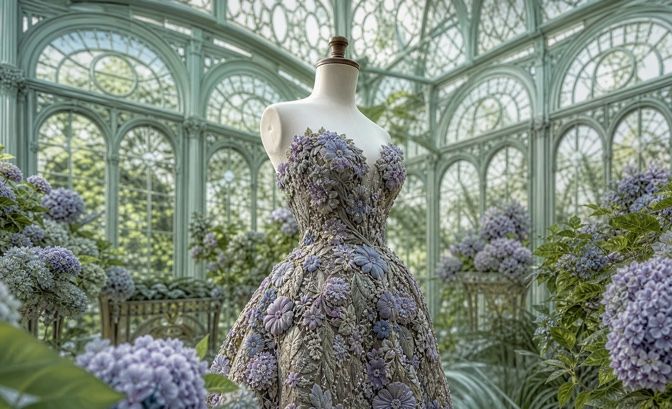
        Hair, foliage, fabric, crowds, windows, and ornaments may repeat, merge, or change structure across different parts of the scene.

        Repeated floral textures and architectural forms in a generated scene

        Lighting and Reflections That Disagree

        Compare shadow direction, highlights, mirrors, glass, and reflected objects. A polished subject can still sit inside a scene whose light logic does not hold.

        Lighting, mirrors, glass, and reflections that do not fully agree

        Cinematic Composition Without Camera Context

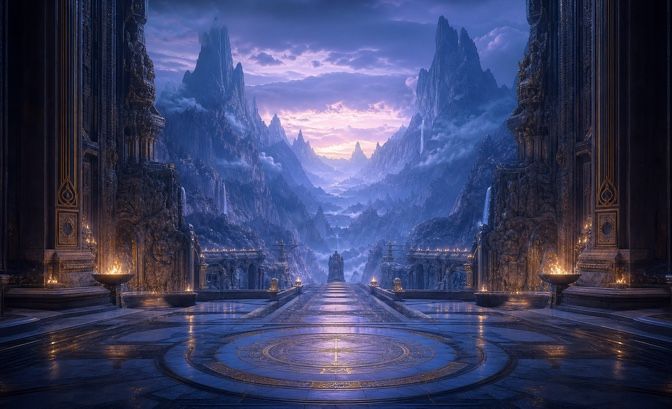
        Dramatic depth, symmetry, and color grading can suggest a generated visual when the available metadata and source history do not support a real capture workflow.

        An overly cinematic fantasy composition without plausible camera context

        Why Choose Our Midjourney Detector?

        Visual Pattern Review

        Visual Pattern Review

        Analyze the relationships among textures, lighting, repeated objects, edges, and backgrounds. This supports your review without treating any single artifact as definitive proof.

        EXIF Context

        EXIF Context

        Available camera or software metadata adds valuable context to your file. Keep in mind that screenshots, social media platforms, and compression often strip these details.

        Provenance Signals

        Provenance Signals

        Check available content credentials, file editing history, and embedded watermark evidence. Remember that missing provenance data does not automatically prove an image is real.

        Midjourney-Focused Review

        Midjourney-Focused Review

        Review artwork, portraits, product visuals, and social images specifically when Midjourney use is in question, without relying on a generic style checklist.

        Clear Probability Result

        Clear Probability Result

        Receive a clear probability result showing AI and human likelihoods, offering a practical review signal rather than definitive Midjourney attribution.

        Two Review Depths

        Two Review Depths

        Access two review depths: a basic scan for everyday visual screening, and an advanced scan for high-stakes editorial and publishing decisions.

        Common Image Formats

        Common Image Formats

        We support practical uploads in JPG, JPEG, PNG, WebP, and HEIC formats. This covers common Midjourney exports, saved web graphics, and standard screenshots.

        Private Image Review

        Private Image Review

        Your uploads are handled privately during the scanning process. We never store your submitted files or use them to train any machine learning models.

        Who Uses a Midjourney Image Detector?

        News Editors

        News Editors

        Assess a suspicious news or event image before publication. Verify the original source when the Midjourney image detector flags a high AI probability.

        Art Directors

        Art Directors

        Review portfolio artwork that may be Midjourney-generated. Use the scan as a baseline signal without treating the detector output as absolute proof of authorship.

        Marketplace Reviewers

        Marketplace Reviewers

        Flag product photos or digital assets that may use undisclosed Midjourney generation before escalating the listing for further review.

        Social Media Moderators

        Social Media Moderators

        Check viral visuals and user submissions before resharing. Use the result to decide whether the source needs verification or the post should be escalated for review.

        Design Educators

        Design Educators

        Use the report as one part of a fair visual assignment review. Evaluate the results alongside student process files and early design drafts.

        Creative Clients

        Creative Clients

        Assess commissioned artwork before final approval. Verify deliverables when your project brief restricts generative tools or requires full disclosure of AI usage.

        How People Use the Midjourney Detector

        Marcus Thorne
        Marcus Thorne

        News Editor

        starstarstarstarstar

        A cinematic event image looked polished enough for publication, but its source trail stopped at a repost. The Midjourney detector gave our desk a reason to pause and request the original file.

        Julian Alvarez
        Julian Alvarez

        Art Director

        starstarstarstarstar

        A portfolio piece had the dramatic lighting and surface detail I often see in Midjourney work. The scan did not decide authorship for me, but it helped me ask for sketches and process files.

        Kenji Sato
        Kenji Sato

        Marketplace Reviewer

        starstarstarstarstar

        A seller used a beautiful lifestyle background around an otherwise ordinary product. We checked the image for Midjourney generation before asking for the original shoot and listing assets.

        Omar Desai
        Omar Desai

        Design Educator

        starstarstarstarstar

        For visual assignments, I compare the detector result with prompts, drafts, and edit history. That keeps the conversation focused on process instead of treating one score as proof.

        Elena Rostova
        Elena Rostova

        Social Media Manager

        starstarstarstarstar

        A surreal storm image was spreading fast with no photographer attached. I ran a quick Midjourney check, then traced the earliest post before our team considered resharing it.

        Chloe Bennett
        Chloe Bennett

        Creative Client

        starstarstarstarstar

        Our brief required disclosure of generative tools, so I reviewed the final concept art before payment. The result helped me decide whether to request the layered source file.

        Midjourney Detector FAQs

        Find answers to common questions about checking images for Midjourney generation.

        A Midjourney detector is an online tool that analyzes visual files to estimate the likelihood of artificial generation. It looks past surface-level aesthetics to evaluate pixel patterns, metadata, and structural anomalies, helping you review suspicious artwork and digital assets.

        To detect if an image is generated by Midjourney, Lynote reviews visual patterns and any available file context, such as EXIF metadata, content credentials, or watermark signals. It combines the available evidence into AI and human probability results instead of judging the image by style alone.

        No, it provides a probability-based review signal rather than definitive legal or academic proof. Modern generative outputs are highly realistic, and false positives can occur. You should use the results to guide further verification, such as requesting original process files.

        It can review newer Midjourney images, but increasingly realistic outputs may be harder to distinguish. The result remains a probability signal and does not identify a specific Midjourney version with certainty.

        You can upload JPG, JPEG, PNG, WebP, and HEIC files up to 10MB.

        Yes. Your files are processed securely for the analysis and are never stored permanently or used to train external AI models.

        Yes, the Basic Scan is completely free. We also offer an Advanced Scan for Pro users who need deeper metadata and provenance analysis.

        No account is required for the free basic scan. You can upload and check your visual assets immediately.

        Modern AI outputs can look convincing and may not contain obvious flaws. Lynote adds visual-pattern analysis and available file-level evidence, such as EXIF metadata or content credentials, while source checking still remains important.

        Yes, but results may be less accurate. Compression and screenshotting strip away hidden metadata and alter pixel patterns, making it harder to detect a Midjourney generated image.

        The score depends on available metadata, image resolution, and editing history. Original, high-resolution files provide the strongest signals, while cropped, filtered, or heavily altered images lower the tool's overall confidence.

        Treat the result as a review signal rather than definitive proof. If the probabilities are close or confidence is limited, check the original source, ask for project files, or run an Advanced Scan.

        Explore Related AI Image Detection Tools

        Continue checking suspicious visuals with tools for AI-generated images, fake photos, watermark evidence, deepfakes, and broader AI content review.