logo
menu

ChatGPT AI Image Detector for OpenAI-Generated Images

Check whether an image was created or edited with ChatGPT Images, GPT Image 2, or DALL-E.

Konten

upload

Seret & lepas atau unggah gambar

JPG · JPEG · PNG · WEBP · maks. 10 MB

Dideteksi lalu dihapus · Laporan dapat diverifikasi secara independen

Hasil

Unggah gambar untuk memulai

Letakkan file di kiri, atau pilih salah satu gambar contoh.

Coba salah satu gambar contoh kami

Pastikan Kebenarannya. AI atau Manusia?

Ungkap kebenaran di balik teks apa pun. Gunakan detektor AI gratis kami untuk menganalisis dan memverifikasi secara instan apakah konten ditulis oleh manusia atau dihasilkan oleh AI.

Top 3
AI Image Detection Tool
500K+
Images Checked Monthly
4.9
Average User Rating
GPT Image 2 Detector for ChatGPT Images

GPT Image 2 Detector for ChatGPT Images

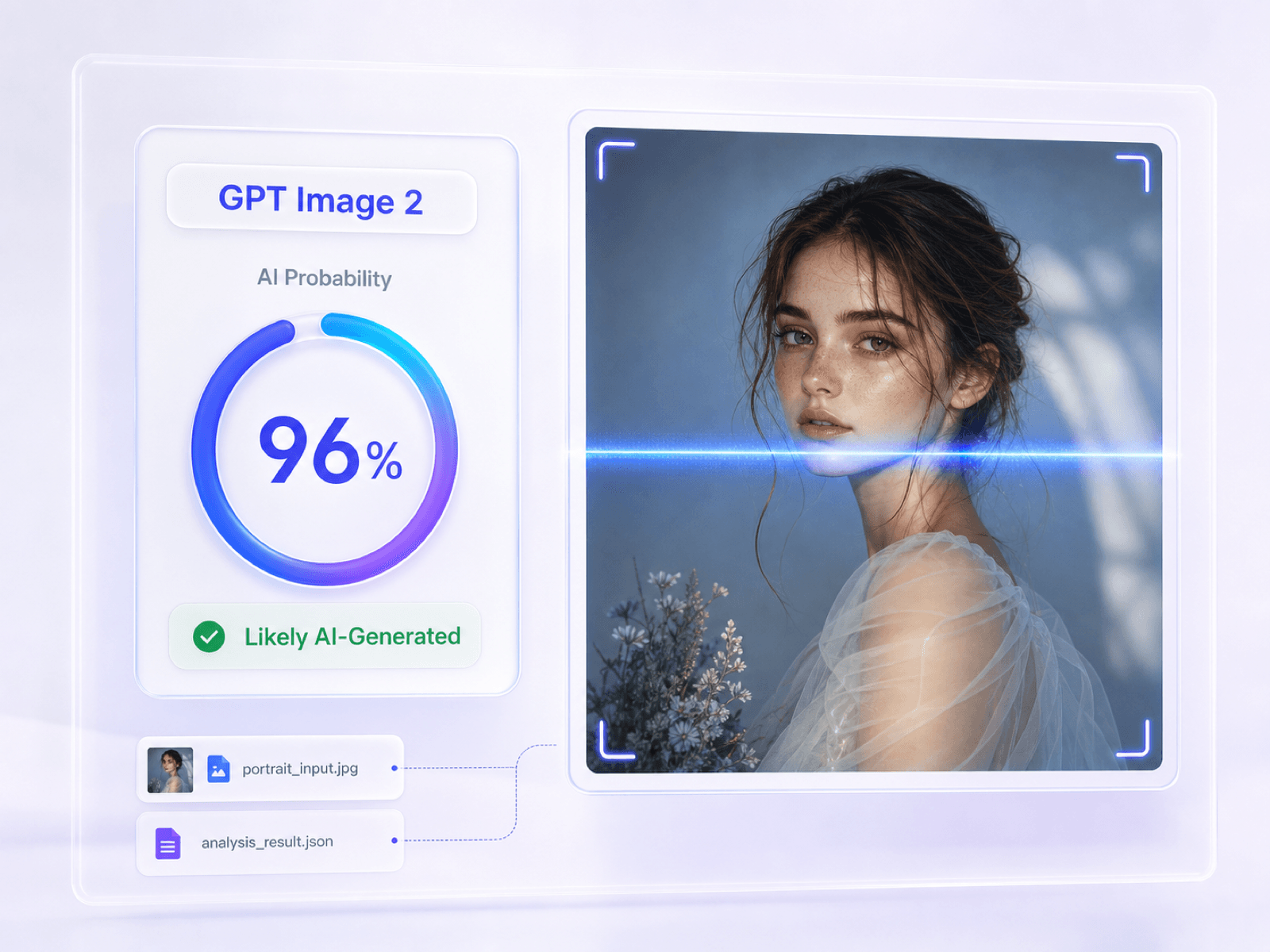
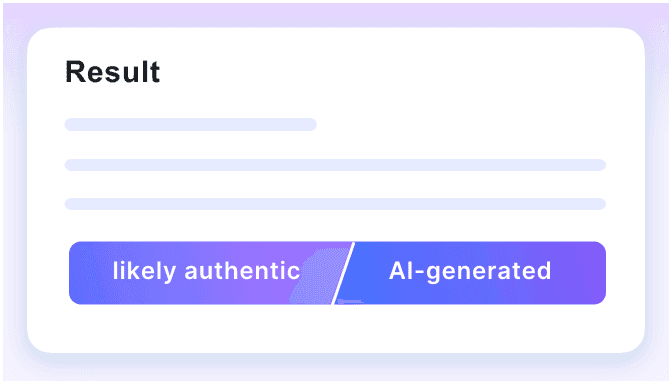
GPT Image 2 is OpenAI's current state-of-the-art model for image generation and editing, while ChatGPT Images 2.0 is the latest image experience in ChatGPT. Upload a suspected output to estimate its AI probability before you publish, grade, license, or approve the visual. The result identifies AI-image likelihood without pretending to prove one exact source model.
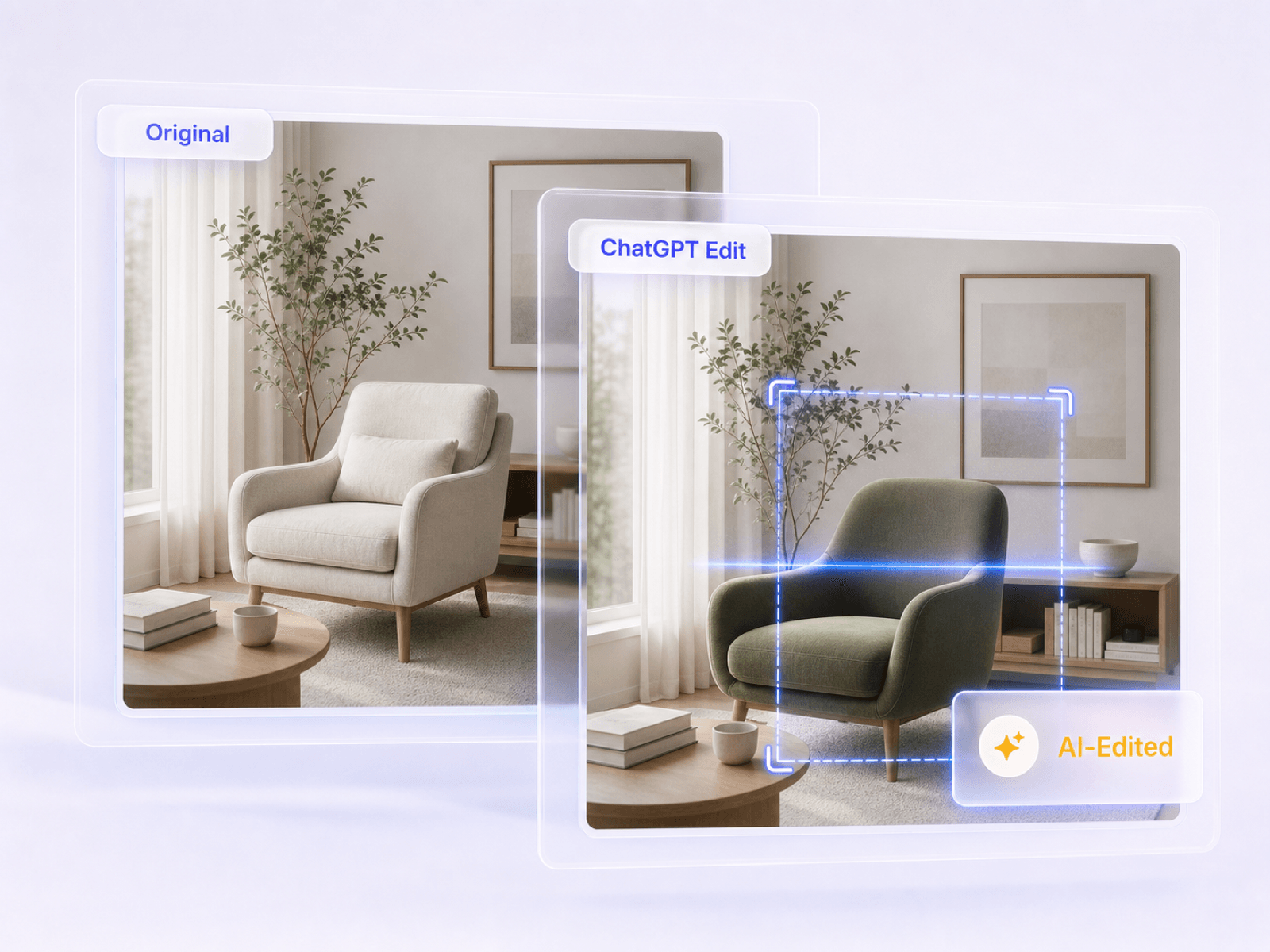
    Detect Images Created or Edited in ChatGPT

    Detect Images Created or Edited in ChatGPT

    ChatGPT Images can create a picture from a prompt or edit an uploaded photo by adding, removing, or changing selected areas. Check fully generated visuals as well as images that may have been expanded, restyled, or partially edited. Because small edits are harder to identify than a fully synthetic image, Lynote presents a probability for review instead of a definite model claim.
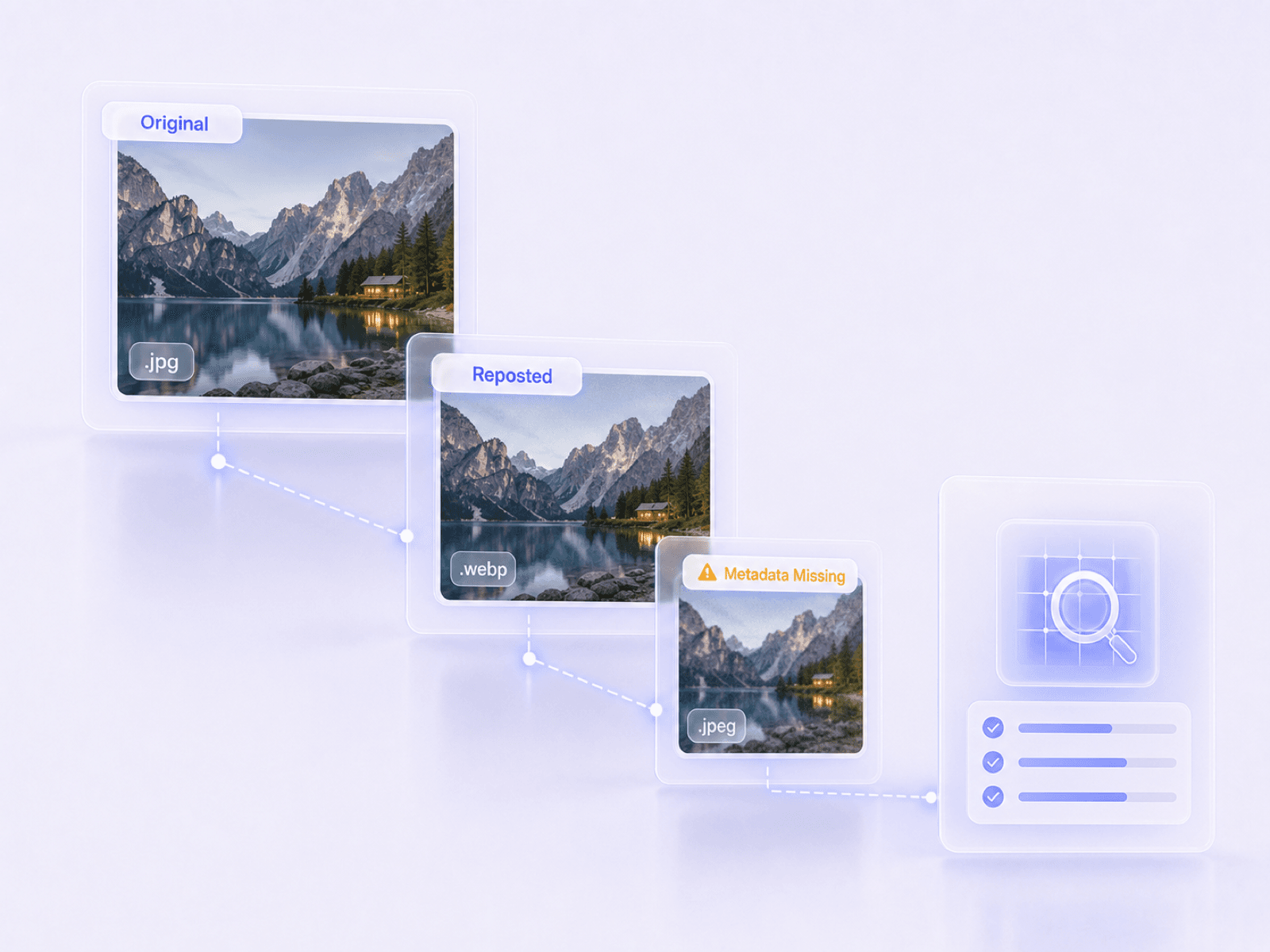
      Check Downloaded and Reposted ChatGPT Images

      Check Downloaded and Reposted ChatGPT Images

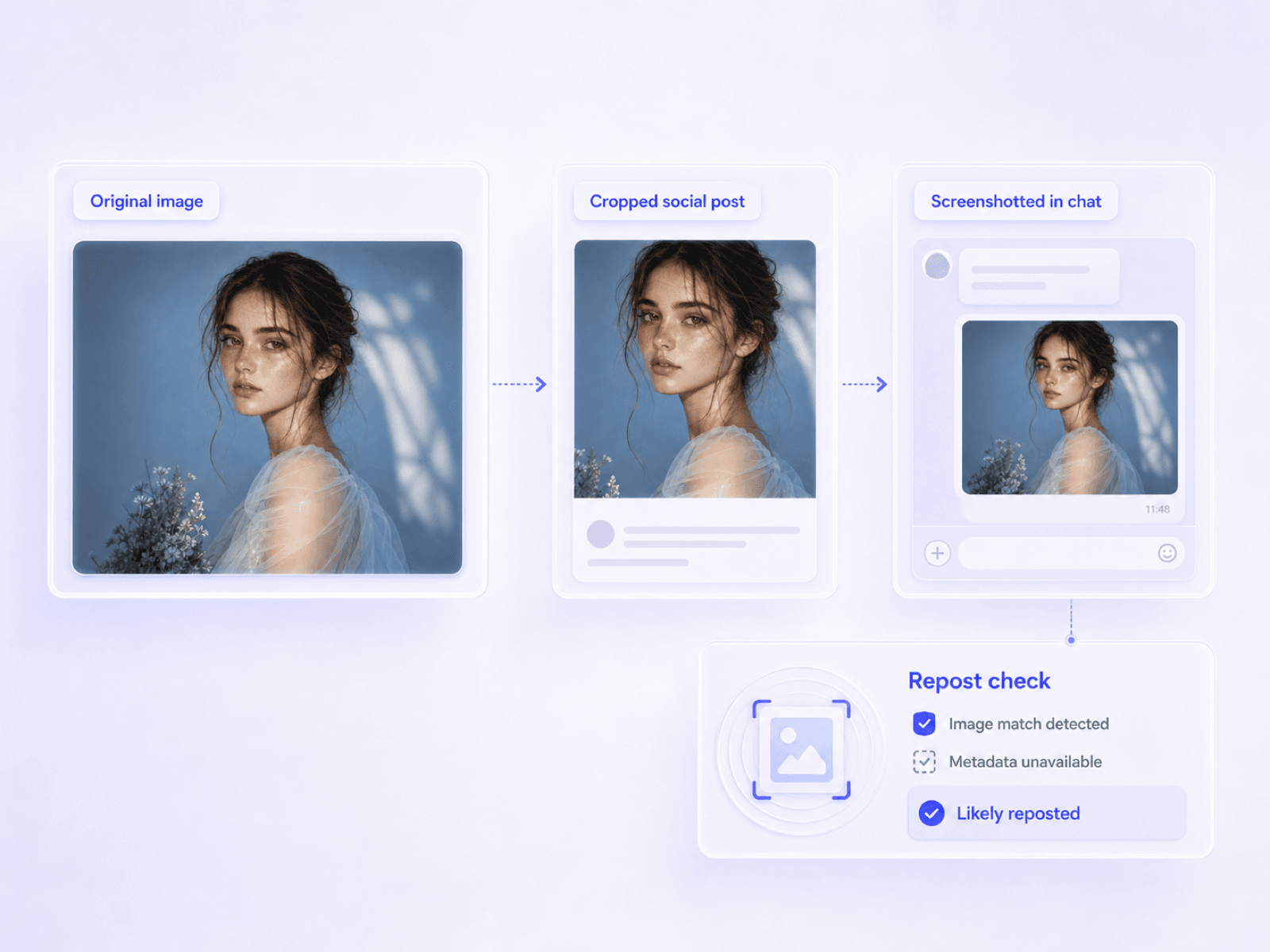
      ChatGPT images can be saved, copied, or shared, then compressed again by social networks, websites, and messaging apps. Upload the original download when possible; otherwise, scan the screenshot or repost and see which provenance signals survived. Lynote still estimates image-level AI likelihood when metadata is gone, but never treats missing metadata as proof of human origin.

        How to Check If an Image Was Made With ChatGPT

        Step 1. Upload a Suspected ChatGPT Image

        Step 1. Upload a Suspected ChatGPT Image

        Add the JPG, PNG, WebP, or HEIC file you believe may have come from ChatGPT Images, GPT Image 2, or DALL-E. A file saved directly from its original source usually preserves more useful evidence than a screenshot or social repost.

        Step 2. Select Basic or Advanced Scan

        Step 2. Select Basic or Advanced Scan

        Select Basic Scan for a quick AI probability result. Use Advanced Scan when you also need available watermark, C2PA, EXIF, dimensions, and file details to review a suspected ChatGPT or GPT Image 2 visual.

        Step 3. Review the ChatGPT Image Result

        Step 3. Review the ChatGPT Image Result

        Read the image-level AI probability and see which file evidence is present or missing. Compare the report with the claimed source, the original ChatGPT conversation or download when available, and visible clues before deciding whether the image needs further review.

        Where ChatGPT Image Detection Matters

        OpenAI-generated images appear in schoolwork, publishing, social feeds, campaigns, and paid creative. These are the moments when a ChatGPT image check can add useful context.

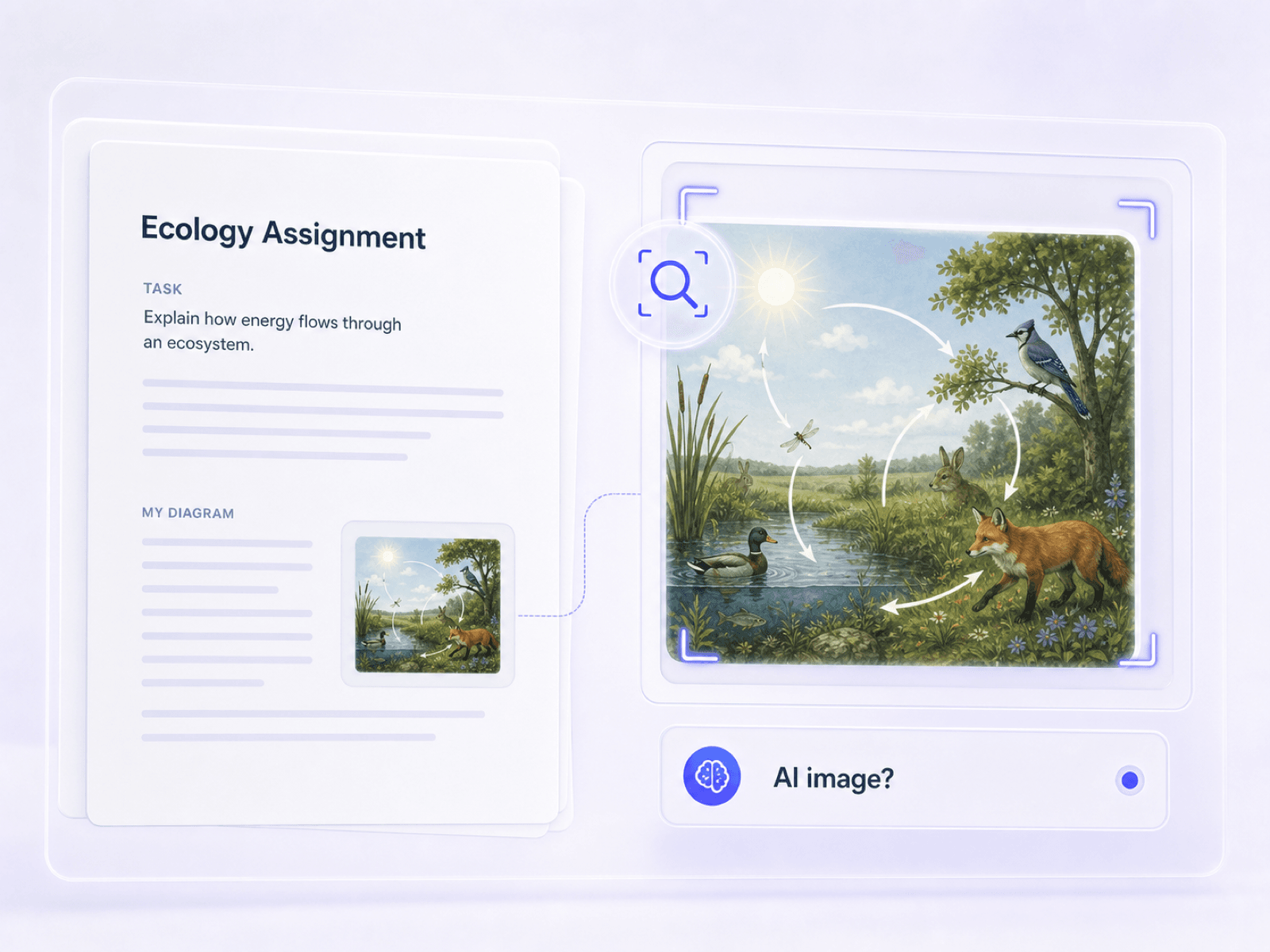
        Review ChatGPT Images in Schoolwork

        Check illustrations, diagrams, and presentation visuals when a student may have created or edited them with ChatGPT Images.

        Review ChatGPT images used in schoolwork

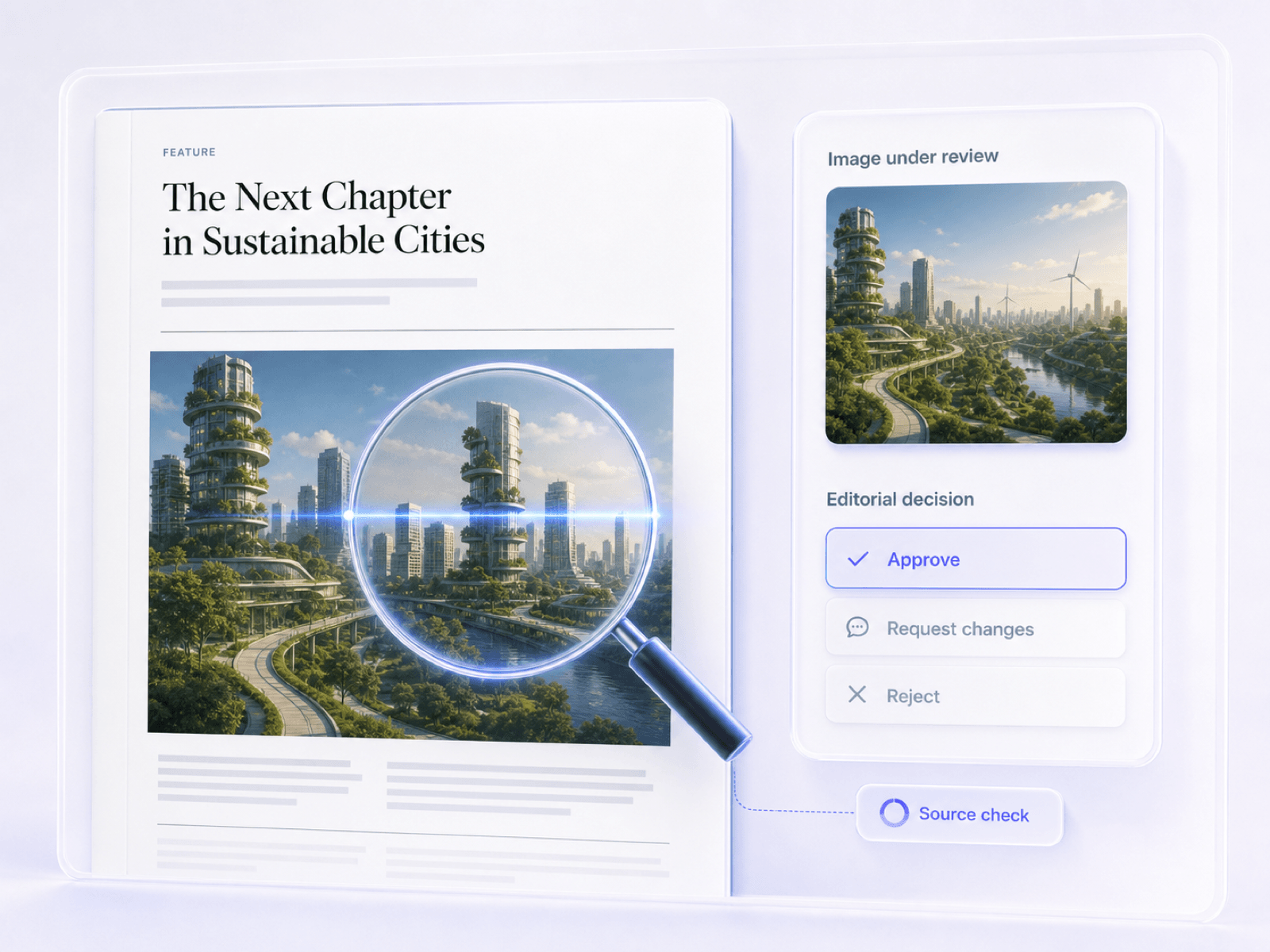
        Verify OpenAI-Generated Editorial Images

        Examine blog graphics, article illustrations, and submitted visuals before publication when their OpenAI source is unclear.

        Verify OpenAI-generated editorial images

        Check Reposted ChatGPT Images

        Review screenshots and downloaded images circulating on social media, even when the original ChatGPT file details are no longer available.

        Check downloaded and reposted ChatGPT images

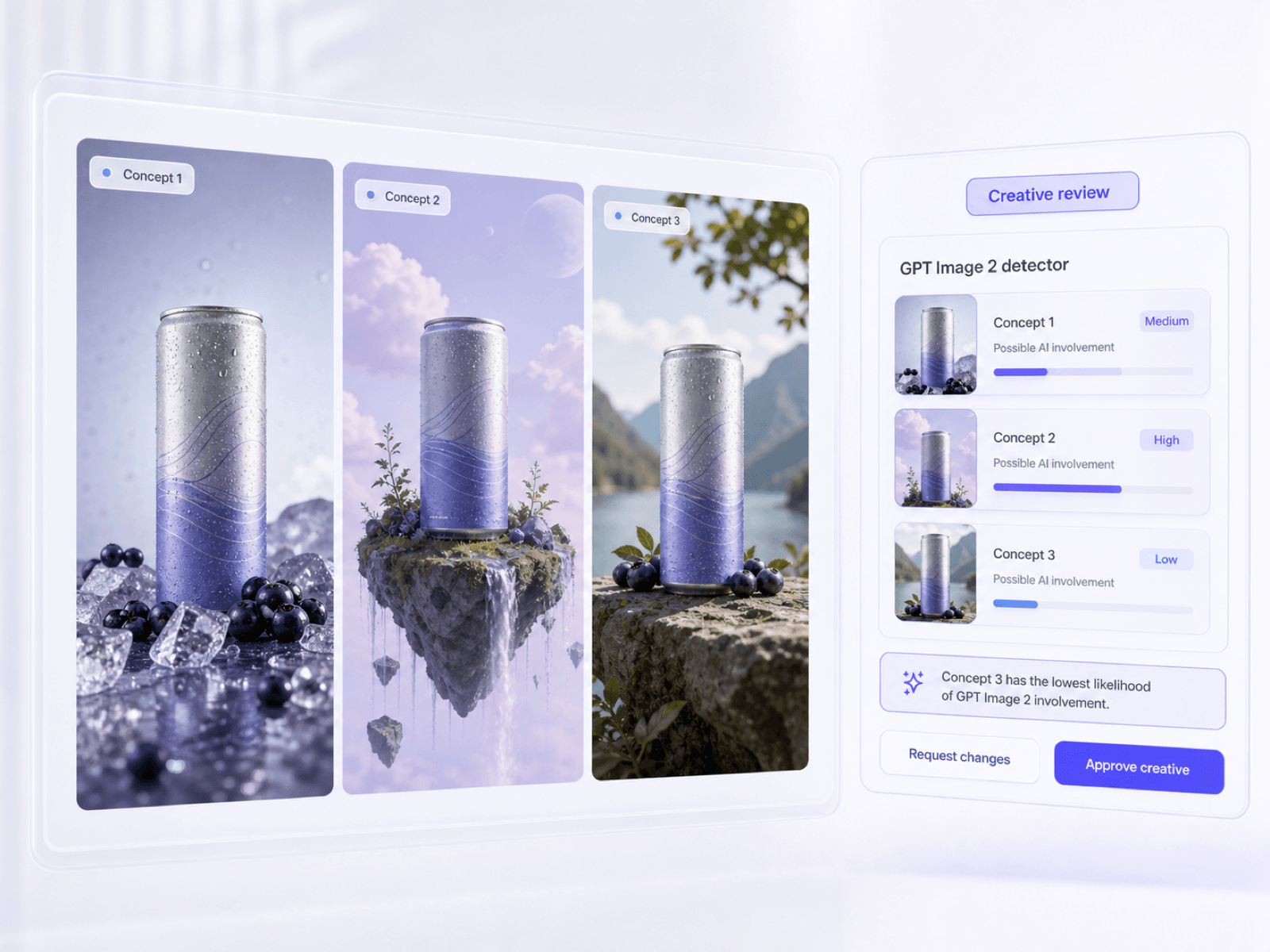
        Inspect GPT Image 2 Campaign Creative

        Assess ad concepts and campaign visuals that may have been generated or selectively edited with GPT Image 2.

        Inspect GPT Image 2 campaign creative

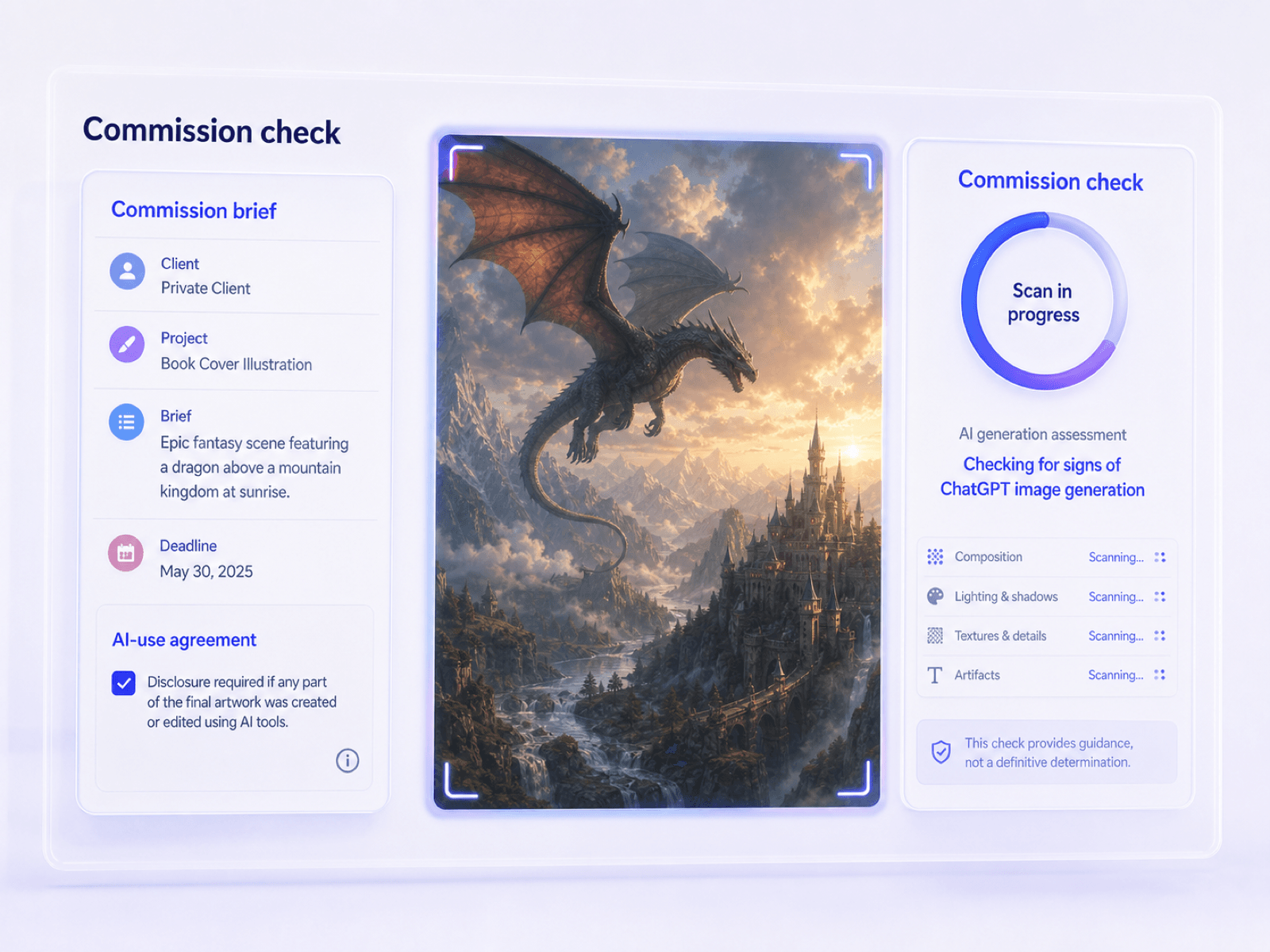
        Review Commissioned AI Artwork

        Check delivered illustrations and design assets when a brief restricts or requires disclosure of ChatGPT image generation.

        Review commissioned artwork for ChatGPT image generation

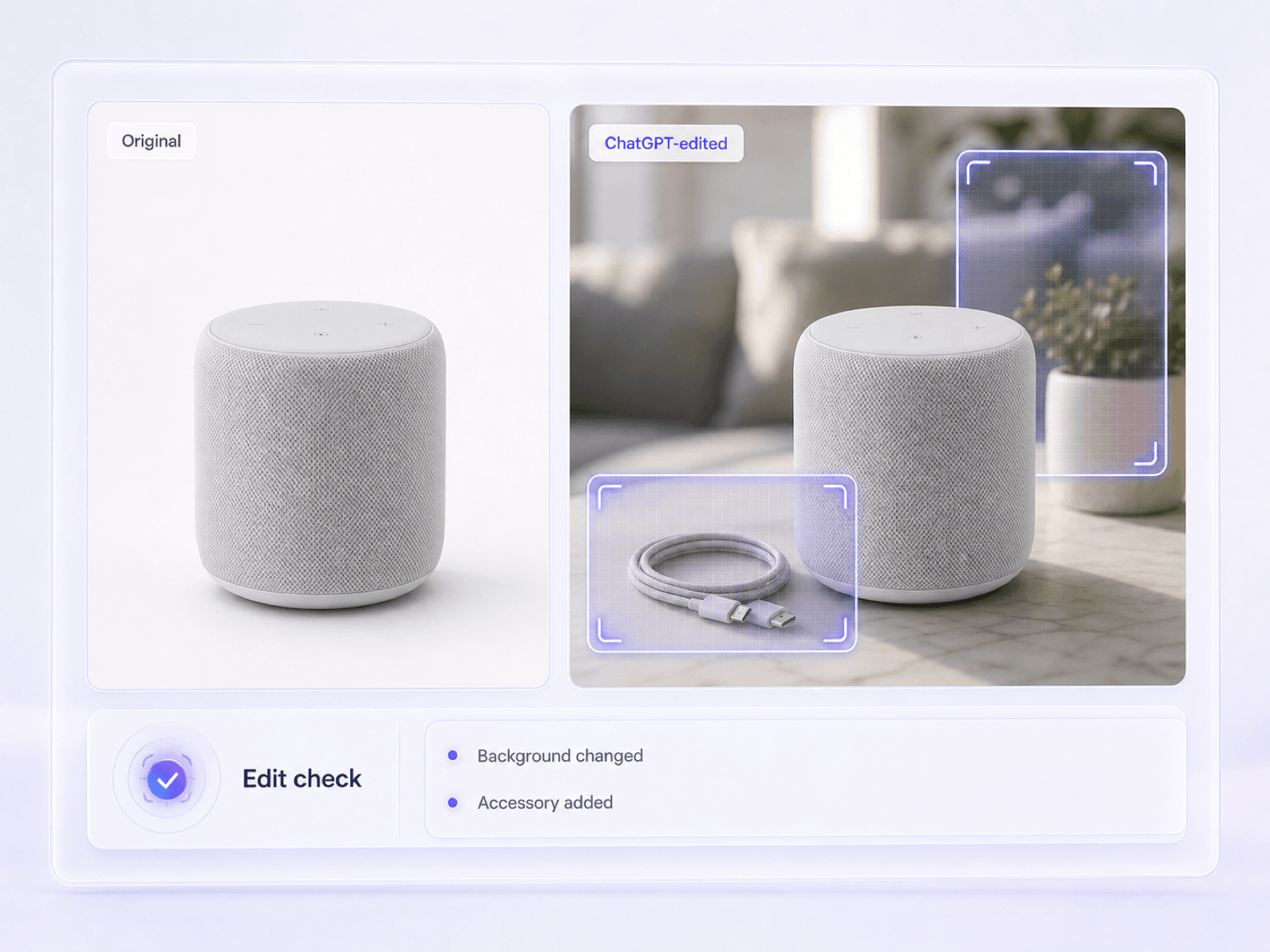
        Examine ChatGPT-Edited Product Photos

        Look for AI involvement in product images where ChatGPT may have replaced objects, changed backgrounds, or rebuilt selected areas.

        Examine ChatGPT-edited product photos

        Why Choose Our ChatGPT Image Checker

        Current OpenAI Image Coverage

        Current OpenAI Image Coverage

        Check suspected outputs from the current ChatGPT Images 2.0 experience, GPT Image 2 workflows, and the still-available DALL-E GPT. The detector estimates whether the file looks AI-generated without claiming it can name the exact OpenAI model.

        Generated and Edited Image Checks

        Generated and Edited Image Checks

        Review visuals created entirely from a ChatGPT prompt as well as uploaded photos that may have been changed with ChatGPT's image editor. The report keeps partial-edit uncertainty visible rather than forcing every file into a confident yes or no.

        Original Downloads or Reposts

        Original Downloads or Reposts

        Start with the original ChatGPT download for the strongest available file context, or check a copied, compressed, and reposted version when that is all you have. The report clearly distinguishes missing evidence from evidence of human origin.

        Honest OpenAI Image Probability

        Honest OpenAI Image Probability

        Get an image-level AI probability for the suspected ChatGPT visual, not a fabricated promise of exact GPT Image 2 or DALL-E attribution. This makes the result more useful for decisions that still require human judgment.

        OpenAI Image Evidence in Context

        OpenAI Image Evidence in Context

        Read the AI score beside any available C2PA, watermark, EXIF, and file evidence. Then compare those signals with the claimed ChatGPT source and visible details instead of trusting one isolated clue.

        Basic and Advanced GPT Checks

        Basic and Advanced GPT Checks

        Run a Basic Scan when you need a fast ChatGPT image probability. Move to Advanced Scan when an OpenAI image claim calls for a closer look at provenance and file-level context.

        ChatGPT Download Formats

        ChatGPT Download Formats

        Upload common formats used for ChatGPT downloads, copied web images, and mobile shares, including JPG, PNG, WebP, and HEIC.

        One ChatGPT Image Report

        One ChatGPT Image Report

        Review the suspected ChatGPT image's AI probability, available provenance checks, and file information together before deciding whether to publish, approve, or investigate it further.

        Who Needs to Verify ChatGPT Images?

        Teachers

        Teachers

        Check assignment illustrations, posters, and presentation graphics when students are required to disclose images created with ChatGPT or DALL-E.

        Digital Publishers

        Digital Publishers

        Review submitted article art and featured images when a contributor may have used ChatGPT Images but did not provide a clear source.

        Social Media Managers

        Social Media Managers

        Check viral visuals, branded graphics, and copied ChatGPT images before they are reposted from a company account.

        Creative Directors

        Creative Directors

        Review campaign concepts and commissioned artwork when a brief limits or requires disclosure of GPT Image 2 and ChatGPT-generated assets.

        Compliance Reviewers

        Compliance Reviewers

        Inspect visual evidence when an undisclosed ChatGPT-generated or edited image could affect an approval, reimbursement, or policy decision.

        Freelance Buyers

        Freelance Buyers

        Check delivered illustrations when the contract distinguishes original human work from images generated or edited through ChatGPT.

        What Our Users Say

        David Aris
        David Aris

        Educator

        starstarstarstarstar

        "A student submitted a polished presentation graphic without a source. The ChatGPT image check gave me a clear probability to discuss alongside the assignment's disclosure rules."

        Kenji Sato
        Kenji Sato

        Digital Publisher

        starstarstarstarstar

        "A contributor said a blog header was original, but it looked like a ChatGPT image. The report helped us flag it for a source check without claiming to know the exact OpenAI model."

        Marcus Thorne
        Marcus Thorne

        Creative Director

        starstarstarstarstar

        "We received concept art that may have been made with GPT Image 2. Even though the metadata was missing, the report made it clear that absence alone did not prove human authorship."

        Diego Navarro
        Diego Navarro

        Social Media Manager

        starstarstarstarstar

        "A viral image had been copied through several social accounts. Advanced Scan showed which file evidence had survived, so we knew what the report could and could not tell us."

        Priya Patel
        Priya Patel

        Legal Analyst

        starstarstarstarstar

        "A submitted receipt appeared to contain a ChatGPT-style edit. Seeing the AI probability and available file evidence together made the next verification step much clearer."

        Elena Rostova
        Elena Rostova

        Freelance Buyer

        starstarstarstarstar

        "The artwork I received had no EXIF data and looked unusually polished. The checker gave me a useful signal before I asked the freelancer for the original working files."

        Frequently Asked Questions

        Still got questions about our ChatGPT AI image detector? Here are the answers.

        A ChatGPT image detector checks whether a visual may have been created or edited with ChatGPT Images, GPT Image 2, DALL-E, or another OpenAI image workflow. Lynote returns an image-level AI probability and surfaces available file evidence for human review.

        Yes. GPT Image 2 is OpenAI's current state-of-the-art image generation and editing model. This GPT Image 2 detector can assess a suspected output and return an AI-likelihood estimate, but it cannot prove that GPT Image 2 was the exact source.

        No. While it provides an AI probability score and surfaces available file evidence, it cannot attribute an image to one exact model with absolute certainty.

        Missing metadata does not prove an image is human-made, as social media platforms often strip this data. The tool relies on probabilistic visual analysis when metadata is absent.

        No, the results are probabilistic signals rather than definitive proof. False positives can occur, so the tool should be used to support human review rather than make final judgments.

        Yes. ChatGPT images can be copied, saved, and shared, so the file you receive may be a screenshot or compressed repost. You can still check it, but the original download usually preserves more file evidence and gives the detector better context.

        The general AI Image Detector covers pictures from many generator families. This page is built around a narrower question: whether a visual suspected of coming from ChatGPT Images, GPT Image 2, or DALL-E appears AI-generated. It still does not claim exact model attribution.

        Yes. ChatGPT can add, remove, or update selected areas of an uploaded image, and it can also apply broader edits from a written instruction. You can check the result, but a small localized edit may be harder to detect than an entirely generated image.

        No, you can use the basic scan feature to check images without signing up or creating an account.

        The basic scan provides a quick, image-level AI probability score. The advanced scan digs deeper, surfacing available watermarks, C2PA data, EXIF details, and file dimensions for a thorough review.

        The report shows an overall AI probability score. If available, it also displays provenance metadata, including C2PA credentials, embedded watermarks, file type, and EXIF data.

        ChatGPT can comment on visible details, but that answer does not establish where a file came from. A dedicated ChatGPT image checker gives you a repeatable image-level probability and available file evidence to use alongside the original source and human judgment.

        Related AI Image Detection Tools

        Continue with a broader image check, compare AI and human signals, or investigate a more specific authenticity question.