Revisar Imágenes de ChatGPT en Trabajos Escolares
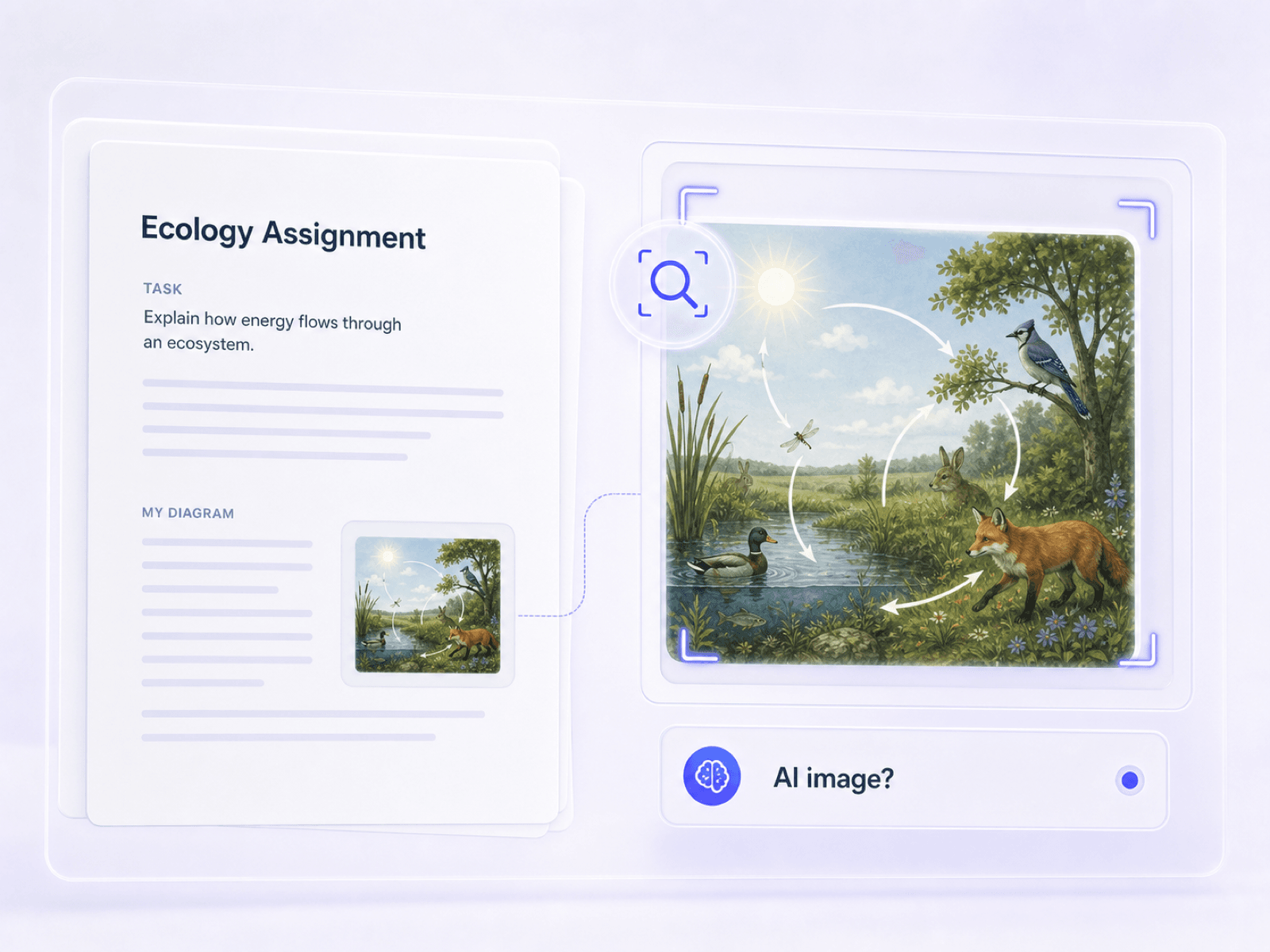
Comprueba ilustraciones, diagramas y visuales de presentación cuando un estudiante puede haberlos creado o editado con ChatGPT Images.


Arrastra y suelta o sube una imagen
JPG · JPEG · PNG · WEBP · máx. 10 MB
Detectado y eliminado · Los informes son verificables de forma independiente
Sube una imagen para empezar
Suelta un archivo a la izquierda o elige una de las imágenes de ejemplo.
Prueba una de nuestras imágenes de ejemplo
¿Le preocupa que el resumen suene inventado o rígido, propio de un modelo de lenguaje? Envíelo al detector con un clic para revisar su originalidad y credibilidad.



Añade el archivo JPG, PNG, WebP o HEIC que crees que puede haber provenido de ChatGPT Images, GPT Image 2 o DALL-E. Un archivo guardado directamente desde su fuente original generalmente conserva más evidencia útil que una captura de pantalla o un repost.
Selecciona Escaneo Básico para un resultado rápido de probabilidad de IA. Utiliza Escaneo Avanzado cuando también necesites marca de agua disponible, C2PA, EXIF, dimensiones y detalles del archivo para revisar un visual sospechoso de ChatGPT o GPT Image 2.
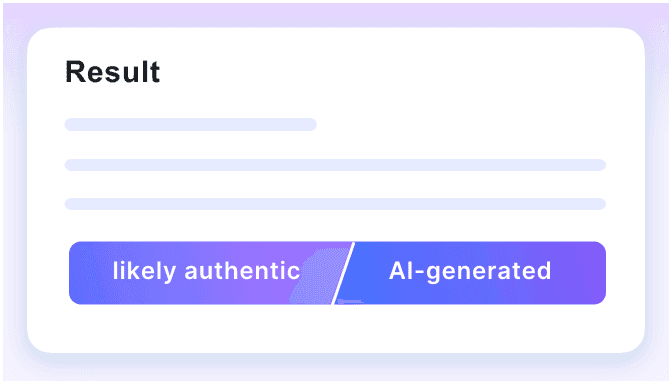
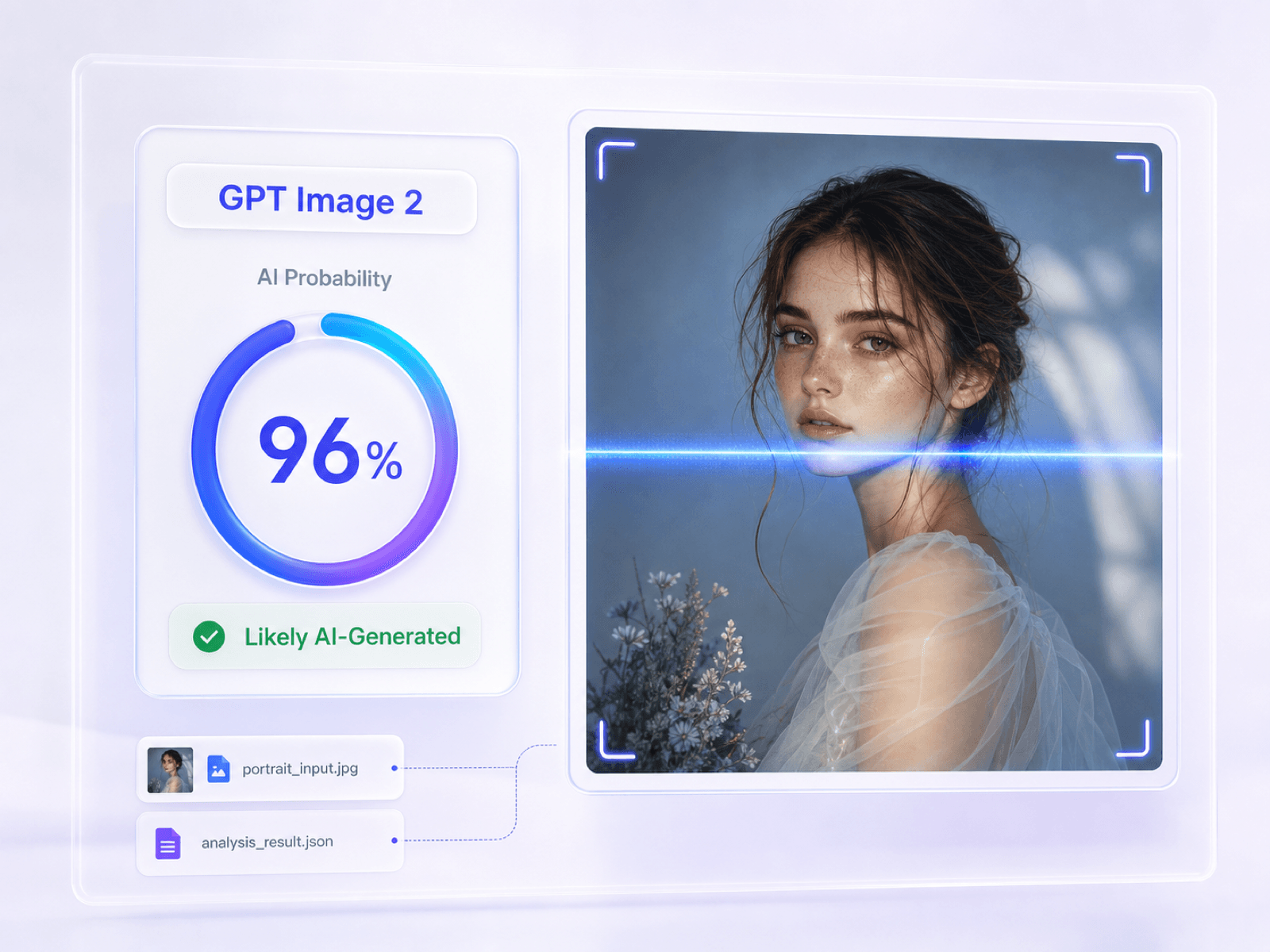
Lee la probabilidad de IA a nivel de imagen y verifica qué evidencia de archivo está presente o ausente. Compara el informe con la fuente reclamada, la conversación original de ChatGPT o la descarga cuando esté disponible, y las pistas visibles antes de decidir si la imagen necesita una revisión adicional.
Las imágenes generadas por OpenAI aparecen en trabajos escolares, publicaciones, feeds sociales, campañas y creativos pagados. Estos son los momentos en que una verificación de imagen de ChatGPT puede añadir contexto útil.
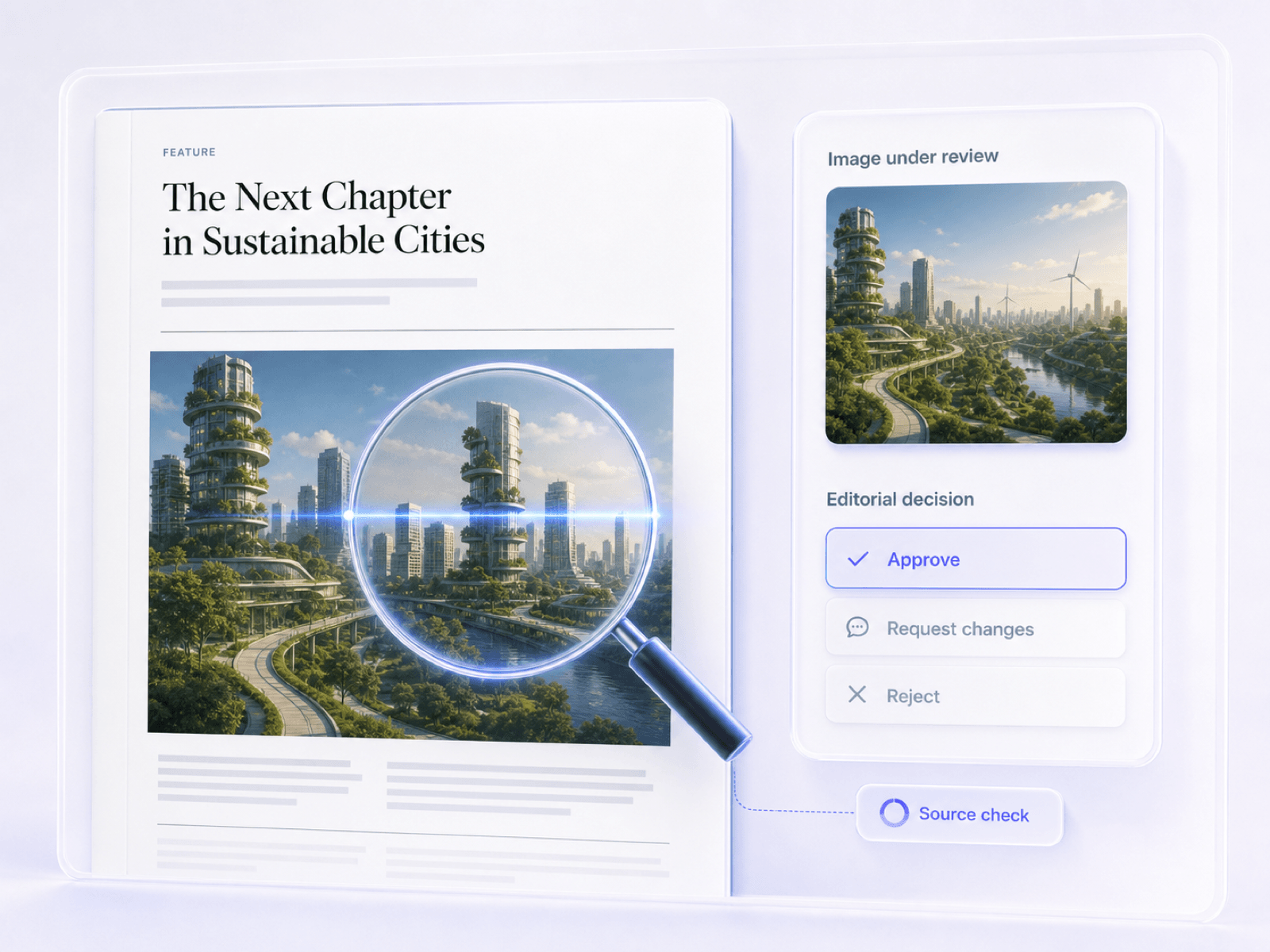
Comprueba ilustraciones, diagramas y visuales de presentación cuando un estudiante puede haberlos creado o editado con ChatGPT Images.
Examina gráficos de blogs, ilustraciones de artículos y visuales enviados antes de su publicación cuando su origen de OpenAI no esté claro.
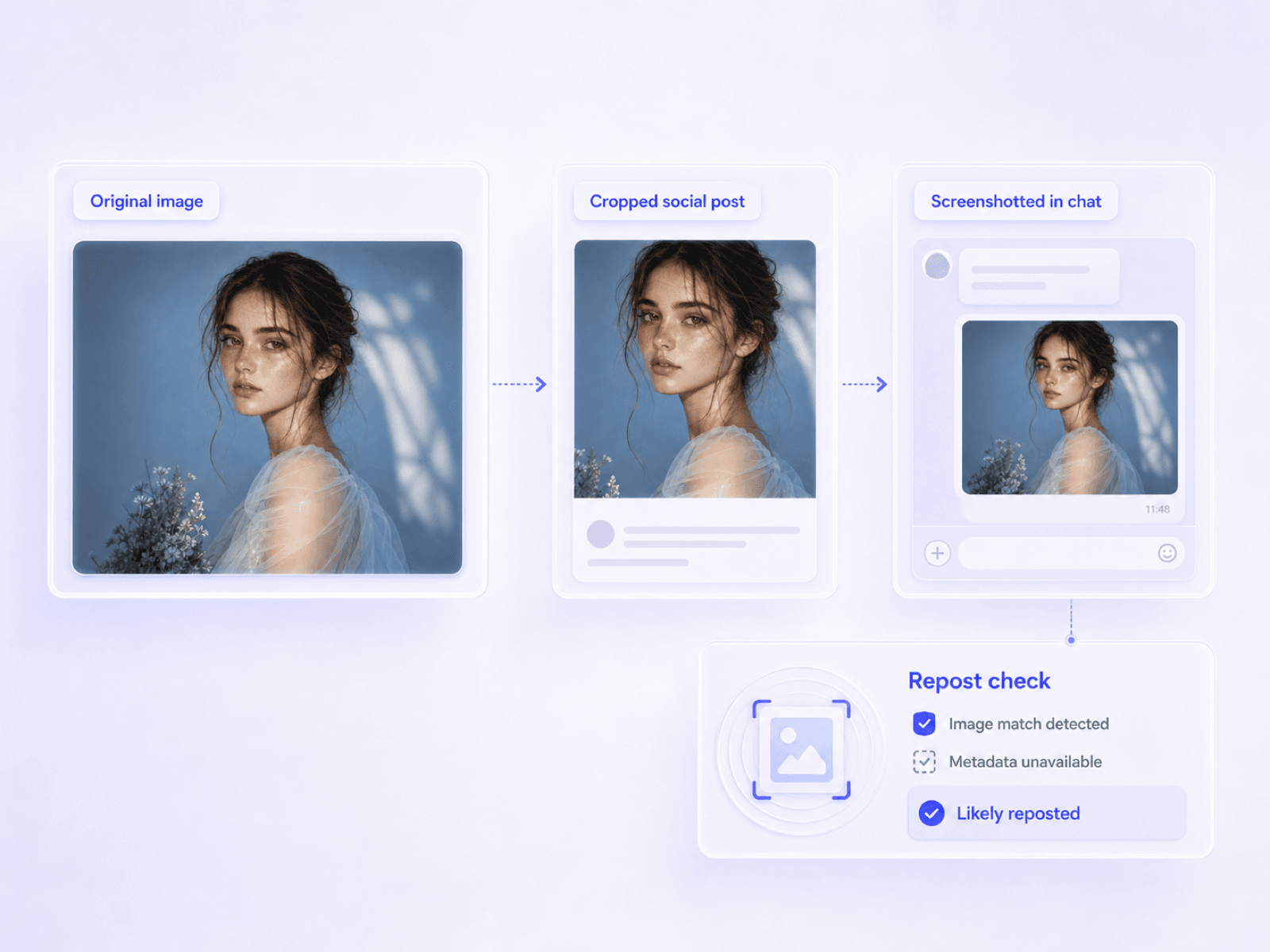
Revisa capturas de pantalla e imágenes descargadas que circulan en redes sociales, incluso cuando los detalles del archivo original de ChatGPT ya no estén disponibles.
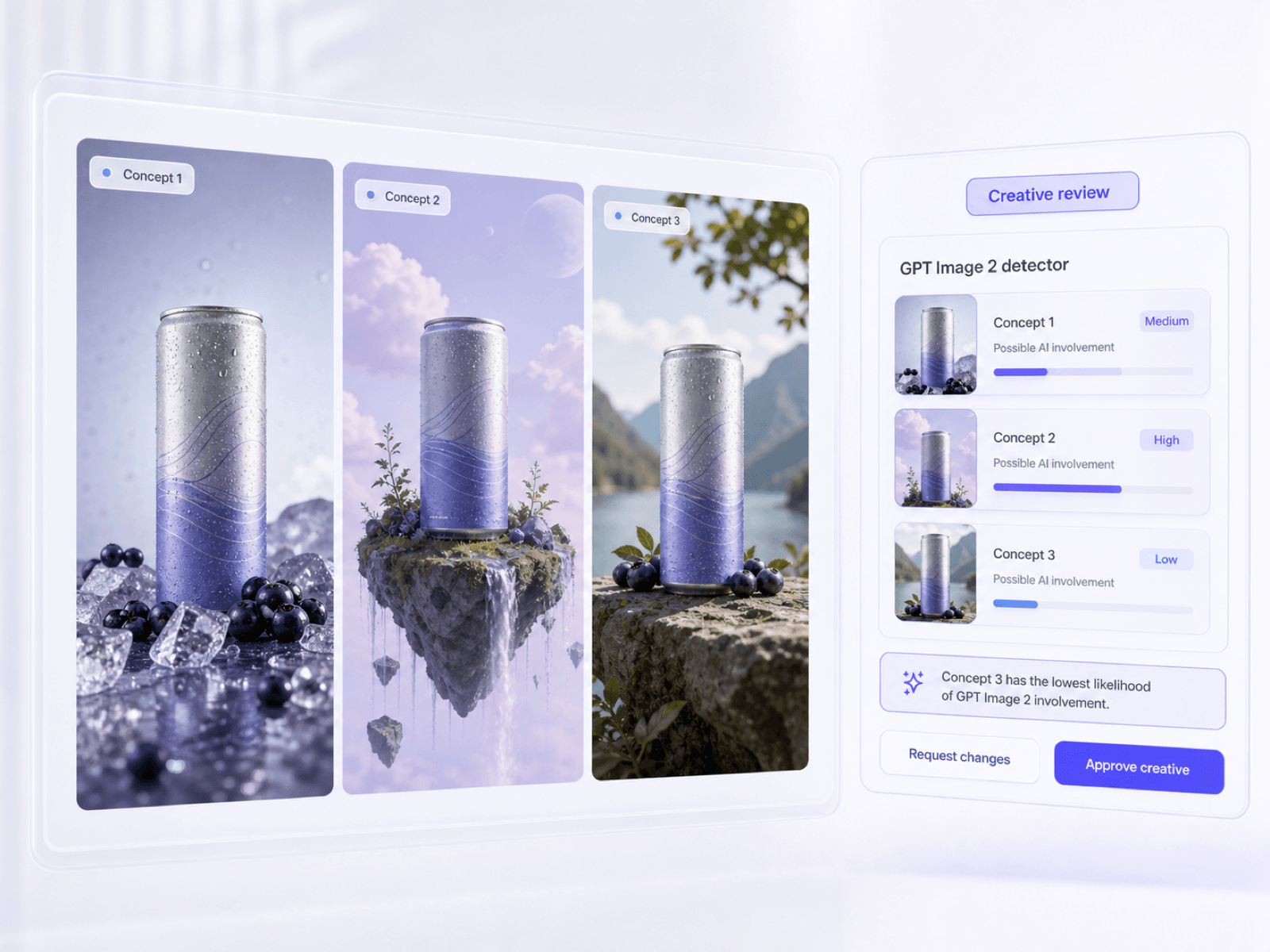
Evalúa conceptos publicitarios y visuales de campañas que pueden haber sido generados o editados selectivamente con GPT Image 2.
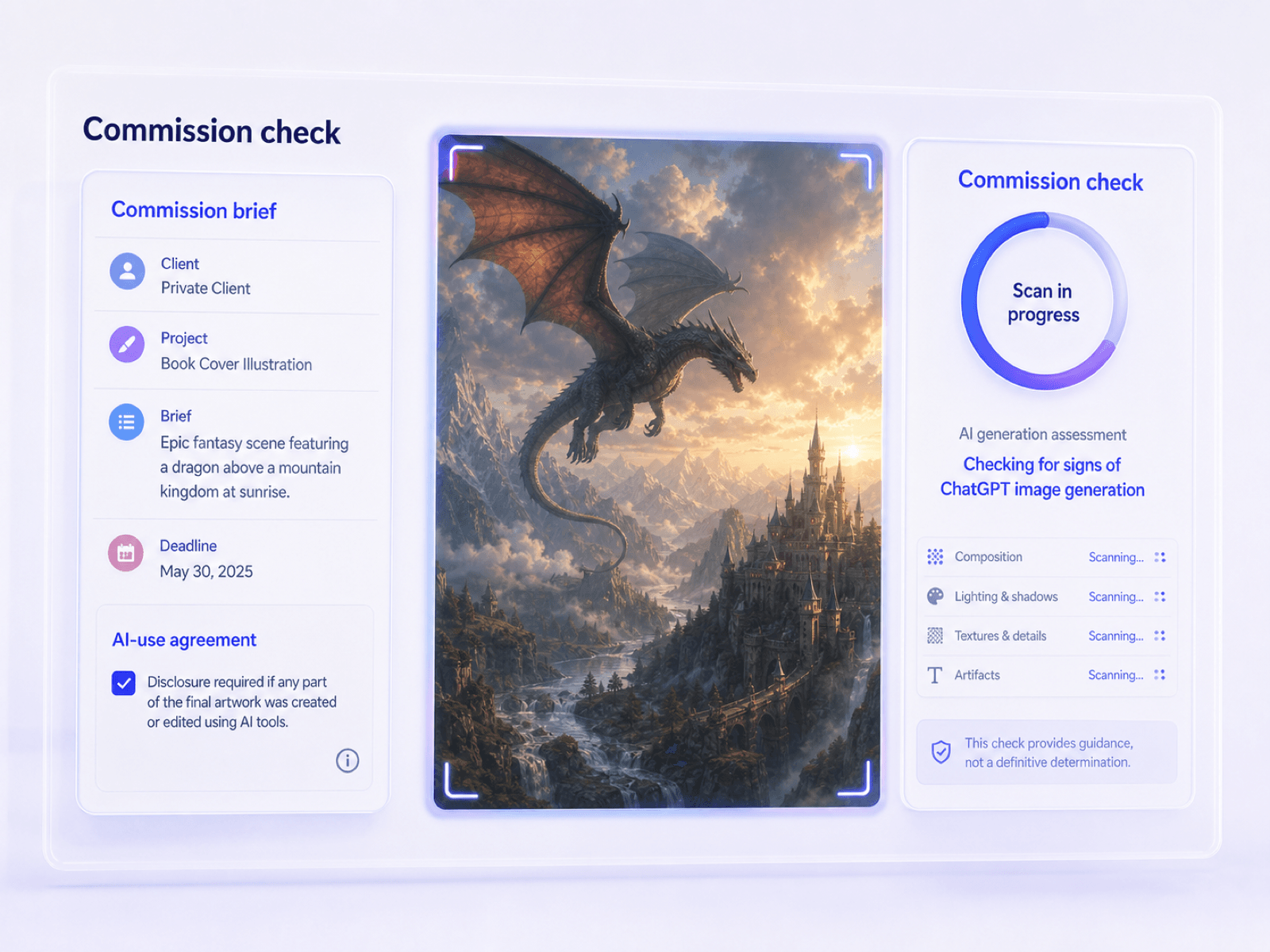
Verifica ilustraciones y activos de diseño entregados cuando un encargo restringe o requiere la divulgación de la generación de imágenes por ChatGPT.
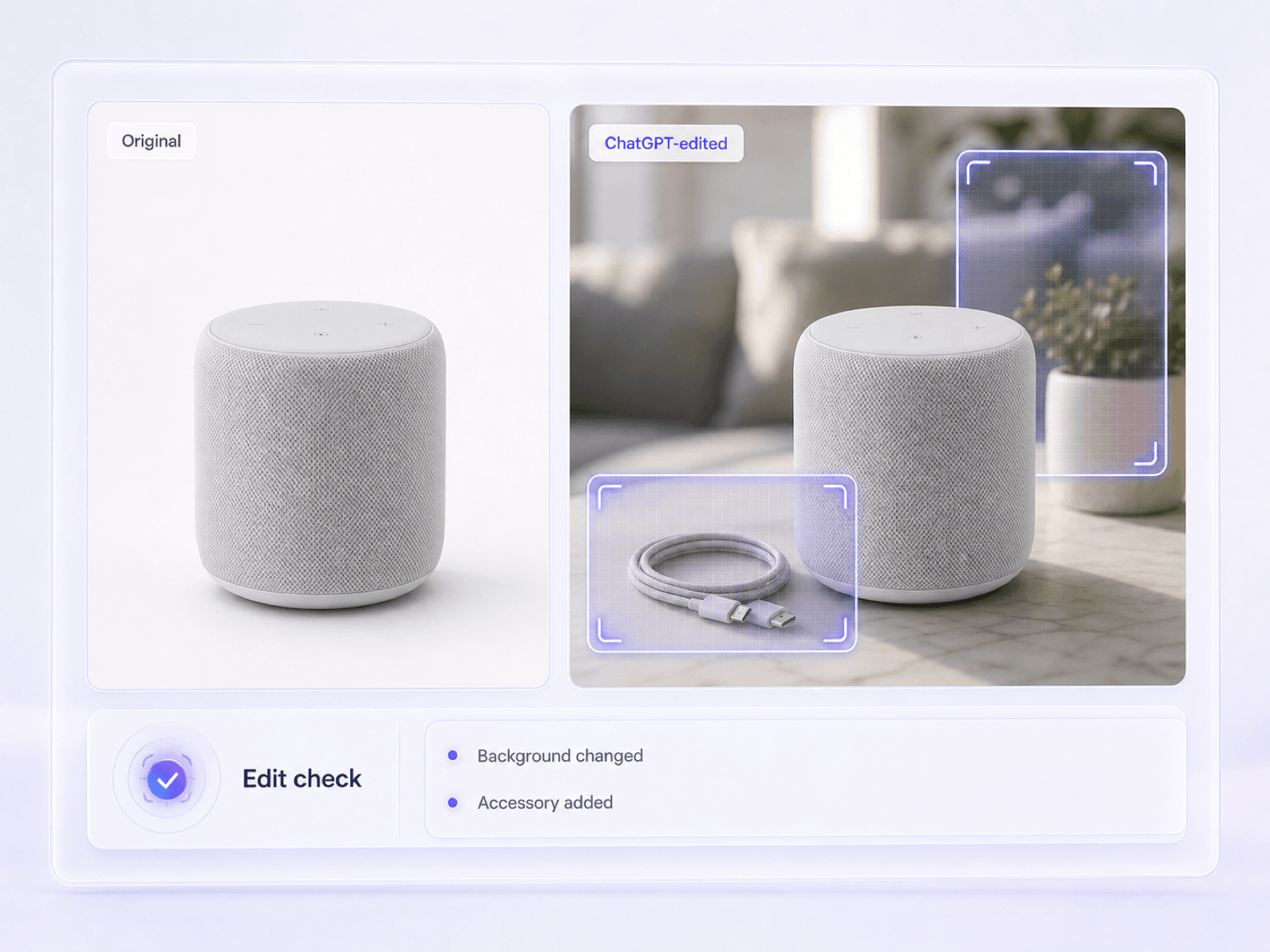
Busca la participación de IA en imágenes de productos donde ChatGPT puede haber reemplazado objetos, cambiado fondos o reconstruido áreas seleccionadas.

Verifica salidas sospechosas de la experiencia actual de ChatGPT Images 2.0, flujos de trabajo de GPT Image 2 y el aún disponible DALL-E GPT. El detector estima si el archivo parece generado por IA sin afirmar que puede nombrar el modelo exacto de OpenAI.

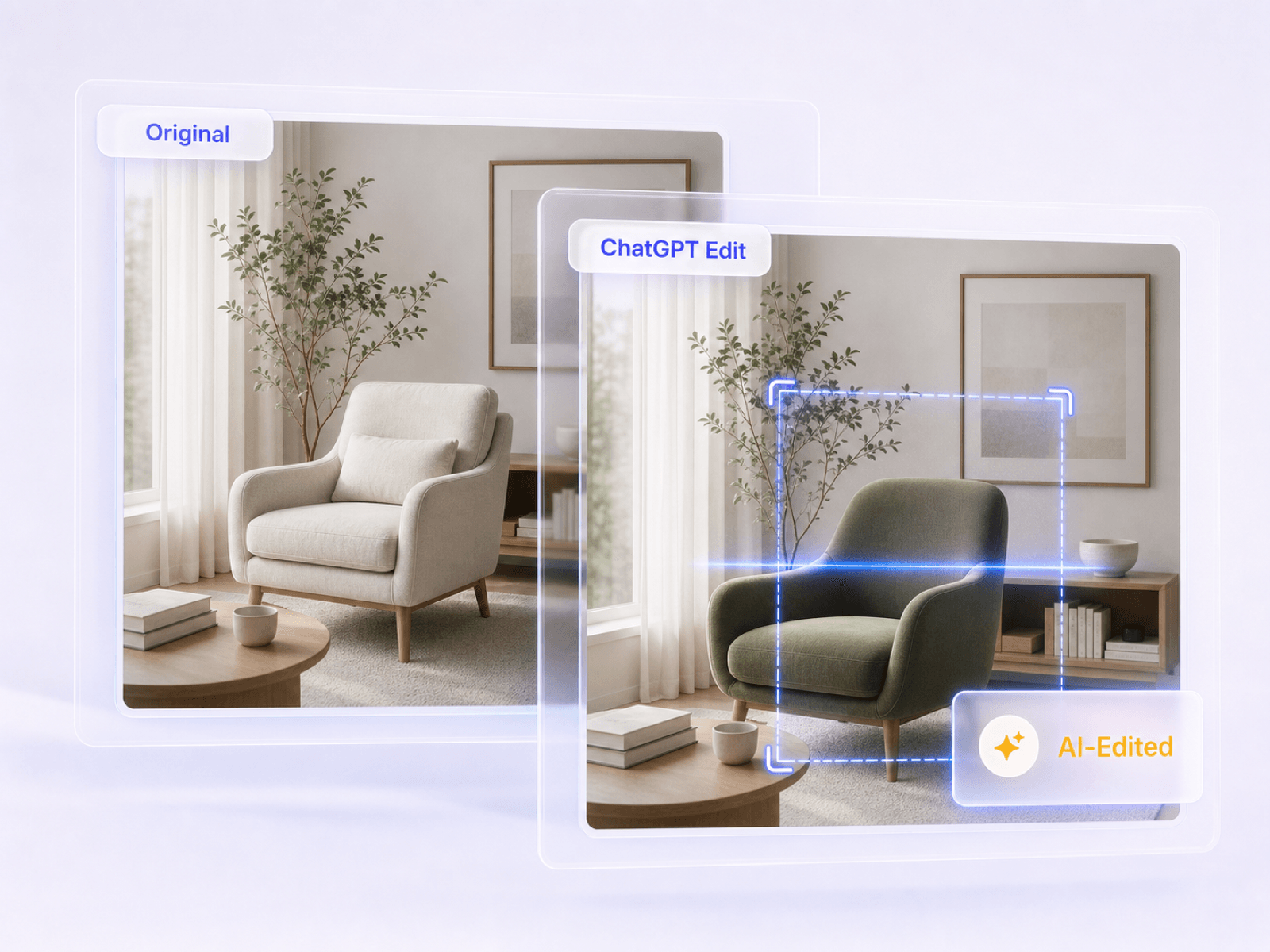
Revisa visuales creados completamente a partir de un prompt de ChatGPT, así como fotos subidas que pueden haber sido modificadas con el editor de imágenes de ChatGPT. El informe mantiene visible la incertidumbre de las ediciones parciales en lugar de forzar cada archivo a una respuesta segura de sí o no.

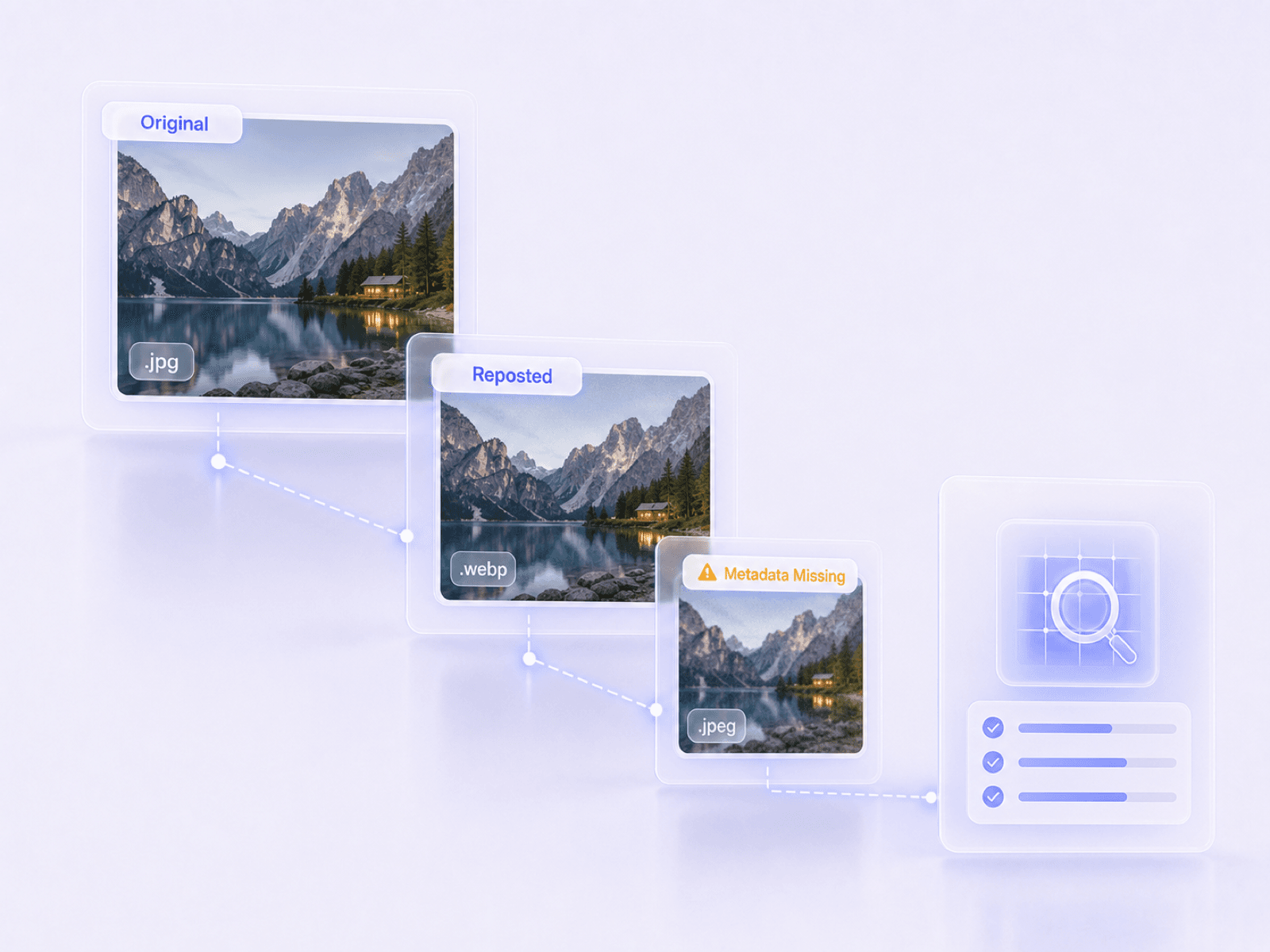
Comienza con la descarga original de ChatGPT para el contexto de archivo más fuerte disponible, o verifica una versión copiada, comprimida y republicada cuando eso es todo lo que tienes. El informe distingue claramente la evidencia faltante de la evidencia de origen humano.

Obtén una probabilidad de IA a nivel de imagen para el visual sospechoso de ChatGPT, no una promesa fabricada de atribución exacta a GPT Image 2 o DALL-E. Esto hace que el resultado sea más útil para decisiones que aún requieren juicio humano.

Lee la puntuación de IA junto a cualquier C2PA, marca de agua, EXIF y evidencia de archivo disponible. Luego compara esas señales con la fuente reclamada de ChatGPT y los detalles visibles en lugar de confiar en una pista aislada.

Realiza un escaneo básico cuando necesites una probabilidad rápida de imagen de ChatGPT. Pasa a un escaneo avanzado cuando una reclamación de imagen de OpenAI requiera un examen más detallado de la procedencia y el contexto a nivel de archivo.

Sube formatos comunes utilizados para descargas de ChatGPT, imágenes web copiadas y comparticiones móviles, incluyendo JPG, PNG, WebP y HEIC.

Revisa la probabilidad de IA de la imagen sospechosa de ChatGPT, las comprobaciones de procedencia disponibles y la información del archivo juntas antes de decidir si publicarla, aprobarla o investigarla más a fondo.

Verifica las ilustraciones de tareas, carteles y gráficos de presentación cuando se requiera que los estudiantes revelen imágenes creadas con ChatGPT o DALL-E.

Revisa el arte de los artículos enviados y las imágenes destacadas cuando un colaborador pueda haber utilizado imágenes de ChatGPT pero no proporcionó una fuente clara.

Verifica los visuales virales, gráficos de marca e imágenes copiadas de ChatGPT antes de que sean republicadas desde una cuenta de empresa.

Revisa los conceptos de campaña y las obras de arte encargadas cuando un brief limite o requiera la divulgación de activos generados por GPT Image 2 y ChatGPT.

Inspecciona la evidencia visual cuando una imagen generada o editada por ChatGPT no divulgada podría afectar una aprobación, reembolso o decisión de política.

Verifica las ilustraciones entregadas cuando el contrato distinga entre trabajo humano original e imágenes generadas o editadas a través de ChatGPT.

Educator

"A student submitted a polished presentation graphic without a source. The ChatGPT image check gave me a clear probability to discuss alongside the assignment's disclosure rules."

Digital Publisher
"A contributor said a blog header was original, but it looked like a ChatGPT image. The report helped us flag it for a source check without claiming to know the exact OpenAI model."

Creative Director
"We received concept art that may have been made with GPT Image 2. Even though the metadata was missing, the report made it clear that absence alone did not prove human authorship."

Social Media Manager
"A viral image had been copied through several social accounts. Advanced Scan showed which file evidence had survived, so we knew what the report could and could not tell us."

Legal Analyst
"A submitted receipt appeared to contain a ChatGPT-style edit. Seeing the AI probability and available file evidence together made the next verification step much clearer."

Freelance Buyer
"The artwork I received had no EXIF data and looked unusually polished. The checker gave me a useful signal before I asked the freelancer for the original working files."
¿Tienes más preguntas sobre nuestro detector de imágenes generadas por IA de ChatGPT? Aquí están las respuestas.
Un detector de imágenes de ChatGPT verifica si un visual pudo haber sido creado o editado con ChatGPT Images, GPT Image 2, DALL-E u otro flujo de trabajo de imágenes de OpenAI. Lynote devuelve una probabilidad de IA a nivel de imagen y presenta evidencia de archivo disponible para revisión humana.
Sí. GPT Image 2 es el modelo actual de generación y edición de imágenes de vanguardia de OpenAI. Este detector de GPT Image 2 puede evaluar una salida sospechosa y devolver una estimación de probabilidad de IA, pero no puede probar que GPT Image 2 fue la fuente exacta.
No. Si bien proporciona una puntuación de probabilidad de IA y presenta evidencia de archivo disponible, no puede atribuir una imagen a un modelo exacto con certeza absoluta.
La falta de metadatos no prueba que una imagen sea hecha por humanos, ya que las plataformas de redes sociales a menudo eliminan estos datos. La herramienta se basa en un análisis visual probabilístico cuando los metadatos están ausentes.
No, los resultados son señales probabilísticas en lugar de pruebas definitivas. Pueden ocurrir falsos positivos, por lo que la herramienta debe utilizarse para apoyar la revisión humana en lugar de tomar decisiones finales.
Sí. Las imágenes de ChatGPT pueden ser copiadas, guardadas y compartidas, por lo que el archivo que recibas puede ser una captura de pantalla o una republicación comprimida. Aún puedes verificarlo, pero la descarga original generalmente conserva más evidencia de archivo y proporciona mejor contexto al detector.
El Detector de Imágenes de IA general abarca fotos de muchas familias de generadores. Esta página se centra en una pregunta más específica: si una imagen sospechosa de provenir de ChatGPT Images, GPT Image 2 o DALL-E parece generada por IA. Sin embargo, no afirma la atribución exacta del modelo.
Sí. ChatGPT puede agregar, eliminar o actualizar áreas seleccionadas de una imagen cargada, y también puede aplicar ediciones más amplias a partir de una instrucción escrita. Puedes comprobar el resultado, pero una pequeña edición localizada puede ser más difícil de detectar que una imagen completamente generada.
No, puedes usar la función de escaneo básico para verificar imágenes sin registrarte o crear una cuenta.
El escaneo básico proporciona una puntuación rápida de probabilidad de IA a nivel de imagen. El escaneo avanzado profundiza más, mostrando marcas de agua disponibles, datos C2PA, detalles EXIF y dimensiones del archivo para una revisión exhaustiva.
El informe muestra una puntuación general de probabilidad de IA. Si está disponible, también muestra metadatos de procedencia, incluyendo credenciales C2PA, marcas de agua incrustadas, tipo de archivo y datos EXIF.
ChatGPT puede comentar sobre detalles visibles, pero esa respuesta no establece de dónde proviene un archivo. Un verificador de imágenes dedicado de ChatGPT te proporciona una probabilidad a nivel de imagen repetible y evidencia de archivo disponible para usar junto con la fuente original y el juicio humano.


